
AlDente Pro
Set battery charging limits
AlDente Pro lets you control your MacBook’s charging, especially if you keep it plugged in for long stretches and want to manage battery health.
by AppHouseKitchen GmbH · 98% positive (3,457)
What you get
You can leave your MacBook plugged in without charging it to 100%.
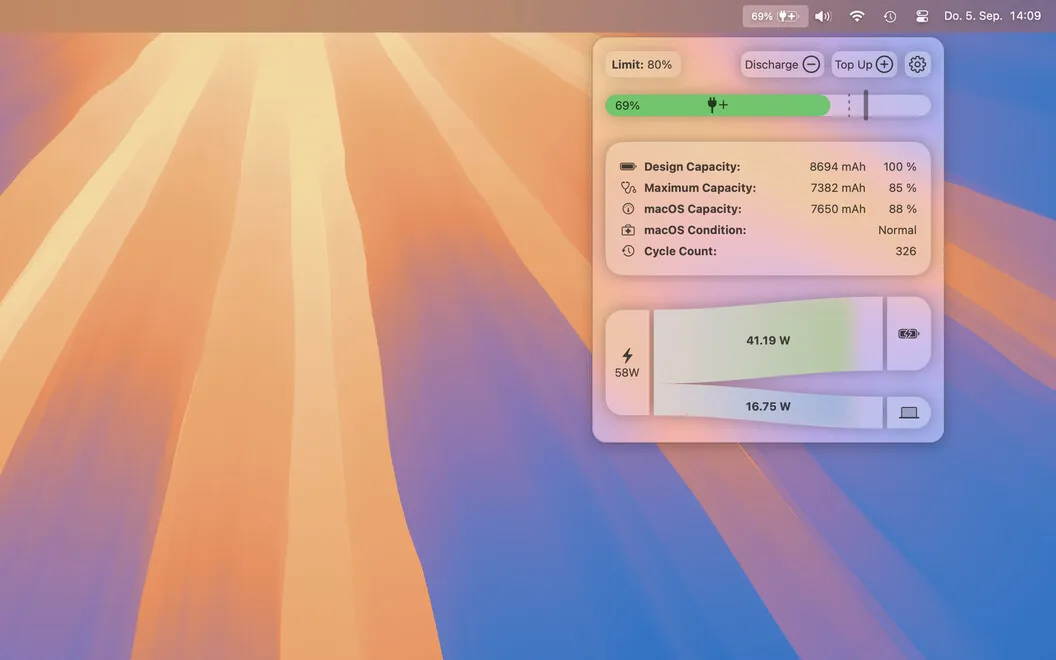
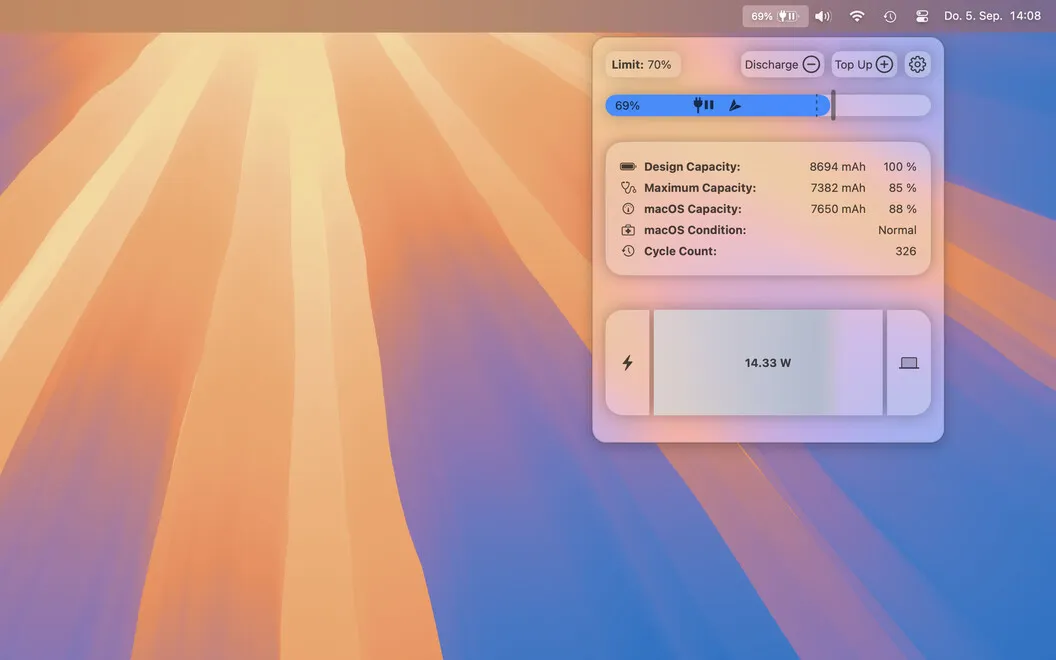
With AlDente Pro, you choose how far your MacBook battery charges instead of letting it reach 100% every time you plug in. Charging stops at your chosen limit, so you don’t have to watch the percentage or remember to disconnect the cable.
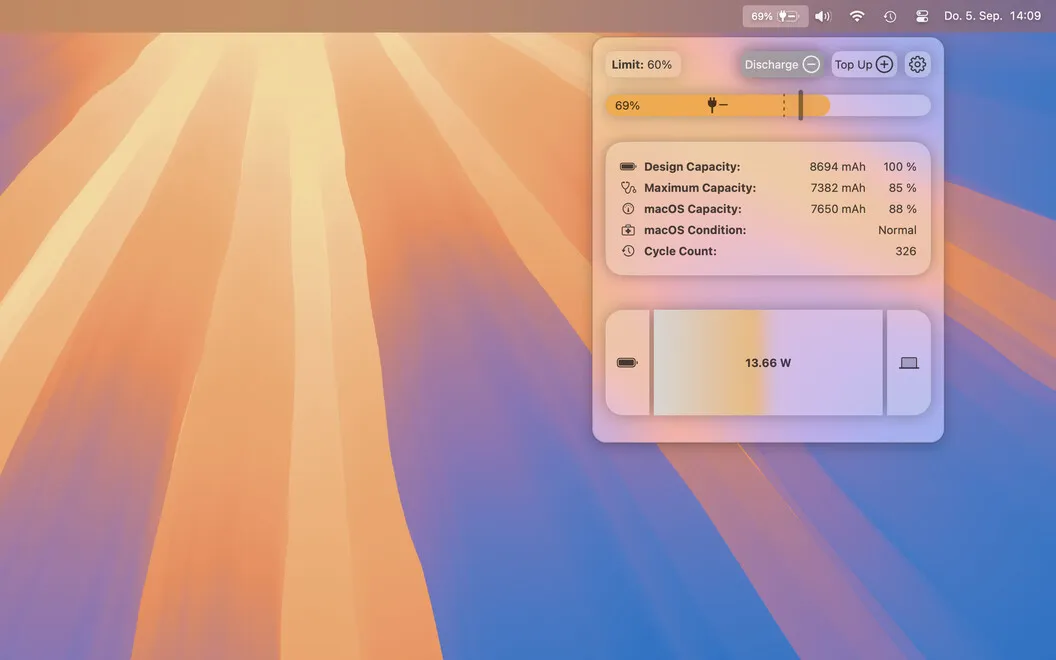
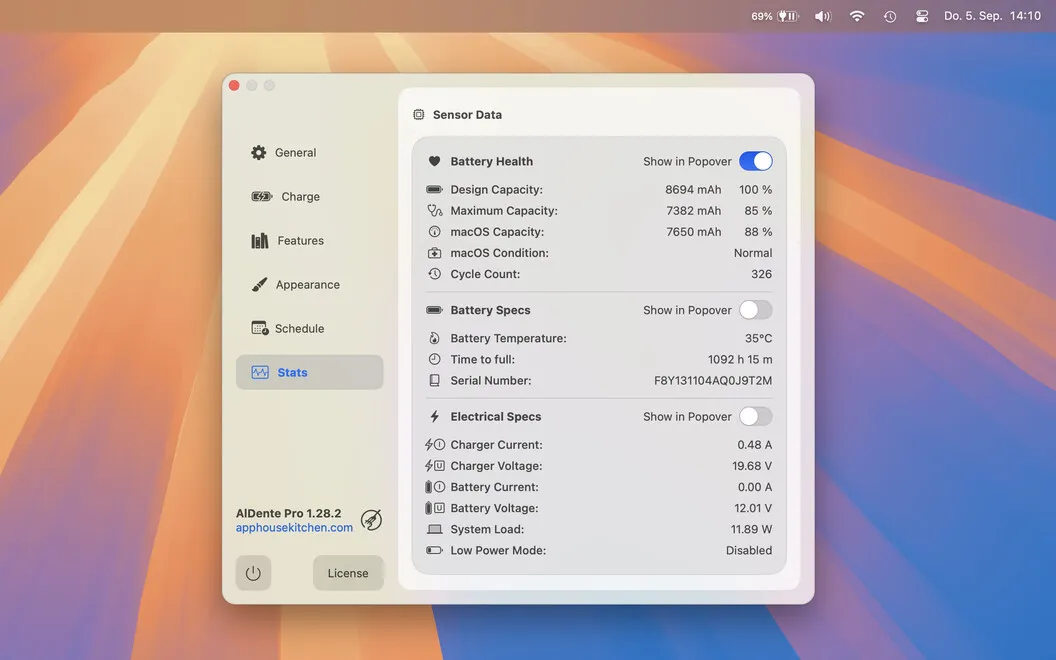
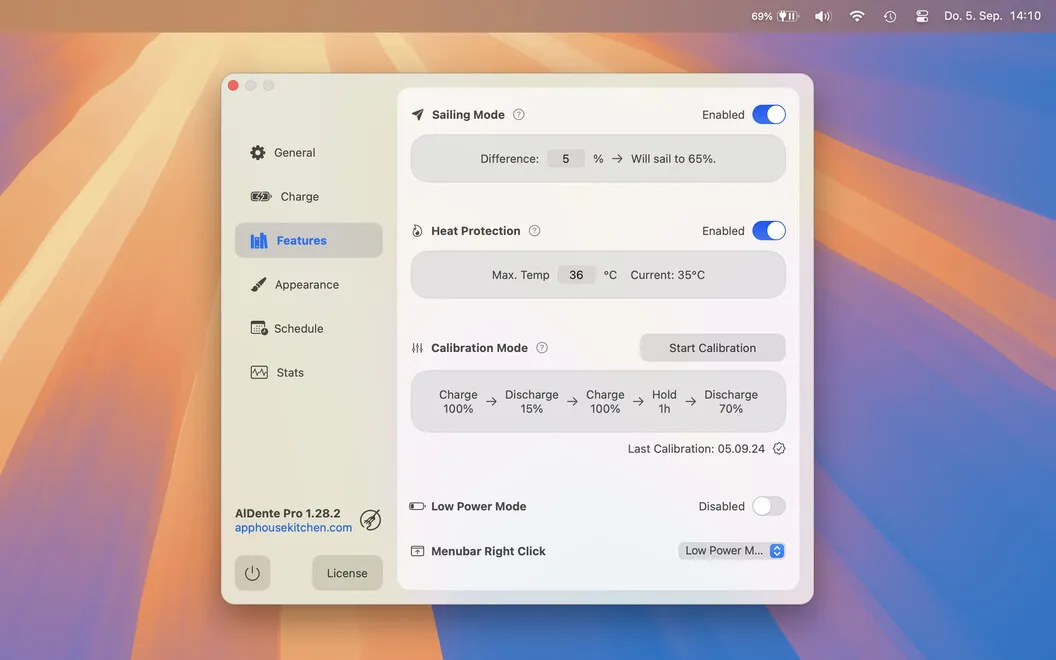
You also get more control when conditions change. If your battery is above your preferred level, you can discharge it while the charger stays connected. With Heat Protection enabled, charging pauses when the battery gets too hot, helping you avoid charging under high-temperature conditions.
When you expect time away from an outlet, you can use Top Up to reach 100%. Menu bar status icons let you check whether your MacBook is connected to power and charging.
-
Stop at your chosen percentage
You can keep your MacBook plugged in while charging stops at the limit you set.
-
Reduce charge without unplugging
You can run on battery until you reach your preferred charge level, even with the charger connected.
-
Pause charging when hot
With Heat Protection enabled, you avoid continuing to charge when your battery temperature gets too high.
-
Get ready for unplugged time
You can top up to 100% when you know you’ll be away from power.
-
Check charging at a glance
You can see your power connection and charging status in the menu bar.
Best for
- You keep your MacBook plugged in at your desk
- You regularly check battery percentage to decide when to unplug
- You want charging limits with occasional full top-ups
Skip it if
You probably don’t need it if you’re happy with your MacBook’s existing charging behavior and don’t want custom limits.
Screenshots
From the developer
You may have heard that having your device plugged in and at 100% all day long is not the best for the battery. You may also have been trying to make sure you don’t go below 20 or 30% on your battery. And once you do connect it to the charger, you then monitor to avoid charging up all the way to 100%.Read the full description
Alternatives to AlDente Pro
Other apps to extend battery life & health. See all
 Juicy
Custom battery alerts, health tracking, and a better menu bar icon for your Mac.
Setapp
100% · 85 ratings
Juicy
Custom battery alerts, health tracking, and a better menu bar icon for your Mac.
Setapp
100% · 85 ratings
 Endurance
Extend your battery life
Setapp
94% · 590 ratings
Endurance
Extend your battery life
Setapp
94% · 590 ratings
 Batteries
Track all devices' battery levels
Setapp
87% · 516 ratings
Batteries
Track all devices' battery levels
Setapp
87% · 516 ratings
 App Tamer
Reduce CPU usage
Setapp
95% · 684 ratings
App Tamer
Reduce CPU usage
Setapp
95% · 684 ratings
 Usage
Monitor device performance
Setapp
97% · 224 ratings
Usage
Monitor device performance
Setapp
97% · 224 ratings