Usage
Monitor device performance
Usage helps you monitor your Mac and iPhone’s performance, battery condition, and network activity. It suits you if you want device statistics available at a glance.
by Oleh Stasula · 97% positive (224)
What you get
See how hard your device is working and how its battery is holding up.
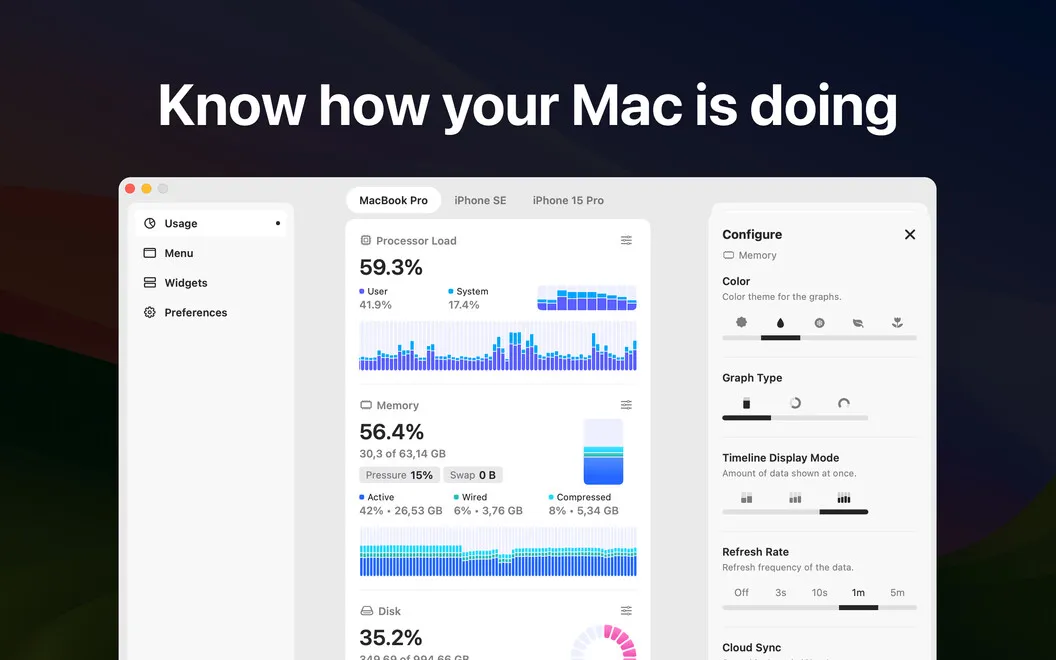
Usage gives you a view of how your Mac and iPhone are performing. You can check processor load, memory use, disk activity, and network connectivity rather than guessing how busy your device is. For a closer look, you can inspect individual CPU cores, processor temperature, memory pressure, and swap allocation.
You can also see your battery’s condition, health, charge, and cycle count, helping you distinguish its current charge from its longer-term condition. Battery readings for connected Bluetooth devices let you check their charge too.
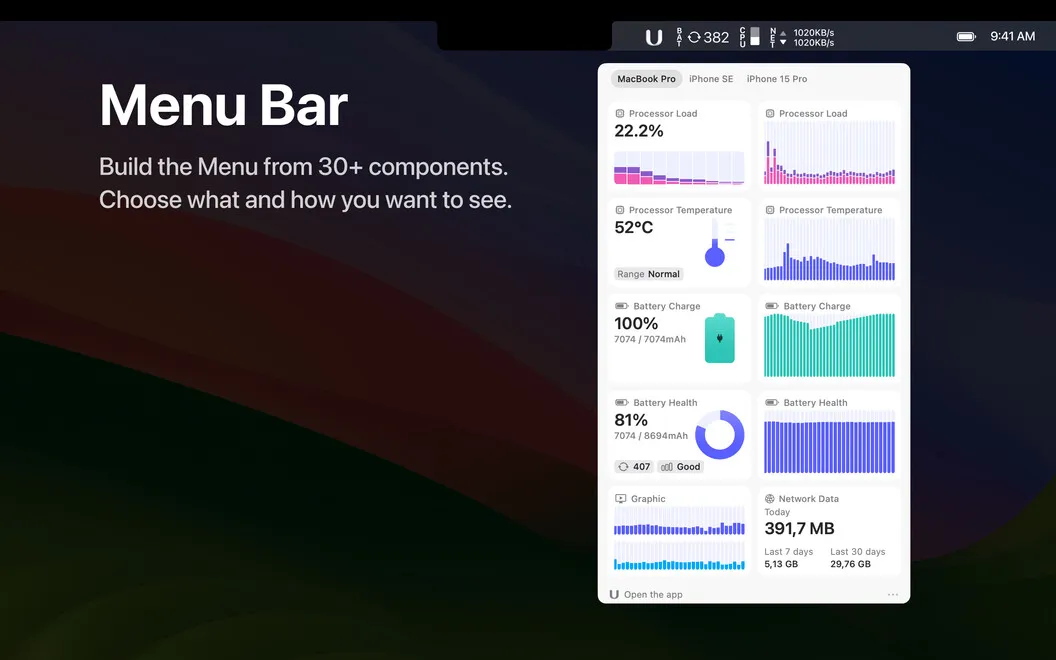
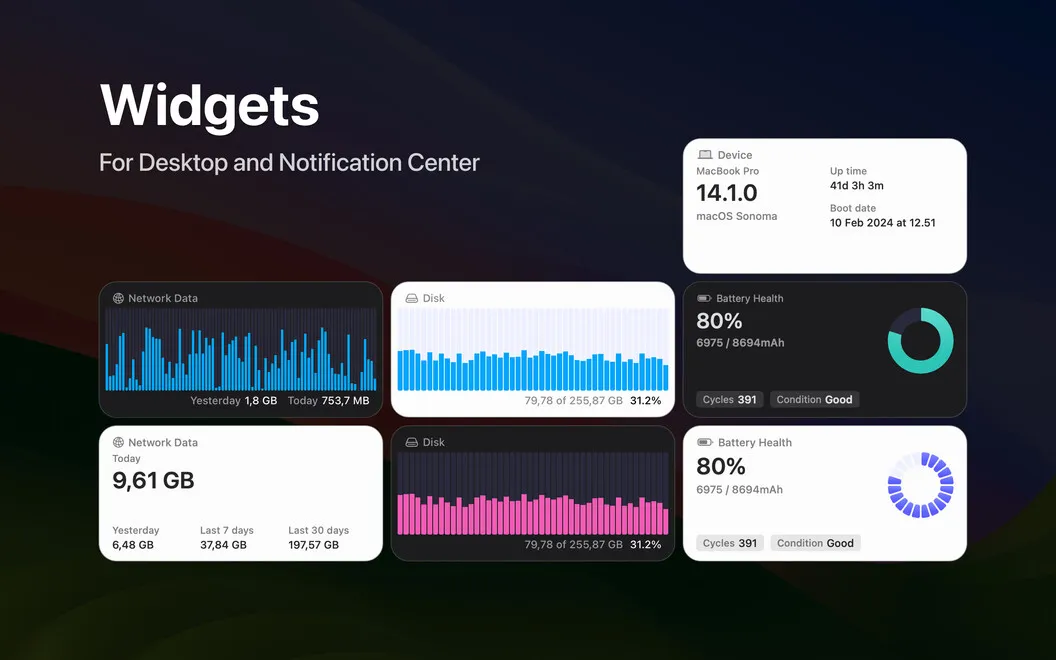
To keep these readings within reach, you can put statistics in widgets or your Mac’s menu bar. You can adjust graph styles, colors, and refresh frequency to make the information easier for you to read.
-
Understand processor demand
You can compare user and system CPU load, inspect individual cores, and check processor temperature.
-
See memory pressure
You can check RAM use, memory pressure, and swap allocation to understand your device’s memory demands.
-
Check battery condition
You can distinguish current charge from battery health and review its cycle count.
-
Keep readings in sight
You can check statistics through widgets or your Mac’s menu bar without repeatedly opening the app.
Best for
- You want to watch device load during demanding work
- You want to keep track of battery condition
- You prefer performance readings visible while you work
Skip it if
You don’t need it if you rarely check device statistics and are satisfied with your built-in monitoring tools.
Screenshots
From the developer
View how your Mac and iPhone are performing with this helper. Usage allows you to easily keep track of processor load, memory use, network connectivity, battery health and charge, and more via widgets, menu bar, or in the app.Read the full description
Alternatives to Usage
Other apps to monitor CPU, memory & temperature. See all
 iStat Menus
Track CPU, GPU, sensors, etc.
Setapp
96% · 5,527 ratings
iStat Menus
Track CPU, GPU, sensors, etc.
Setapp
96% · 5,527 ratings
 MacPulse
Know what your Mac’s up to
Sold separately
MacPulse
Know what your Mac’s up to
Sold separately
 MenuBarMonitor
Your Mac's vitals, at a glance
Sold separately
MenuBarMonitor
Your Mac's vitals, at a glance
Sold separately
 ProcessSpy
See what your Mac is up to
Sold separately
ProcessSpy
See what your Mac is up to
Sold separately
 Rook Widgets
Your desktop, as a terminal
Sold separately
Rook Widgets
Your desktop, as a terminal
Sold separately
 Shiny
One-tap memory cleanup with a live memory-pressure readout in your menu bar.
Sold separately
Shiny
One-tap memory cleanup with a live memory-pressure readout in your menu bar.
Sold separately