CamLoop
Step away from any video call while a seamless loop keeps you on camera.
CamLoop is a virtual camera app for Mac that lets you replace your live video with a looping recording when you need to step away from a call.
by Tarik Barquete Caramanico
What you get
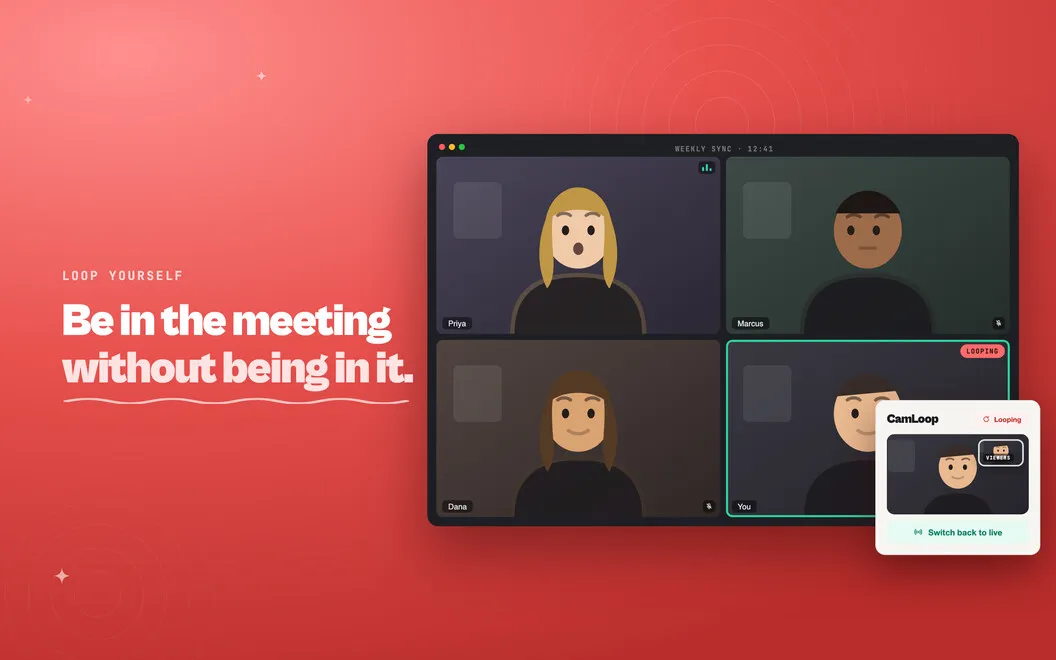
You can step away while a recorded loop keeps you on camera.
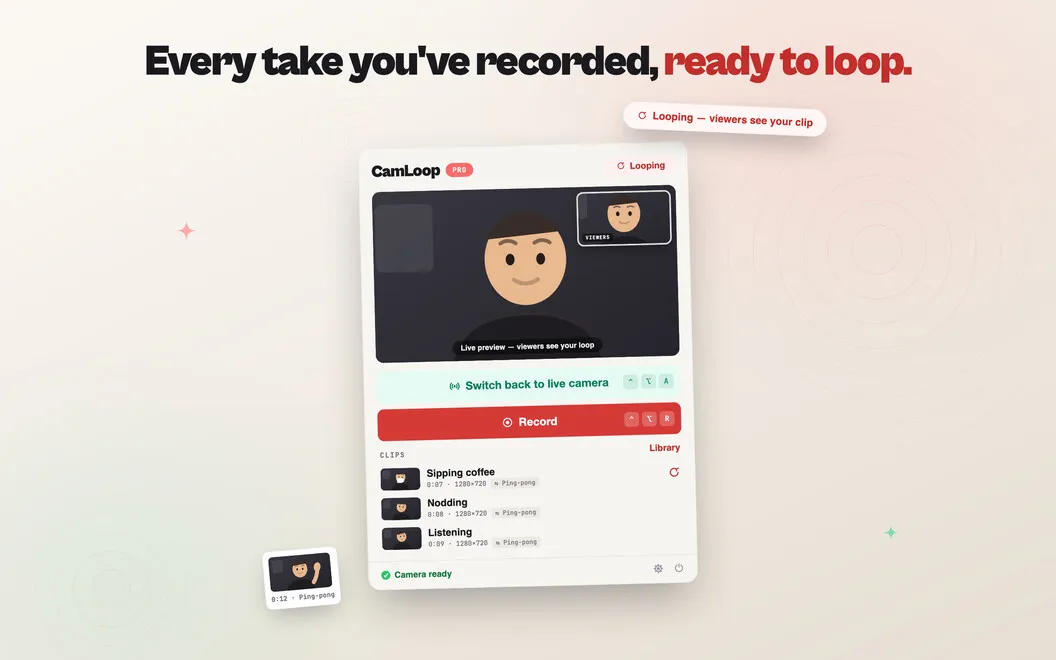
You can replace your live camera feed with a short recording of yourself, so your meeting shows the clip while you step out of frame. Record a few seconds, choose CamLoop as your camera in Zoom, Google Meet, Slack, Teams, or another compatible app, and switch back to live video with a hotkey. Your microphone stays unchanged, so you can still speak while the loop plays.
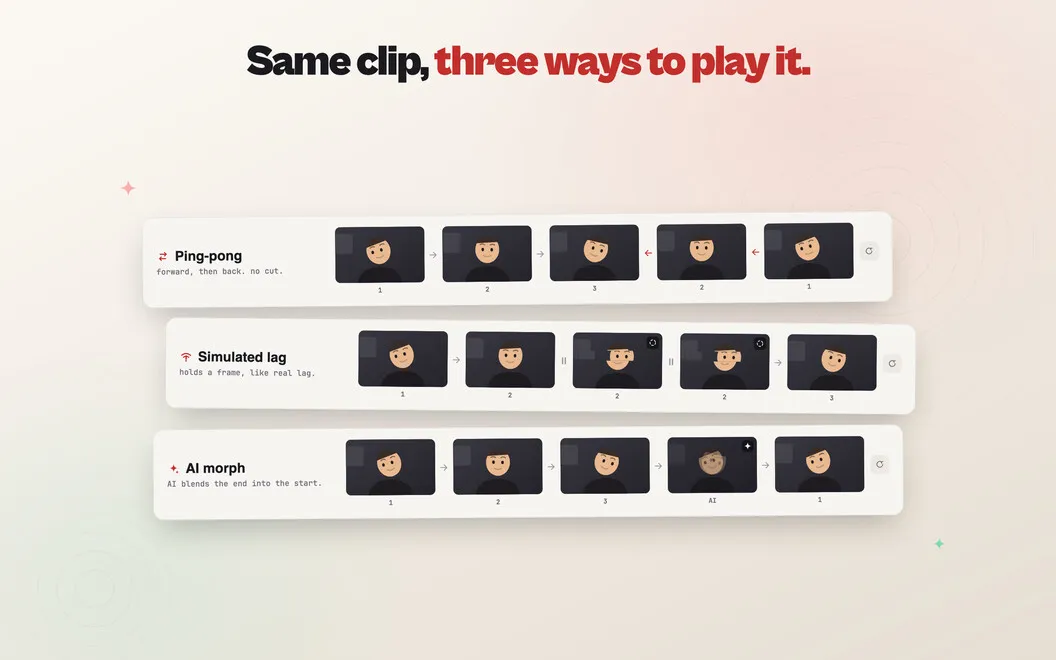
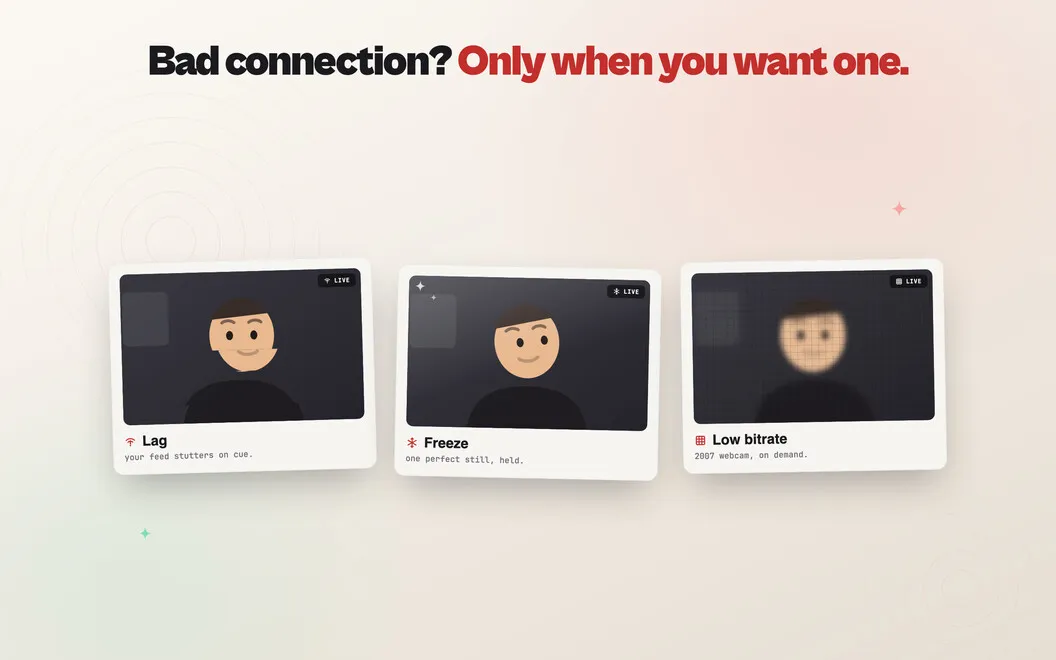
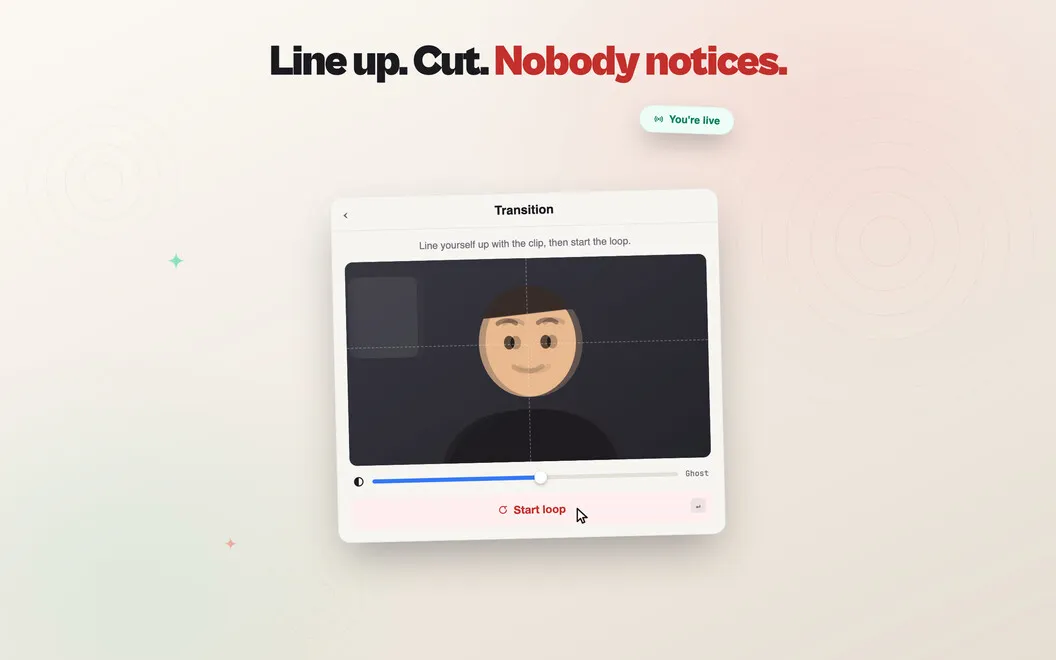
You get a loop with blended start and end points to reduce visible jumps. If you prefer to keep your camera live, you can add simulated lag, freezing, or bitrate effects instead. A brief simulated connection hiccup can also cover the switch between your recording and live feed, and a pinned preview lets you check what others see.
Your clips stay on your Mac without being uploaded by CamLoop. You’ll need macOS 14 Sonoma or later and must approve its camera extension during setup.
-
Step out of frame
You can show a looping recording instead of your live camera when you need to move away.
-
Keep speaking
Your microphone remains unchanged, so you can talk while your recorded video plays.
-
Return with one hotkey
You can switch back to live video without navigating camera settings during the call.
-
Check your outgoing video
You can keep a pinned preview visible to see what the meeting receives.
-
Keep clips local
Your recordings stay on your Mac, and CamLoop doesn’t upload your video.
Best for
- You need to step briefly out of frame during video calls
- You want to alternate between live video and a recorded loop
- You prefer a camera tool that processes video locally
Skip it if
You don’t need it if you’re comfortable turning your camera off whenever you step away.
Screenshots
From the developer
CamLoop is a virtual camera app for Mac. Record a few seconds of yourself looking attentive, and CamLoop turns it into a seamless, naturally looping clip — no jarring resets, no obvious seam. Pick "CamLoop" as your camera in Zoom, Google Meet, Slack, or Teams, and the meeting sees the loop instead of your live feed.Read the full description
Alternatives to CamLoop
Other apps to prepare for video calls. See all