GoPro Webcam
GoPro Webcam lets you use a supported GoPro as your Mac’s camera for video meetings and live streams, with control over framing and orientation.
by GoPro, Inc.
What you get
Use your GoPro to show yourself and your surroundings on calls.
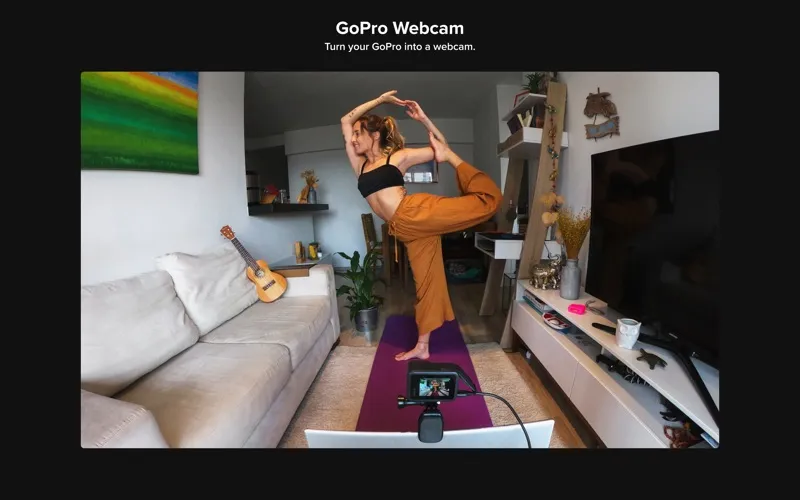
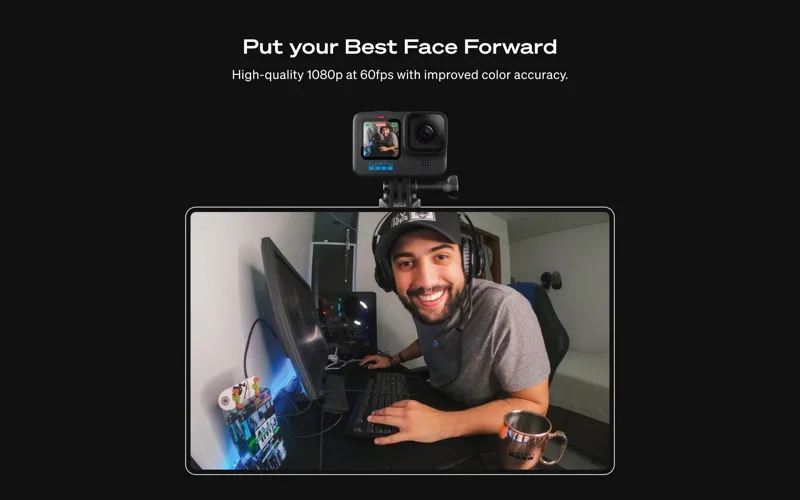
You can put your supported GoPro to work as a webcam for Zoom, Google Meet, Microsoft Teams, Discord, and other compatible apps. Your audience gets a 1080p image at 30 frames per second, whether you’re joining a meeting or streaming live.
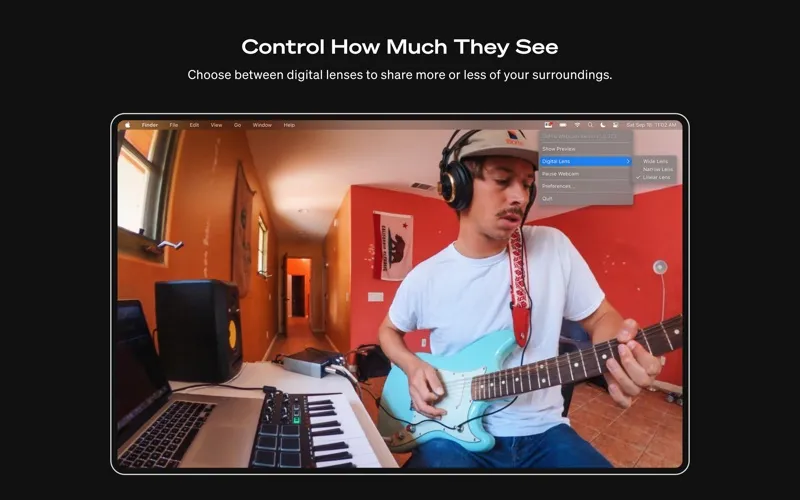
You decide how much of your space appears on screen. Choose a wide view to include your surroundings, or a linear or narrow view for tighter framing. You can use landscape or portrait orientation, correct an upside-down camera setup, and use GoPro mounts to position the camera around your desk.
For different viewpoints, you can switch between multiple cameras or combine shots through OBS. You can also keep using blur and virtual backgrounds provided by your meeting app. You’ll need macOS 13 or later and a supported GoPro; HERO11 Mini and MAX aren’t supported.
-
Reuse your GoPro
You can use a supported camera you already own for 1080p video calls and streams.
-
Choose what viewers see
You can include more of your room or tighten the framing with wide, linear, and narrow views.
-
Fit your desk setup
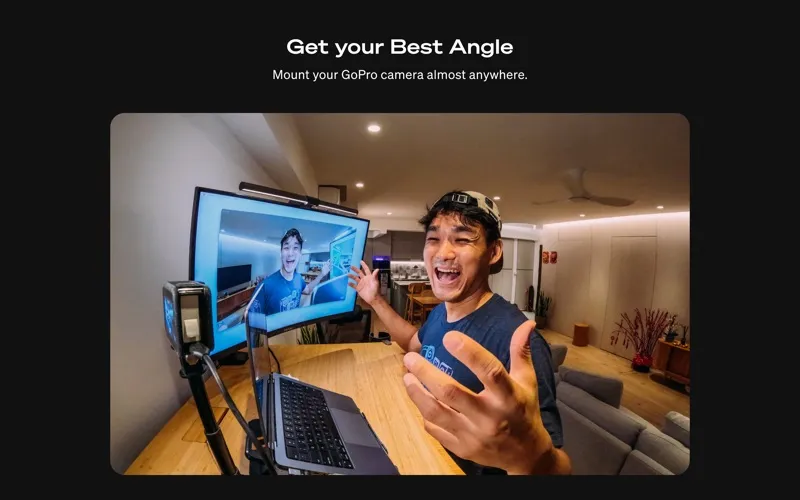
You can position your camera using GoPro mounts and keep the image correctly oriented, even with an inverted setup.
-
Show different angles
You can switch between cameras for different viewpoints or use OBS to combine shots.
Best for
- You own a supported GoPro and want to use it for meetings
- You stream or vlog with multiple camera angles
- You need wider framing or an unusual camera position
Skip it if
You don’t need it if your current webcam already gives you the framing and image quality you want.
Screenshots
From the developer
GoPro Webcam turns your camera into a webcam for Zoom, WebEx, YouTube, Discord, and other meeting and streaming platforms (see complete list below). With a GoPro, your stream is captured in rich 1080p wide-angle with digital lenses that can be orientated in landscape or portrait.Read the full description
Alternatives to GoPro Webcam
Other apps to prepare for video calls. See all
 In Your Face
Never be late to meetings again
Setapp
99% · 797 ratings
In Your Face
Never be late to meetings again
Setapp
99% · 797 ratings
 Hand Mirror
Check Mac camera in a click
Setapp
96% · 682 ratings
Hand Mirror
Check Mac camera in a click
Setapp
96% · 682 ratings
 CamLoop
Step away from any video call while a seamless loop keeps you on camera.
Setapp
CamLoop
Step away from any video call while a seamless loop keeps you on camera.
Setapp
 Join Meetings for Desktop
Mac App Store
Join Meetings for Desktop
Mac App Store
 JustJoin for Zoom meetings
Mac App Store
JustJoin for Zoom meetings
Mac App Store
 Meet+ for Google Meet
Mac App Store
Meet+ for Google Meet
Mac App Store