ClassLink OneClick Extension
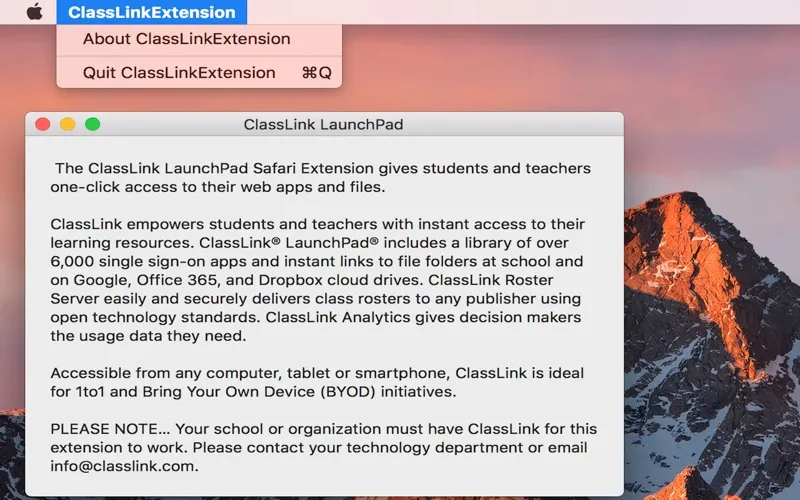
ClassLink OneClick Extension gives you one-click access to school web apps and files in Safari. It’s for students and teachers whose school or organization already uses ClassLink.
by ClassLink, Inc
What you get
Open your school apps and files with one click in Safari.
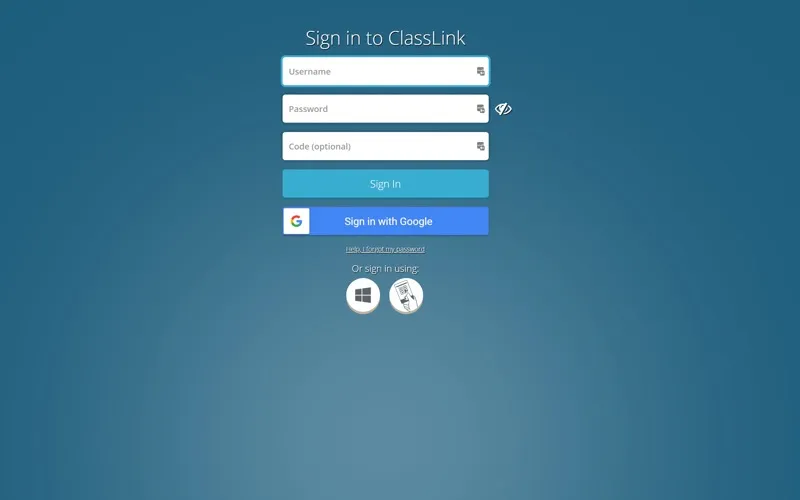
You get a shorter route to your school’s online learning resources. If you’re a student or teacher at an organization that uses ClassLink, this Safari extension lets you open your web apps and files with one click, rather than navigating to each resource separately.
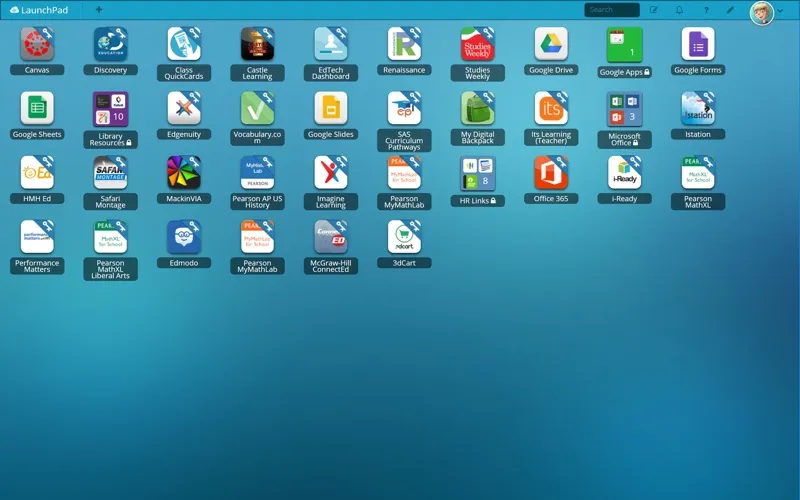
Through your school’s ClassLink setup, you can reach learning apps that support single sign-on and links to file folders at school or in Google, Office 365, and Dropbox cloud drives. The resources available to you depend on what your organization provides.
You need an existing school or organization ClassLink setup for the extension to work. If you’re unsure whether you have access, check with your technology department before installing it.
-
Reach your learning apps
You can open your school’s web apps with one click in Safari.
-
Get to school files
You can reach linked folders at school and in Google, Office 365, and Dropbox through ClassLink.
-
Use school single sign-on
You can access supported learning apps through your organization’s ClassLink single sign-on setup.
Best for
- Students whose school uses ClassLink
- Teachers accessing school resources in Safari
Skip it if
You don’t need this extension if your school or organization doesn’t use ClassLink.
Screenshots
From the developer
The ClassLink OneClick Safari Extension gives students and teachers one-click access to their web apps and files. ClassLink empowers students and teachers with instant access to their learning resources.Read the full description
Alternatives to ClassLink OneClick Extension
Other apps to launch apps & commands faster. See all
 start
Discover a superior way to launch and organize applications on your Mac.
Setapp
95% · 194 ratings
start
Discover a superior way to launch and organize applications on your Mac.
Setapp
95% · 194 ratings
 Monarch
Launch apps faster
Setapp
100% · 47 ratings
Monarch
Launch apps faster
Setapp
100% · 47 ratings
 choclift
Turn iPhone into a touch bar
Setapp
choclift
Turn iPhone into a touch bar
Setapp
 Lacona
Tell your Mac what to do
Setapp
74% · 72 ratings
Lacona
Tell your Mac what to do
Setapp
74% · 72 ratings
 Apps for Google App
Mac App Store
Apps for Google App
Mac App Store
 Apps For Google Shortcuts App
Mac App Store
Apps For Google Shortcuts App
Mac App Store