CleanShot X
Take better screenshots and GIFs
CleanShot X is a Mac screenshot and screen recording app for when you need to explain something visually, document a process, or share an annotated capture.
by MTW · 99% positive (14,421)
What you get
You can turn screen captures into clear explanations without showing desktop clutter.
You can capture a window, a selected area, your whole screen, or scrolling content without stitching separate screenshots together. When your desktop is visible, you can hide its icons without moving files around. You can also use a different wallpaper for a capture, so your usual desktop background stays out of the picture.
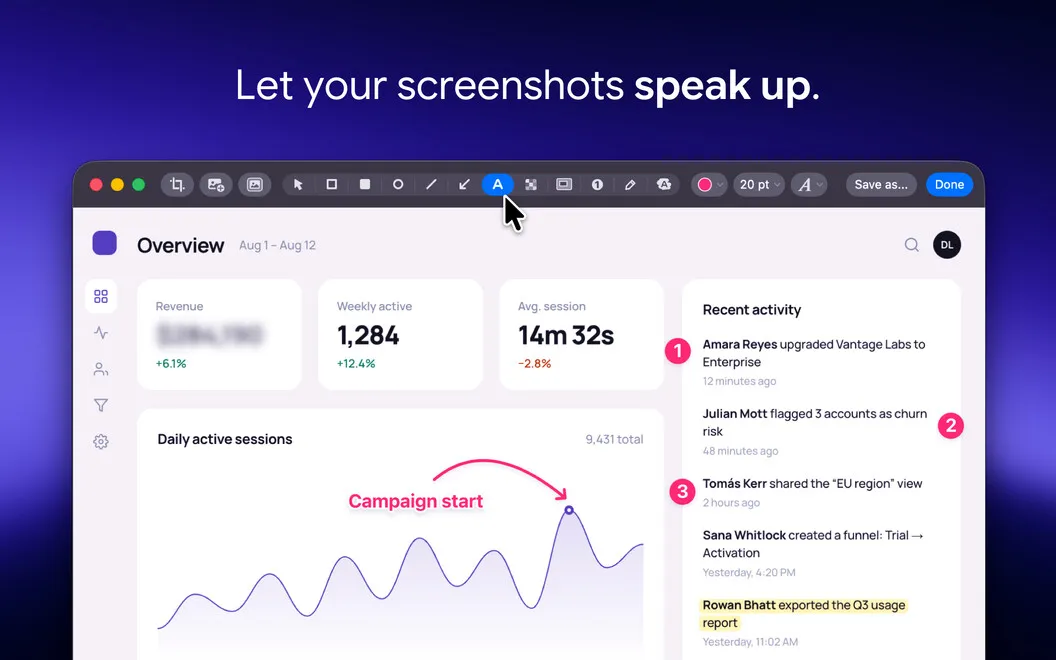
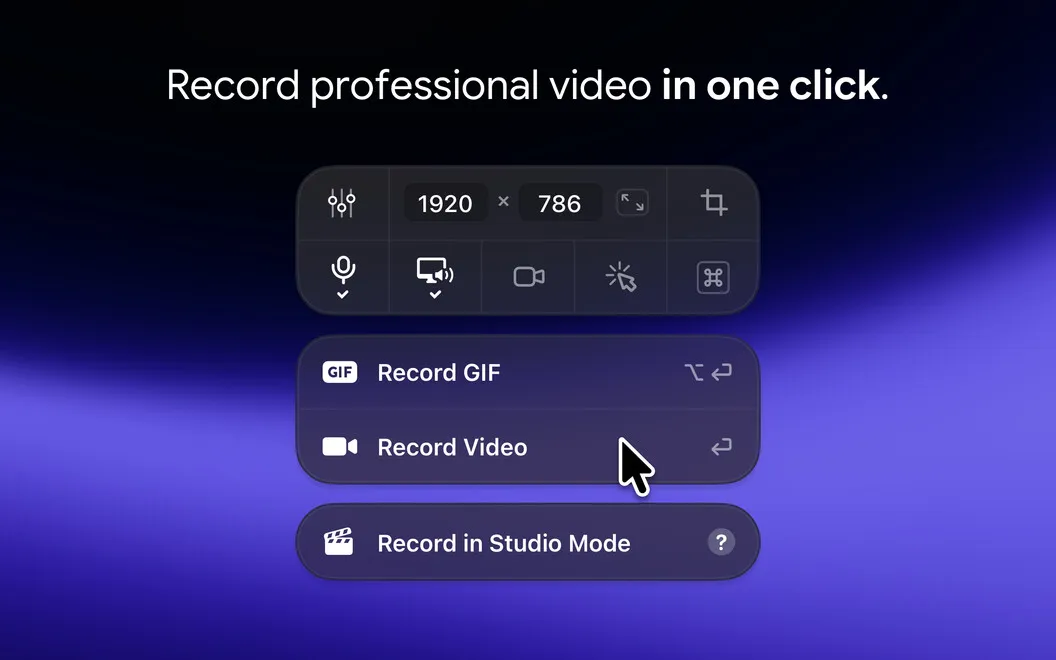
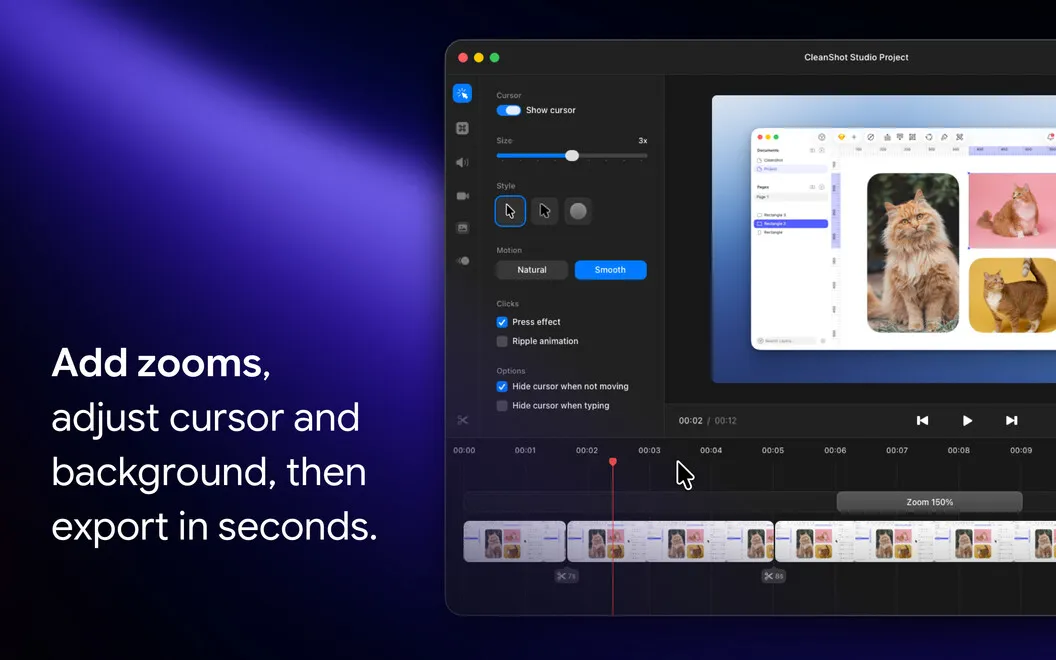
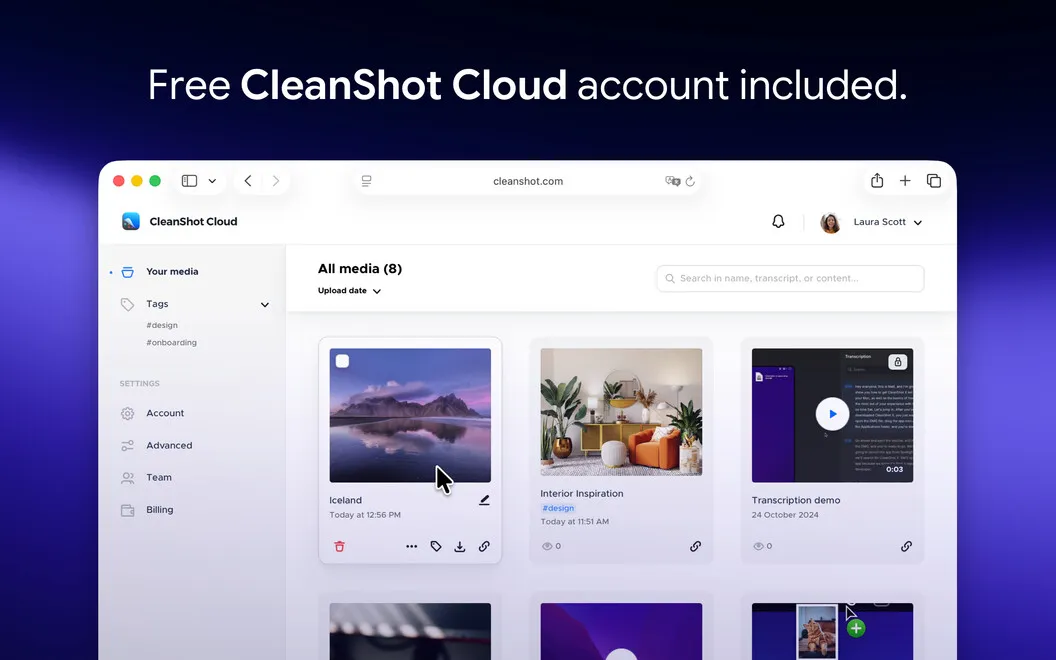
For walkthroughs, you can record a video or GIF, choose the capture dimensions, and suppress desktop notifications while recording. You can trim recordings afterward, then save them to CleanShot Cloud. For screenshots, you can add annotations, highlight what matters, and blur details you don’t want to share.
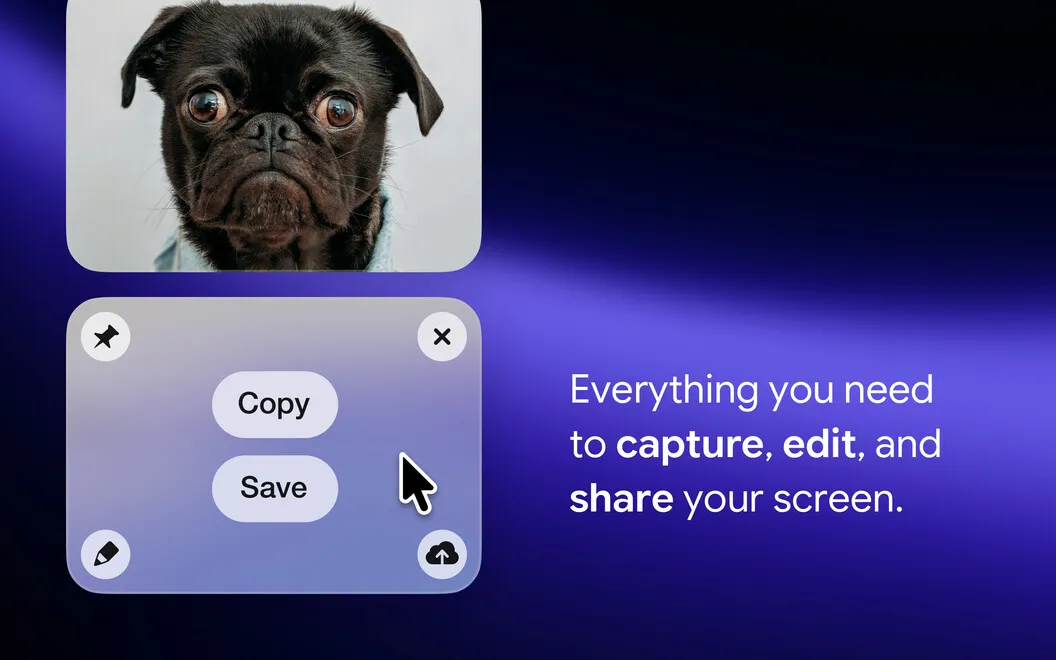
After each capture, you can open, edit, or share it from a small on-screen panel rather than finding the file first. You can upload screenshots to get a shareable link, or copy text from an area of your screen straight to your clipboard using text recognition.
-
Capture long content
You can capture scrolling content in one image instead of assembling several screenshots.
-
Keep clutter out
You can hide desktop icons for captures and suppress notifications during recordings.
-
Make your point clear
You can annotate screenshots, highlight relevant details, and blur information before sharing.
-
Share without file hunting
You can access captures immediately and upload screenshots to get a shareable link.
-
Reuse text on screen
You can select an area and copy recognized text to your clipboard without taking a screenshot first.
Best for
- You explain workflows with screenshots or short recordings.
- You document bugs and need annotated visual evidence.
- You regularly share captures of long, scrolling content.
Skip it if
You probably don’t need it if you only take occasional basic screenshots and your Mac’s built-in capture tools cover your needs.
Screenshots
From the developer
With Setapp, you get the CleanShot X+ Cloud Pro version CleanShot X is the all-in-one screenshot tool and screen recording app made for macOS. With its rich feature set, CleanShot actually feels like 6 apps in one.Read the full description
Alternatives to CleanShot X
Other apps to take & annotate screenshots. See all
 Xnapper
Create shareable screenshots
Setapp
96% · 865 ratings
Xnapper
Create shareable screenshots
Setapp
96% · 865 ratings
 ScreenFloat
Power up your screenshots
Setapp
94% · 88 ratings
ScreenFloat
Power up your screenshots
Setapp
94% · 88 ratings
 AldooSnap
Capture, annotate, share fast
Sold separately
AldooSnap
Capture, annotate, share fast
Sold separately
 DeskMop
A pristine desktop, on demand
Sold separately
DeskMop
A pristine desktop, on demand
Sold separately
 Tidyshot
Tidy up your screenshots
Sold separately
Tidyshot
Tidy up your screenshots
Sold separately
 FireShot
Web Page Screenshots
Mac App Store
FireShot
Web Page Screenshots
Mac App Store