ScreenFloat
Power up your screenshots
ScreenFloat is a screenshot and screen-recording app for your Mac, useful when you need visible references, annotated captures, or narrated walkthroughs.
by Eternal Storms Software · 94% positive (88)
What you get
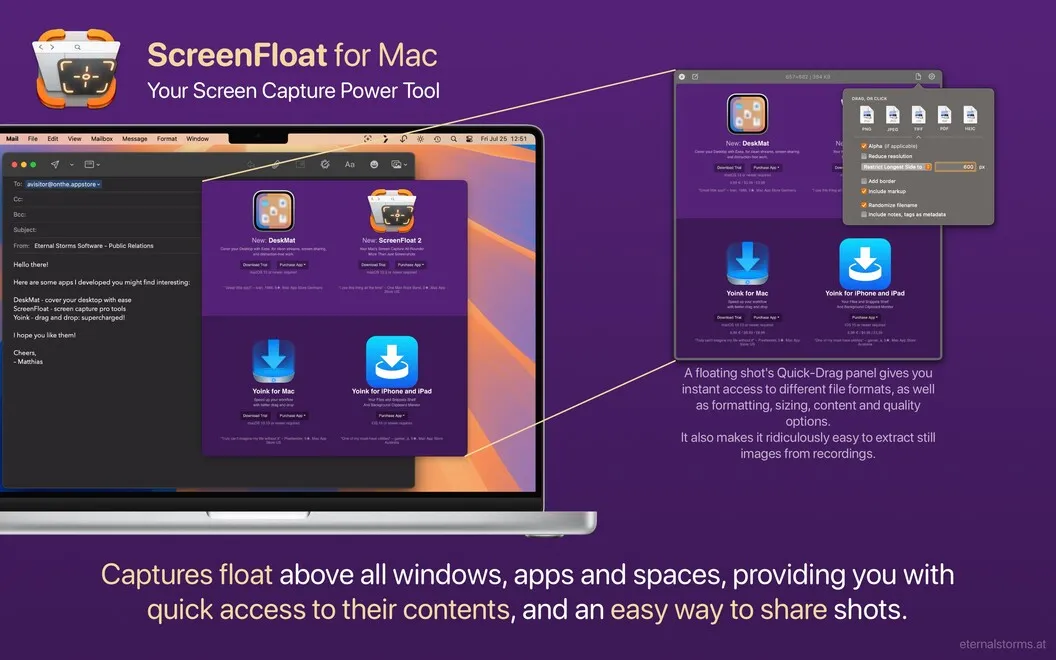
Keep screenshot references visible while you work in other windows.
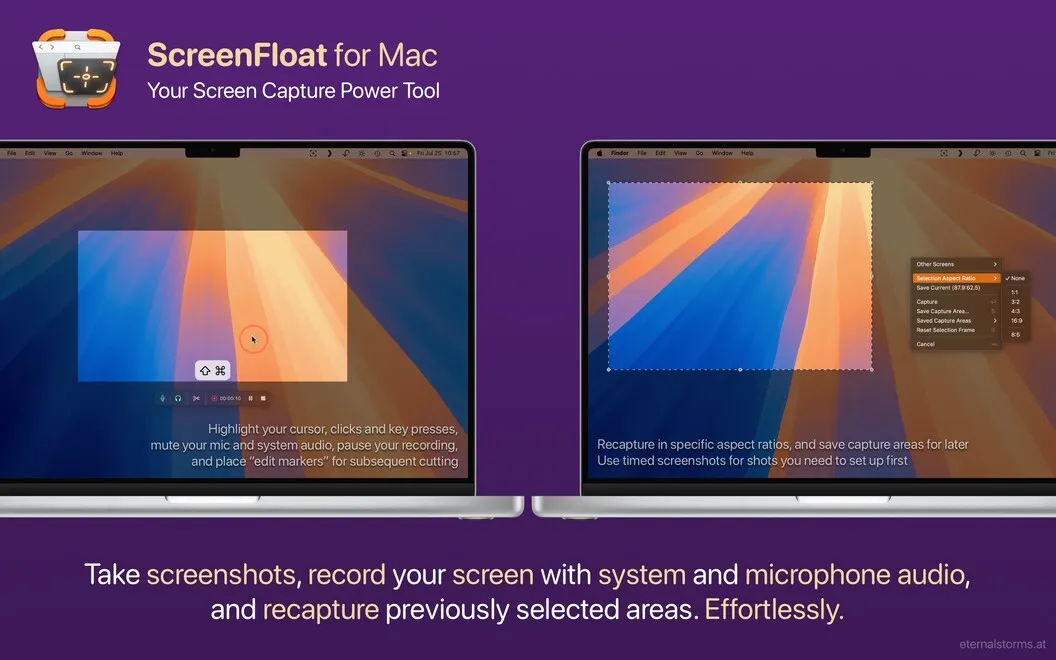
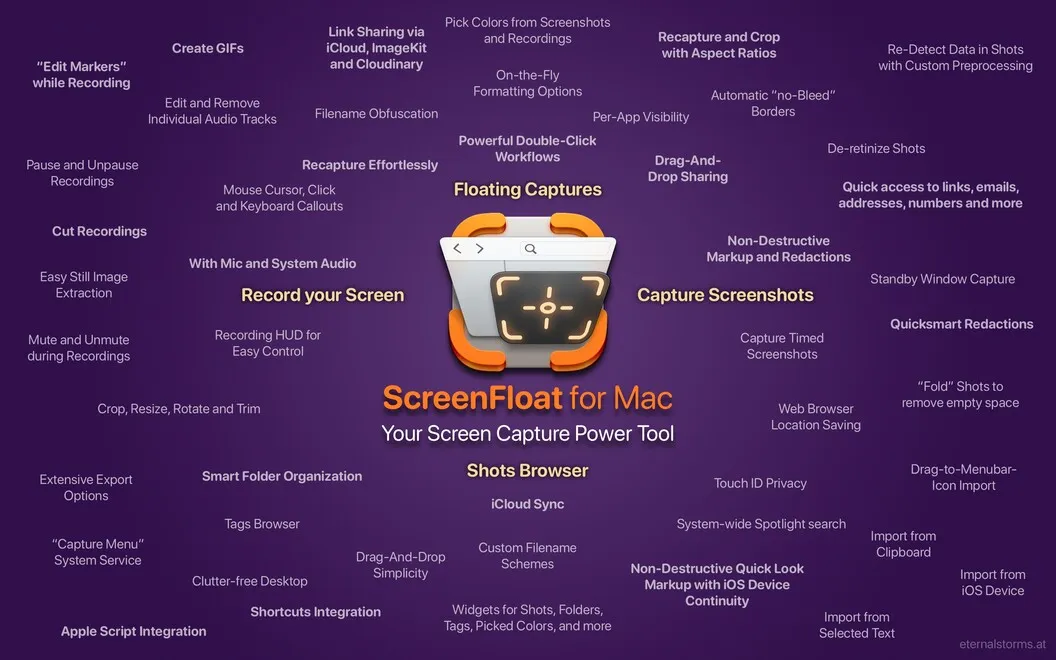
ScreenFloat lets you keep a screenshot above your other windows, so you can refer to captured information while you type, compare, or work elsewhere. You can capture menus and pop-ups with a timer, or adjust a previously selected capture area when you need another shot.
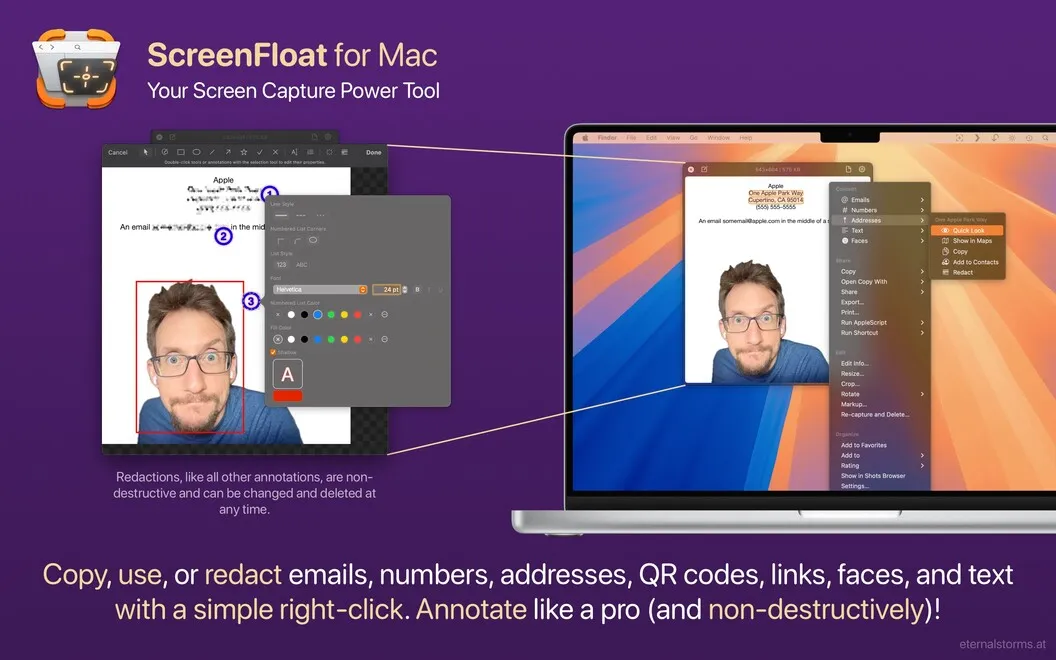
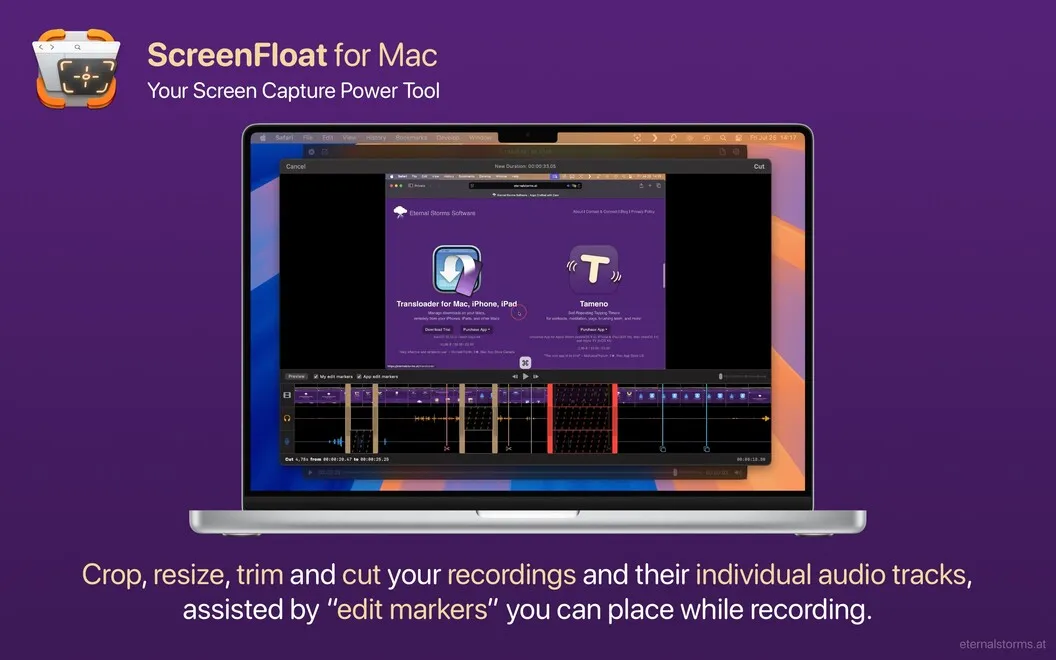
You can explain what matters with text, shapes, and highlights, or hide details with redactions. These edits remain changeable, so you can revise or remove them later. When you need information rather than an image, you can copy recognized text and barcode data from a capture to your clipboard instead of retyping it.
For walkthroughs, you can record your screen with system audio and your voice, highlighting the pointer, clicks, and keyboard shortcuts so viewers can follow your actions. Your saved captures stay in a browser where you can add names, notes, and tags, then use Smart Folders to sort them by rules you choose.
-
Keep references in sight
You can consult a floating screenshot without switching away from the window you're working in.
-
Reuse captured information
You can copy recognized text and barcode data to your clipboard rather than transcribing it.
-
Explain and revise
You can mark up or redact screenshots, then change or remove those edits later.
-
Make walkthroughs easier to follow
You can record your voice and system sound while highlighting clicks, the pointer, and keyboard shortcuts.
-
Find saved captures
You can label screenshots with names, notes, and tags, and have Smart Folders sort them automatically.
Best for
- You need screenshot references visible while working
- You create narrated tutorials or software walkthroughs
- You keep screenshots for later reference
Skip it if
You probably don't need it if you only take occasional screenshots and don't need floating references, recordings, or a capture library.
Screenshots
From the developer
If you’re looking for a smarter way to take and manage screenshots, ScreenFloat is the perfect tool. It allows you to capture screenshots and keep them floating on top of your other windows, making it super easy to reference important information as you work.Read the full description
Alternatives to ScreenFloat
Other apps to take & annotate screenshots. See all
 CleanShot X
Take better screenshots and GIFs
Setapp
99% · 14,421 ratings
CleanShot X
Take better screenshots and GIFs
Setapp
99% · 14,421 ratings
 Xnapper
Create shareable screenshots
Setapp
96% · 865 ratings
Xnapper
Create shareable screenshots
Setapp
96% · 865 ratings
 AldooSnap
Capture, annotate, share fast
Sold separately
AldooSnap
Capture, annotate, share fast
Sold separately
 DeskMop
A pristine desktop, on demand
Sold separately
DeskMop
A pristine desktop, on demand
Sold separately
 Tidyshot
Tidy up your screenshots
Sold separately
Tidyshot
Tidy up your screenshots
Sold separately
 FireShot
Web Page Screenshots
Mac App Store
FireShot
Web Page Screenshots
Mac App Store