DiskMap
Visual disk map for Mac. Find what's eating your storage in seconds.
DiskMap is a disk space analyzer for Mac that helps you see what's filling your drives and choose what to remove.
by Security Tech OÜ
What you get
See where your storage goes and remove files you no longer need.
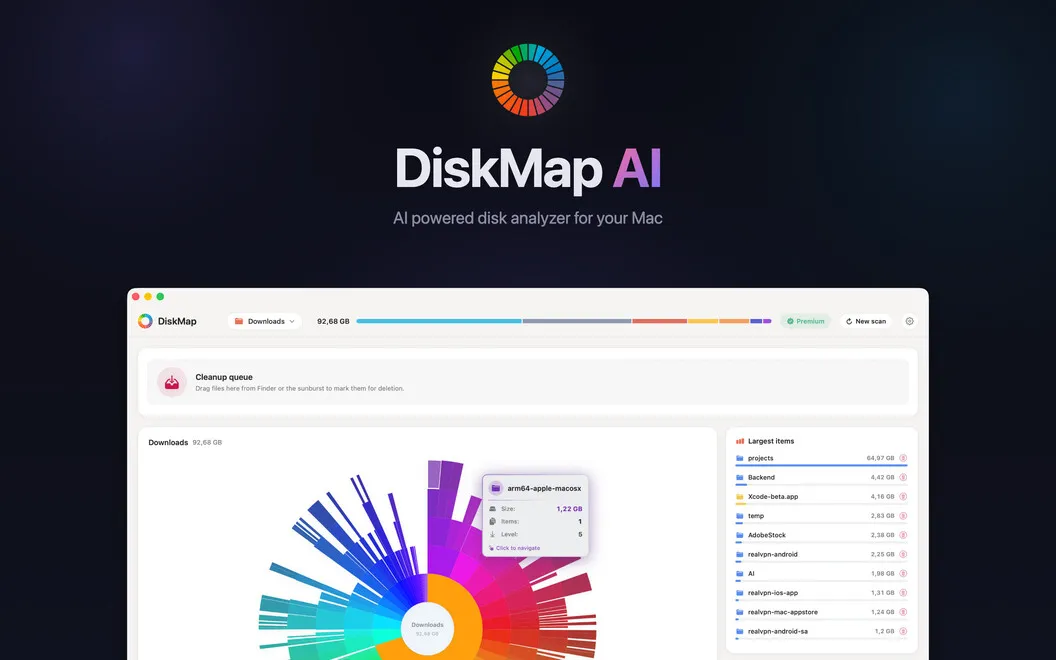
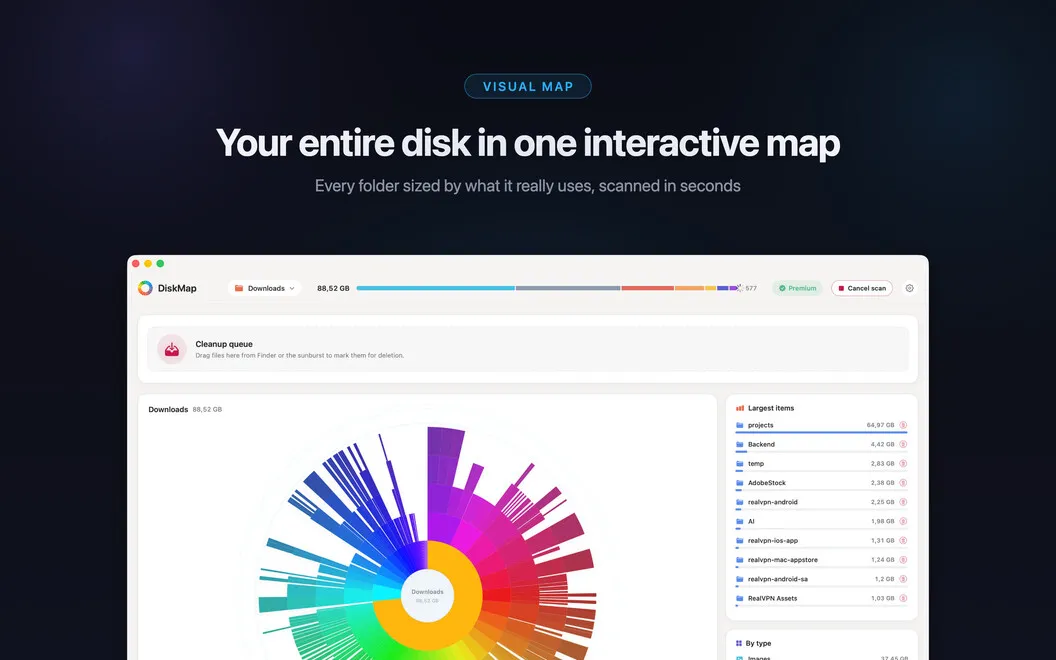
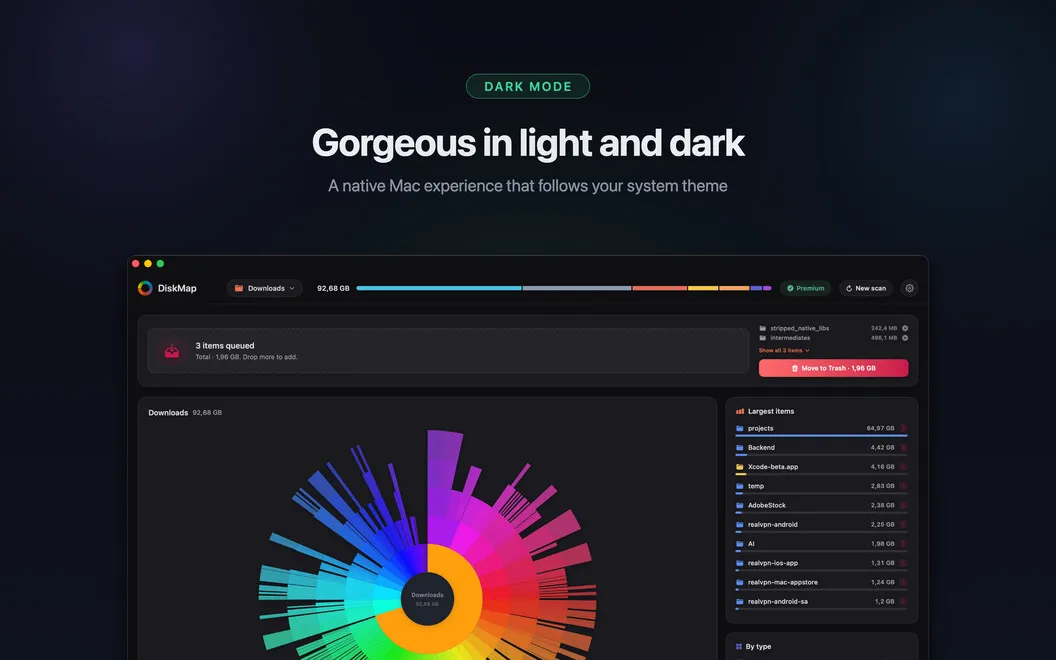
DiskMap gives you a visual breakdown of what's taking up space on your Mac. Instead of checking folders one by one in Finder, you can spot the largest files and folders, then explore them layer by layer with sizes visible throughout. That helps you locate old downloads, forgotten archives, oversized caches, and duplicate folders worth reviewing.
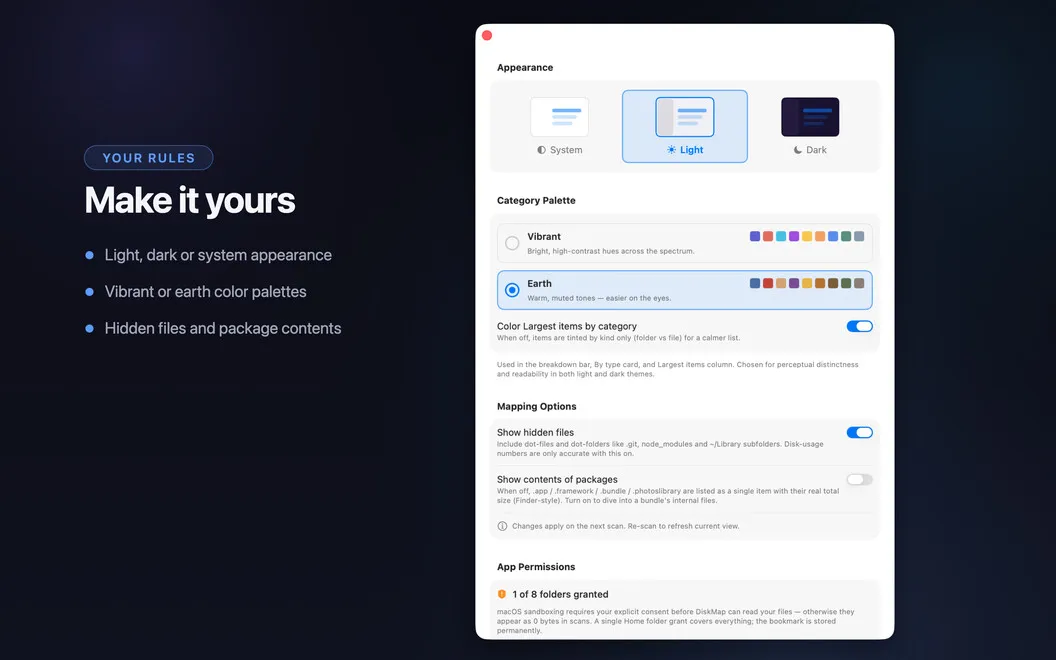
Before removing anything, you can preview it with Quick Look and decide whether you still need it. You approve every deletion, and system files are marked and protected, so you aren't handing cleanup decisions to an automatic process.
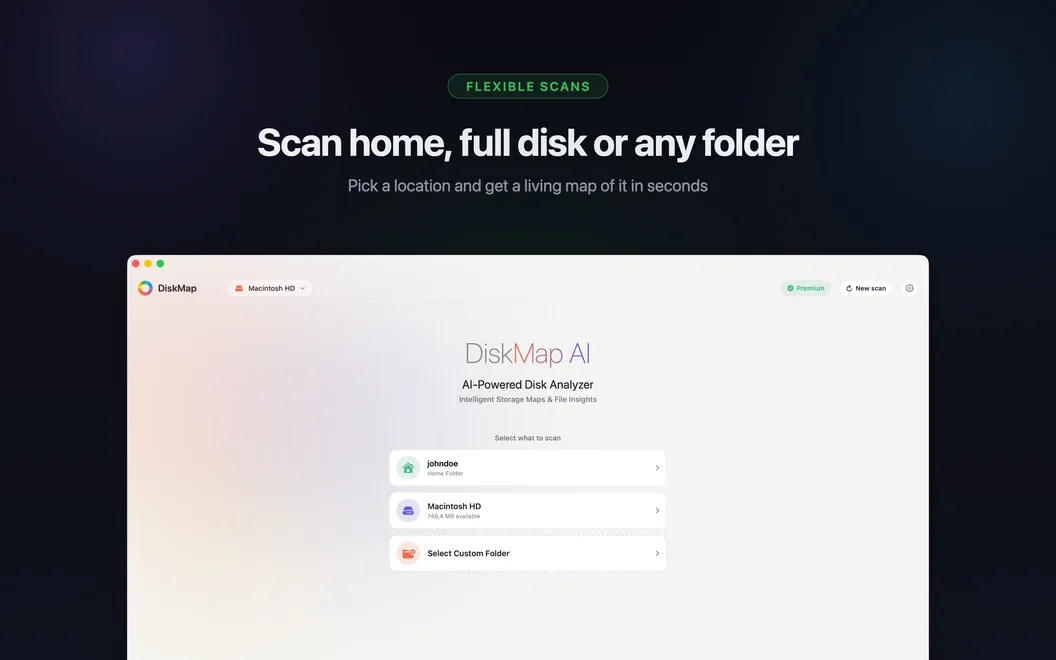
You can also check external drives, SD cards, network volumes, mounted disk images, and Time Machine drives. Your files stay on your Mac, with no telemetry or data sent elsewhere, and the app doesn't leave background processes running after your cleanup.
-
Find your largest files
You can see which files and folders occupy the most space without checking each folder manually.
-
Review before deleting
You can preview files with Quick Look and remove only what you explicitly choose.
-
Check storage beyond your Mac
You can locate space-consuming files on external drives, SD cards, network volumes, and other mounted storage.
-
Keep cleanup under your control
Your system files are marked and protected, and nothing is deleted automatically.
Best for
- You need to make room on a nearly full Mac
- You have external drives full of forgotten files
- You prefer reviewing files before deleting them
Skip it if
You don't need it if you already know what's using your storage and can remove unwanted files in Finder.
Screenshots
From the developer
DiskMap is a disk space analyzer for Mac. It scans any drive and builds an interactive visual map of every file and folder — sorted by size, so the biggest space hogs are obvious at a glance. Pick a drive, hit Scan, and in seconds you know exactly where your gigabytes went. Found something you don't need?Read the full description
Alternatives to DiskMap
Other apps to free up disk space. See all
 CleanMyMac
Tidy up your Mac
Setapp
97% · 18,514 ratings
CleanMyMac
Tidy up your Mac
Setapp
97% · 18,514 ratings
 App Archiver
Free up disk space with app optimization, archiving, and easy backup restoration
Sold separately
App Archiver
Free up disk space with app optimization, archiving, and easy backup restoration
Sold separately
 DiskPress
Keep the files. Lose the bulk.
Sold separately
DiskPress
Keep the files. Lose the bulk.
Sold separately
 Mint
Storage optimizer: frees space without deleting files, then cleans with reasons.
Sold separately
Mint
Storage optimizer: frees space without deleting files, then cleans with reasons.
Sold separately
 Cleaner for Xcode
Mac App Store
Cleaner for Xcode
Mac App Store
 Cleaner One
Disk Clean
Mac App Store
Cleaner One
Disk Clean
Mac App Store