DMARC Report Reader
Make DMARC reports readable
DMARC Report Reader helps you understand your domain’s email authentication reports on your Mac. It’s for you if you manage a domain and need to investigate failures or plan stricter email policies.
by LOST END FOUND LTD
What you get
See who sends mail as your domain and where authentication fails.
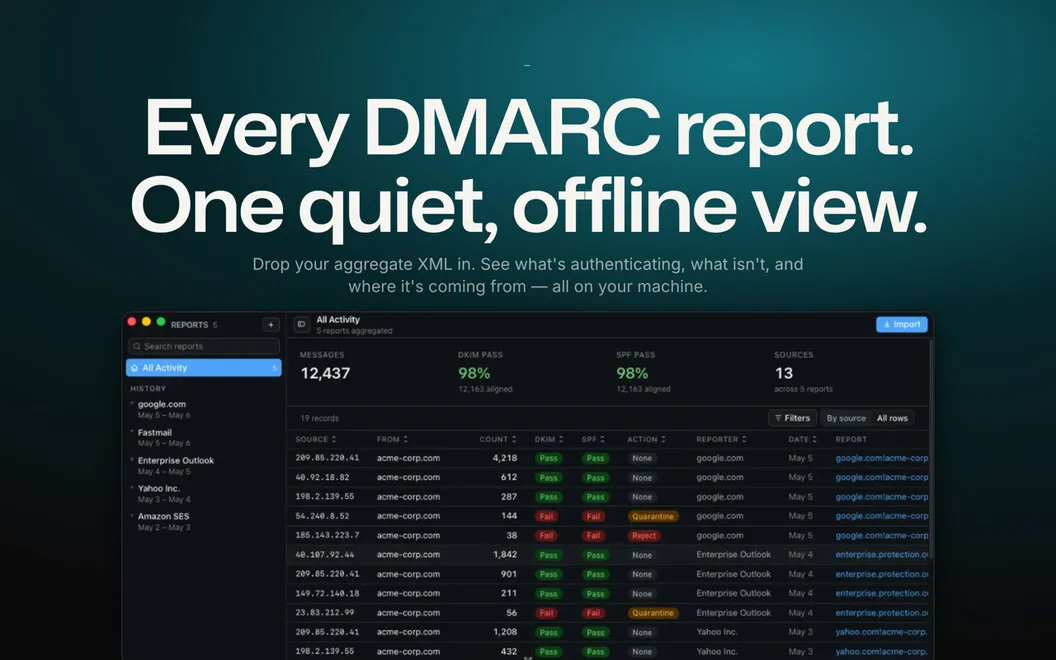
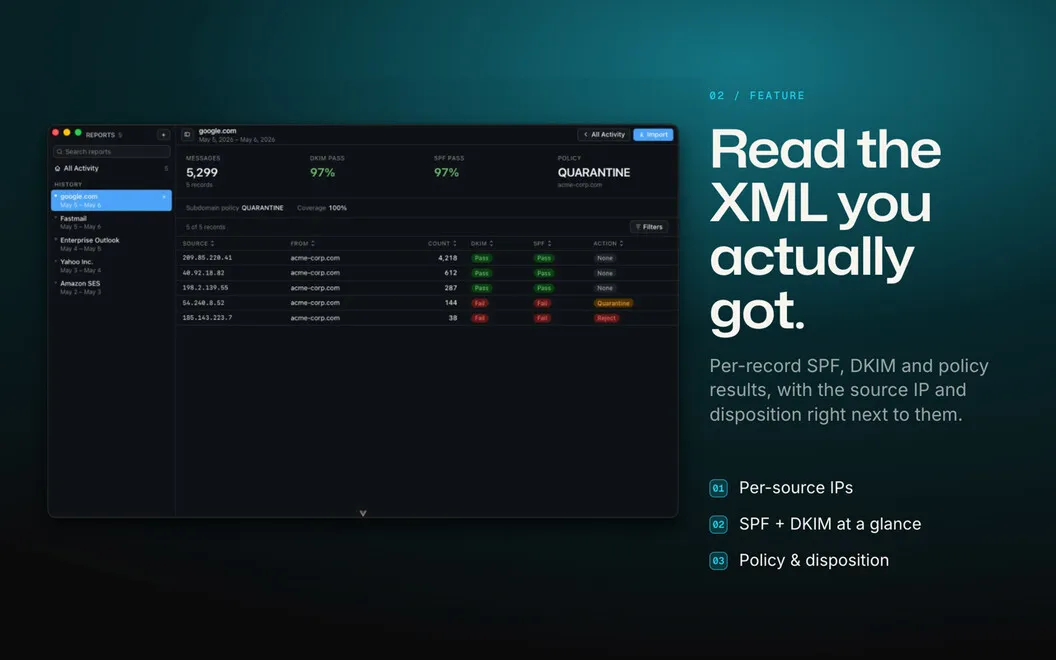
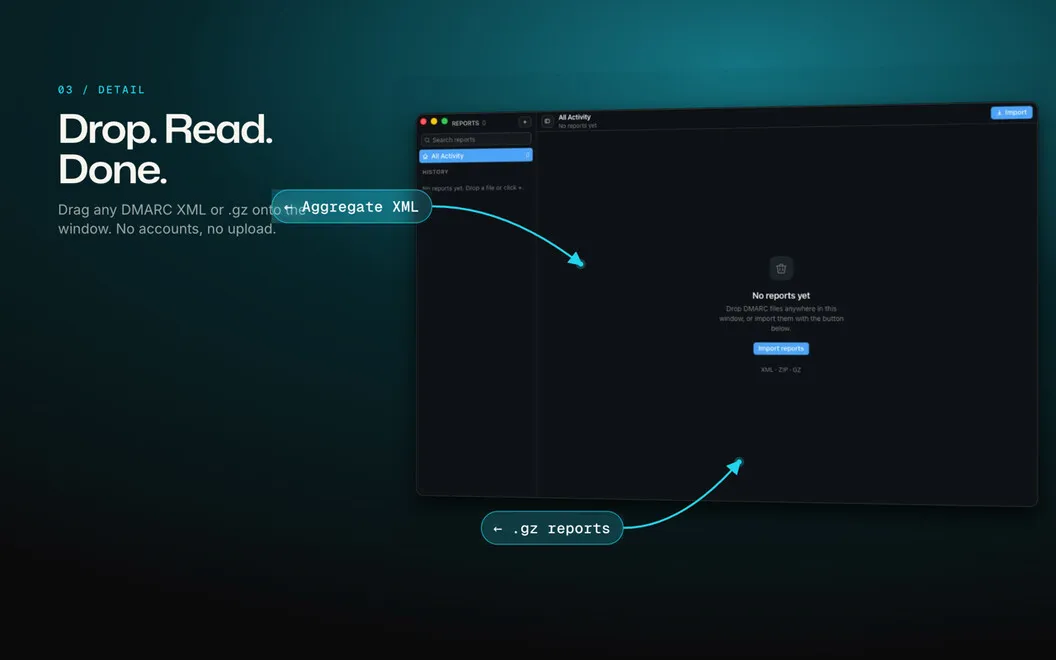
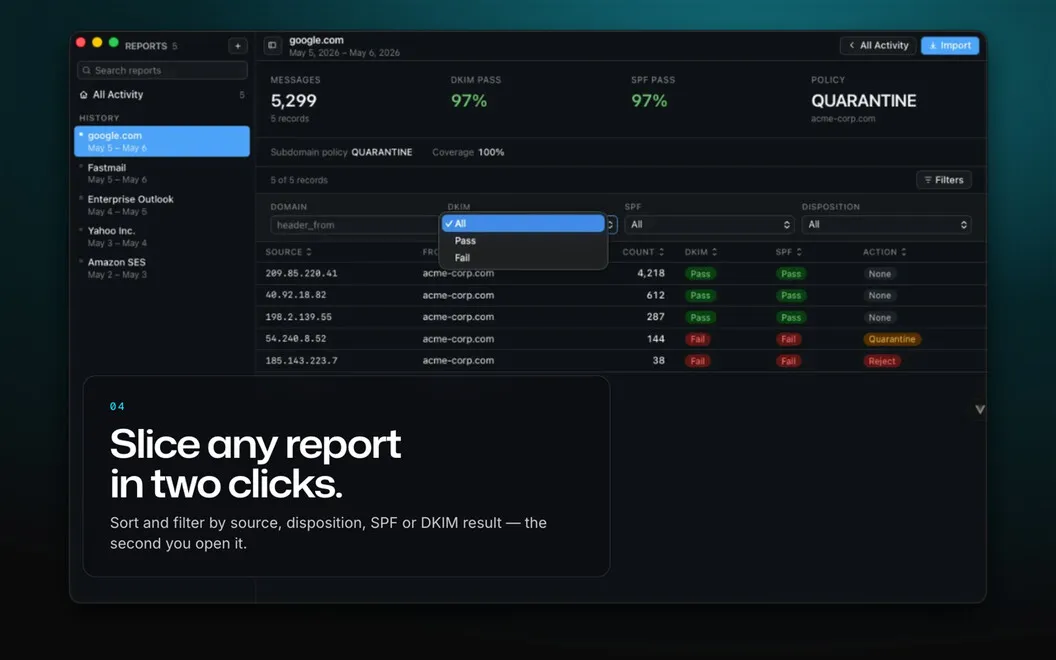
You get a readable view of your domain’s email authentication instead of having to decipher XML reports. Import XML files, zipped reports, or the original .eml emails to see which messages passed or failed SPF, DKIM, and DMARC checks. Your reports are processed locally on your Mac.
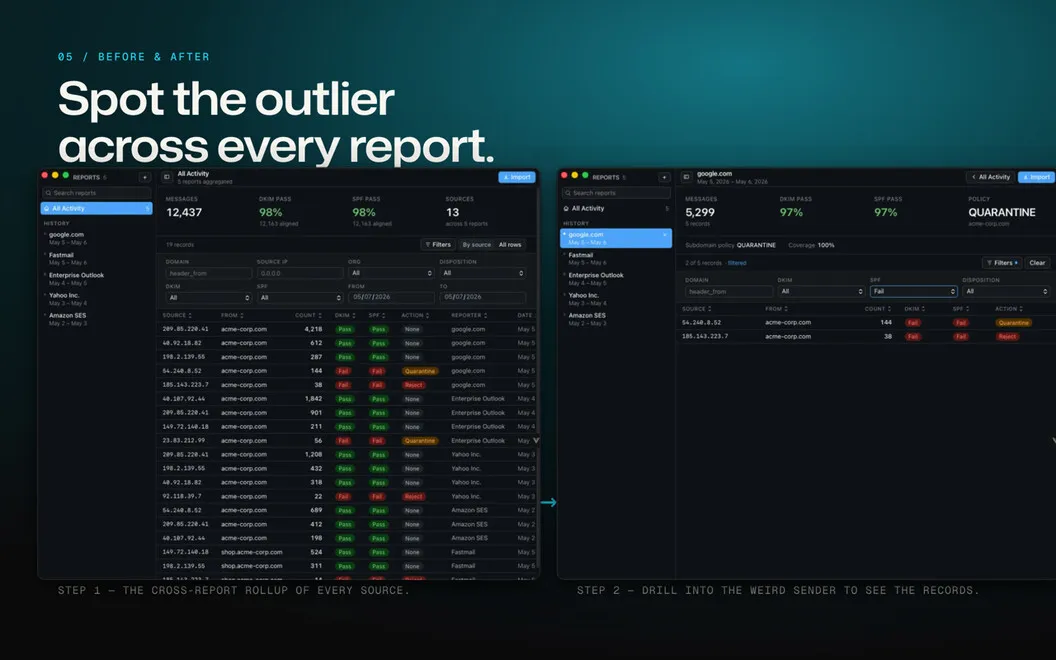
You can inspect sending IP addresses, identify the services behind them through reverse-DNS lookups, and trace a source across your imported history. That helps you investigate unfamiliar senders and spot authentication problems that may indicate spoofing or misconfigured legitimate mail.
As you add reports, you can compare pass rates and mail volume over time. Policy guidance and live DNS checks help you judge when to move from monitoring toward quarantine or rejection. You can also export filtered results to CSV for further analysis.
-
Understand authentication failures
You see SPF, DKIM, and DMARC results without manually reading XML.
-
Investigate unfamiliar senders
You can identify sending services and follow an IP address across your imported reports.
-
Choose stricter policies
You get guidance based on pass rates to help you assess when quarantine or rejection is appropriate.
-
Track changes over time
You can compare authentication rates and mail volume, then export filtered results to CSV.
Best for
- You administer email authentication for a domain
- You need to investigate suspicious sending sources
- You’re preparing to tighten your DMARC policy
Skip it if
You don’t need it if you only use a personal email account and don’t manage a domain’s authentication reports.
Screenshots
From the developer
DMARC Report Reader turns those unreadable aggregate reports piling up in your inbox into a clean, visual dashboard. Drop in any report — plain XML, zipped, or still buried in the .eml it arrived in — and see instantly what's passing, what's failing, and who's really sending mail as you.Read the full description
Alternatives to DMARC Report Reader
Other apps to check your Mac's security. See all
 Pareto Security
Check your security settings
Setapp
97% · 734 ratings
Pareto Security
Check your security settings
Setapp
97% · 734 ratings
 App Trust Preview
Inspect Mac apps for security risks and privacy concerns before running them
Sold separately
App Trust Preview
Inspect Mac apps for security risks and privacy concerns before running them
Sold separately
 Moonlock
Protect Mac from cyber threats
Setapp
92% · 518 ratings
Moonlock
Protect Mac from cyber threats
Setapp
92% · 518 ratings
 EasyHomebrew
Homebrew, minus the Terminal
Sold separately
EasyHomebrew
Homebrew, minus the Terminal
Sold separately