
EasyHomebrew
Homebrew, minus the Terminal
EasyHomebrew gives you a graphical way to manage Homebrew packages on your Mac, suited to developers and other Homebrew users who prefer not to type commands.
by Wizhut.tech
What you get
You can maintain your Homebrew setup without typing Terminal commands.
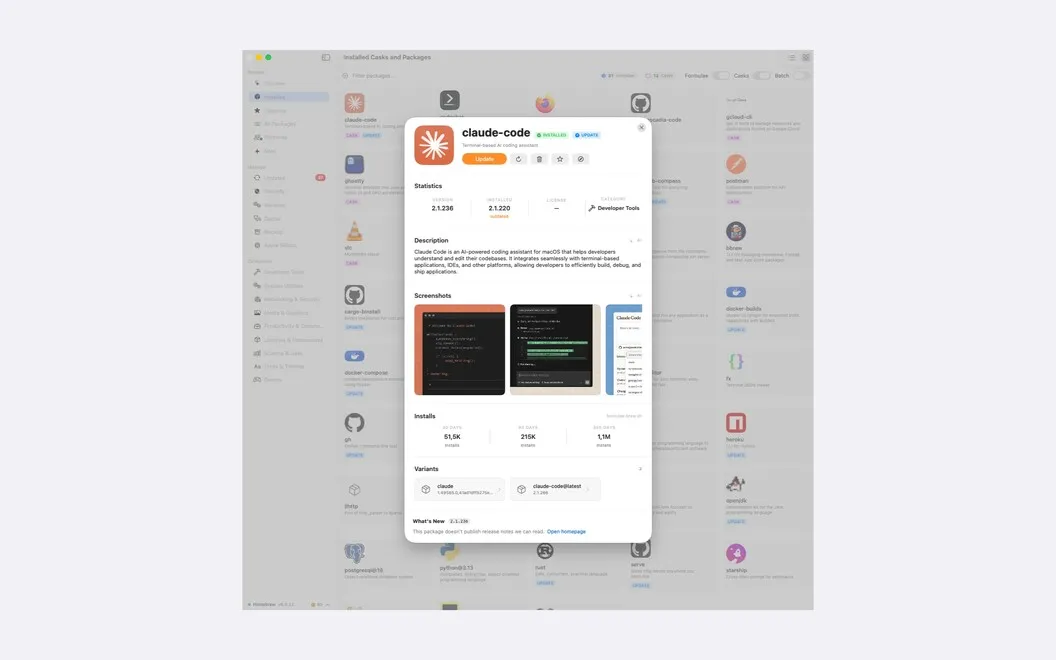
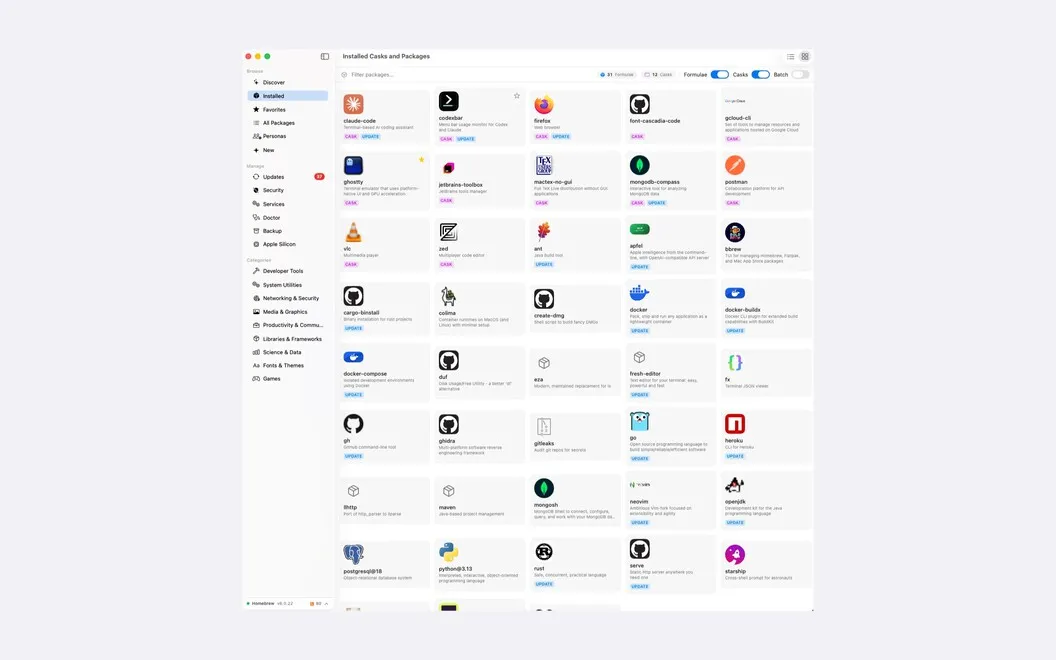
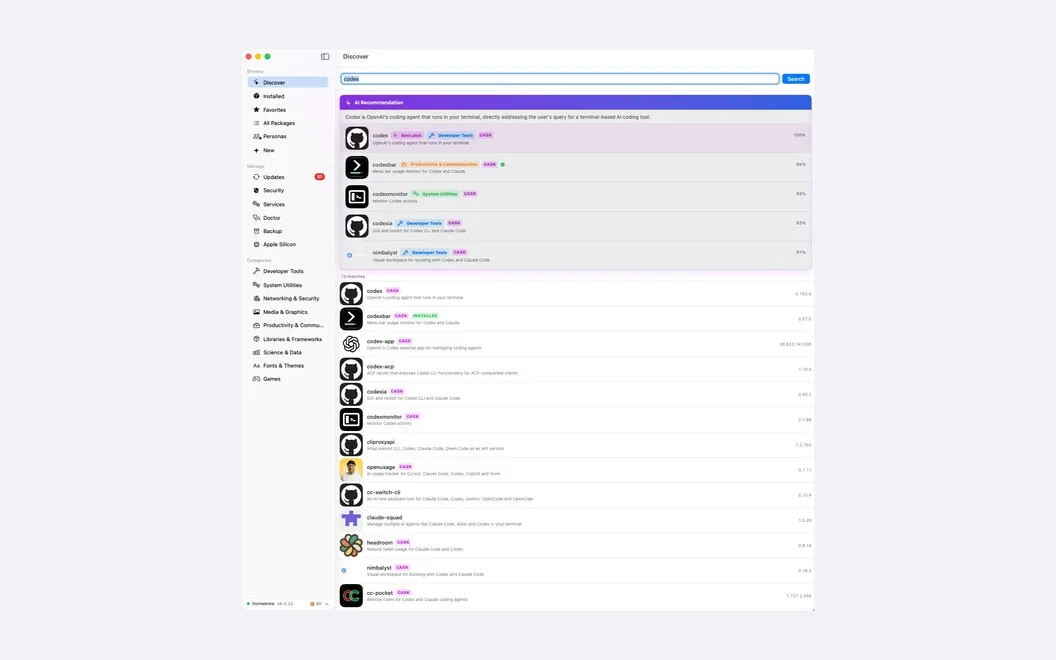
You can find, install, update, and remove Homebrew packages through a graphical interface instead of remembering commands. Search by what you need a tool to do, then review release notes before updating. If you need to keep a particular version, you can pin it or postpone an update.
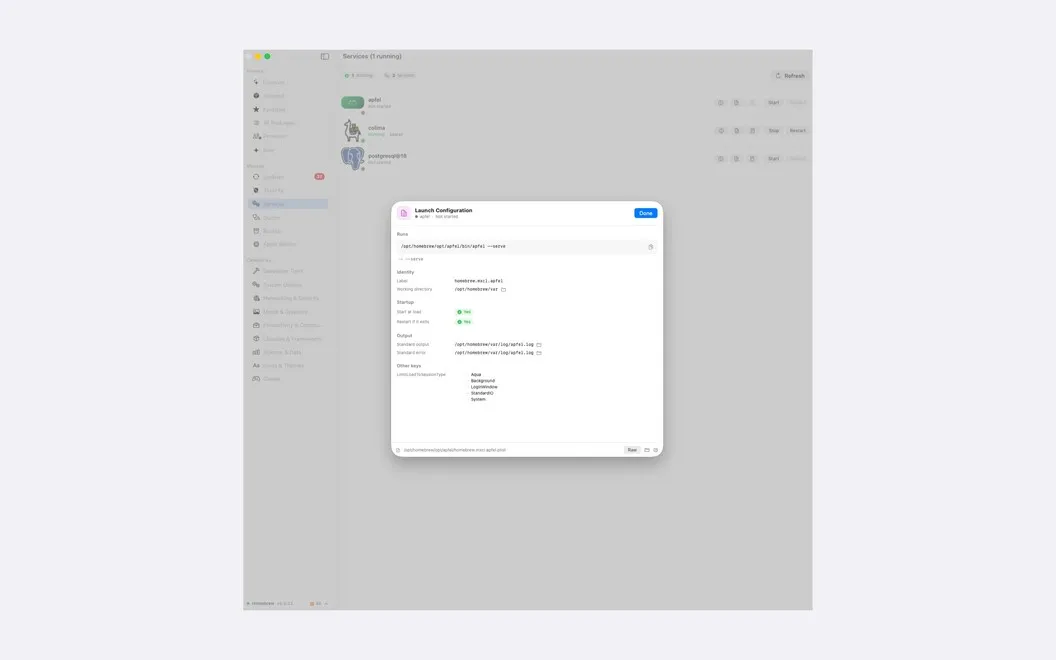
You also get a clearer view of known security problems in your installed packages. Scheduled checks flag vulnerabilities, show their severity, and let you open official advisories. When your Homebrew setup needs attention, you can run health checks and apply fixes where Homebrew provides them. You can also start or stop local databases and web servers and watch their logs.
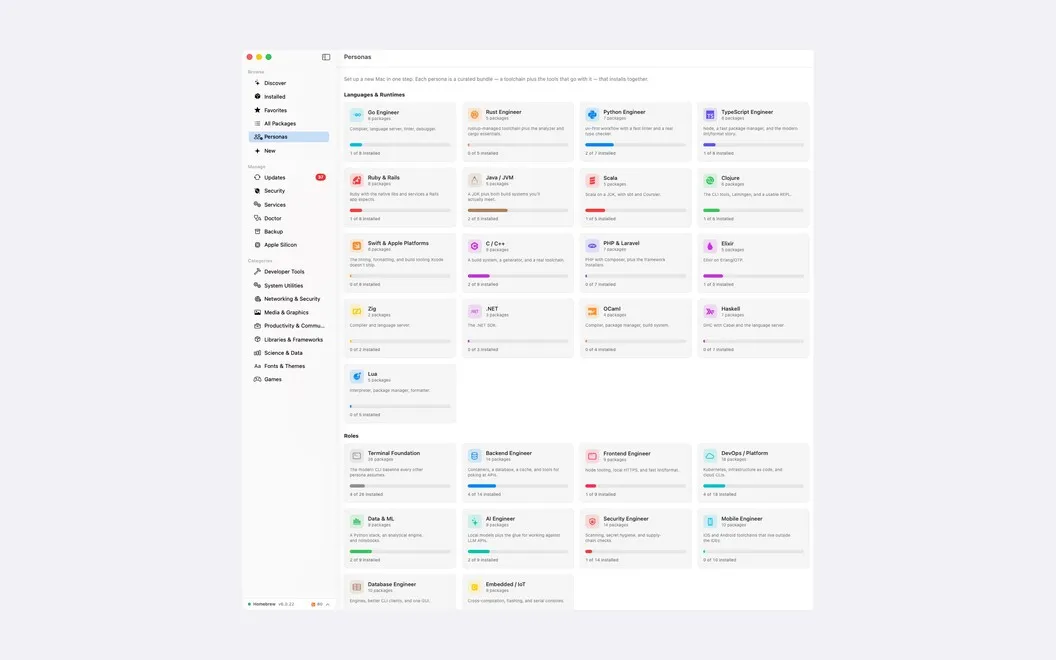
When you set up another Mac, you can install a curated tool bundle or export your existing package setup and restore it there. Restoring adds missing items without disturbing what's already installed. You don't need an account, and the app collects no analytics or tracking data.
-
Skip the command syntax
You can find, install, and remove packages without typing Homebrew commands.
-
Spot known vulnerabilities
You see affected packages, severity levels, and official advisories, with scheduled checks for newly reported issues.
-
Choose when to update
You can read release notes first, hold a package at its current version, or snooze an update.
-
Recreate your setup
You can transfer your Homebrew package list to another Mac and restore only what's missing.
-
Keep local services running
You can start, stop, or restart databases and web servers, inspect live logs, and apply available Homebrew fixes.
Best for
- You use Homebrew but prefer a graphical interface
- You want to check installed packages for known vulnerabilities
- You're setting up or moving to another Mac
Skip it if
You don't need it if you don't use Homebrew or are content managing packages and checking advisories yourself.
Screenshots
From the developer
EasyHomebrew is a Homebrew manager for Mac that gives brew a proper interface. Browse, install, update, and remove packages without typing a command. It also checks everything you've installed against a live vulnerability database and lets you know when something needs attention. No account, no analytics, no tracking.Read the full description
Alternatives to EasyHomebrew
Other apps to manage Homebrew packages. See all