Dropshare
The most flexible file sharing tool you'll ever use
Dropshare gives you a way to upload files, capture screenshots, and share download links from your Mac. It suits you if you regularly send files or visual explanations to others.
by Dropshare · 93% positive (424)
What you get
Share files and annotated screenshots with passwords and time-limited links.
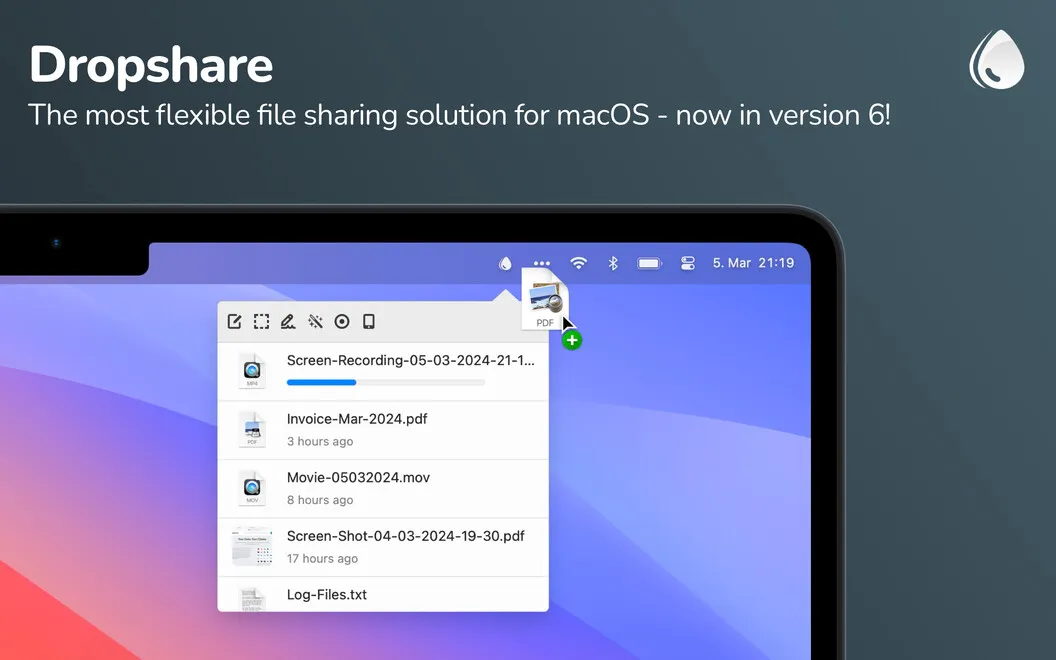
You can turn files on your Mac into download links using your preferred supported cloud hosting provider. Drag files or folders onto Dropshare’s menu bar app, including several at once, to upload what you need to send to clients, colleagues, or friends.
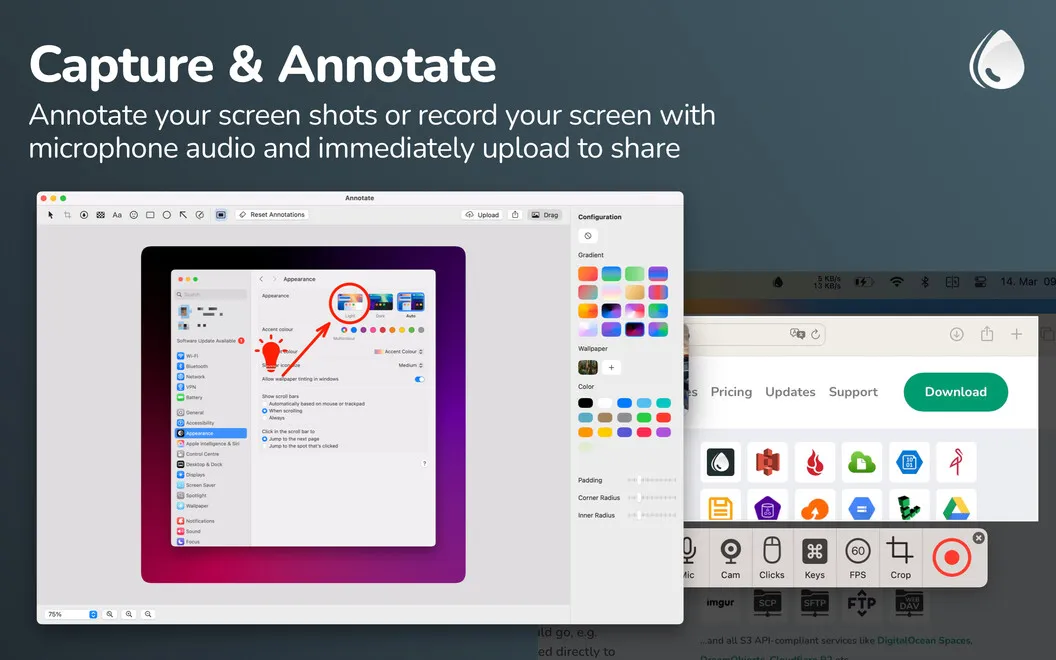
When showing something is clearer than describing it, you can capture your screen, annotate a screenshot, or make a screen recording. Your captures upload automatically, so you can move from explaining an issue to sharing the evidence without a separate manual upload.
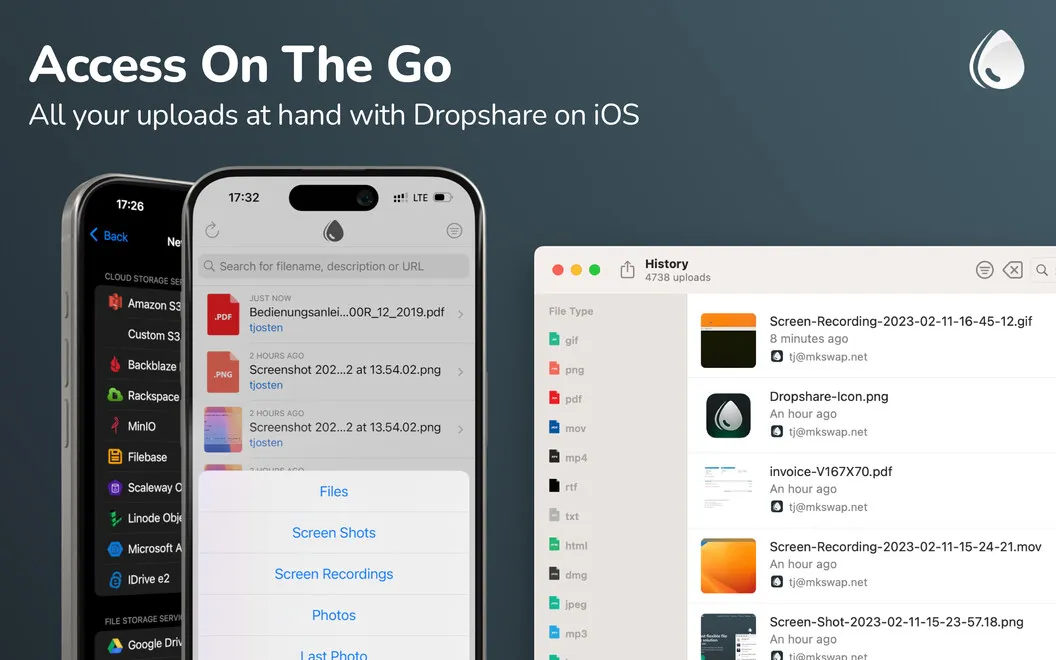
You also get control over access to your shared downloads. Add a password so recipients need more than the link, or set an expiration period so the link stops working after a chosen time. Custom keyboard shortcuts let you repeat common actions with less clicking, while synchronized upload history keeps your previous uploads at hand across your devices.
-
Send several files together
You can drag multiple files or folders onto the menu bar app to upload them to a supported hosting provider.
-
Show what needs explaining
You can annotate screenshots or record your screen, with captures uploaded automatically for sharing.
-
Limit download access
You can require a password or set links to expire after a period you choose.
-
Revisit previous uploads
You can access synchronized upload history across your devices when you need to find something you uploaded earlier.
Best for
- You regularly send files to clients or colleagues
- You explain issues through screenshots or screen recordings
- You need password-protected or temporary download links
Skip it if
You probably do not need it if your existing cloud storage already handles your occasional sharing needs and you do not need screen captures or link controls.
Screenshots
From the developer
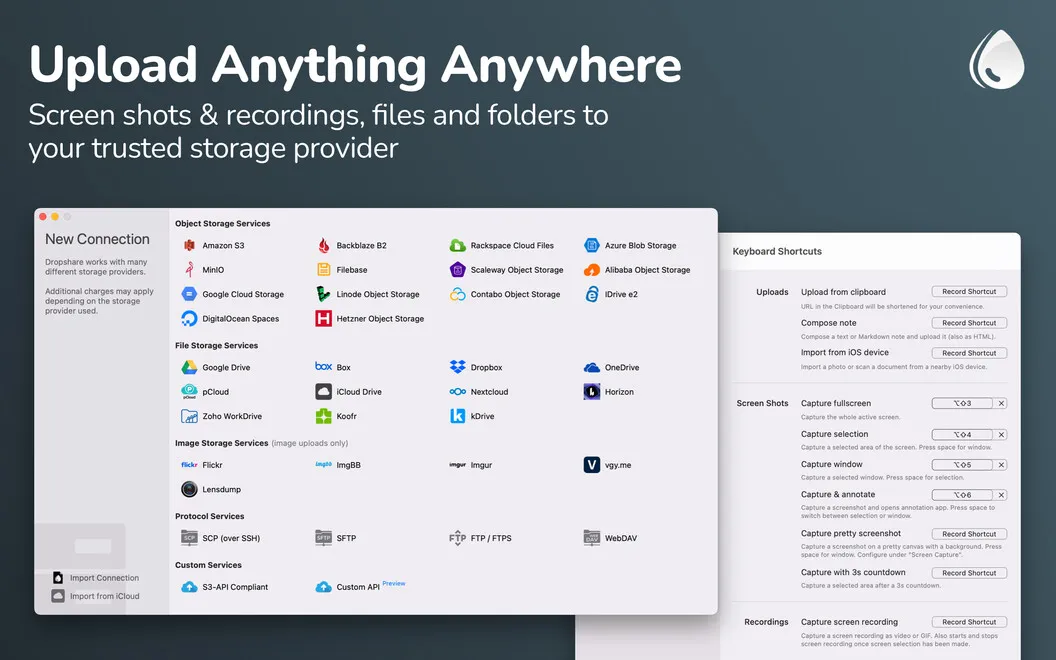
The number of cloud storage services available to you might be overwhelming, right? Imagine that you can now use one secure platform, which brilliantly works with your favorite cloud hosting providers. Like that? Dropshare is the app you should definitely try.Read the full description
Alternatives to Dropshare
Other apps to share files with links. See all