
Taphouse
A native macOS GUI for Homebrew — install, update, and manage packages.
Taphouse gives you a visual way to manage Homebrew on your Mac, so you can install and maintain packages without typing commands for every task.
by Athanasios Chonias · 98% positive (65)
What you get
You can keep Homebrew packages current and organized without typing commands.
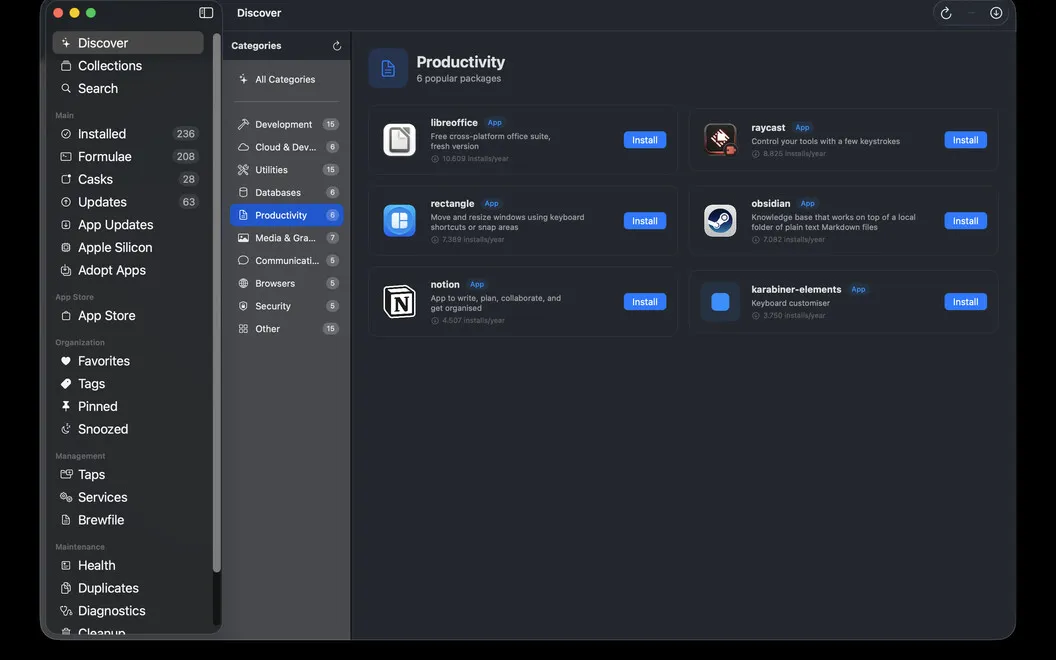
With Taphouse, you can find and install Homebrew packages through a Mac interface rather than looking up commands. Before installing, you can check dependencies, licenses, disk usage, and caveats. You can still watch the command output as it runs and use Terminal whenever you prefer.
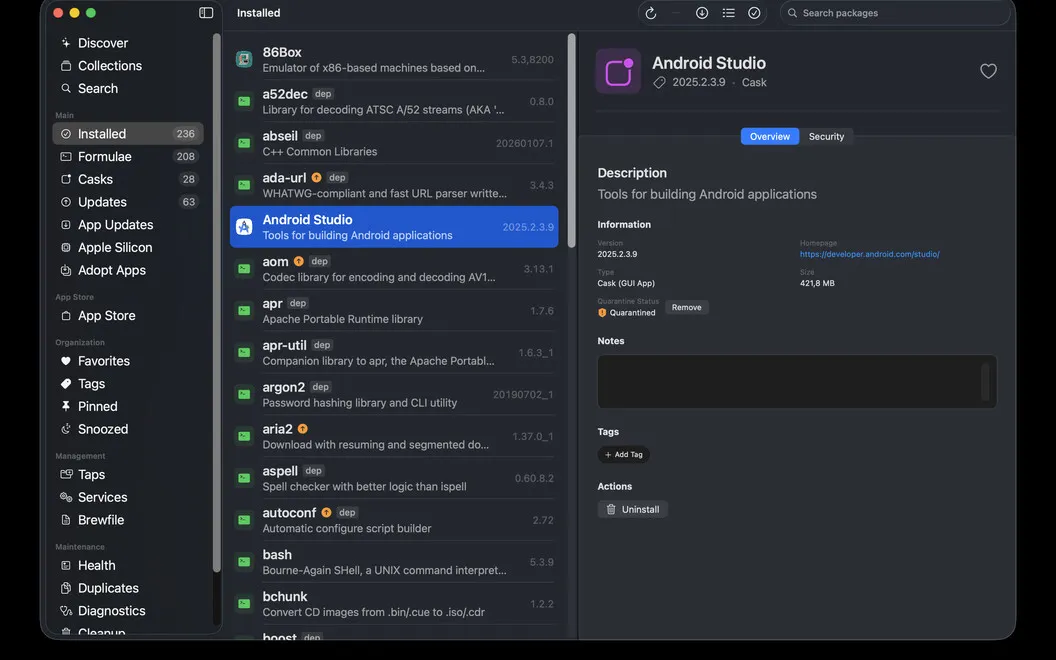
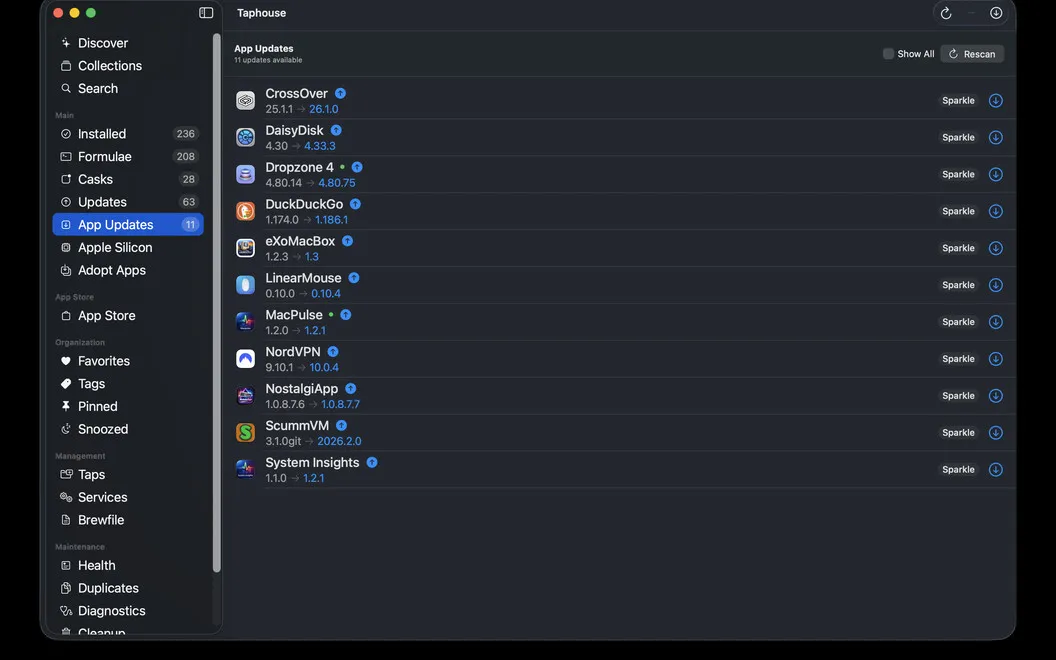
You get a clear view of what’s installed and what needs updating. You can upgrade, uninstall, or pin several packages together, bring existing apps under Homebrew management, and choose between update notifications and automatic background upgrades. If an app is running, you can have Taphouse close it cleanly before upgrading.
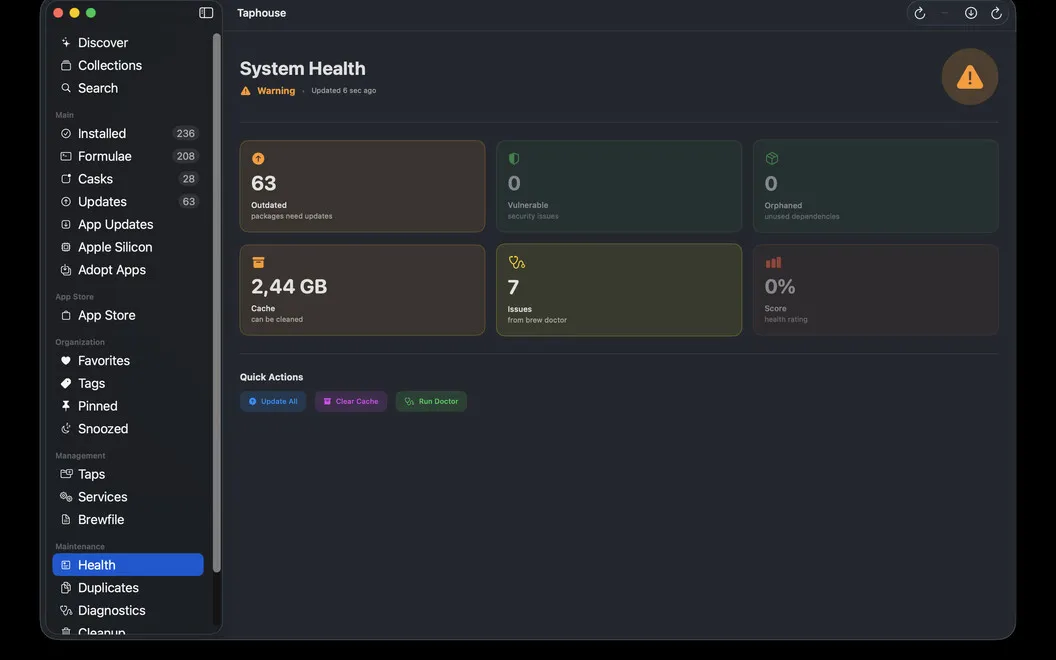
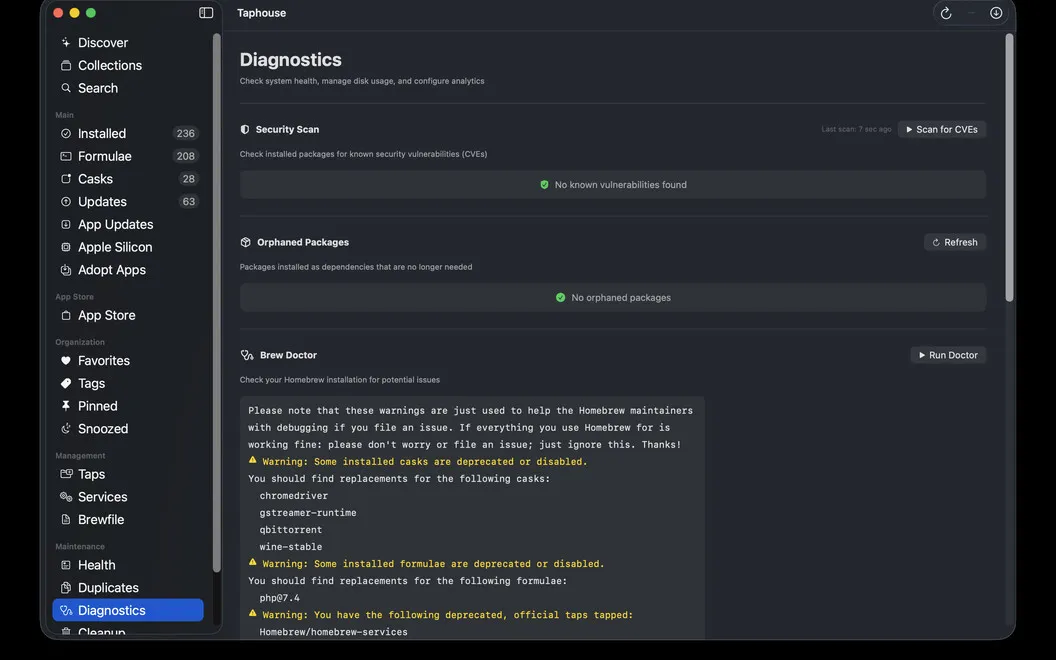
For ongoing upkeep, you can start or stop Homebrew services, check your setup for problems, and clear unneeded Homebrew files. When you move to another Mac, you can export and import a Brewfile to carry over your package setup rather than rebuild the list by hand.
-
Know before you install
You can check dependencies, licenses, disk usage, and caveats before adding a package.
-
Update packages together
You can upgrade multiple packages at once or let background upgrades handle routine maintenance.
-
Control services without commands
You can start and stop Homebrew services without remembering the Terminal syntax.
-
Carry your setup over
You can export and import Brewfiles to recreate your package setup on another Mac.
-
Reclaim Homebrew storage
You can see how much space Homebrew uses and clear files you no longer need.
Best for
- You use Homebrew but prefer clicking to typing commands
- You maintain many Homebrew packages and services
- You want to move your package setup between Macs
Skip it if
You don’t need it if you don’t use Homebrew or already prefer managing everything in Terminal.
Screenshots
From the developer
Taphouse is a native Homebrew app for Mac that turns brew commands into simple point-and-click actions. Built in SwiftUI, it gives you a cleaner way to browse, install, update, and manage packages — without giving up the terminal when you still want it.Read the full description
Alternatives to Taphouse
Other apps to manage Homebrew packages. See all