Filmage Editor
Easily edit videos like a pro
Filmage Editor is a video editor for you if you want to assemble multitrack videos, make precise cuts, and add motion or effects without extensive editing experience.
by PDF Technologies, Inc · 72% positive (466)
What you get
Turn your footage into precisely cut videos with layered visuals and motion.
With Filmage Editor, you can turn separate clips into a finished sequence, adjusting cuts down to individual frames. You can layer footage, audio, and overlays across multiple tracks, or show two views at once with picture-in-picture. Drag-and-drop editing and selectable video sizes help you prepare footage for social posts.
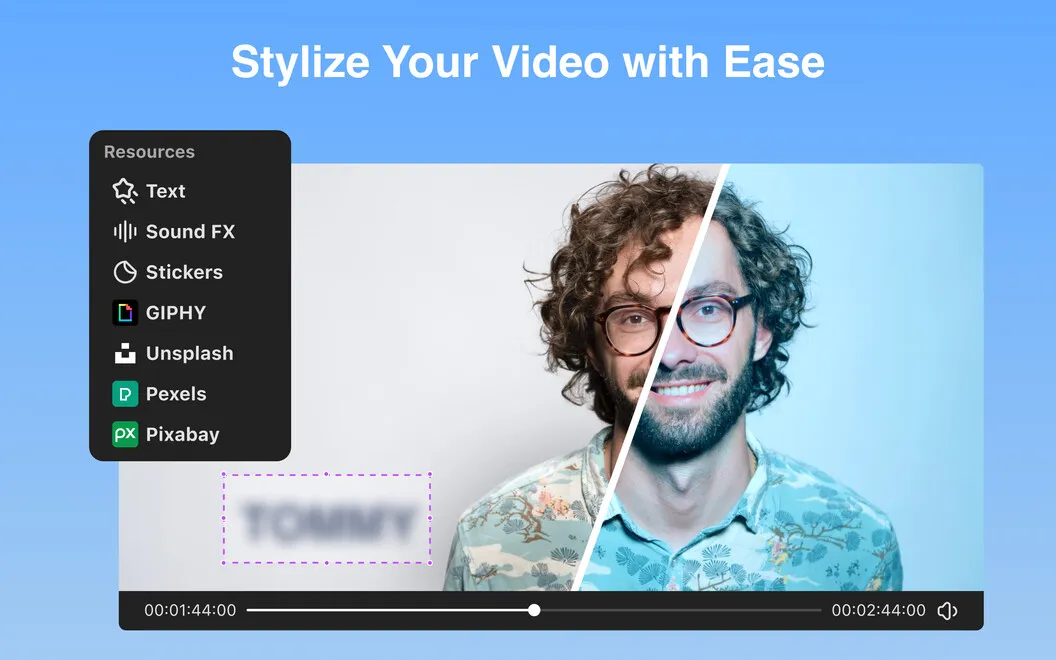
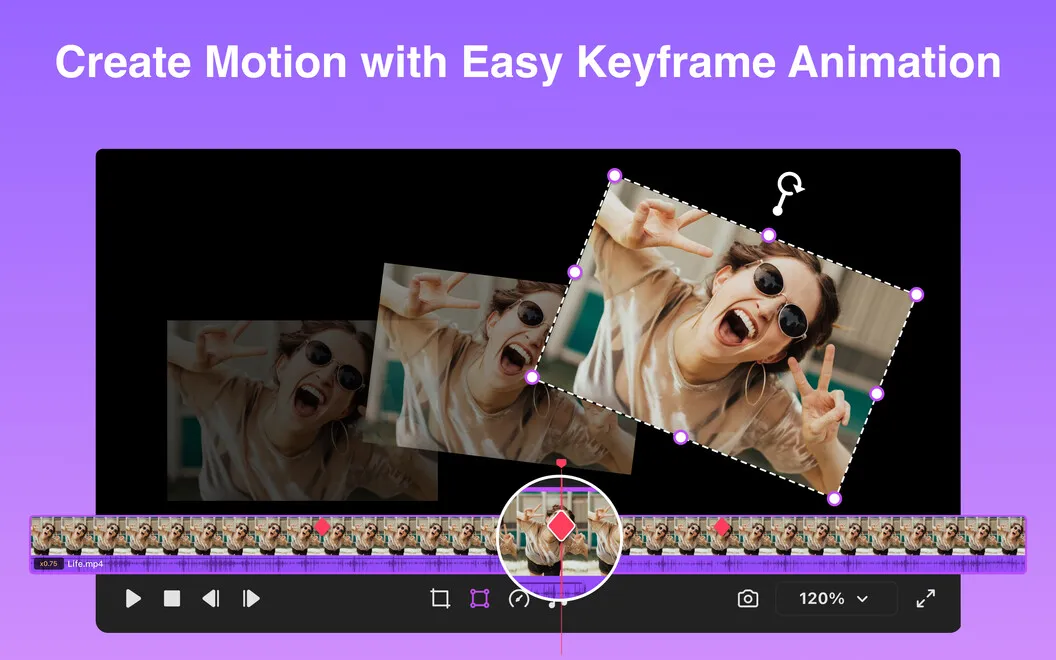
You can change the pacing by slowing down a moment or speeding through a longer sequence. Animate titles, logos, stickers, and images with keyframes, apply filters, or blur faces, addresses, and other details you don’t want visible.
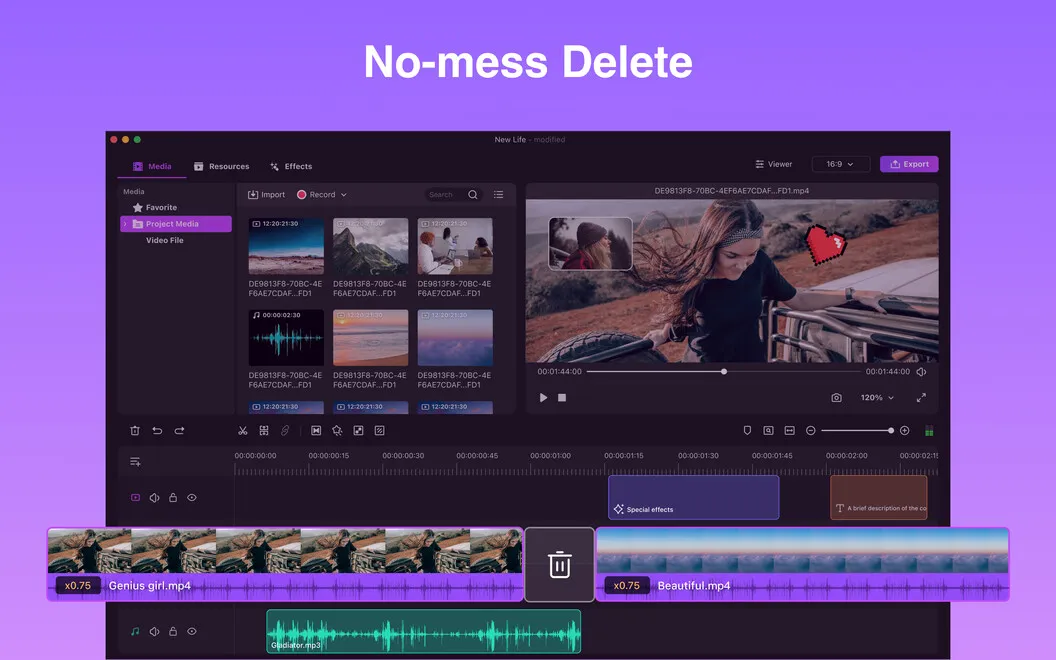
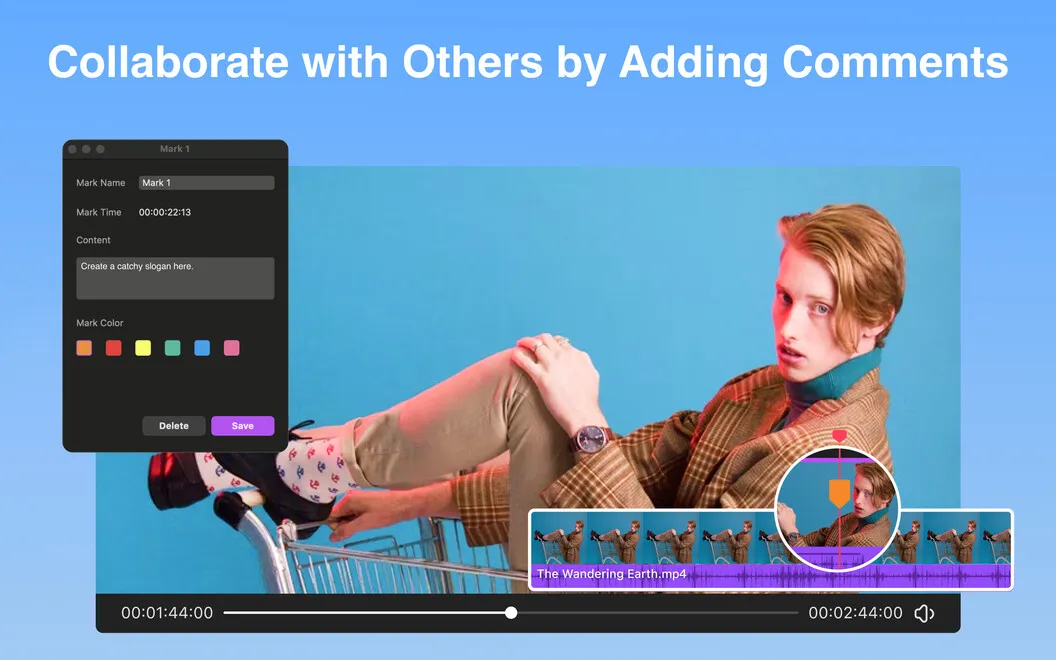
For longer projects, you can leave notes and comments at specific points on the timeline so you know where to return. When removing unwanted sections, you can choose ripple delete to close gaps automatically instead of manually moving the remaining clips.
-
Get your cuts right
You can adjust edits frame by frame to control exactly where each shot begins and ends.
-
Spend less time closing gaps
You can ripple-delete unwanted sections so the remaining clips move together automatically.
-
Control pace and movement
You can speed up or slow down footage and animate titles, logos, and images.
-
Keep private details unseen
You can blur faces, addresses, labels, or confidential information before sharing your footage.
-
Remember what needs attention
You can attach notes and comments to timeline markers when revisiting a long-running edit.
Best for
- You’re making social videos with layered footage and effects
- You want precise cuts without extensive editing experience
- You revisit longer projects and need notes tied to specific moments
Skip it if
You don’t need it if your current editor already covers your cuts, layers, speed changes, and blur needs.
Screenshots
From the developer
Edit videos like a pro, even if you are not. Creating stunning visuals with complicated edits and montages shouldn’t be difficult. Remove all obstacles to your inspiration and creativity with Filmage Editor, an easy-to-master tool for professional video editing.Read the full description
Alternatives to Filmage Editor
Other apps to edit videos. See all
 LazyReel
Edit short-form videos fast
Setapp
70% · 20 ratings
LazyReel
Edit short-form videos fast
Setapp
70% · 20 ratings
 GlueMotion
Turn photos into time lapses
Setapp
93% · 72 ratings
GlueMotion
Turn photos into time lapses
Setapp
93% · 72 ratings
 BeeRoll
Transcribe, cut, caption
Setapp
BeeRoll
Transcribe, cut, caption
Setapp
 ChopShop
Edit video. Skip the drama
Sold separately
ChopShop
Edit video. Skip the drama
Sold separately
 Speedup
Fast-forward the boring parts
Sold separately
Speedup
Fast-forward the boring parts
Sold separately
 DaVinci Resolve
Mac App Store
DaVinci Resolve
Mac App Store