
GlueMotion
Turn photos into time lapses
GlueMotion helps you turn photo sequences into time-lapse videos. It suits hobbyist and professional photographers who want consistent brightness and batch corrections without editing every frame individually.
by NEEDEDAPPS PTE. LTD. · 93% positive (72)
What you get
Turn your photo sequences into time-lapse videos with less flicker.
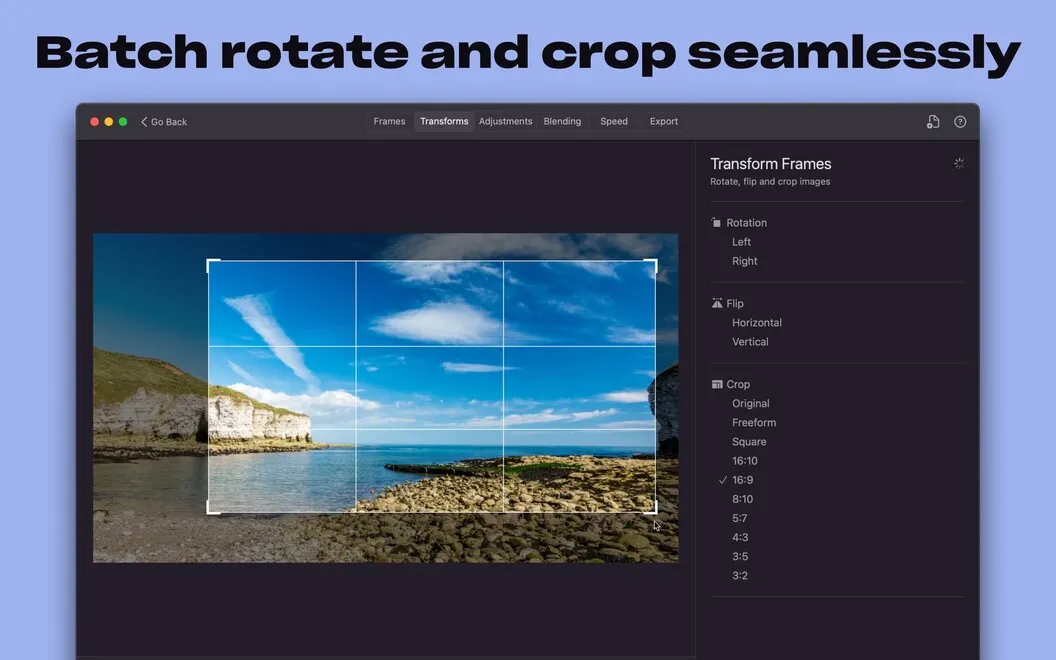
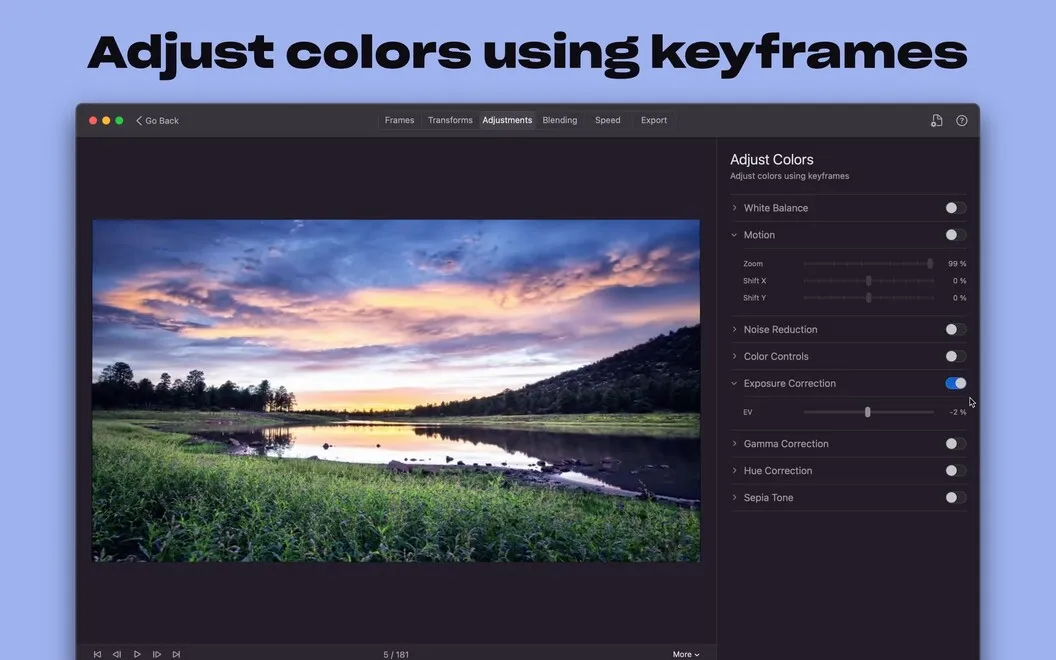
You can turn a long sequence of still photos into a time-lapse video without correcting each image by hand. GlueMotion lets you crop, rotate, and adjust exposure, saturation, highlights, and shadows across your images together, so you spend less time repeating the same edits.
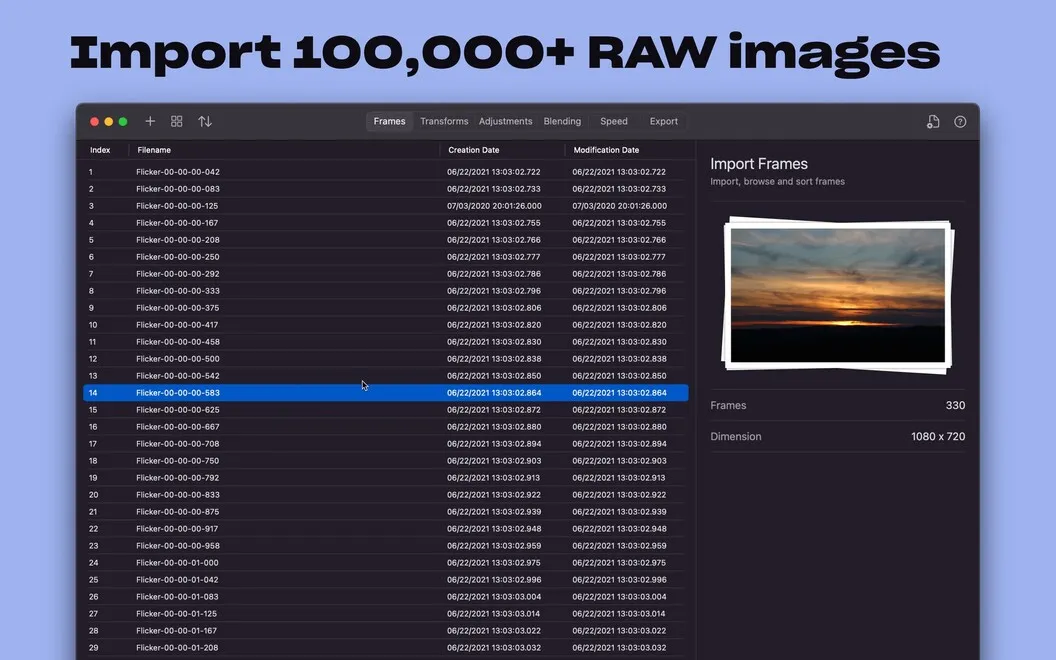
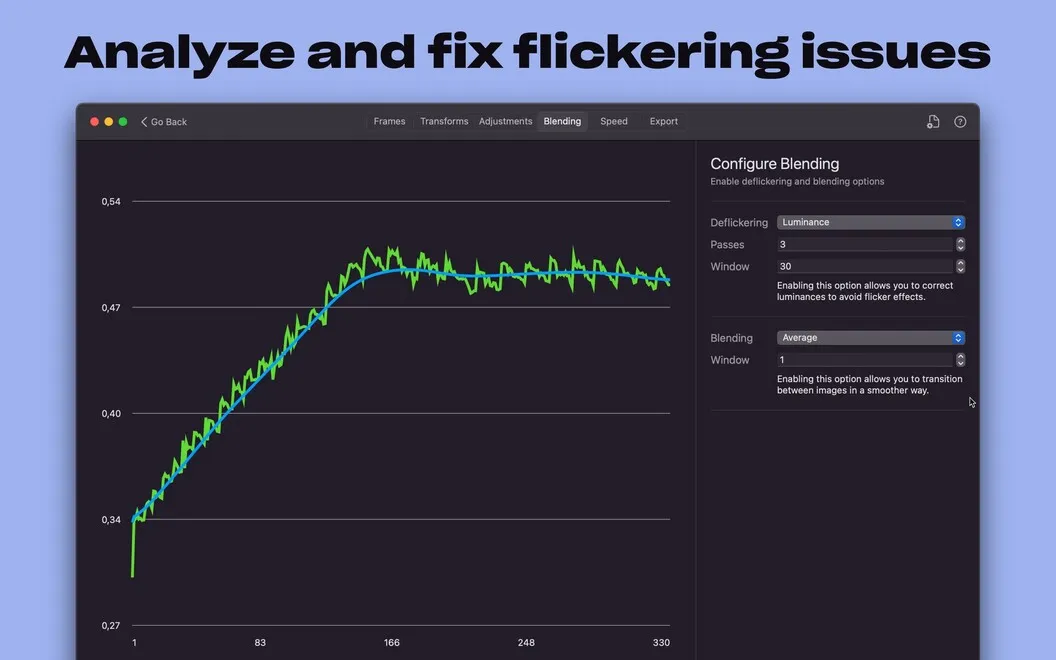
When clouds or changing sunlight cause uneven brightness between frames, you can use automatic deflickering to reduce the distracting pulses in your finished video. You can work with large shoots containing tens of thousands of images, including JPEG, PNG, and RAW files supported by macOS.
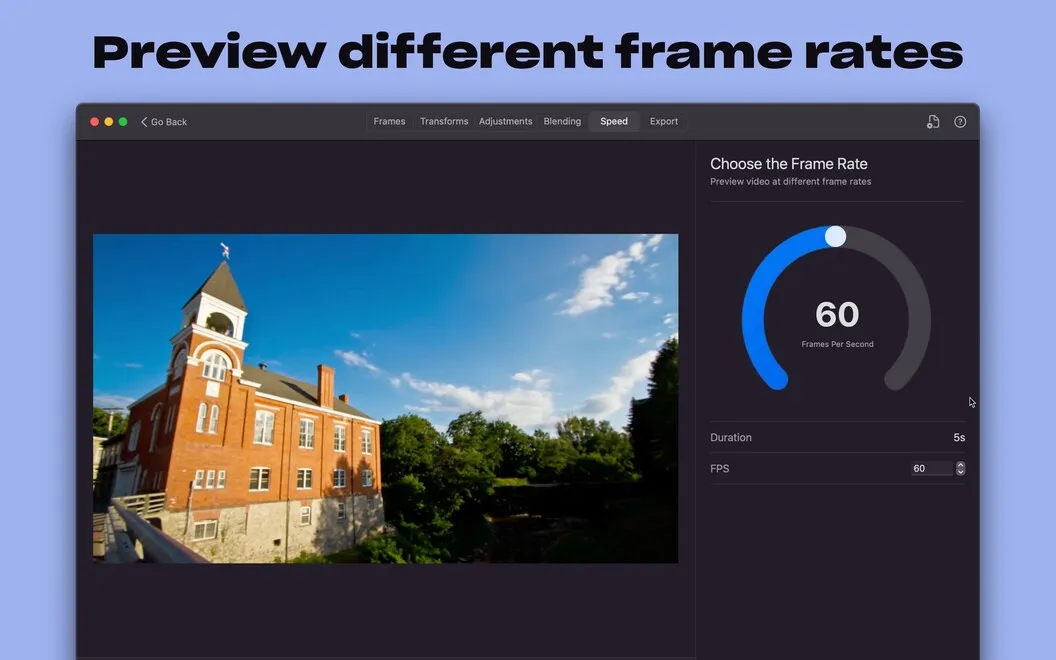
You also control the playback speed by choosing your frame rate, with an estimated video duration available before encoding. Export your finished time lapse as MOV, MP4, or M4V, using H.264, ProRes, or HEVC, without needing a separate format-conversion step.
-
Less distracting flicker
You can reduce brightness jumps caused by clouds or shifting sunlight with automatic corrections across your sequence.
-
Fewer repetitive edits
You can crop, rotate, and adjust color and exposure across your photos instead of correcting each frame separately.
-
Room for long shoots
You can build time lapses from tens of thousands of JPEG, PNG, or macOS-supported RAW images.
-
Predictable playback length
You can choose your frame rate and see an estimated duration before encoding your video.
-
Your chosen export format
You can export MOV, MP4, or M4V videos with H.264, ProRes, or HEVC encoding.
Best for
- Photographers turning interval shoots into time lapses
- Outdoor shoots with changing light
- Large photo sequences needing consistent corrections
Skip it if
You don't need it if you only edit individual photos or want to cut together existing video clips.
Screenshots
From the developer
It can be tricky to create a great looking time lapse video because of unexpected interruptions and weather changes. GlueMotion is designed to reduce the stress associated with creating time lapse movies by automating image correction and deflickering as it works to create an end result that’s smoot...Read the full description
Alternatives to GlueMotion
Other apps to edit videos. See all
 Filmage Editor
Easily edit videos like a pro
Setapp
72% · 466 ratings
Filmage Editor
Easily edit videos like a pro
Setapp
72% · 466 ratings
 LazyReel
Edit short-form videos fast
Setapp
70% · 20 ratings
LazyReel
Edit short-form videos fast
Setapp
70% · 20 ratings
 BeeRoll
Transcribe, cut, caption
Setapp
BeeRoll
Transcribe, cut, caption
Setapp
 ChopShop
Edit video. Skip the drama
Sold separately
ChopShop
Edit video. Skip the drama
Sold separately
 Speedup
Fast-forward the boring parts
Sold separately
Speedup
Fast-forward the boring parts
Sold separately
 DaVinci Resolve
Mac App Store
DaVinci Resolve
Mac App Store