Finder Audio Tools
Preview audio in Finder
Finder Audio Tools lets you audition samples, MIDI files, and NKS presets in Finder. It’s for you if choosing sounds is part of your music-making workflow.
by Wide Blue Sound
What you get
Choose samples in Finder without loudness differences skewing what you hear.
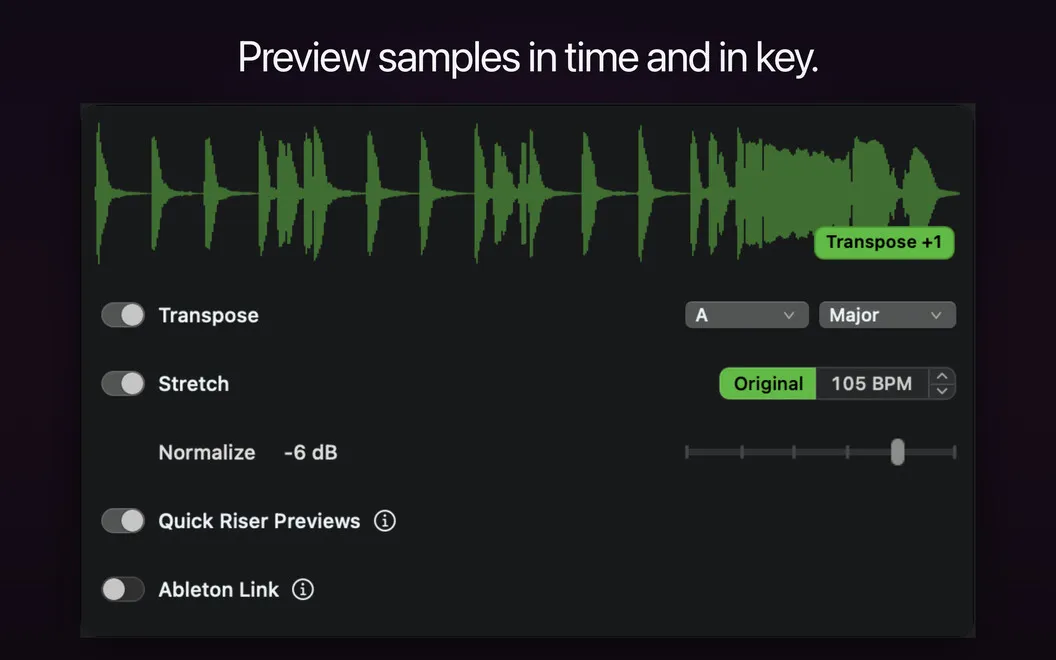
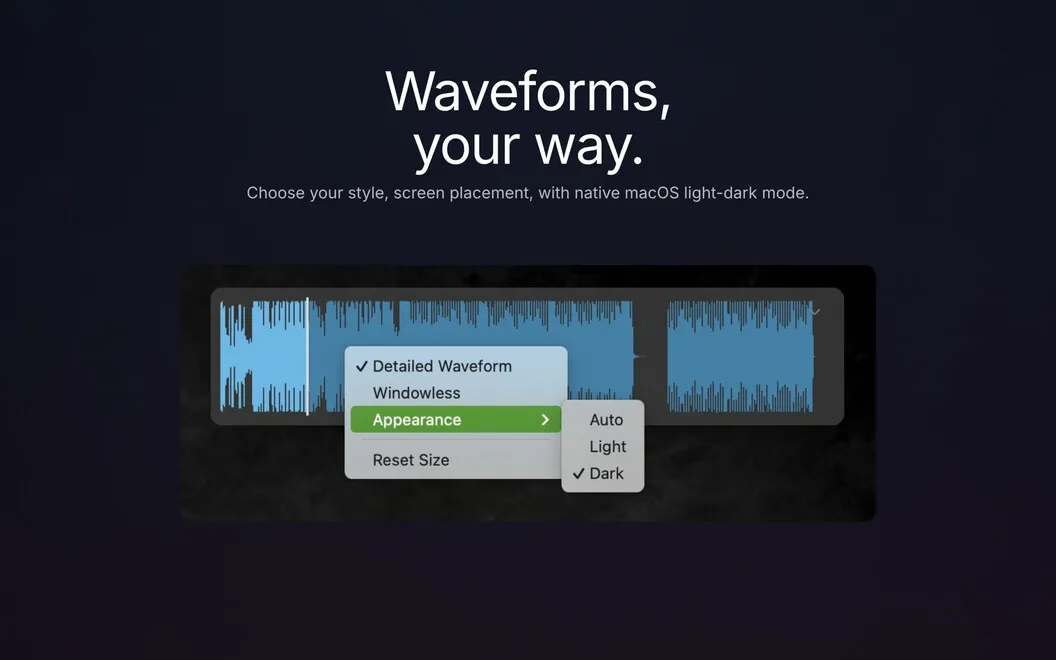
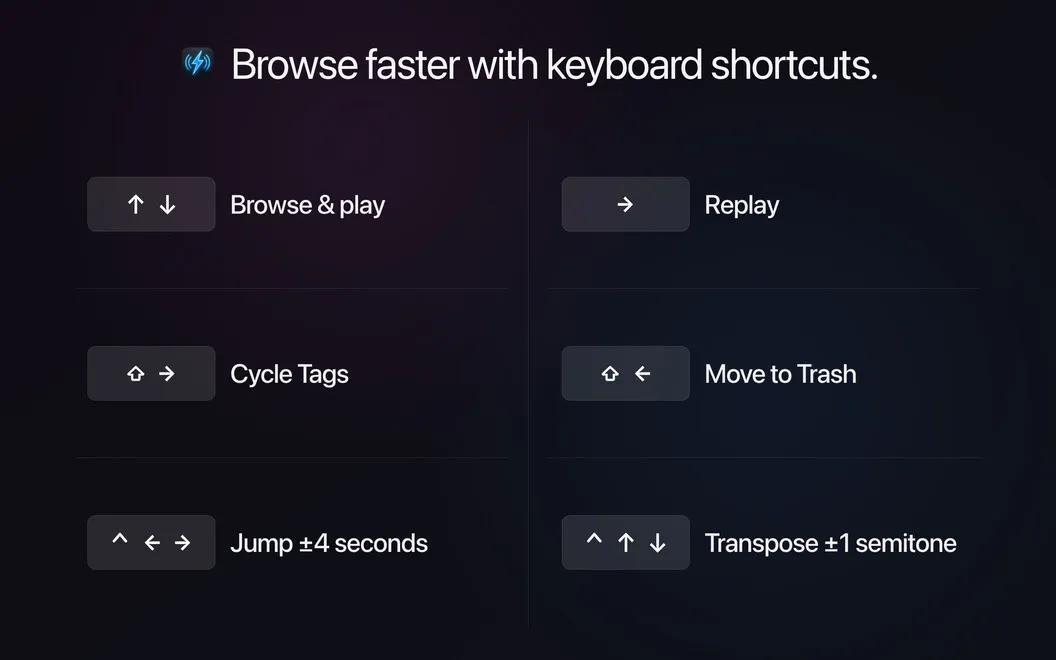
You can work through your sample library in Finder and compare sounds at a consistent playback volume, so a louder sample doesn’t automatically seem like the better choice. Keyboard controls help you keep browsing, while waveform previews let you spot sharp attacks, loops, and silent sections before listening.
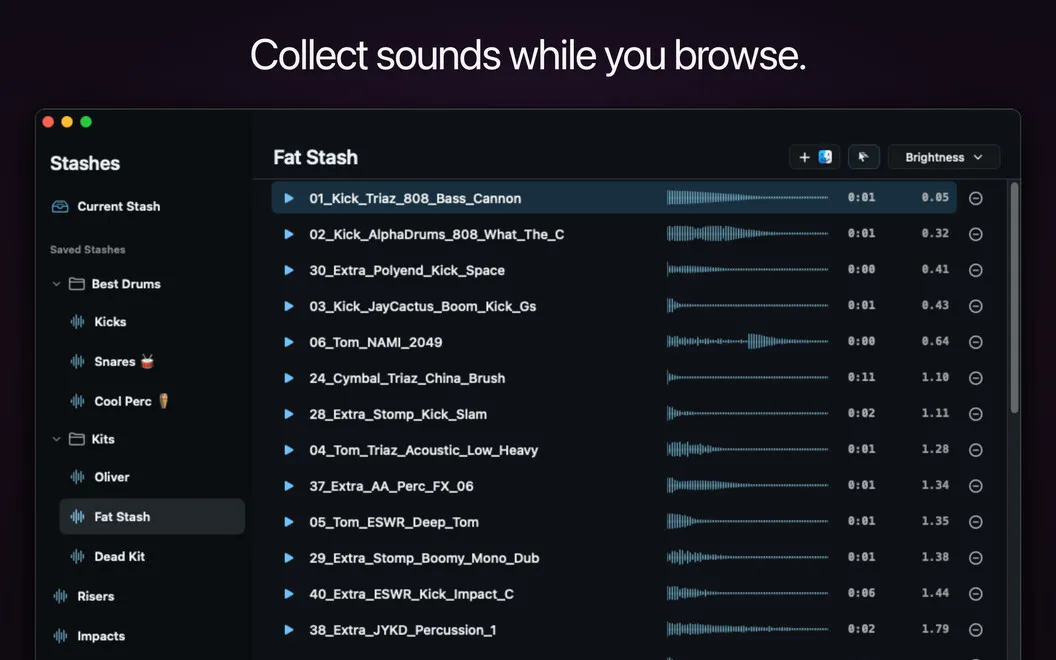
When you find sounds worth keeping, you can collect them into Stashes for a project, drum kit, or effect collection. Then drag the group into your DAW or sampler when you’re ready to use it. Your original files stay unchanged.
You can also hear MIDI files and NKS presets as you browse compatible libraries, and preview formats Finder doesn’t normally handle, including REX/RX2, FLAC, WavPack, and NCW. The app stays in your menu bar and uses no CPU while idle.
-
Compare sounds fairly
You hear samples at matched volume, making it easier to judge their character rather than their loudness.
-
Skip unsuitable samples sooner
You can inspect waveforms for attacks, loops, and silence before spending time listening.
-
Keep chosen sounds together
You can gather samples in Stashes, then drag a whole selection into your DAW or sampler.
-
Hear more while browsing
You can audition MIDI files, NKS presets, and audio formats that Finder doesn’t normally preview.
Best for
- You choose samples from large sound libraries
- You collect sounds for tracks or drum kits
- You browse MIDI files and NKS-compatible preset libraries
Skip it if
You probably don’t need it if you rarely audition samples or already handle all sound browsing inside your DAW.
Screenshots
From the developer
Finder Audio Tools turns your Mac's Finder into a proper audio browser. It swaps in a faster preview engine with volume-matched playback, waveform previews, and full keyboard control, so you can go through samples and know what you're hearing.Read the full description
Alternatives to Finder Audio Tools
Other apps to create & record music. See all