Parallels Client
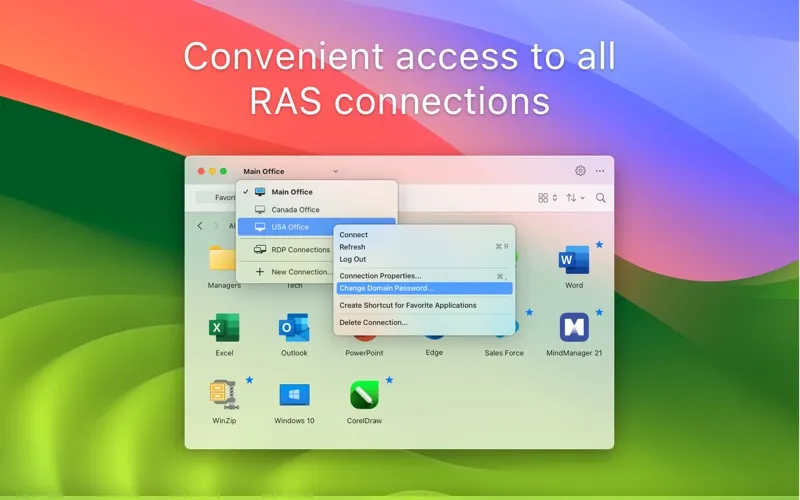
Parallels Client lets you access business Windows apps, virtual desktops, and company data from your Mac through Parallels RAS. It’s for you if your workplace provides remote applications or desktops.
by Parallels International GmbH
What you get
Use your workplace’s Windows apps and desktops from your Mac.
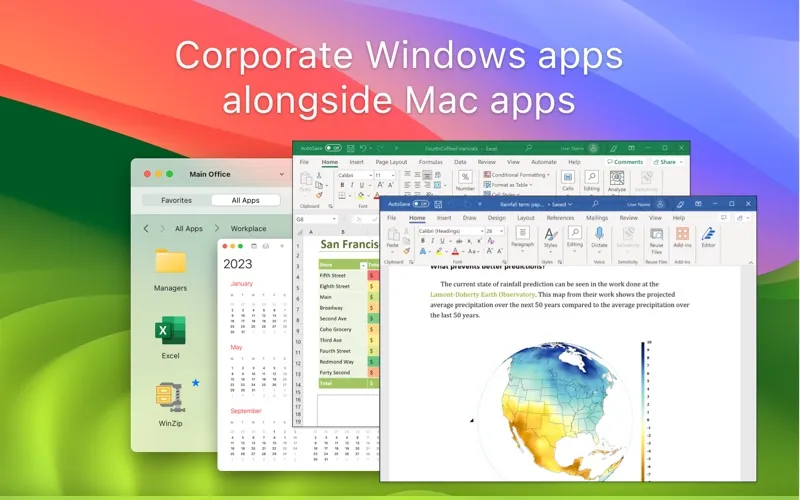
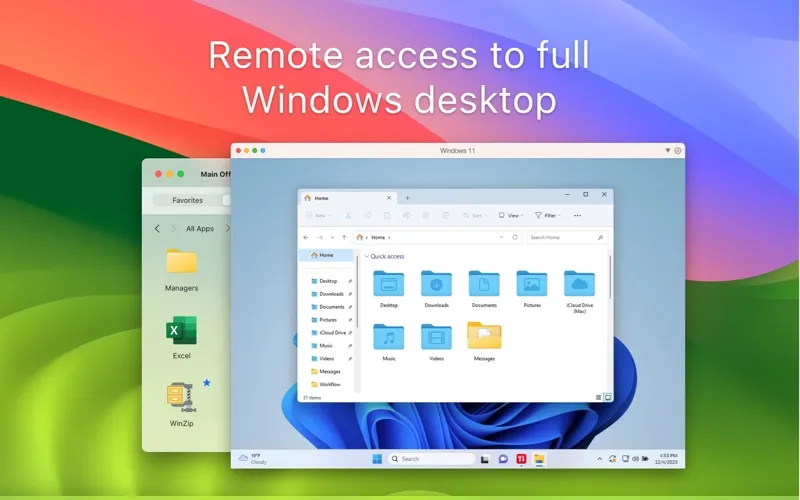
You can work with your company’s Windows applications and data from your Mac, even when you’re away from the office. Parallels Client connects you to resources provided through Parallels RAS, including published apps, virtual desktops, and Azure Virtual Desktop environments. You’ll need access to a Parallels RAS setup to use it.
You can copy and paste between your local and remote work, access local drives during a remote session, and hear audio from remote applications. If you use multiple monitors, you can spread remote apps and desktops across them rather than keep everything on one screen.
You can also resize published apps to fit your workspace and print from your remote work. SSL connections help protect your connection to your organization’s resources.
-
Reach your work applications
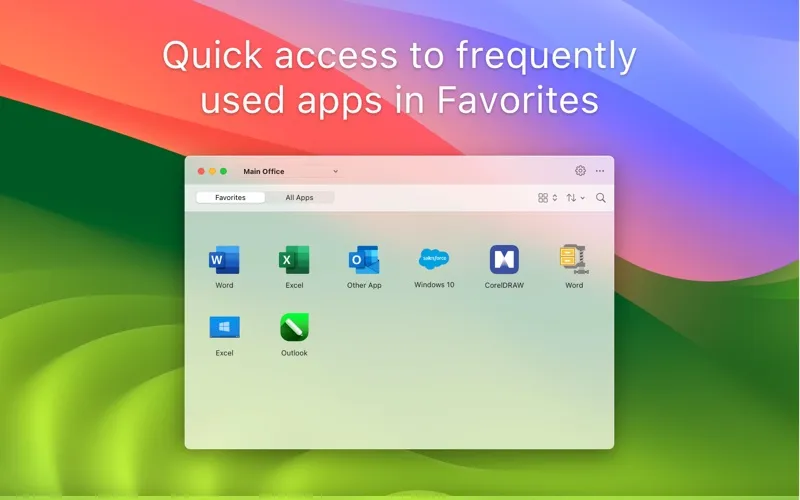
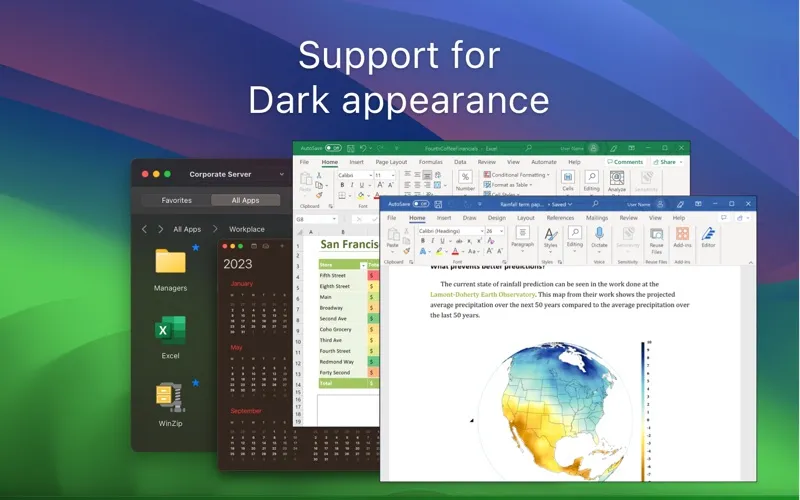
You can use corporate Windows apps and virtual desktops from your Mac through your organization’s Parallels RAS setup.
-
Move between both workspaces
You can copy and paste in both directions and access local drives while working in a remote session.
-
Use your extra screens
You can extend remote applications and desktops across multiple monitors to keep more of your work visible.
-
Print your remote work
You can print documents from your remote applications using Universal Printing.
-
Protect your connection
You can connect over SSL for added security when accessing your company’s applications and data.
Best for
- You work remotely for an organization using Parallels RAS
- You need corporate Windows applications on your Mac
- You use a company-provided virtual desktop
Skip it if
You don’t need it if you have no Parallels RAS environment to connect to.
Screenshots
From the developer
Parallels Client, when connected to Parallels RAS (Remote Application Server), provides secure access to business applications, virtual desktops, and data from your device. Using virtualized applications and desktops in Parallels Client is intuitive, fast, and reliable.Read the full description
Alternatives to Parallels Client
Other apps to control your Mac remotely. See all