Transloader
Start downloads on Mac remotely
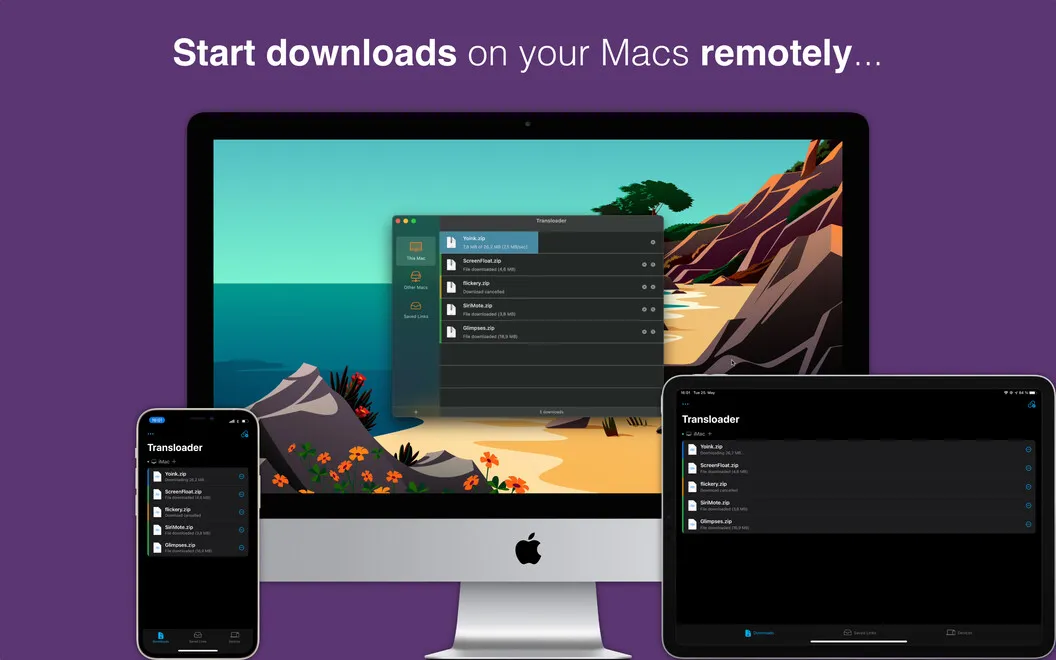
Transloader lets you start downloads on your Mac from an iPhone, iPad, or another Mac. It’s for you if you find files while away from your desk or manage multiple Macs.
by Eternal Storms Software · 97% positive (94)
What you get
You can start Mac downloads without being at your desk.
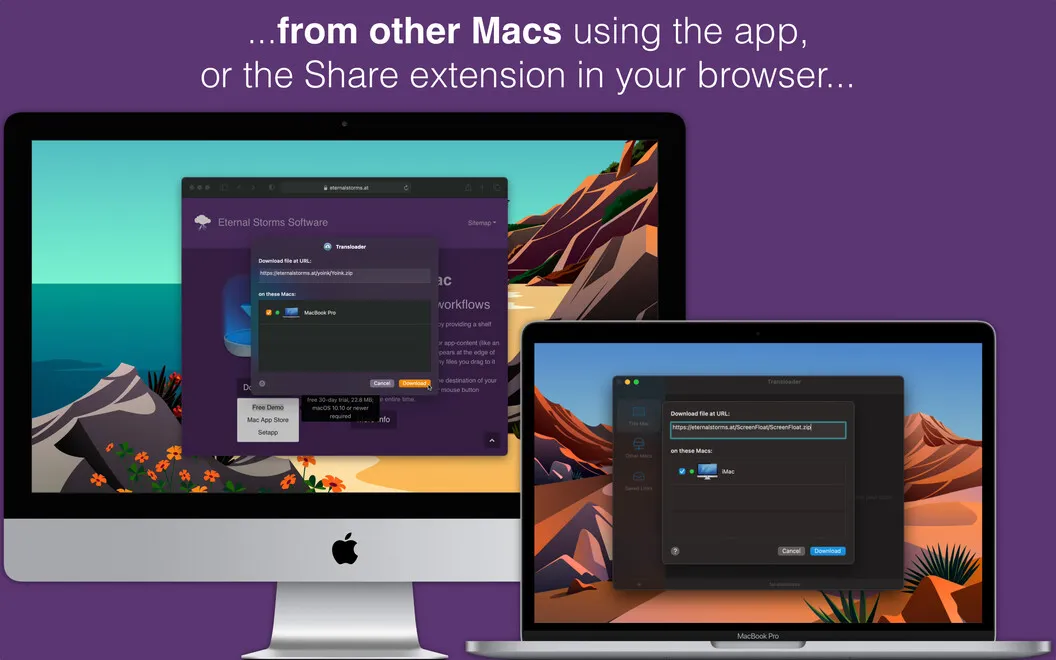
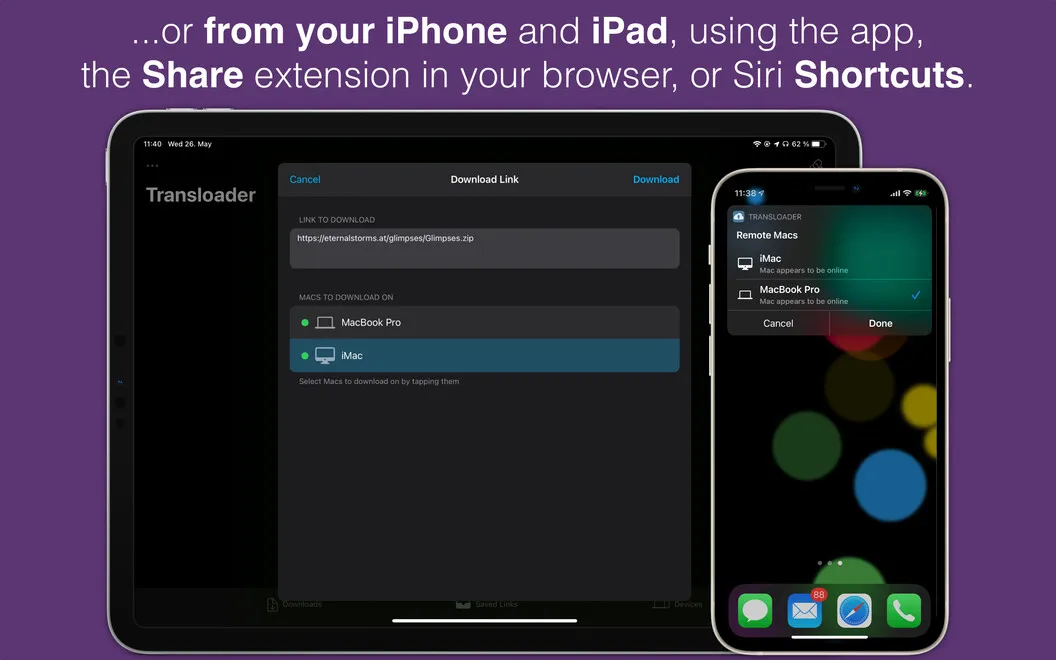
When you find a Mac app or file while browsing on your iPhone or iPad, you can send its download link to your Mac instead of waiting until you’re at your desk. You choose the destination Mac through Transloader, and the download starts automatically. You can also send links from another Mac or have a link open in a Mac app.
If you use several Macs, you can start the same download on all of them or just the ones you select. You get a notification when a download finishes, so you know when the file is ready. You’re also notified if a download fails or your Mac goes to sleep.
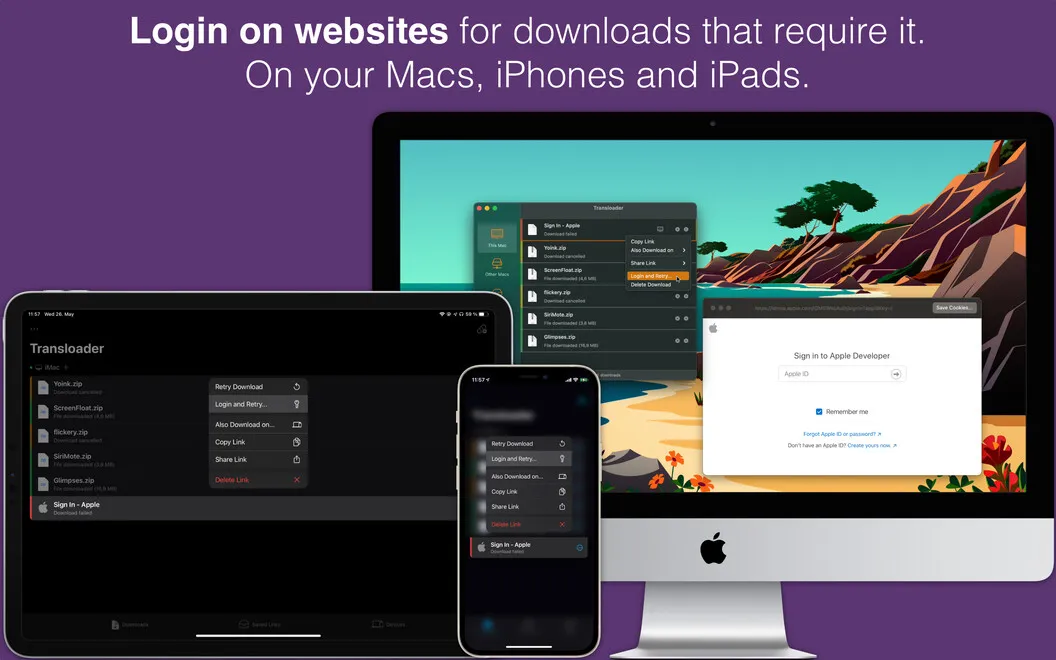
You can save a download link for later when you’re not ready to start it. If the website requires you to sign in, you can log in remotely to proceed with the download.
-
Start before you return
You can send a download link from your iPhone, iPad, or another Mac without sitting at the destination computer.
-
Get files onto several Macs
You can start the same download on selected Macs rather than initiating it separately at each computer.
-
Know when files are ready
You receive completion notifications and alerts if a download fails or your Mac goes to sleep.
-
Keep links for later
You can save a download link and start it when the timing suits you.
-
Handle sign-in requirements remotely
You can log in remotely when a download requires access to an account.
Best for
- You find Mac apps while browsing on your iPhone or iPad
- You need the same download on several Macs
- You want to start downloads while away from your desk
Skip it if
You don’t need it if you only start downloads while sitting at your Mac.
Screenshots
From the developer
Initiate downloads on Mac remotely — simply by dropping the download link to Transloader app on your iPhone, iPad, or other Macs. Assign the download to one of your Macs to initiate the download and the process will start automatically, without you having to be at your desk!Read the full description
Alternatives to Transloader
Other apps to control your Mac remotely. See all