
PDF Search
Find anything in a PDF with AI
PDF Search helps you locate facts and passages across large PDF collections, including text inside images. It suits you if you regularly work through long reports, research papers, or scanned documents.
by Muharrem Ozkan · 92% positive (370)
What you get
Find the PDF passages you need without reading every page.
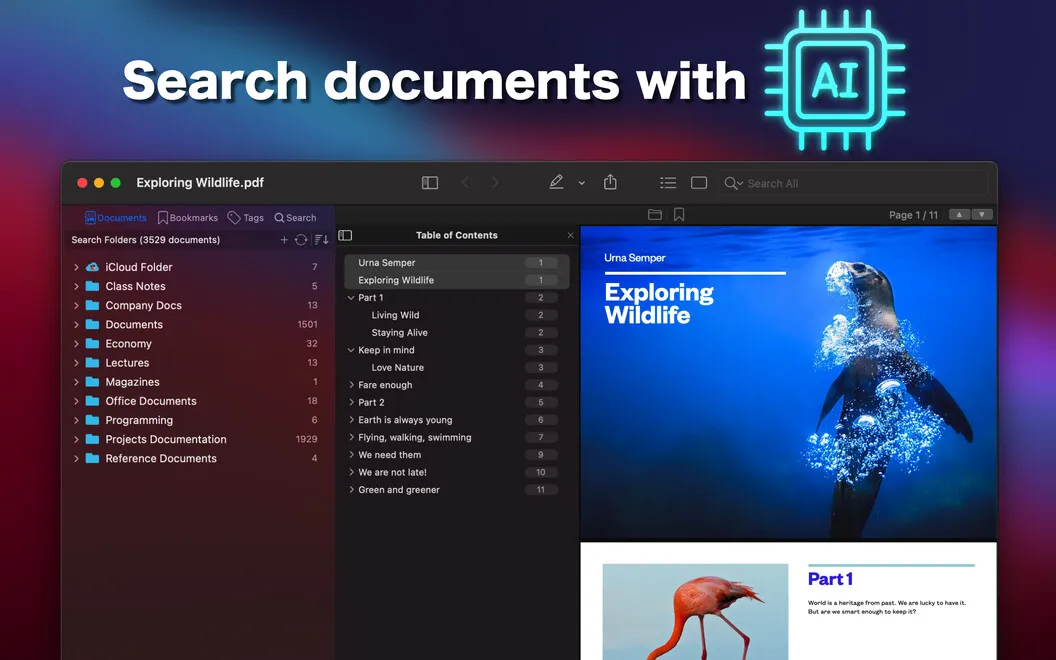
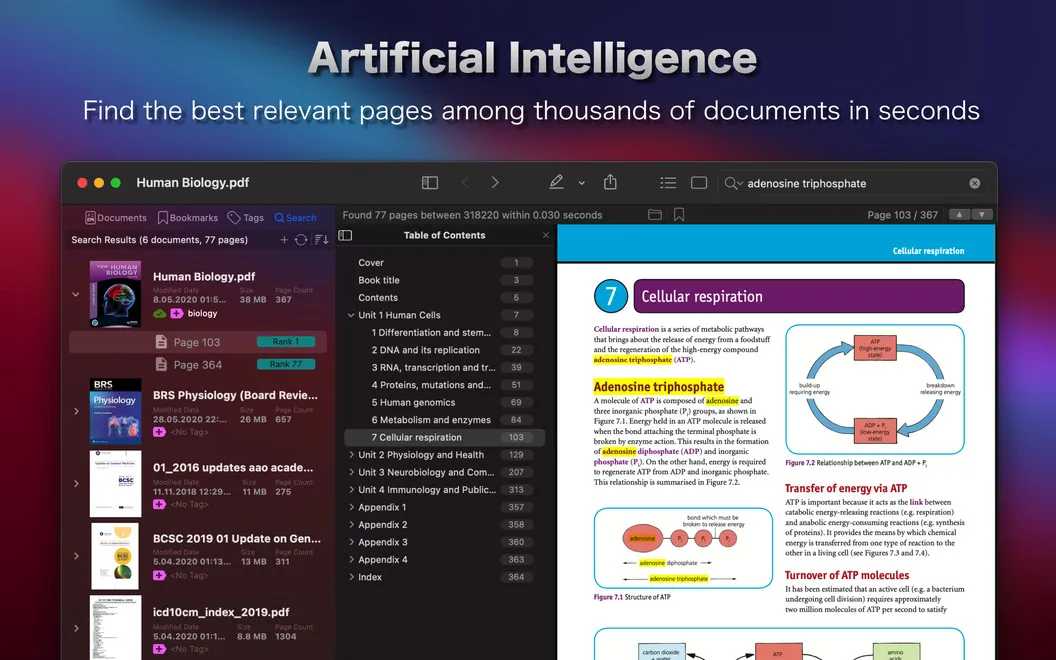
When you need a figure, quotation, or specific passage, you can search across multiple PDFs rather than open each document separately. PDF Search helps you work through thousands of pages, including text inside images. If you mistype a keyword or don't know the exact wording, you can still find relevant material through related terms and different word combinations.
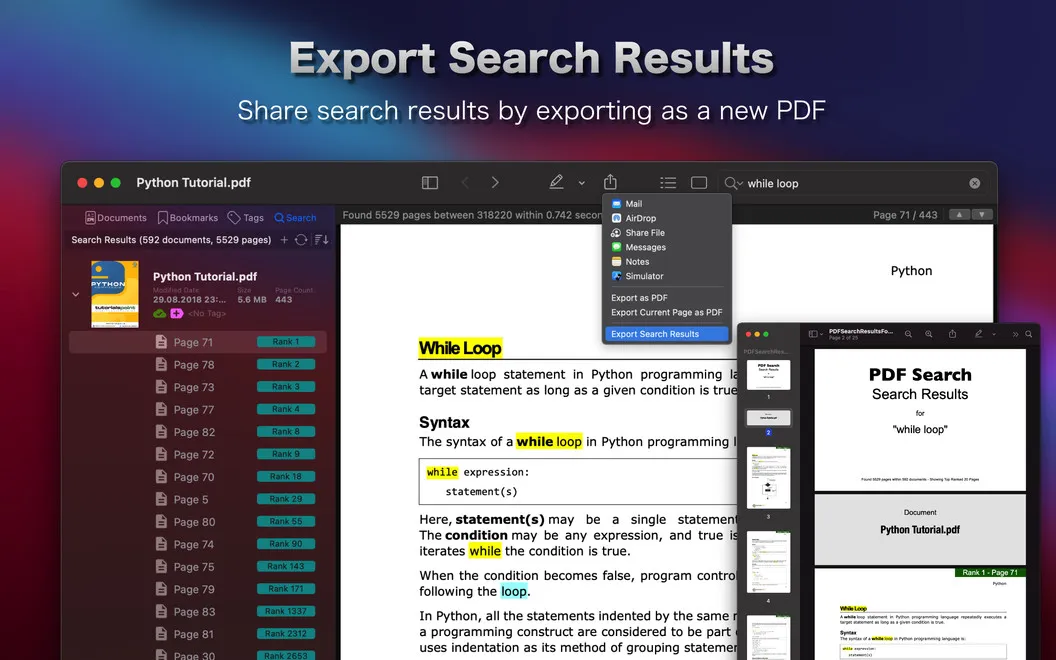
You get ranked results that show whether a match appears in a title, heading, or body text, with newer files given priority. Once you find the right passage, you can read it in the app and highlight or underline what matters. You can also export just the pages you need, so you don't have to pass along an entire document.
-
Search across your collection
You can look for facts across multiple PDFs at once instead of checking documents individually.
-
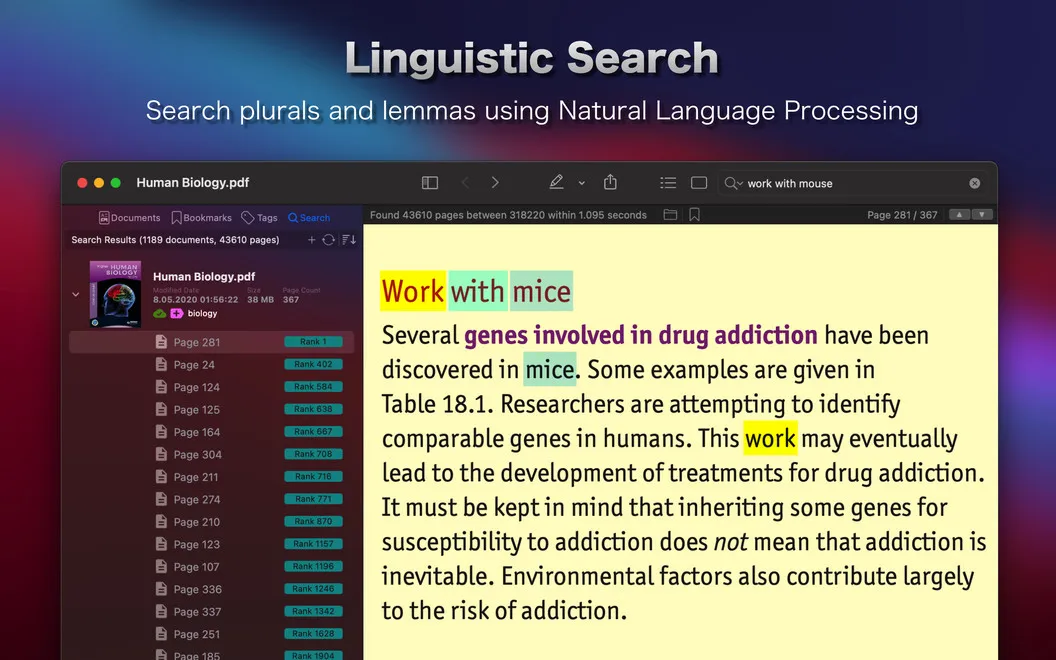
Find imperfect matches
You can locate related content even when your keywords contain typos or don't match the document's exact wording.
-
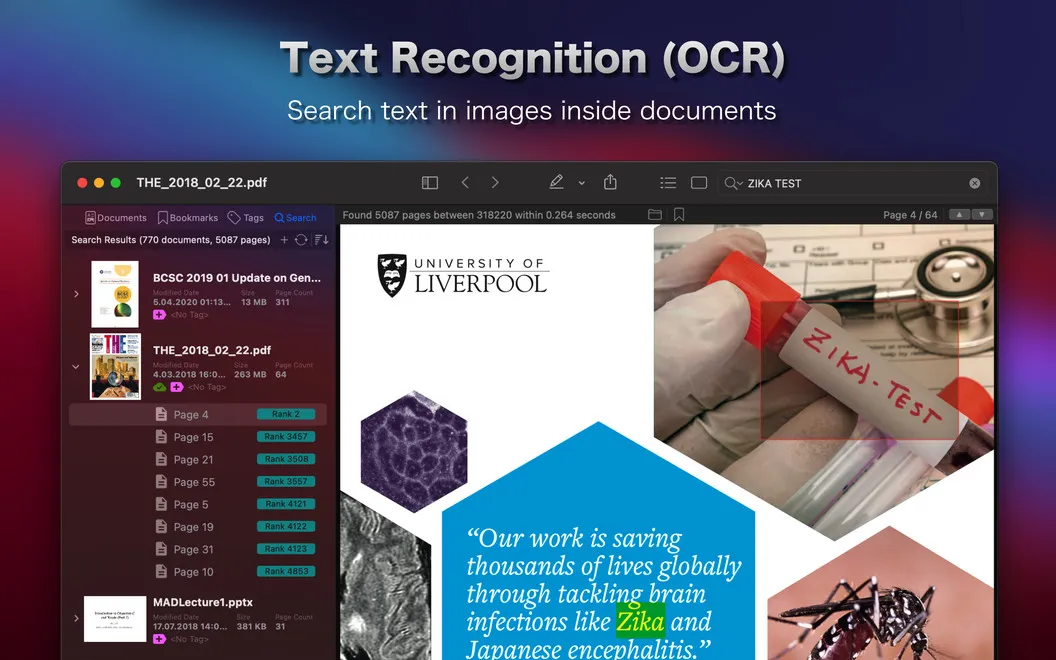
Find text inside images
You can search words embedded in PDF images, not just ordinary document text.
-
Keep useful passages marked
You can highlight and underline findings while reading, making important passages easier to revisit.
-
Export only relevant pages
You can save selected pages without including the rest of the PDF.
Best for
- You regularly search long reports for facts and figures.
- You work with large collections of research PDFs.
- You need to locate text in scanned PDFs.
Skip it if
You probably don't need it if you only search short, text-based PDFs and your current reader already finds what you need.
Screenshots
From the developer
When you’re trying to hunt down specific facts or figures, PDFs can be tricky documents to handle, sometimes running hundreds of pages long. And with standard apps, such as Preview, going only so far, quick and easy text search is a challenge. Enter PDF Search.Read the full description
Alternatives to PDF Search
Other apps to search inside PDFs & scans. See all
 PDF Content Search
Search inside scanned files
Sold separately
PDF Content Search
Search inside scanned files
Sold separately
 PDF Owl
Build the table of contents using on-device AI. Plus a reader-focused PDF viewer
Sold separately
PDF Owl
Build the table of contents using on-device AI. Plus a reader-focused PDF viewer
Sold separately
 Physical Scanner Connect
Mac App Store
Physical Scanner Connect
Mac App Store
 Kepter
A Finder alternative: a drawer of your files you recognise on sight.
Sold separately
Kepter
A Finder alternative: a drawer of your files you recognise on sight.
Sold separately
 Brother iPrint&Scan
Mac App Store
Brother iPrint&Scan
Mac App Store
 Prizmo Remix
Automate document scanning & processing
Setapp
96% · 28 ratings
Prizmo Remix
Automate document scanning & processing
Setapp
96% · 28 ratings