PixelStyle Photo Editor
PixelStyle Photo Editor gives you a Mac workspace for retouching photos, drawing illustrations, and building layered graphics, whether you create social posts, craft designs, or everyday image edits.
by 秀英 朱
What you get
Turn your photos and drawings into finished graphics on your Mac.
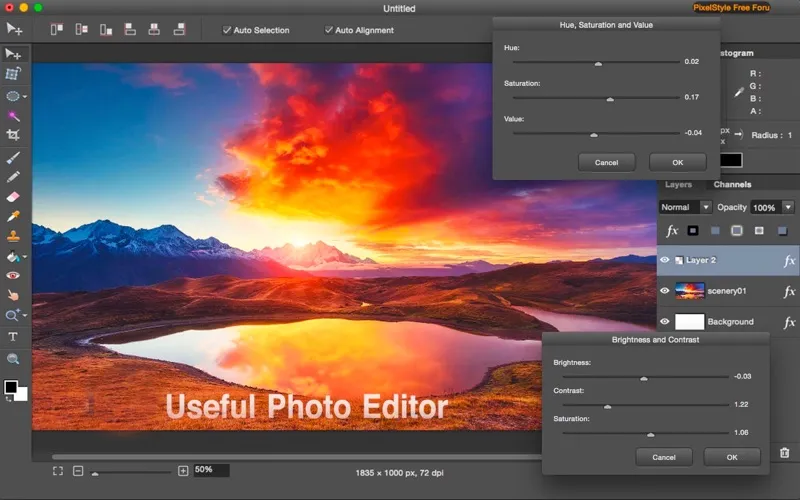
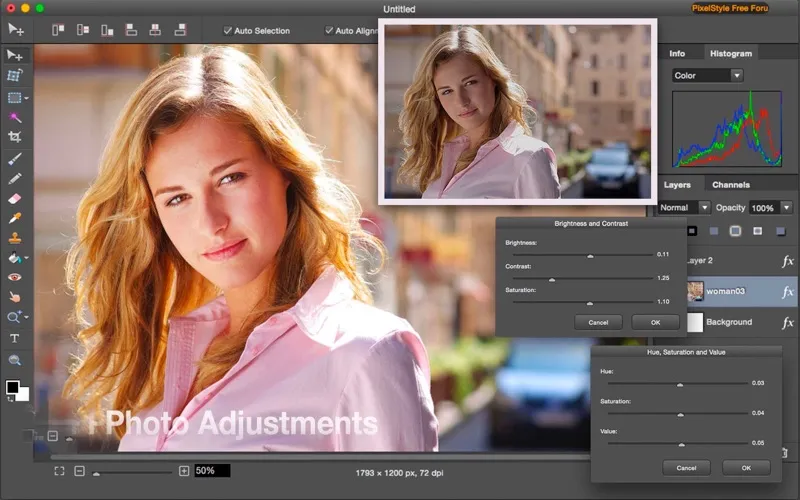
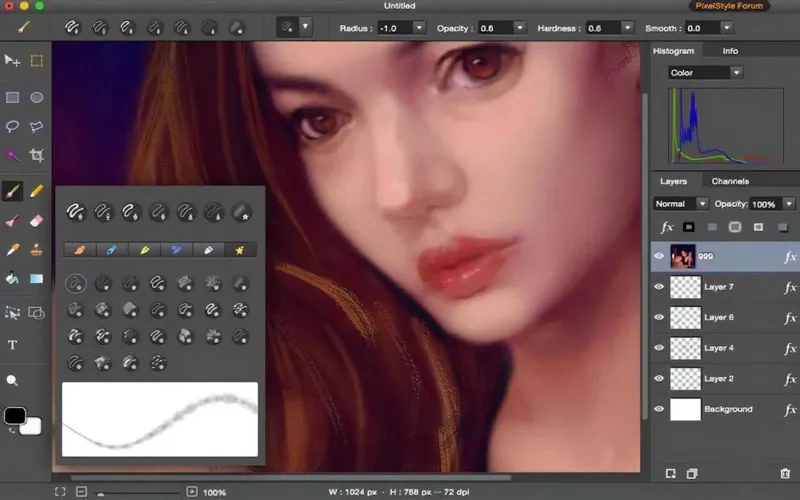
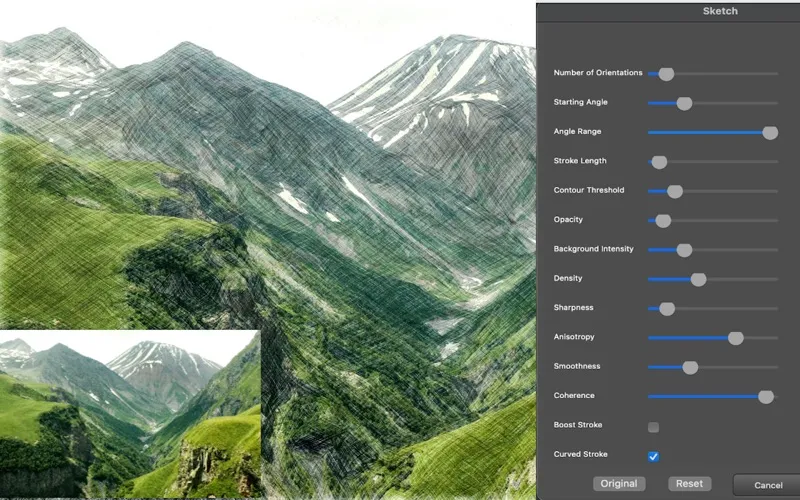
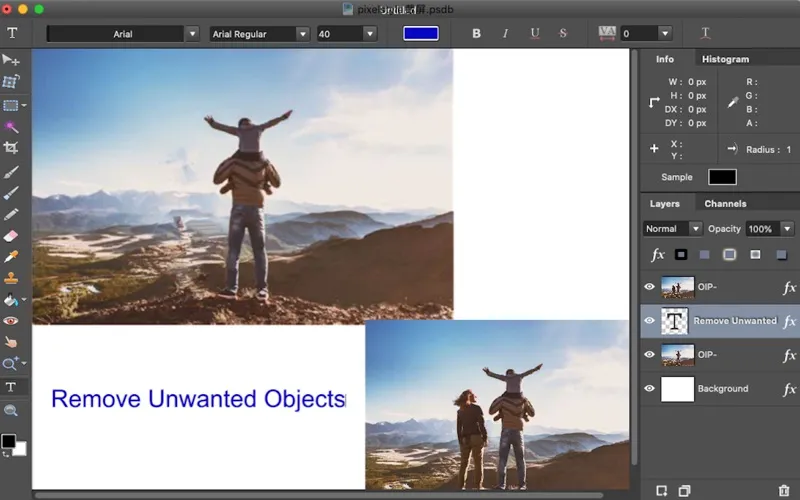
You can clean up photos, combine images, and add text without switching between separate editing and drawing apps. Adjust color and contrast, remove blemishes or unwanted elements, and keep your changes on separate layers so you can revise them without altering the original image.
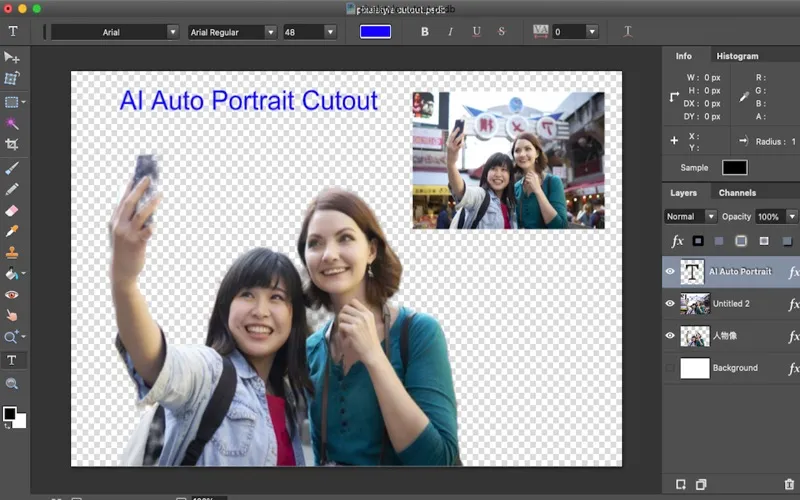
For cutouts, you can remove portrait backgrounds in one click or automatically isolate objects with AI selection. You can also enlarge images up to four times their original size. When you're making thumbnails, illustrations, or craft designs, brushes, vector drawing, styled text, and perspective adjustments let you build the composition yourself.
You can open formats including RAW and HEIC, then export your work as PNG, JPEG, SVG, PDF, or other supported formats. You don't need an account, and the app states that it collects no data.
-
Revise without starting over
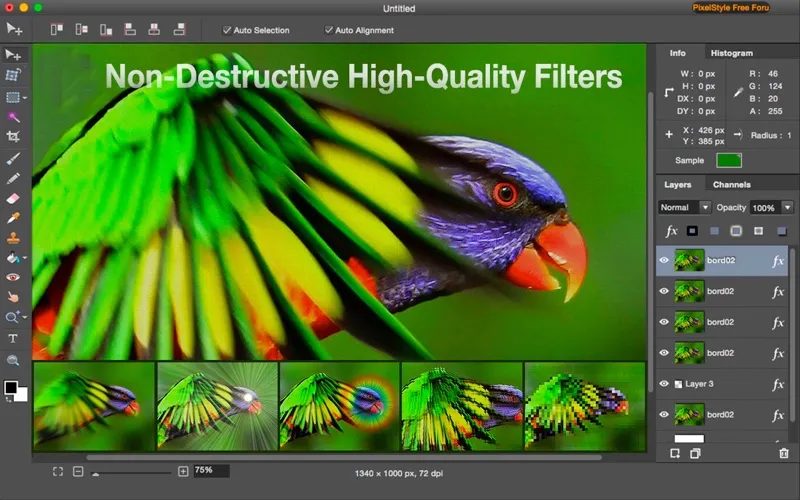
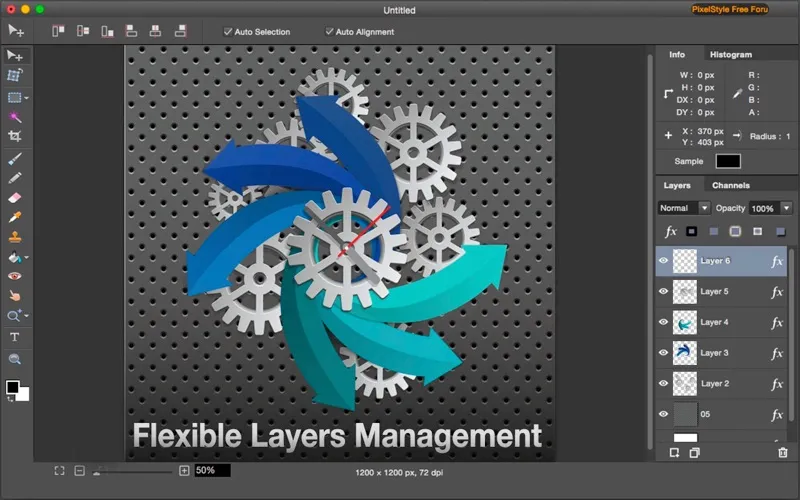
You can keep edits on separate layers and change how images blend without altering your original.
-
Get cleaner photo cutouts
You can remove portrait backgrounds or isolate objects automatically, reducing manual selection work.
-
Build your own graphics
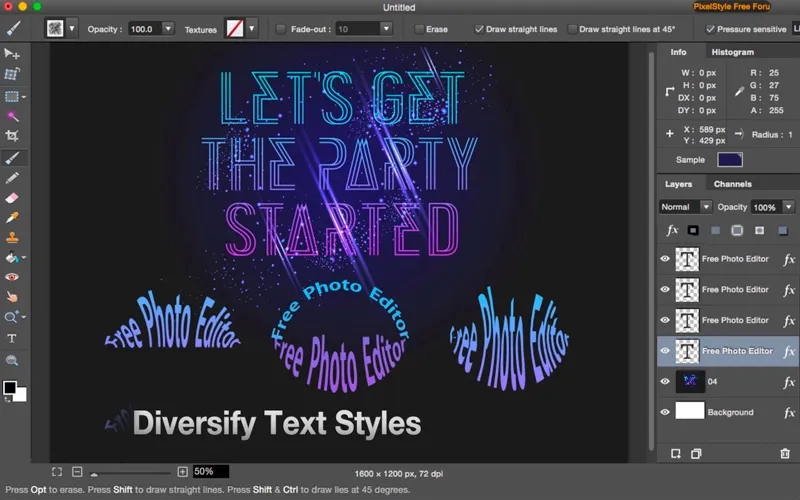
You can combine photos, drawings, and styled text for thumbnails, social posts, and craft designs.
-
Prepare files for different uses
You can export your finished work in formats including SVG, PDF, PNG, JPEG, and WebP.
Best for
- You create social graphics and thumbnails
- You prepare designs for Cricut or Silhouette projects
- You want photo retouching and illustration tools in one Mac app
Skip it if
You probably don't need it if you only crop photos or make occasional basic adjustments.
Screenshots
From the developer
The complete Mac photo editor for creators, designers, and everyday users. Multi-layer editing, powerful brushes, vector drawing and smart AI tools — all in one app.Read the full description
Alternatives to PixelStyle Photo Editor
Other apps to edit & enhance photos. See all
 Luminar
Photo editing made easy
Setapp
90% · 878 ratings
Luminar
Photo editing made easy
Setapp
90% · 878 ratings
 CameraBag Pro
Edit photos and videos
Setapp
89% · 500 ratings
CameraBag Pro
Edit photos and videos
Setapp
89% · 500 ratings
 PhotosRevive
Colorize your old photos
Setapp
96% · 162 ratings
PhotosRevive
Colorize your old photos
Setapp
96% · 162 ratings
 Adobe Lightroom
Photo Editor
Mac App Store
Adobe Lightroom
Photo Editor
Mac App Store
 Adobe Photoshop Elements 2025
Mac App Store
Adobe Photoshop Elements 2025
Mac App Store
 Fotor
AI Photo Editor, Design
Mac App Store
Fotor
AI Photo Editor, Design
Mac App Store