Proximate
Bring alerts to your cursor
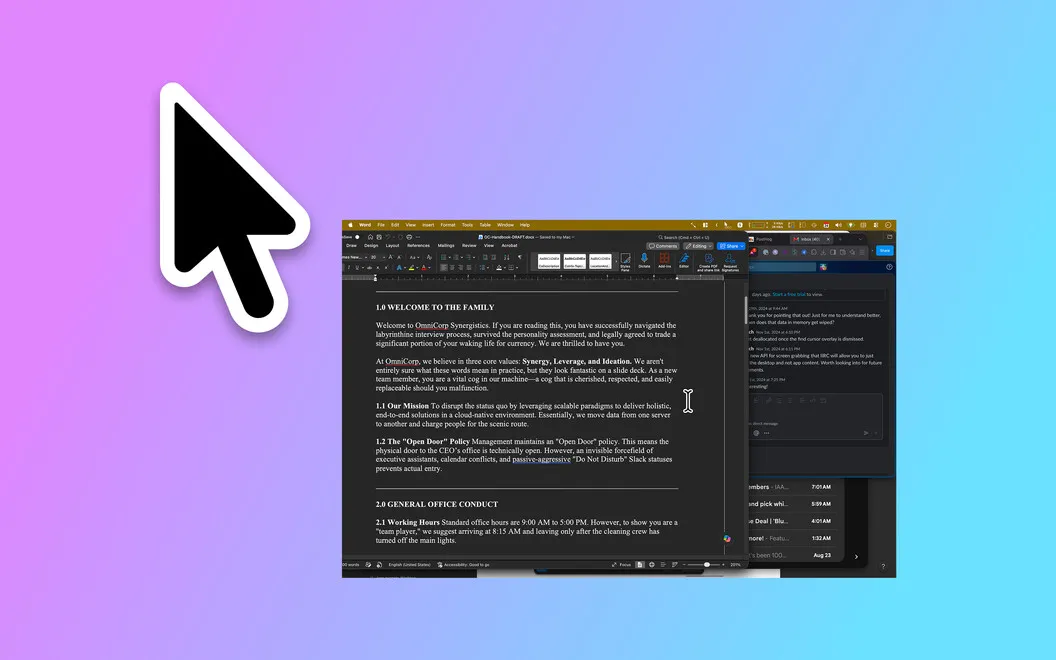
Proximate is a Mac utility that puts app notification icons, a clock, and countdown timers beside your cursor, helping you notice them on large screens or while working full-screen.
by XPDynamics
What you get
Keep alerts and time in view without looking away from your work.
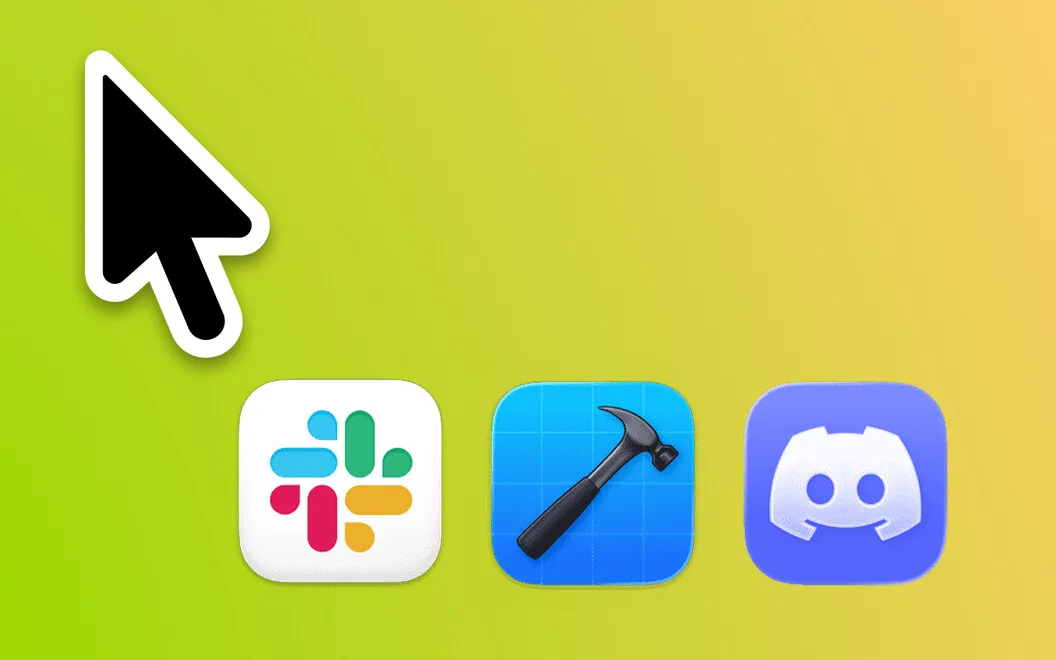
With Proximate, you can notice which apps need attention without scanning a distant corner of your screen. You choose the apps to monitor, and their icons appear beside your pointer when there’s something to check. Once you’ve checked in, the icons disappear automatically.
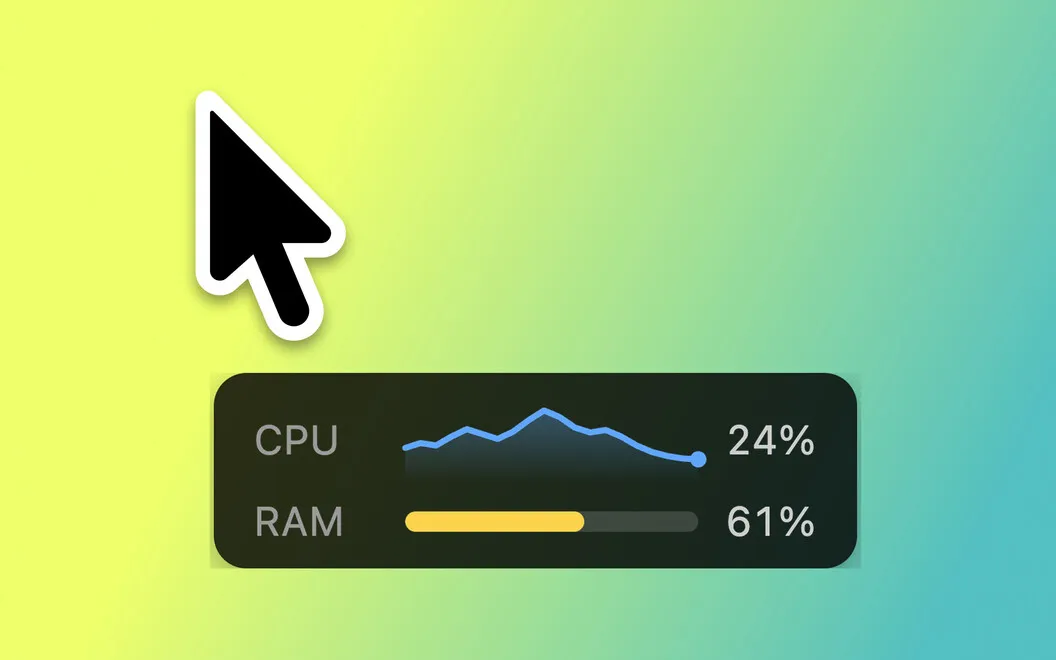
You can keep the time and date visible even when full-screen work hides your menu bar. For deadlines or focused work sessions, you can place one or more countdowns near your cursor, shown as numbers, a progress bar, or a color-changing circle.
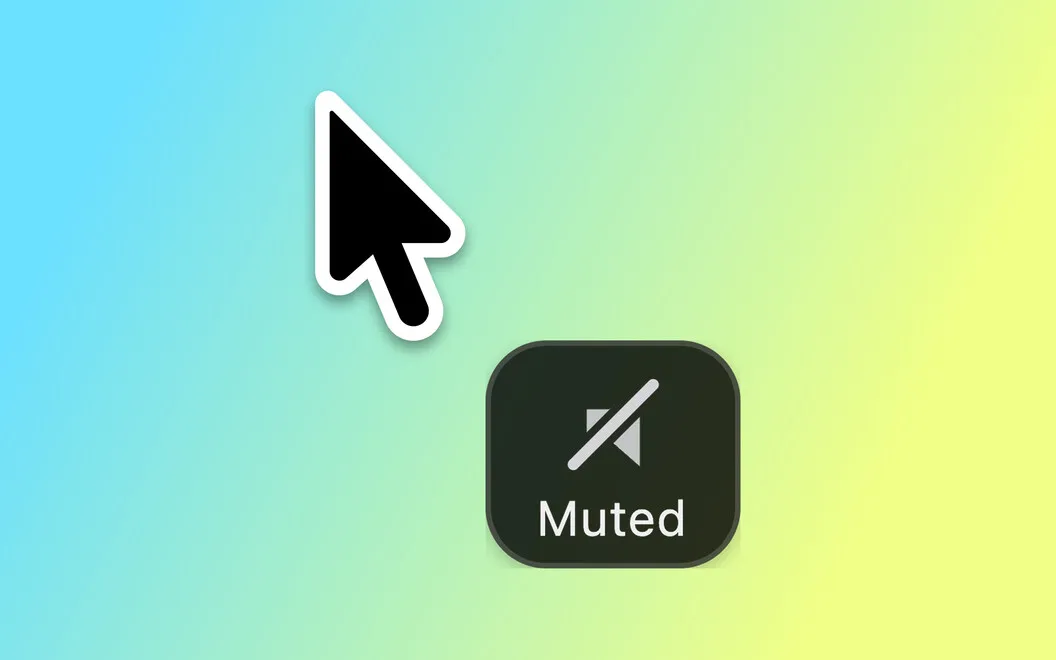
You control how close these elements sit to your pointer, how they look, and their transparency while your mouse moves or rests. Keyboard shortcuts let you hide everything or clear notification icons, and your settings sync across your Macs through iCloud.
-
Notice alerts near your work
You see icons from selected apps beside your pointer instead of checking the corner of a large display.
-
See time in full-screen
You keep the time and date visible near your cursor when the menu bar is hidden.
-
Keep countdowns in sight
You can watch one or more timers while working, without looking elsewhere to check how much time remains.
-
Control what stays visible
You can adjust placement and transparency, hide all elements, or clear notification icons with keyboard shortcuts.
Best for
- You miss corner notifications on a large display
- You work full-screen and want the clock visible
- You want countdowns beside your pointer during focused work
Skip it if
You probably don’t need it if your usual notifications and menu bar clock are already easy to notice.
Screenshots

From the developer
Proximate is a cursor notification utility for Mac. It moves the things you tend to miss — app alerts, the time, countdown timers — right next to where your eyes already are: your mouse pointer. On large displays, notifications appear way off in a corner while you're deep in work.Read the full description
Alternatives to Proximate
Other apps to control notifications. See all
 Chirpy
Give each ping its own sound
Sold separately
Chirpy
Give each ping its own sound
Sold separately
 TrillMark
Know every alert by ear or eye
Sold separately
TrillMark
Know every alert by ear or eye
Sold separately
 ChatMate for WhatsApp
The best and most powerful WhatsApp client for Mac.
Setapp
89% · 678 ratings
ChatMate for WhatsApp
The best and most powerful WhatsApp client for Mac.
Setapp
89% · 678 ratings
 Juicy
Custom battery alerts, health tracking, and a better menu bar icon for your Mac.
Setapp
100% · 85 ratings
Juicy
Custom battery alerts, health tracking, and a better menu bar icon for your Mac.
Setapp
100% · 85 ratings
 ChatMate Pro for WhatsApp
Mac App Store
ChatMate Pro for WhatsApp
Mac App Store
 FreeChat for WhatsApp
Mac App Store
FreeChat for WhatsApp
Mac App Store