reMarkable desktop
reMarkable desktop is a Mac companion for your reMarkable paper tablet, letting you organize documents, type notes, and keep your work synced between devices.
by reMarkable AS
What you get
Keep your reMarkable notes organized and ready to continue on your Mac.
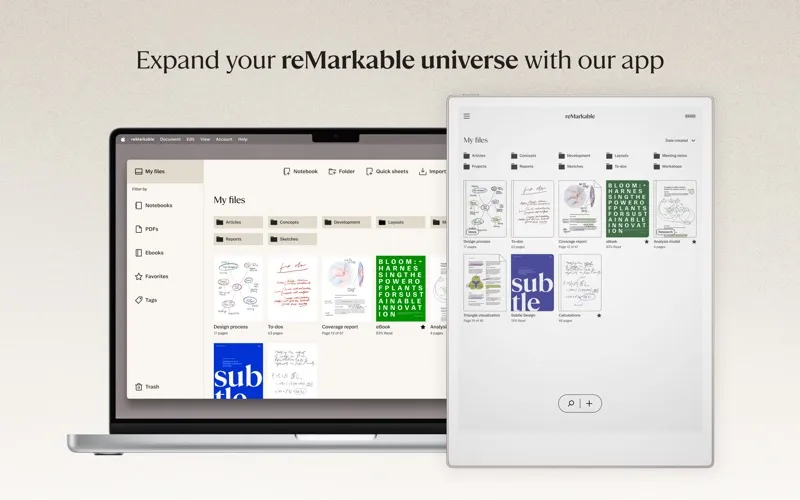
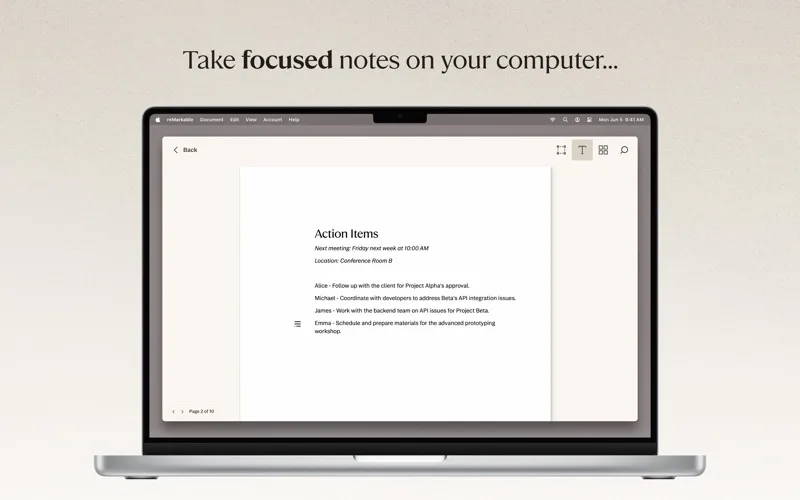
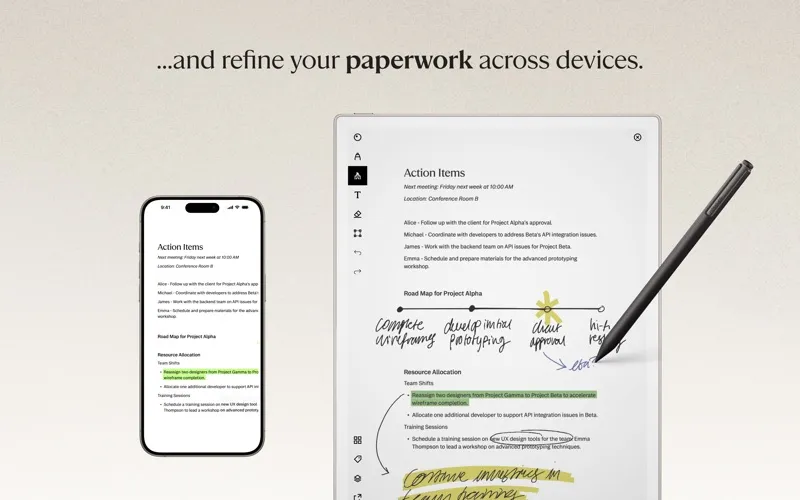
You can work with your reMarkable notebooks and documents from your Mac, then continue on your paper tablet through cloud sync. Type longer notes or short lists, create notebooks and quick sheets, or add blank pages to existing documents. Before signing in, you’ll need to pair your tablet with a reMarkable account.
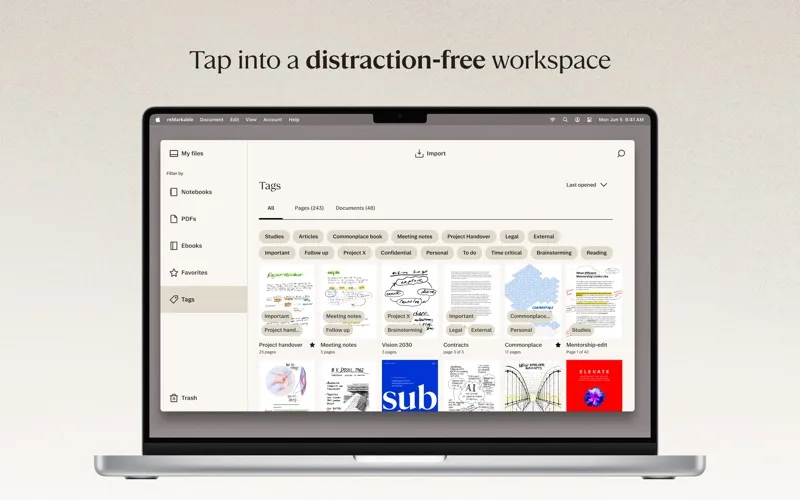
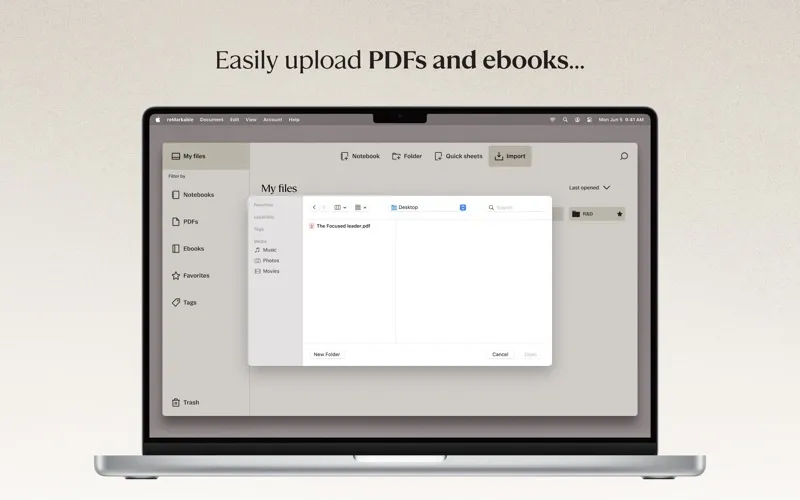
You can separate projects into folders and tag documents, ebooks, or individual pages so they’re easier to find on your tablet. Bring in PDFs and EPUBs by dragging them into the app, and delete material you no longer need.
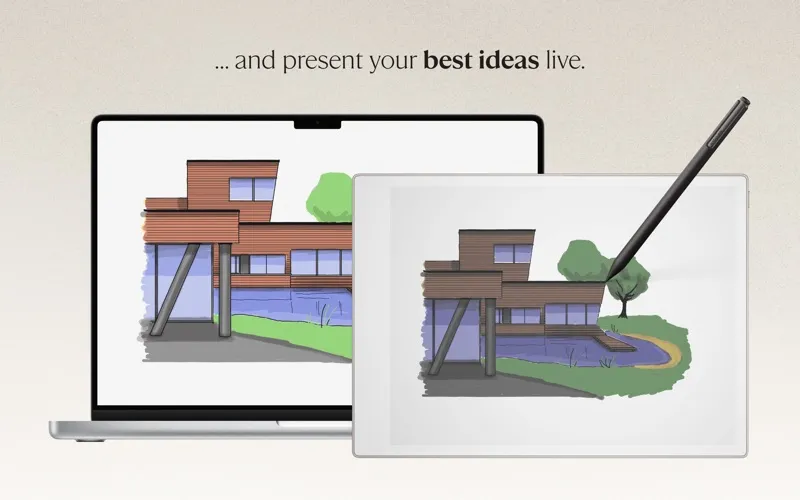
When your notes need tidying, you can move, rotate, resize, or remove handwriting and sketches. Export your work as PDF, PNG, or SVG for sharing, or use Screen Share to show your ideas in color on a larger screen or during a video meeting.
-
Continue between devices
You can type notes on your Mac and pick up where you left off on your paper tablet through cloud sync.
-
Keep projects separate
You can group notebooks and files into folders, then tag documents or individual pages for easier retrieval on your tablet.
-
Tidy notes before sharing
You can reposition, rotate, resize, or delete handwriting and sketches, then export the result as PDF, PNG, or SVG.
-
Show your ideas
You can display your tablet work in color on a bigger screen or in a video meeting using Screen Share.
Best for
- You own a reMarkable tablet and want to continue notes on your Mac
- You keep project documents, ebooks, and handwritten notes together
- You share tablet sketches during video meetings
Skip it if
You don’t need it if you don’t use a reMarkable paper tablet.
Screenshots
From the developer
Expand your reMarkable universe: Make sure to pair your paper tablet with an account at my.remarkable.com before logging in to the app. Find login details for both in Account settings on the paper tablet. Get organized: Use the app to create folders for collecting notebooks and files by different topics.Read the full description
Alternatives to reMarkable desktop
Other apps to build a personal knowledge base. See all
 Hookmark
Link files, webpages, PDFs
Setapp
96% · 532 ratings
Hookmark
Link files, webpages, PDFs
Setapp
96% · 532 ratings
 BeeMind
Your brain, but searchable
Setapp
83% · 24 ratings
BeeMind
Your brain, but searchable
Setapp
83% · 24 ratings
 Craft
Create and structure documents
Setapp
96% · 2,061 ratings
Craft
Create and structure documents
Setapp
96% · 2,061 ratings
 NotePlan
One space for all your work
Setapp
97% · 1,478 ratings
NotePlan
One space for all your work
Setapp
97% · 1,478 ratings
 Allume
Put ideas on a single canvas
Setapp
92% · 218 ratings
Allume
Put ideas on a single canvas
Setapp
92% · 218 ratings
 Microsoft OneNote
Mac App Store
Microsoft OneNote
Mac App Store