Seashore
Seashore is an open-source image editor for you if you want to edit photos or create illustrations without needing a professional editing suite.
by Robert Engels
What you get
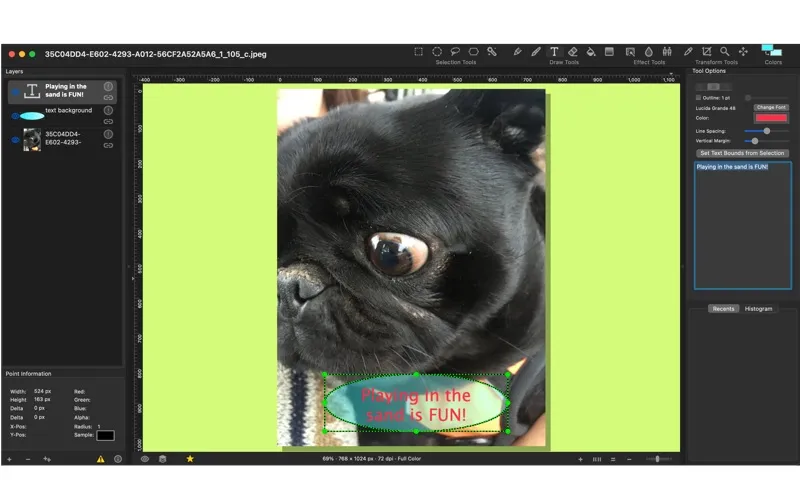
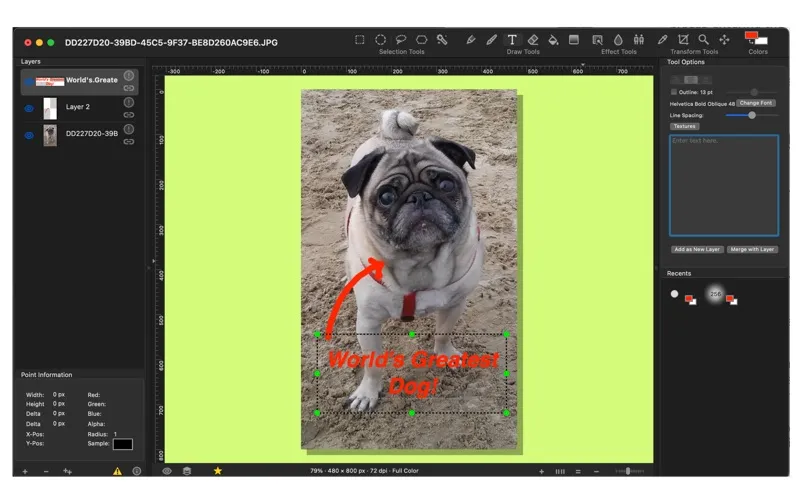
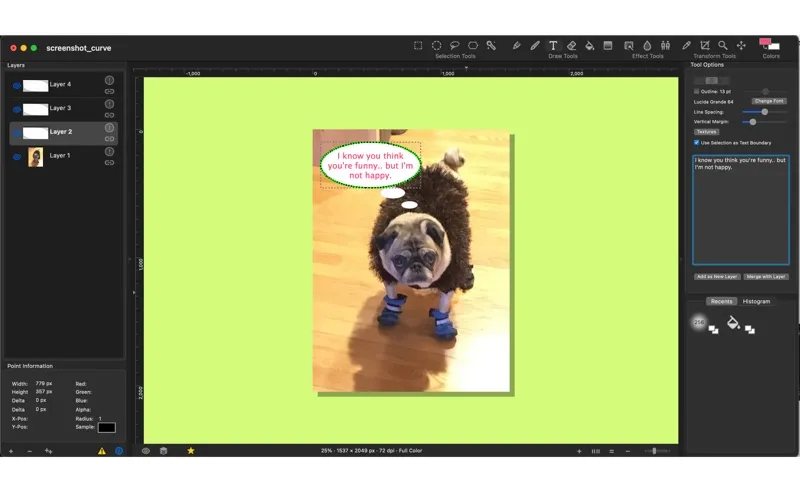
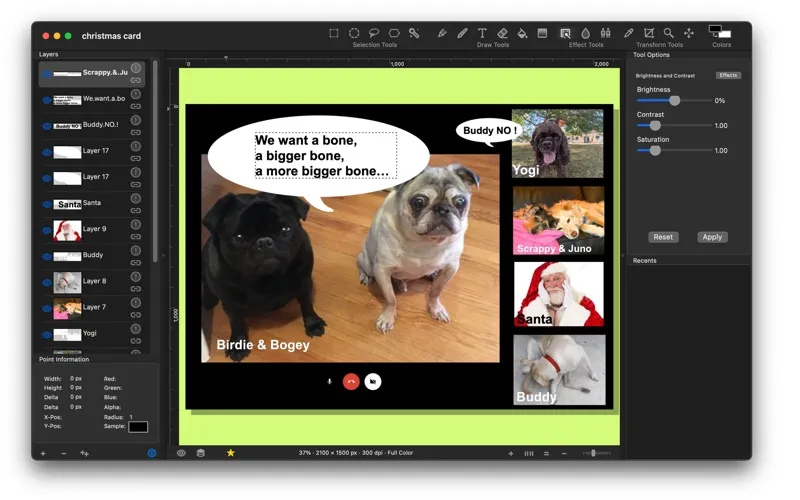
You can edit images and build illustrations with layers.
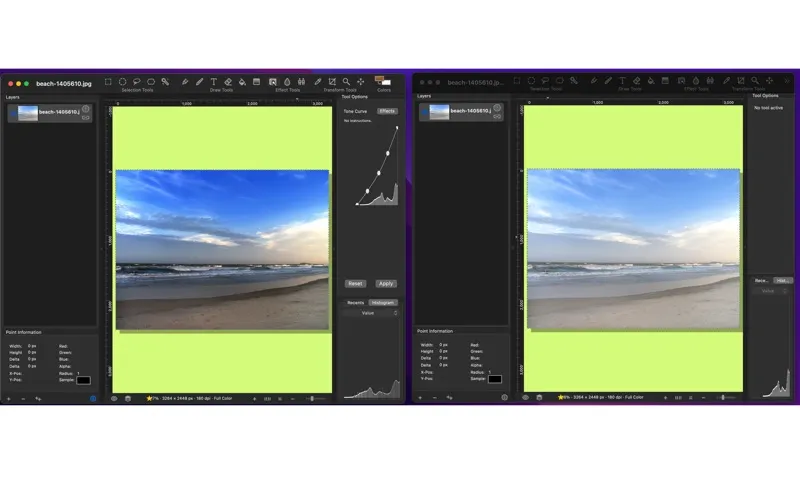
Seashore gives you a way to edit photos and create illustrations with tools aimed at non-professional use. If you want an image editor in the vein of a lighter GIMP or Photoshop, you get an option focused on everyday image-making rather than a full professional workflow.
You can work with layers, keeping parts of your image separate so you can edit them individually. That gives you more flexibility than treating your whole composition as one flat picture. The app is also open-source, so you can access its source code.
Before you make it your regular editor, note that Seashore has been deprioritized in favor of Seahorse. You can check the app’s What’s New section for more information about that change.
-
Keep image parts separate
You can use layers to edit individual parts of a composition rather than working on one flat image.
-
Handle non-professional projects
You get an editor aimed at everyday photo editing and illustration, rather than a full professional workflow.
-
Access the source code
You can inspect the app’s code because Seashore remains open-source.
Best for
- You want to edit photos for personal projects
- You want to create illustrations using layers
- You prefer an open-source image editor
Skip it if
You need a full professional editing suite or want an app that has not been deprioritized in favor of another.
Screenshots
From the developer
Seashore has been deprioritized in favor of Seahorse. Please see 'What's New' in the app. This is an easy to use but powerful image editor. It supports "layers". Imagine GIMP/Photoshop "light" - most of the features non-professionals need to create awesome images.Read the full description
Alternatives to Seashore
Other apps to edit & enhance photos. See all
 Luminar
Photo editing made easy
Setapp
90% · 878 ratings
Luminar
Photo editing made easy
Setapp
90% · 878 ratings
 CameraBag Pro
Edit photos and videos
Setapp
89% · 500 ratings
CameraBag Pro
Edit photos and videos
Setapp
89% · 500 ratings
 PhotosRevive
Colorize your old photos
Setapp
96% · 162 ratings
PhotosRevive
Colorize your old photos
Setapp
96% · 162 ratings
 Adobe Lightroom
Photo Editor
Mac App Store
Adobe Lightroom
Photo Editor
Mac App Store
 Adobe Photoshop Elements 2025
Mac App Store
Adobe Photoshop Elements 2025
Mac App Store
 Fotor
AI Photo Editor, Design
Mac App Store
Fotor
AI Photo Editor, Design
Mac App Store