
Step Two
Simplify two-step authentication
Step Two is an authenticator for people who use two-step verification. You can get your login codes on your Mac instead of reaching for your phone.
by Neil Sardesai · 97% positive (469)
What you get
You can complete two-step logins without reaching for your phone.
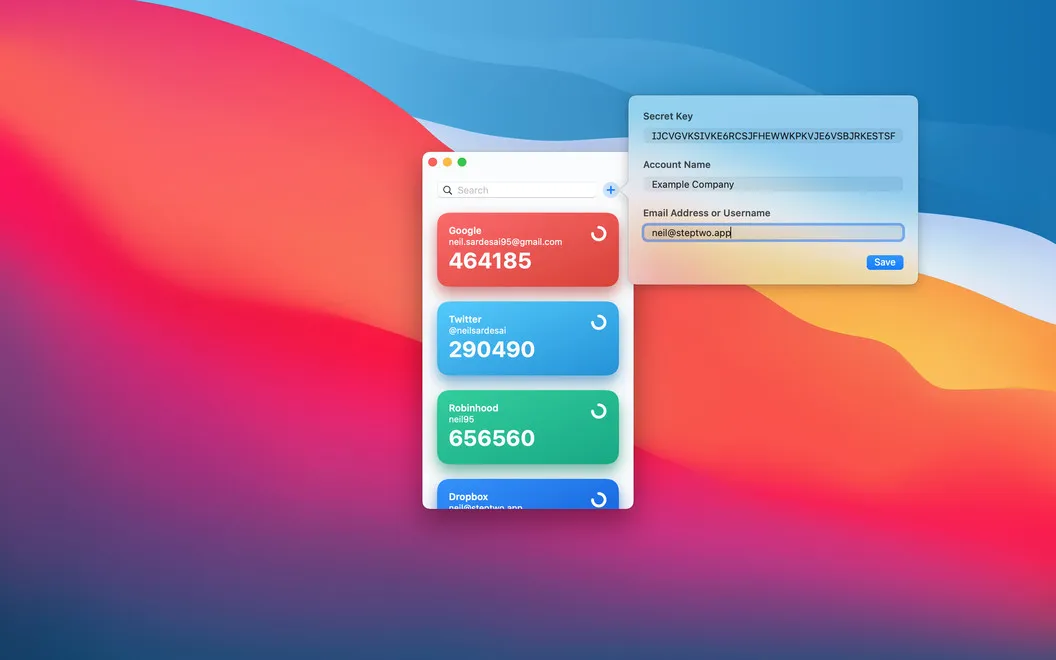
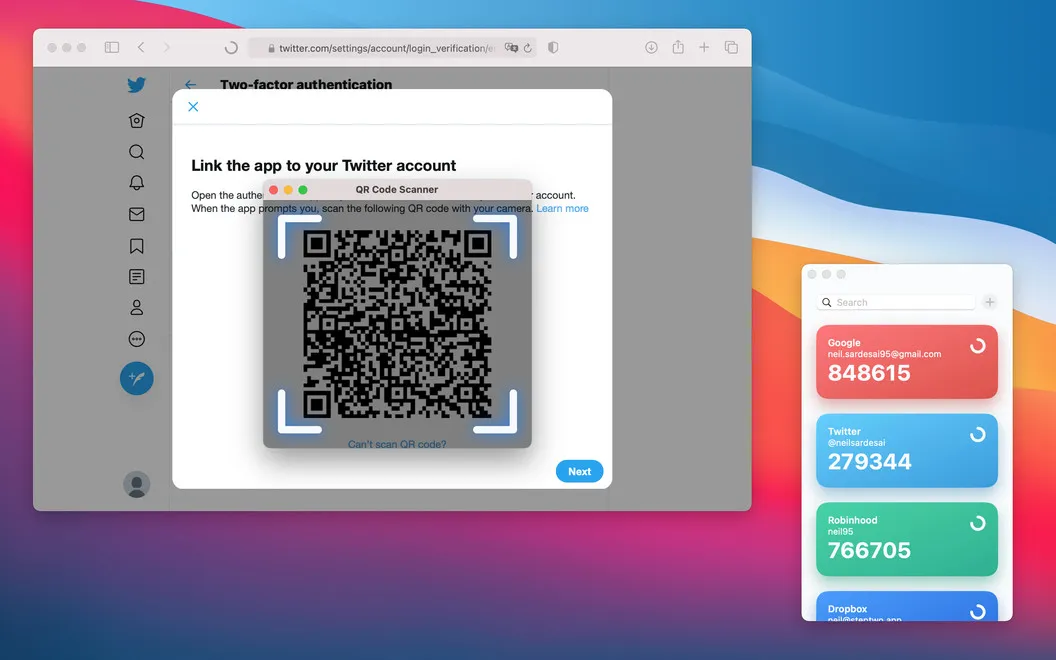
Step Two gives you access to your two-step verification codes on your Mac, so you can finish signing in without picking up your phone. You can use it with accounts that support time-based one-time passwords (TOTP), including services such as Google and Amazon. To get started, you scan an account’s setup QR code or enter its details and secret key manually.
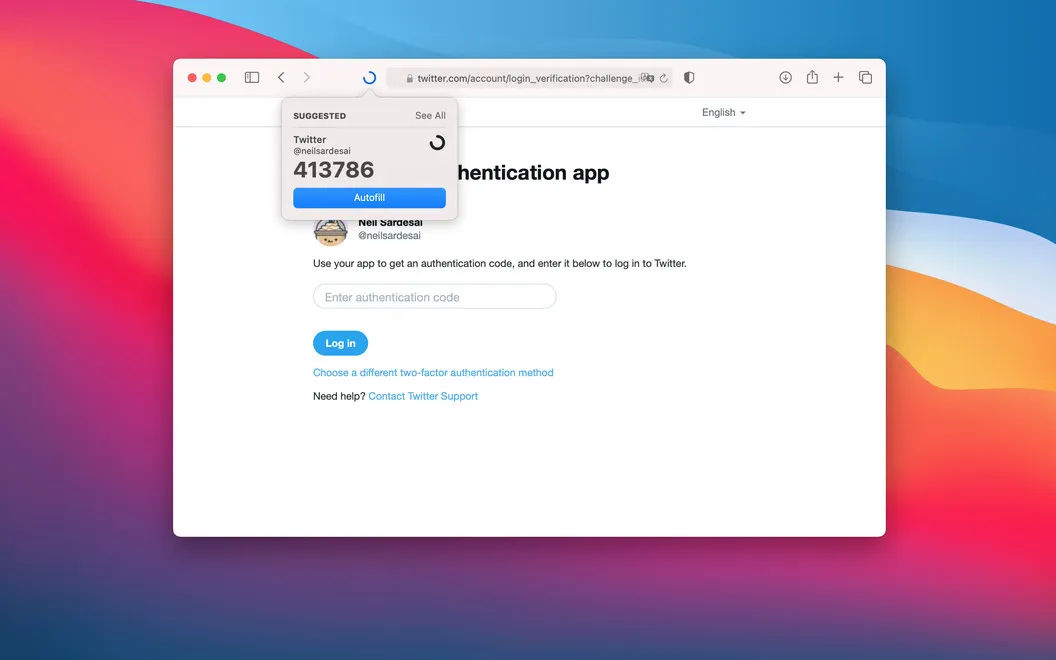
When you need a code, you can identify the right account by its name, email, and color, then click to copy it. If you use Safari, you can autofill the code through the browser extension instead of copying it yourself.
You can also keep your codes available across your Mac, iPhone, iPad, and Apple Watch through iCloud. If you prefer to keep them on one device, you can turn off iCloud syncing for Step Two.
-
Leave your phone aside
You can retrieve two-step login codes directly on your Mac.
-
Spend less time entering codes
You can click an account to copy its code or use the Safari extension to autofill it.
-
Find the right account
You can distinguish accounts by name, email, and customizable colors when choosing a login code.
-
Choose where codes live
You can sync codes across your Apple devices with iCloud or disable syncing to keep them on one device.
Best for
- You regularly sign in to TOTP-protected accounts on your Mac
- You want to autofill verification codes in Safari
- You want access to your codes across Apple devices
Skip it if
You don't need it if your current authenticator already gives you convenient access to codes wherever you sign in.
Screenshots


From the developer
Step Two is a security app that brings a beautiful, minimalist look to two-step verification. Everything from adding a new account to copying its two-step code is easier than ever. Easily add new accounts Adding new accounts to Step Two is simple. Just scan the account’s two-step QR code, and you’re all set.Read the full description
Alternatives to Step Two
Other apps to store passwords & 2FA codes. See all