
Swiftify for Xcode
Swiftify for Xcode lets you convert Objective-C code to Swift inside Xcode. It’s for developers moving existing Apple app projects to Swift, either in small pieces or through gradual project migration.
by Swiftify, Inc.
What you get
Move your Objective-C code to Swift without leaving Xcode.
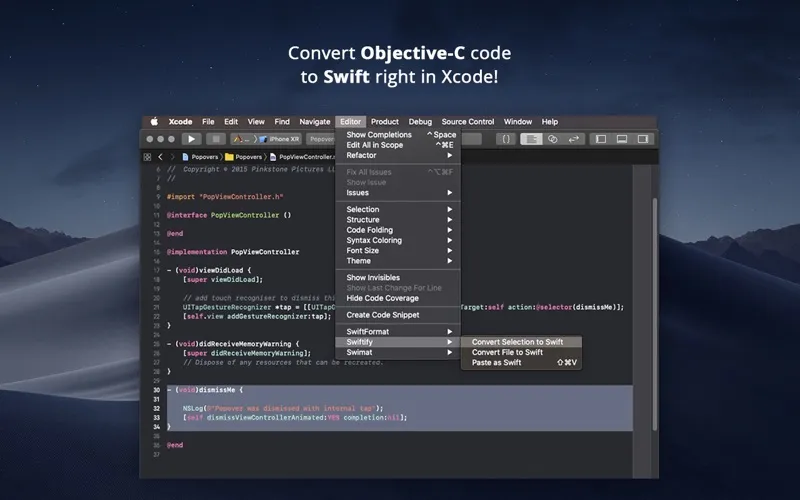
You can turn selected Objective-C code, an entire file, or your clipboard contents into Swift directly from Xcode’s Editor menu. That gives you a way to convert the code you’re working on without moving it into a separate editor. You can target Swift 6.2 or 6.1.2.
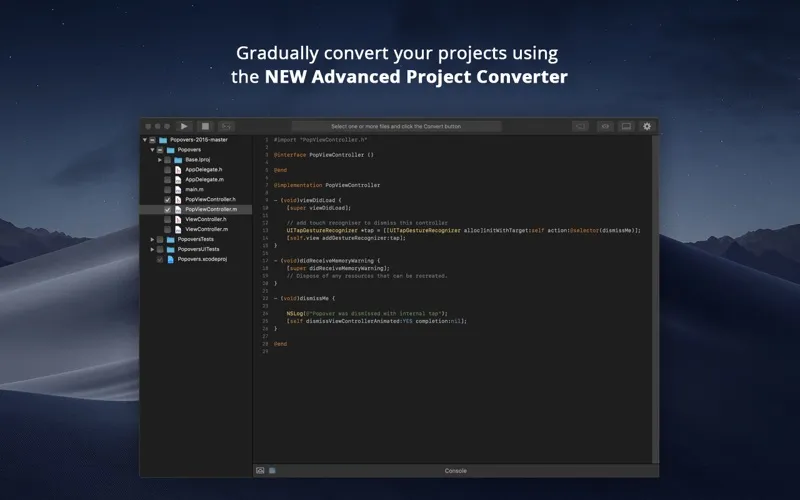
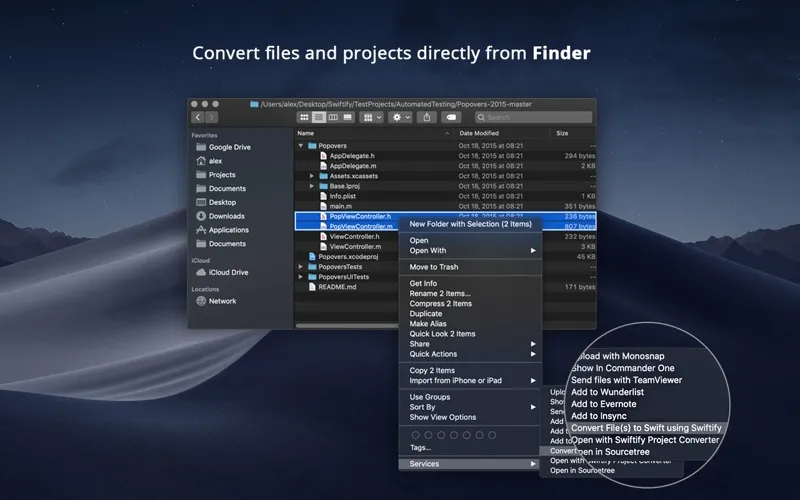
For a larger codebase, you can approach the move in stages rather than converting everything at once. The included Advanced Project Converter supports gradual project migration, and you also get a Finder extension alongside the Xcode extension.
You’ll need to obtain an API key and enable the Xcode extension before starting. Your code is sent over an encrypted HTTPS connection for conversion; according to the developer, it is never stored on their servers.
-
Convert where you work
You can turn Objective-C into Swift from Xcode’s Editor menu without switching to a separate editor.
-
Choose your conversion scope
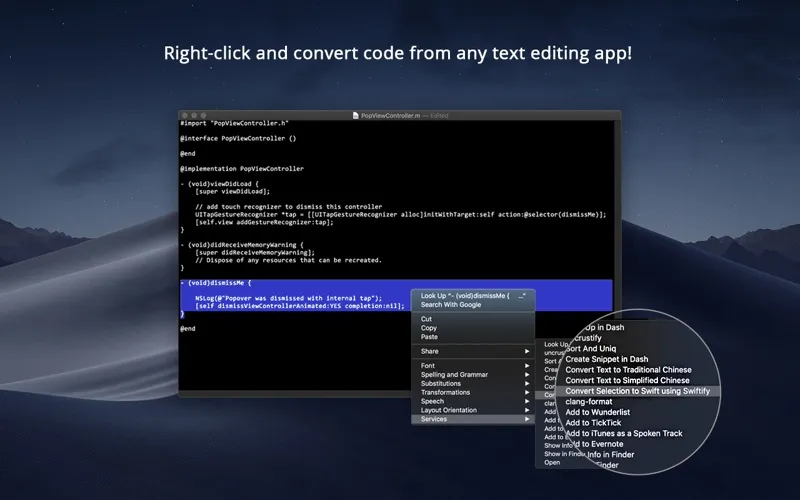
You can convert a selection, a whole file, or clipboard contents, depending on how much code you want to tackle.
-
Migrate in stages
You can use the Advanced Project Converter to move an existing project toward Swift gradually.
-
Know how code travels
Your code travels over HTTPS, and the developer states that it is never stored on their servers.
Best for
- You maintain an Objective-C Apple app
- You’re migrating a codebase to Swift gradually
- You need to convert individual files or code selections
Skip it if
You don’t need it if your projects are already entirely in Swift or you cannot send source code to an external conversion service.
Screenshots
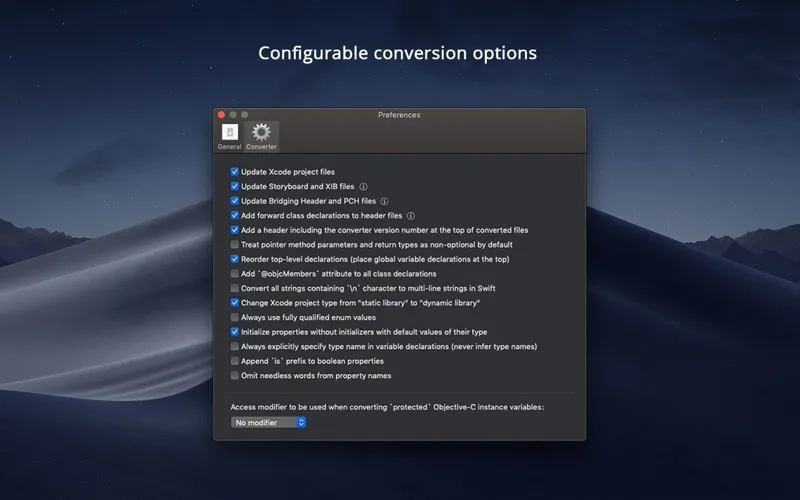
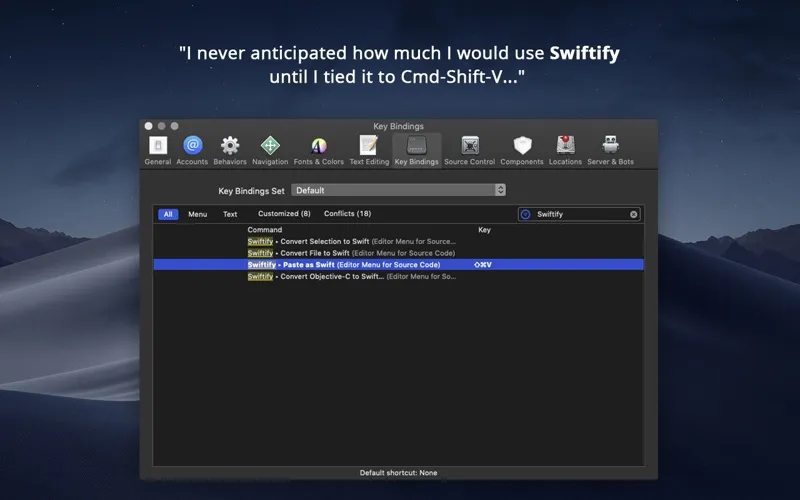
From the developer
To install Swiftify for Xcode in Xcode 26 (or Xcode 16) on macOS Sequoia (or Sonoma): • Quit Xcode • Launch “Swiftify for Xcode” from your Applications folder and follow the link to get your API key • Enable Swiftify extension in System Preferences -> Extensions -> Xcode Source Editor • Restart Xcod...Read the full description
Alternatives to Swiftify for Xcode
Other apps to build & ship Apple apps. See all
 Buildwatch
Track your build time in Xcode
Setapp
99% · 79 ratings
Buildwatch
Track your build time in Xcode
Setapp
99% · 79 ratings
 Asset Catalog Creator Pro
Prepare icons and app assets
Setapp
96% · 90 ratings
Asset Catalog Creator Pro
Prepare icons and app assets
Setapp
96% · 90 ratings
 SwiftyLaunch
Build iOS apps faster
Setapp
67% · 55 ratings
SwiftyLaunch
Build iOS apps faster
Setapp
67% · 55 ratings
 DMGKit
Ship polished Mac installers
Sold separately
DMGKit
Ship polished Mac installers
Sold separately
 DevTools for Xcode, Homebrew
Mac App Store
DevTools for Xcode, Homebrew
Mac App Store
 Kickstart
App Accelerator
Mac App Store
Kickstart
App Accelerator
Mac App Store