
TypingMind
Use new UI to chat with AI
TypingMind gives you one interface for multiple AI models, with reusable prompts and organized conversations. It suits you if you regularly switch models or revisit past chats.
by Typingmind.com · 90% positive (1,362)
What you get
You can switch AI models without scattering your prompts and conversations.
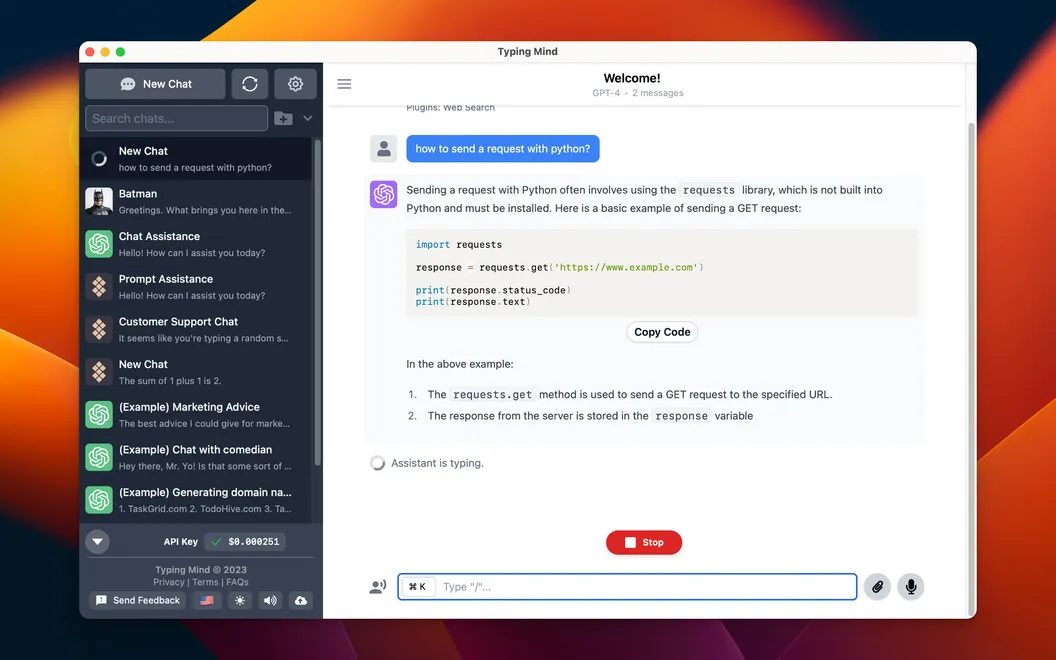
TypingMind gives you a single place to work with AI models such as ChatGPT, Claude, and Gemini. You connect with your API key and can switch models within a conversation, rather than move your work between separate interfaces. You can also adjust response style and how much conversation history the AI receives.
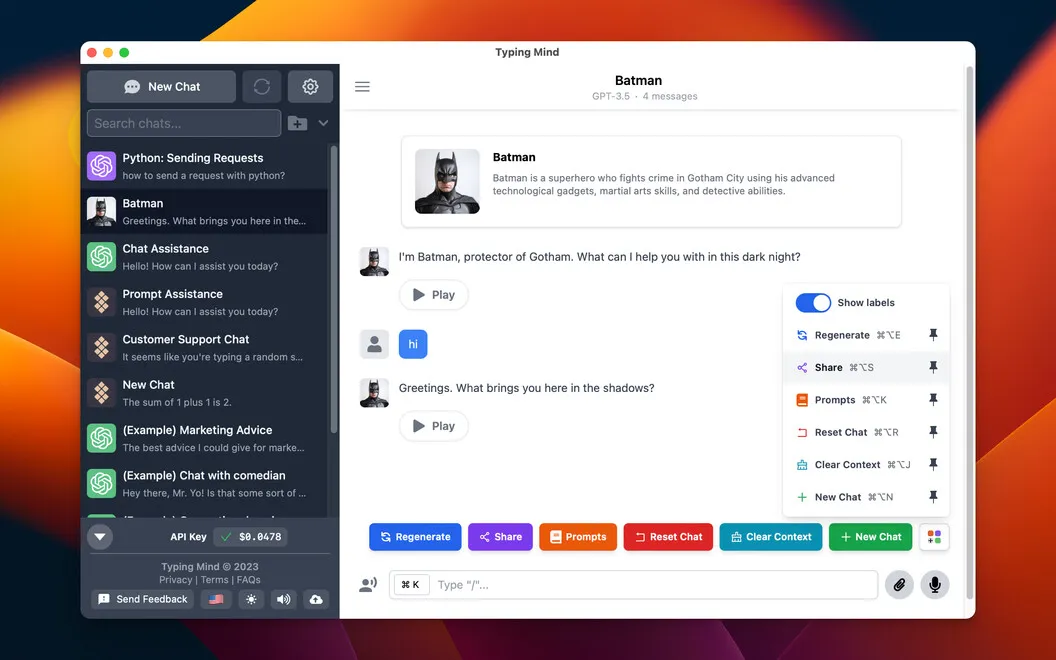
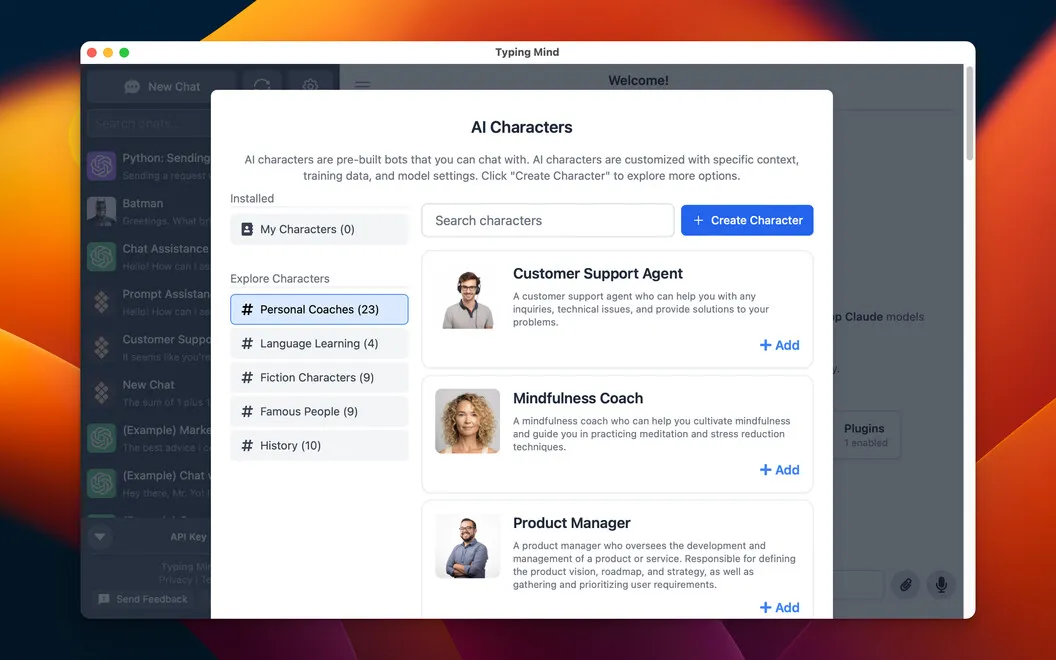
You spend less time rebuilding requests when you save prompts, tag them, and find them again later. Community prompts give you starting points, while built-in characters let you ask for text, guides, or explanations from roles such as a chef or software developer. Folders and chat search help you return to earlier work.
When an answer needs information from the web, you can search without leaving the chat. If you need connections to other services, plugins let you access Google Calendar, send Slack messages, or send email through Zapier.
-
Keep models together
You can switch between supported AI models within a conversation instead of moving between separate interfaces.
-
Reuse your best prompts
You can save and tag requests you use repeatedly, then find them without rewriting them.
-
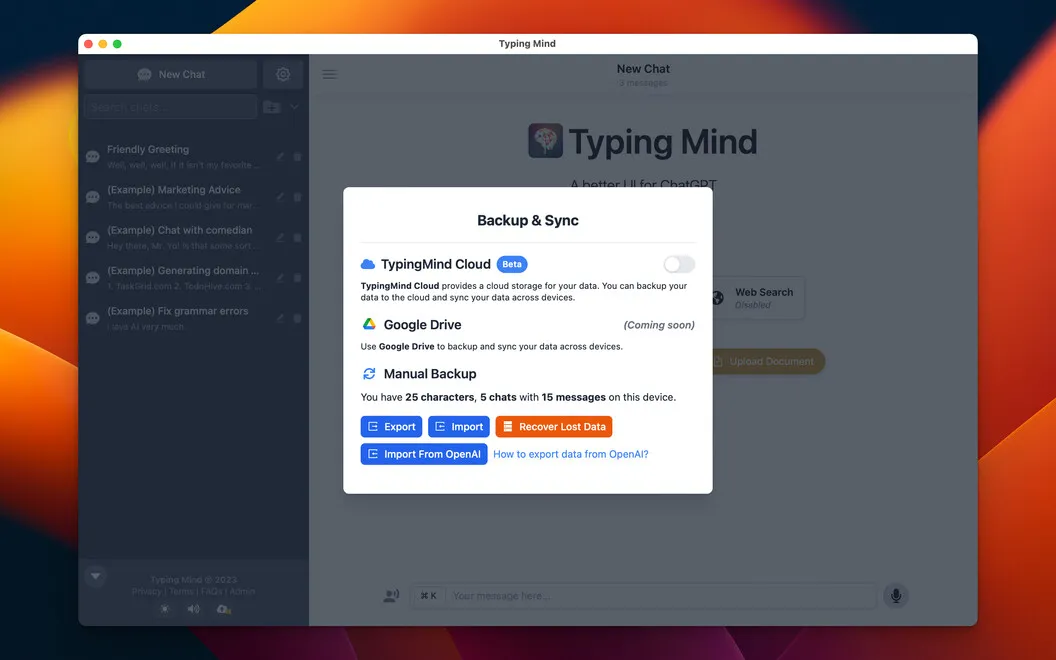
Recover earlier work
You can organize chats into folders and search past conversations when you need an earlier answer.
-
Shape the answers
You can adjust response style, choose a built-in character, and control how much previous conversation the AI receives.
-
Look things up
You can supplement your AI conversations with web searches without opening another tab.
Best for
- You regularly use several AI models
- You reuse prompts across recurring tasks
- You need to revisit and organize AI conversations
Skip it if
You probably don't need it if you're satisfied with one AI service's own interface and rarely reuse prompts or revisit chats.
Screenshots
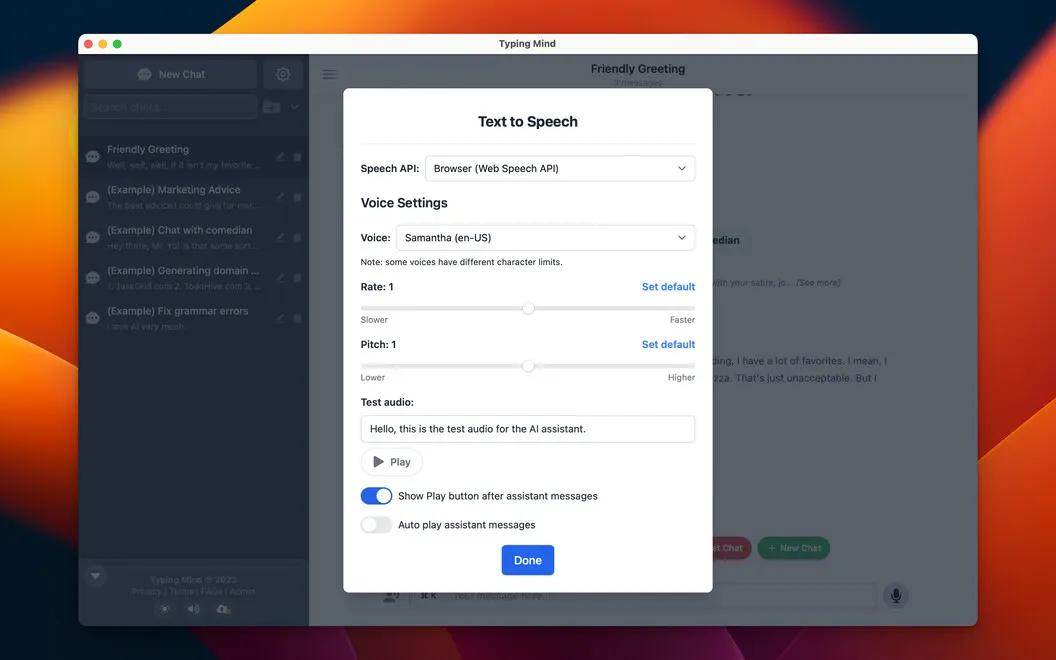
From the developer
Enjoy a seamless AI chat experience with a new UI via TypingMind app. Interact with built-in AI characters, use community prompts, search your chats, use web search to supplement your AI chat interactions without leaving the app, and more.Read the full description
Alternatives to TypingMind
Other apps to get an AI assistant. See all
 Substage
Control Finder with natural language
Setapp
84% · 96 ratings
Substage
Control Finder with natural language
Setapp
84% · 96 ratings
 BoltAI 2
Write, code, learn with Al
Setapp
96% · 49 ratings
BoltAI 2
Write, code, learn with Al
Setapp
96% · 49 ratings
 BoltAI
Write, code, learn with AI
Setapp
95% · 467 ratings
BoltAI
Write, code, learn with AI
Setapp
95% · 467 ratings
 AI Council
Stop trusting just one AI
Setapp
91% · 22 ratings
AI Council
Stop trusting just one AI
Setapp
91% · 22 ratings
 Sidekick
The agentic interface for your Mac.
Setapp
Sidekick
The agentic interface for your Mac.
Setapp
 Eney
Proactive AI Assistant
Sold separately
97% · 154 ratings
Eney
Proactive AI Assistant
Sold separately
97% · 154 ratings