Typist
Typist is a touch-typing tutor for you if you’re starting from scratch or want structured practice beyond your existing typing experience.
by Takeshi Ogihara
What you get
Learn to type faster without looking down at your fingers.
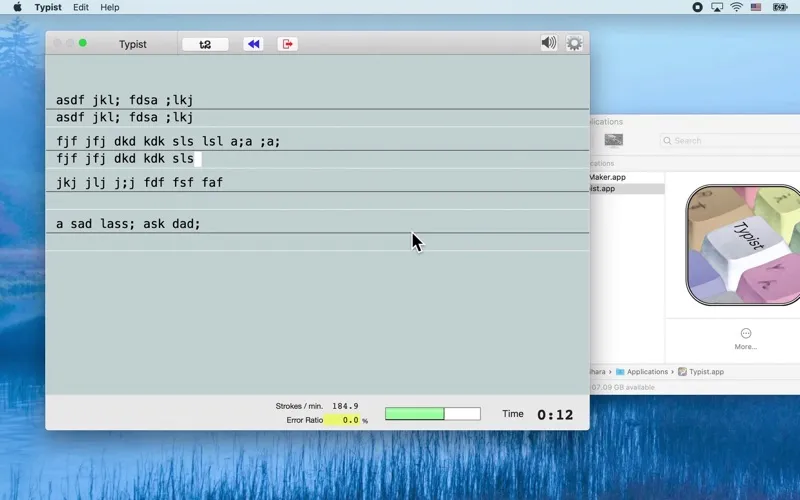
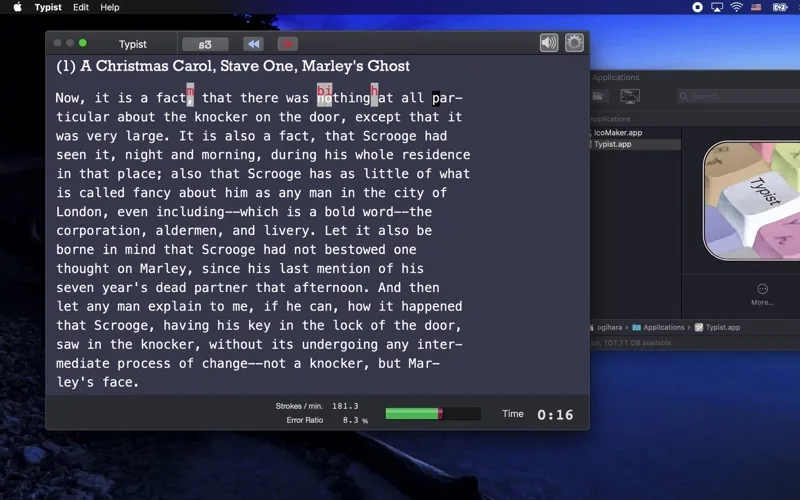
Typist gives you courses and exercises to practice typing without watching your fingers. If you currently look down to find keys, you can work toward keeping your attention on the screen instead. The aim is faster touch typing through practice, rather than an immediate speed boost.
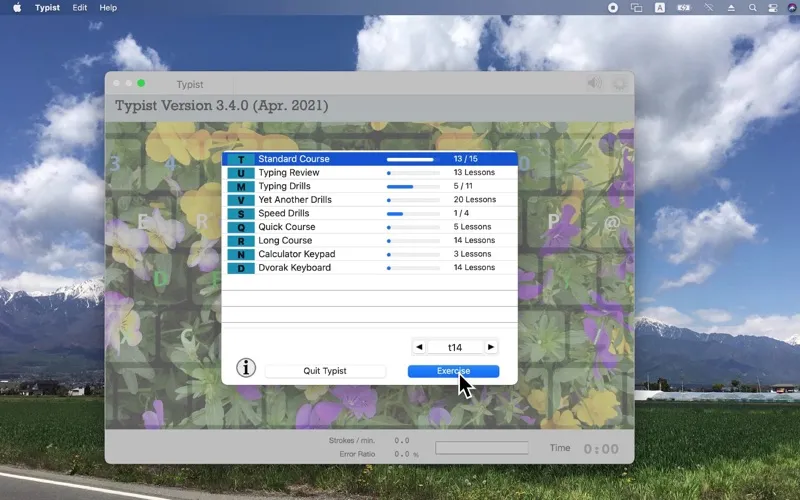
You have a suggested starting point based on your experience: Course T if you have never taken typing lessons, or Course Q or S if you already have some typing experience. You may type more slowly at first as you stop relying on looking at the keyboard; getting comfortable takes patience and repetition.
If you use a Polish programmer keyboard, you can practice with lessons for that layout and use a Polish interface. You also have a Russian interface available.
-
Look down less
You practice touch typing so you can work toward finding keys without watching your fingers.
-
Know where to start
You can begin with Course T as a beginner, or try Course Q or S if you have typing experience.
-
Practice your Polish layout
You can use lessons for the Polish programmer keyboard, with a Polish interface available.
Best for
- You have never taken typing lessons
- You want to stop watching your fingers while typing
- You want typing practice for a Polish programmer keyboard
Skip it if
You probably don’t need it if you already touch-type comfortably and aren’t looking for more practice.
Screenshots
From the developer
Typist is a typing tutor, which helps you in learning touch typing. If you have never taken any lessons in typing before, please be patient. Typing is not difficult but it does take a lot of practice. Avoid the tendency to look down at your fingers while typing. This is a very bad habit and is hard to break later.Read the full description
Alternatives to Typist
Other apps to learn to type faster. See all