
Weather for Status Bar
Weather for Status Bar gives you a quick view of current weather on your Mac, with more details a click away. It suits you if you prefer checking conditions from the menu bar.
by Mykola Blokhin
What you get
See the current weather without leaving your Mac’s menu bar.
You get a quick way to check the current weather while you’re using your Mac. Weather for Status Bar puts current conditions in the menu bar, so you can glance at them without opening a weather website or reaching for another device. It’s a straightforward option if you mainly want to know what the weather is doing right now.
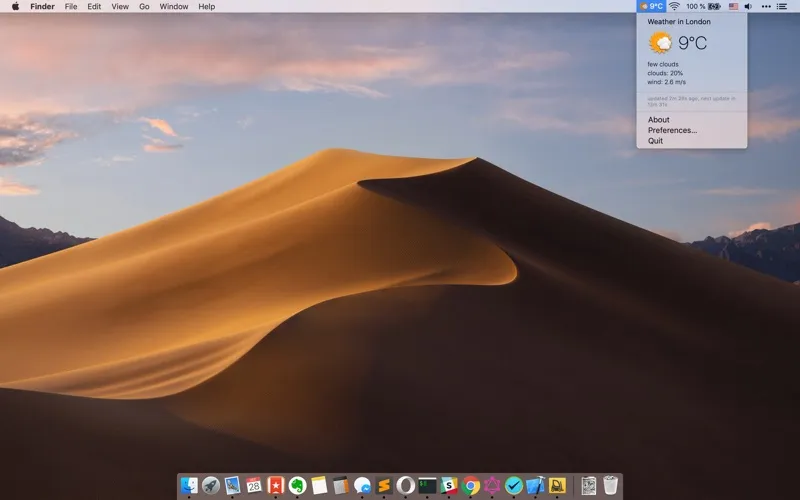
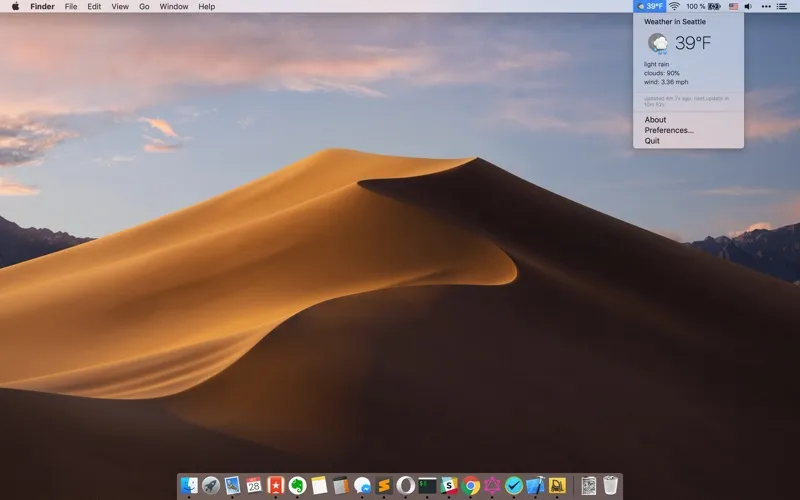
When you want a closer look, you can click the app’s icon to open a popup with more weather information. That gives you two levels of detail: a brief view you can glance at and an expanded view when you need it.
-
Check conditions at a glance
You can see the current weather in your Mac’s menu bar.
-
Get more detail
You can click the icon to see additional weather information in a popup.
-
Keep checks on your Mac
You can look up current conditions without reaching for your phone or opening a weather website.
Best for
- You want current weather visible while using your Mac
- You prefer a quick glance with optional extra detail
Skip it if
You don’t need it if your existing weather app already gives you convenient access to current conditions.
Screenshots
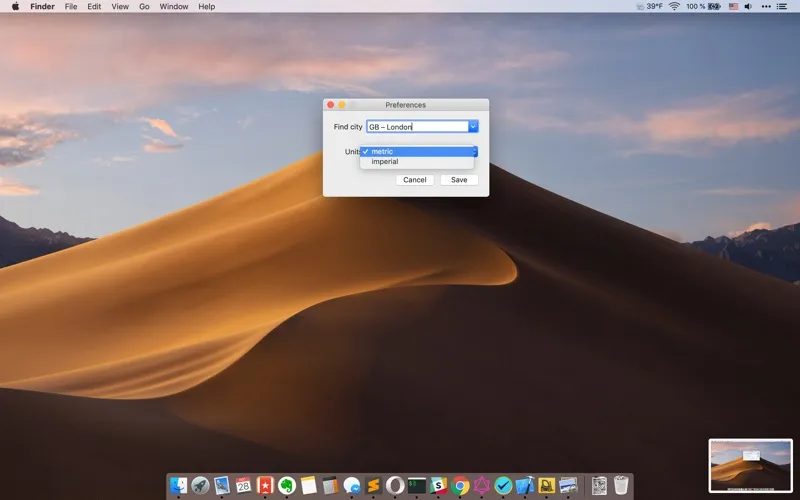
From the developer
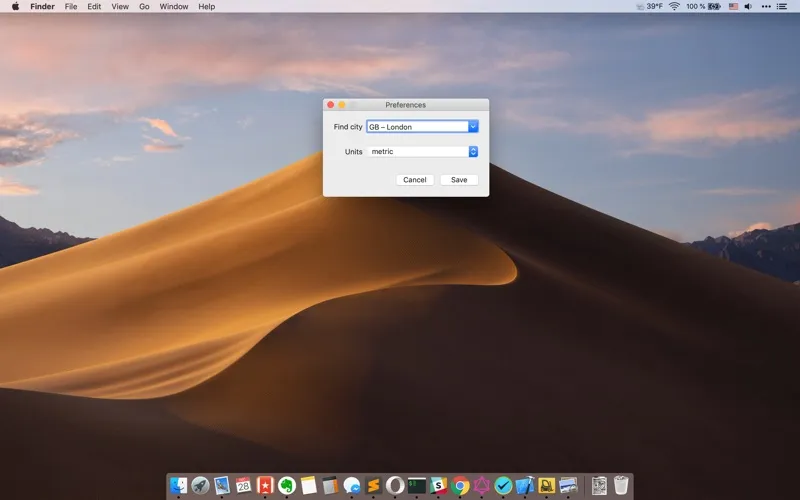
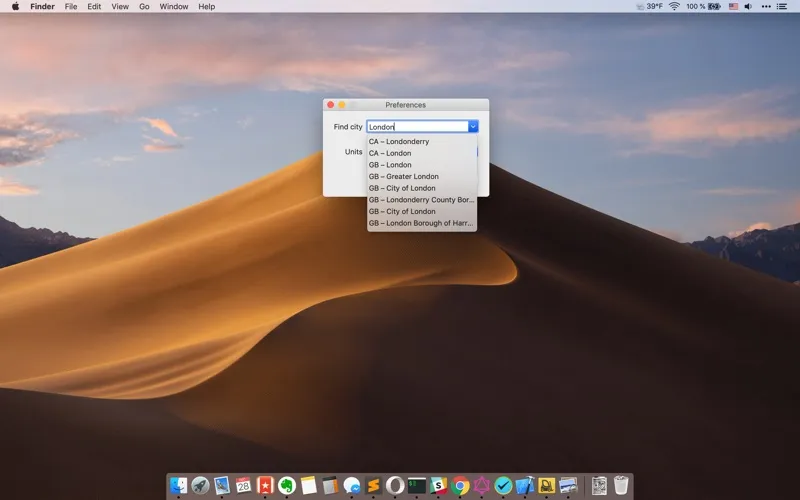
"Weather for Status Bar" is a simple desktop app for MacOS. It displays the current weather situation on the status bar and more detail info on click on its icon in the popup.Read the full description
Alternatives to Weather for Status Bar
Other apps to check the weather. See all