
AirBuddy
Monitor your wireless devices
With AirBuddy, you can check wireless device batteries and manage connections from your Mac’s menu bar. It suits you if you use several peripherals or switch them between Macs.
by Buddy Software LTD · 96% positive (1,578)
What you get
You can keep wireless devices charged, connected, and ready to use.
You can see how much charge your wireless peripherals have left without checking each device separately. Open AirBuddy from your menu bar to view connected devices and their battery levels. You can also check peripherals connected to nearby Macs running AirBuddy.
You get alerts when batteries run low and when charging finishes, with thresholds you choose and settings that sync across your Macs. For everyday connection changes, you can use custom keyboard shortcuts to connect or disconnect devices, check their status, or switch listening modes. You can also build connection and battery checks into workflows in Apple’s Shortcuts app.
If you work across multiple Macs, you can hand off your Magic Mouse, Magic Keyboard, or Magic Trackpad with a click, provided the other Mac also runs AirBuddy.
-
Check charge at a glance
You can see connected peripherals’ battery levels together in your menu bar, including devices on nearby Macs running AirBuddy.
-
Know when to charge
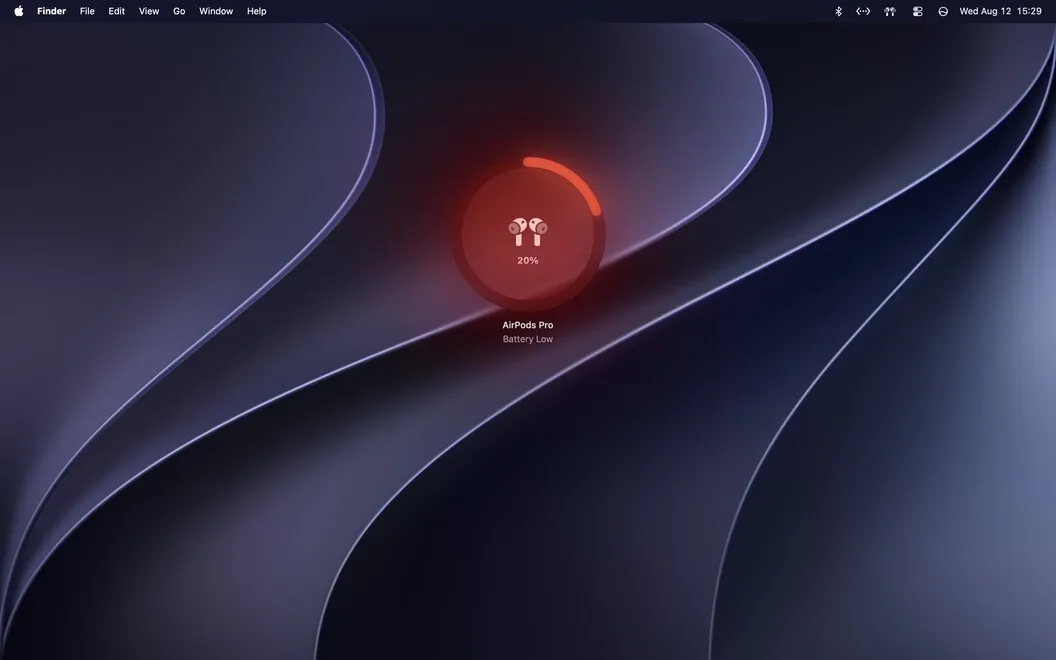
You get low-battery and charging-complete alerts at thresholds you choose, with your settings synced across Macs.
-
Change connections faster
You can connect or disconnect devices and switch listening modes using custom keyboard shortcuts.
-
Reuse peripherals across Macs
You can hand off your Magic Mouse, Magic Keyboard, or Magic Trackpad to another Mac running AirBuddy with a click.
-
Build device checks into workflows
You can use Apple’s Shortcuts app to check battery levels and connection status, or connect and disconnect your peripherals.
Best for
- You use several wireless peripherals and want one place to check their batteries.
- You share a Magic Mouse, Magic Keyboard, or Magic Trackpad between Macs.
- You want keyboard shortcuts or Shortcuts workflows for device connections.
Skip it if
You probably don’t need it if you rarely use wireless peripherals or your Mac’s built-in Bluetooth controls already cover your needs.
Screenshots


From the developer
Monitor and manage your wireless devices with this smart helper. AirBuddy lives in your menu bar and provides a quick look at your wireless devices’ battery statuses, supports quick action shortcuts for connecting or disconnecting your devices, and more.Read the full description
Alternatives to AirBuddy
Other apps to manage Bluetooth devices. See all