
Almighty
Unlock 50+ Mac shortcuts
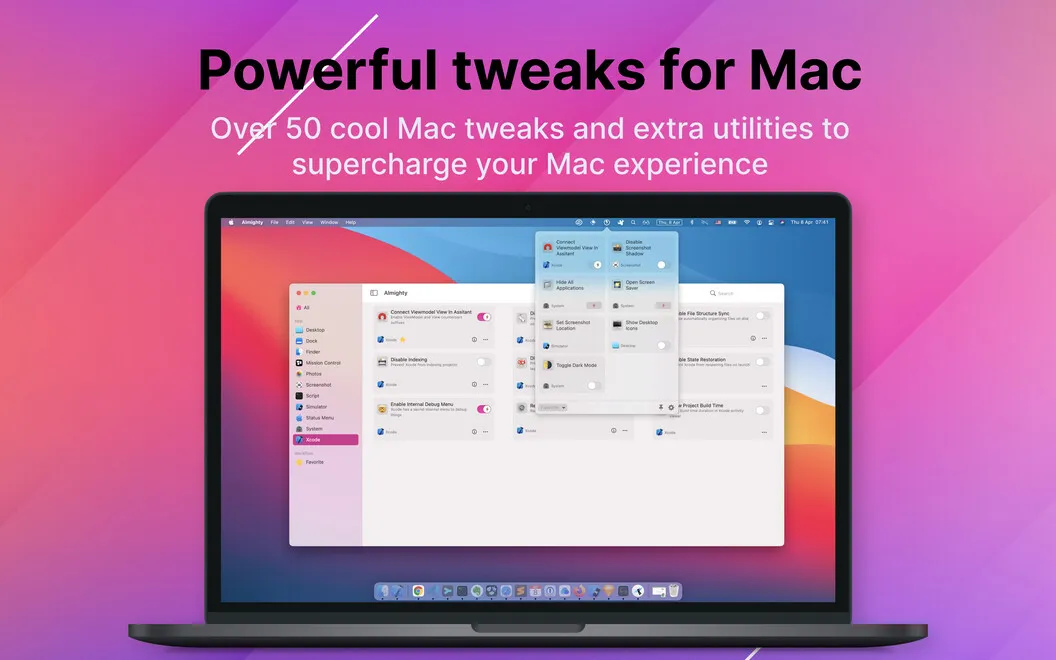
Almighty gives you access to advanced Mac settings and everyday utilities, with options for tailoring Finder, the Dock, and Xcode to how you work.
by Indie Goodies · 92% positive (270)
What you get
Make your Mac show what you need and hide what you don’t.
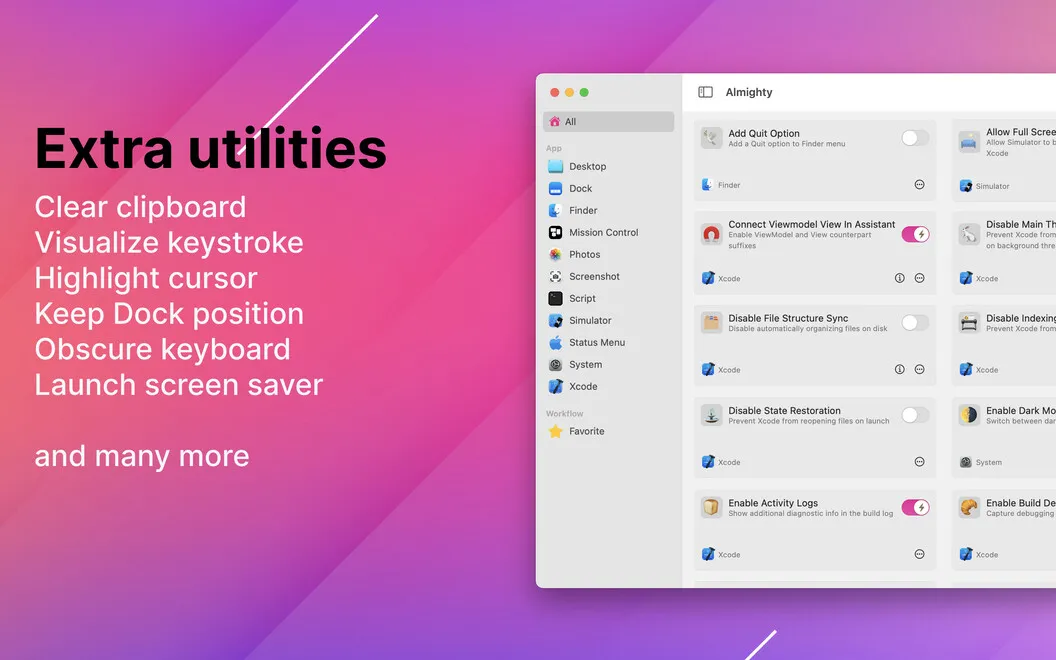
Almighty gives you one place to adjust Mac behaviors that aren’t always easy to find. You can reveal hidden files and all file extensions in Finder, see the full folder path in its title bar, and add a Finder quit option. That means you can see more clearly what you’re working with and where it lives.
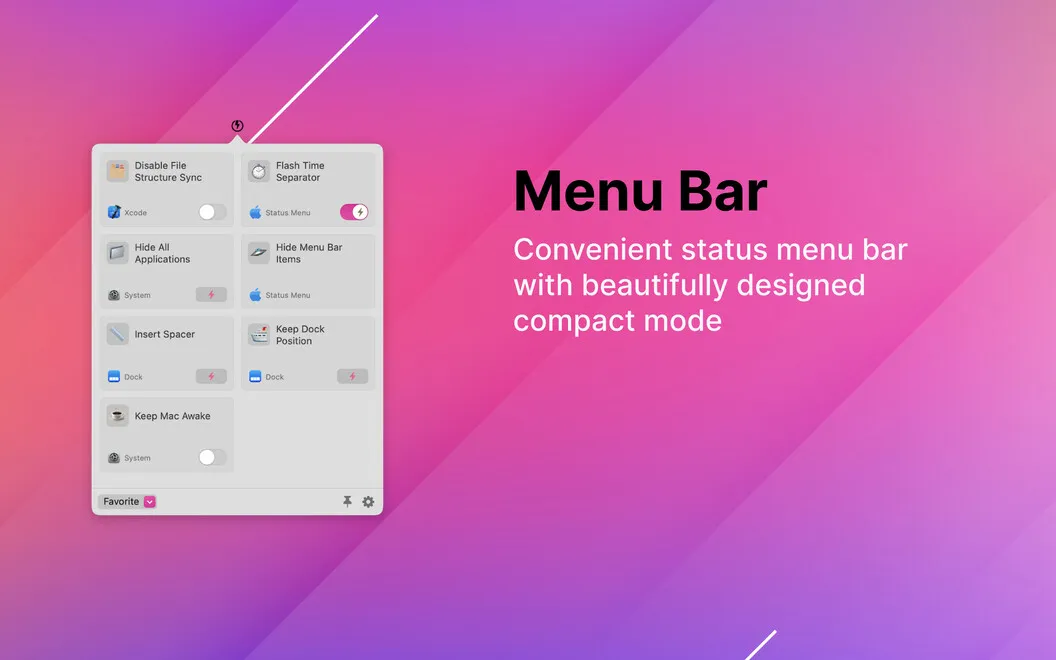
You can also reduce desktop clutter by hiding icons, choose which apps appear in the Dock, and add Dock spacers to separate groups. For everyday tasks, you can clear your clipboard, strip formatting from copied text, or schedule your Mac to shut down. Keep the tools you use most in Almighty’s menu bar dropdown so you can reach them without browsing the whole collection.
If you work in Xcode, you can display project build times and stop the previous project from reopening. You get control over both your Mac’s appearance and specific parts of your development routine.
-
See file details
You can reveal hidden files, show every extension, and see your current folder’s full path in Finder.
-
Reduce visual clutter
You can hide desktop icons, choose Dock apps, and separate Dock groups with spacers.
-
Reach frequent tools faster
You can keep your preferred Almighty tools in its menu bar dropdown for quick access.
-
Handle small tasks
You can clear the clipboard, turn copied text into plain text, and schedule a shutdown.
-
Adjust your Xcode routine
You can see project build times and prevent the last project from reopening.
Best for
- You want more control over Finder and Dock behavior
- You frequently use small system utilities
- You develop in Xcode and want extra configuration options
Skip it if
You don’t need it if your Mac’s default behavior suits you and you rarely change advanced settings.
Screenshots
From the developer
Customizing your Mac experience to meet your needs can turn workflow on your favorite device into an even more seamless experience.Read the full description
Alternatives to Almighty
Other apps to unlock hidden macOS settings. See all