
AwakeBar
Your Mac, wide awake
AwakeBar is a menu bar utility that keeps your Mac awake when you need it for presentations, long downloads, or renders.
by Florian Steller
What you get
Keep your Mac awake until your presentation, download, or render is done.
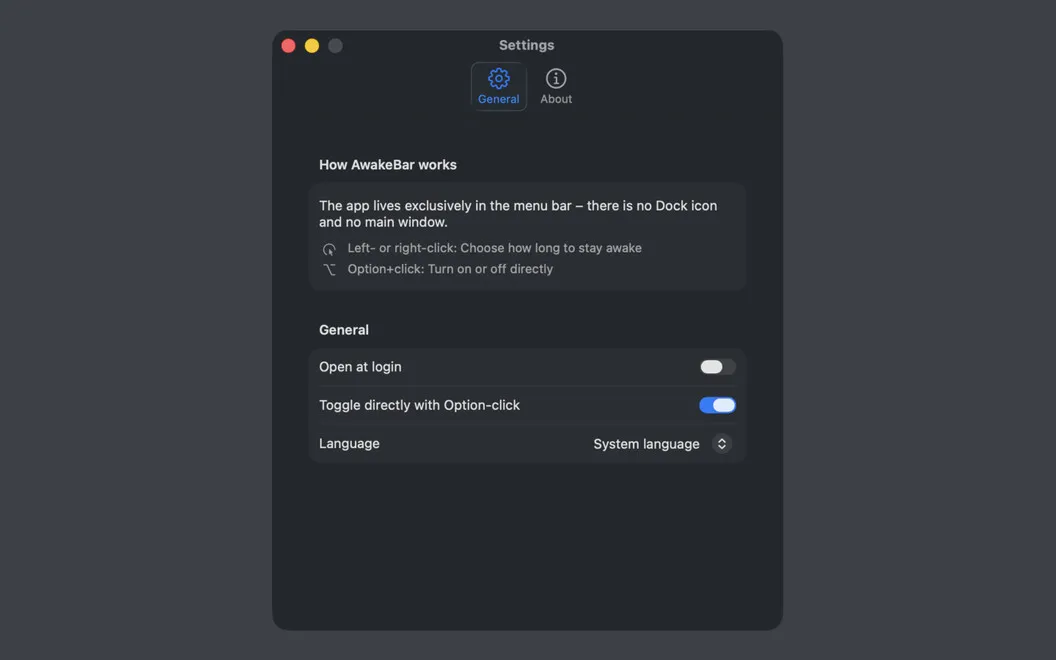
You can leave a download or render running without your Mac going to sleep, or keep your screen from dimming during a presentation. AwakeBar lets you start a keep-awake session from the menu bar without changing your settings in System Settings.
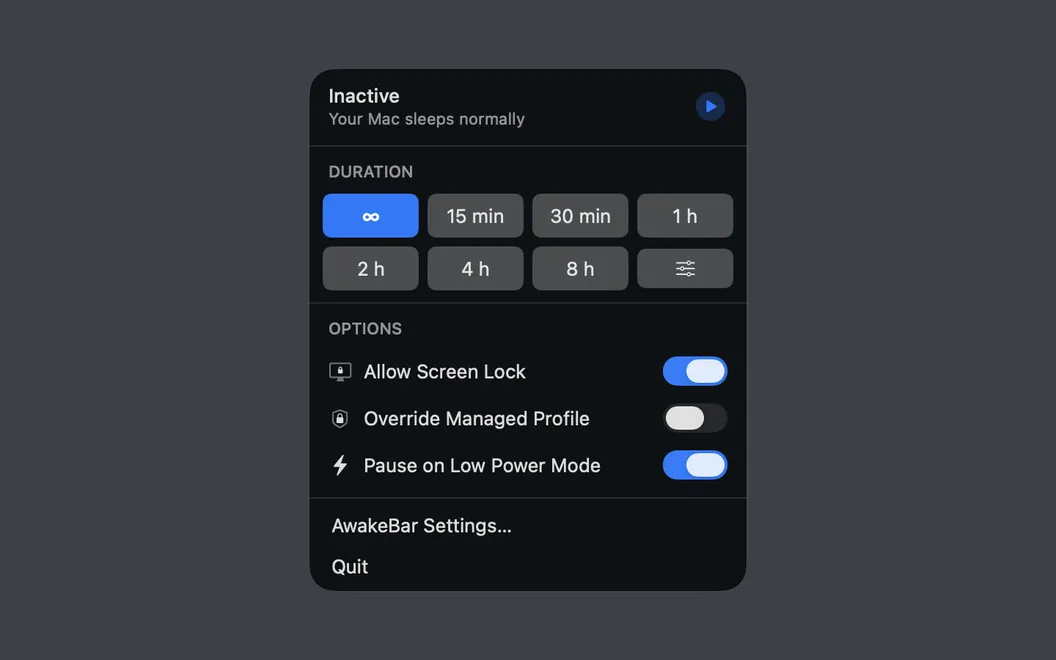
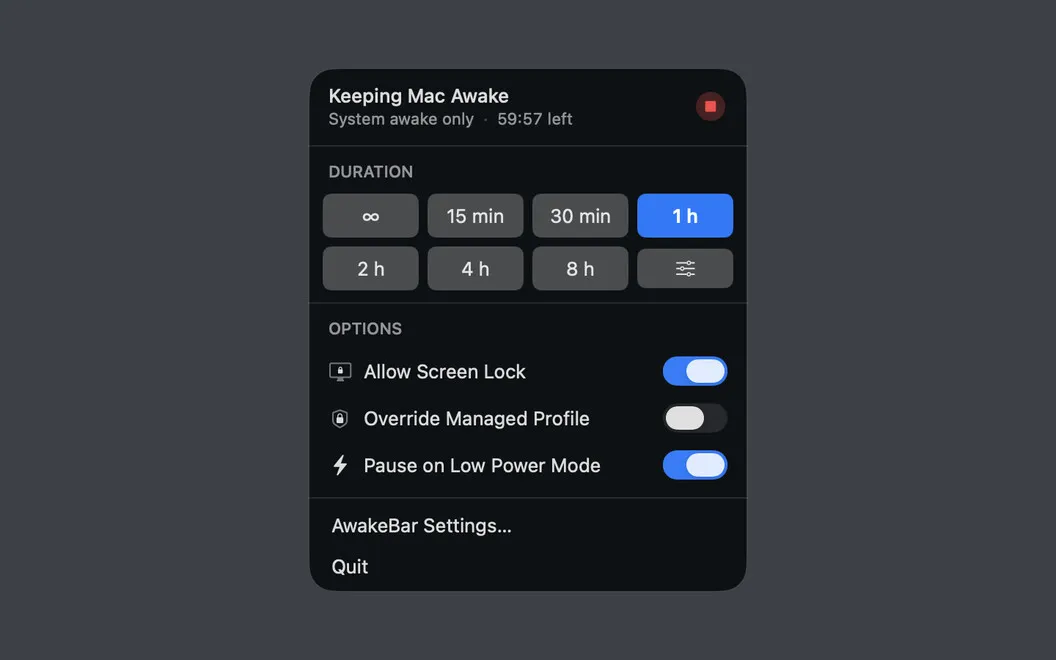
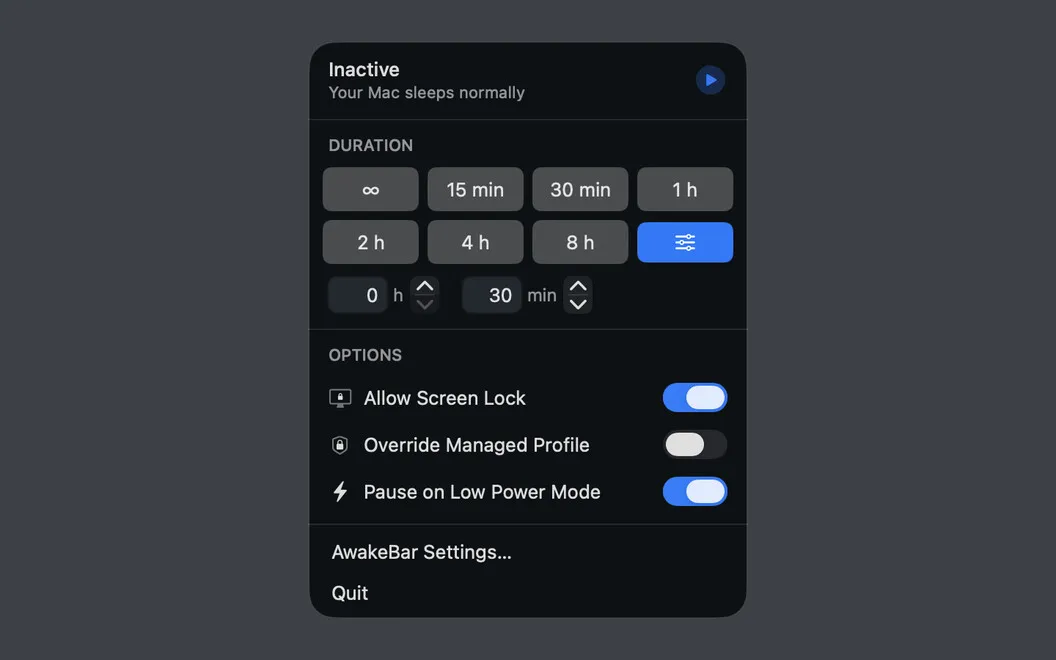
You choose how long your Mac stays awake: pick a preset, enter a custom duration in hours and minutes, or leave it running indefinitely. You can check whether a session is active and how much time remains from the menu bar, then stop it whenever you no longer need it.
You can still lock your screen during a session to prevent unauthorized access. On a MacBook, you can also have AwakeBar pause automatically when Low Power Mode turns on. You get these controls without a Dock icon or a separate main window, and the app works offline without collecting personal data.
-
Avoid sleep interruptions
You can keep your Mac awake through presentations, long downloads, and renders.
-
Choose your awake time
You can use a preset, enter a custom duration, or keep your Mac awake indefinitely.
-
Know when it ends
You can check the remaining session time in the menu bar and stop it early.
-
Keep screen locking available
You can lock your screen while a keep-awake session continues.
-
Respect Low Power Mode
You can have keep-awake sessions pause automatically when your MacBook enters Low Power Mode.
Best for
- You give presentations and need your screen to stay on
- You leave large downloads or long renders running
- You want temporary sleep control without changing system settings
Skip it if
You don't need it if your Mac's existing sleep settings already suit your work.
Screenshots
From the developer
AwakeBar — Menu bar keep-awake utility for Mac. Your Mac falls asleep at the worst times — mid-presentation, during a big download, halfway through a long render. AwakeBar fixes that with one click. Pick a duration from the menu bar, and your Mac stays on until you say otherwise.Read the full description
Alternatives to AwakeBar
Other apps to keep your Mac awake. See all
 Lungo
Keep your Mac awake
Setapp
99% · 1,852 ratings
Lungo
Keep your Mac awake
Setapp
99% · 1,852 ratings
 Clamshell
Keeps your MacBook awake with the lid closed. No external display, no admin.
Setapp
95% · 21 ratings
Clamshell
Keeps your MacBook awake with the lid closed. No external display, no admin.
Setapp
95% · 21 ratings
 BlackFlare
Keep Mac awake while AI codes
Setapp
BlackFlare
Keep Mac awake while AI codes
Setapp
 Insomniac
Keep your Mac awake, smartly
Sold separately
Insomniac
Keep your Mac awake, smartly
Sold separately
 Amphetamine
Mac App Store
Amphetamine
Mac App Store
 Alarm Clock
Countdown Timer
Mac App Store
Alarm Clock
Countdown Timer
Mac App Store