Clamshell
Keeps your MacBook awake with the lid closed. No external display, no admin.
Clamshell lets you keep your MacBook working with its lid closed, without an external display or admin access. It suits you if you leave builds, AI agents, downloads, or file transfers running.
by Clamshell Kft. · 95% positive (21)
What you get
Keep your MacBook working while you close the lid and step away.
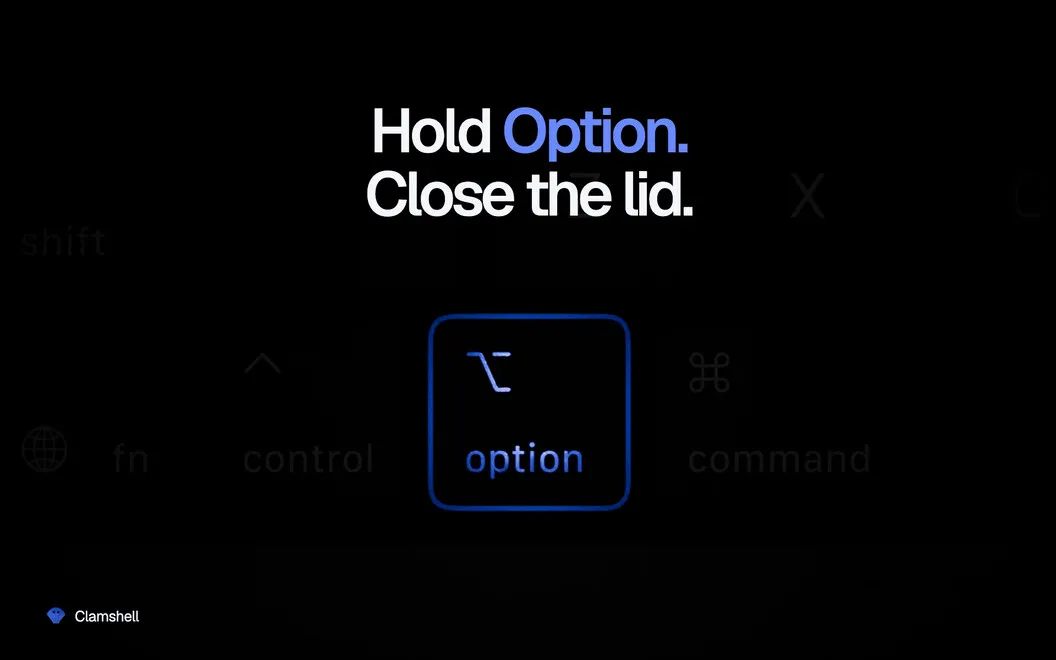
With Clamshell, you can close your MacBook without putting long-running work to sleep. Your builds, downloads, file transfers, and AI agents can continue while the screen is shut, including overnight. You don’t need to connect an external display or peripherals, or enter an admin password.
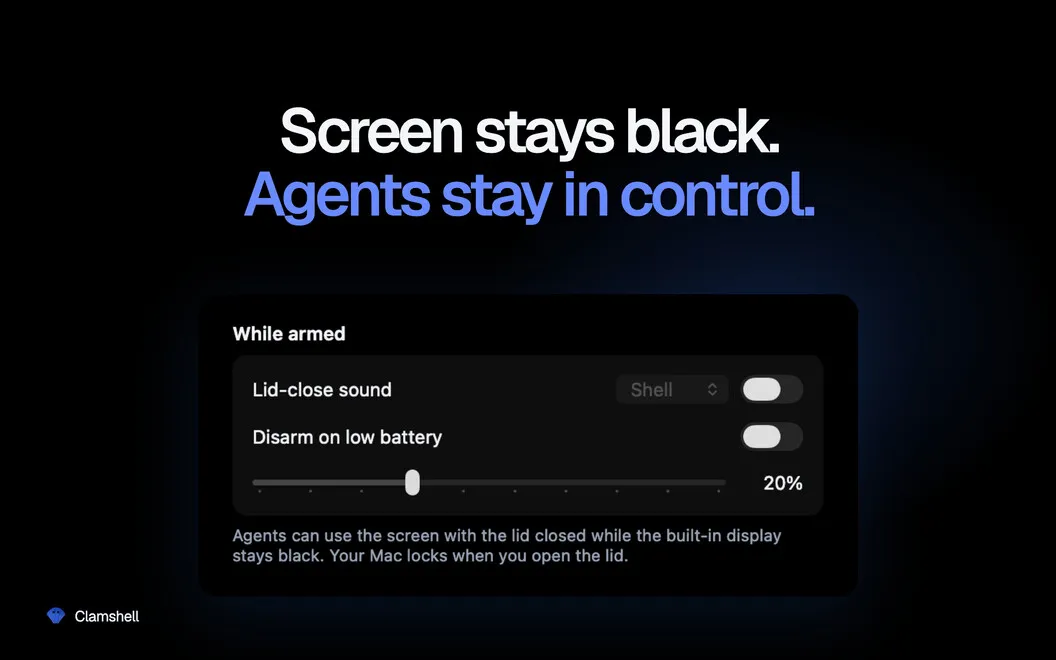
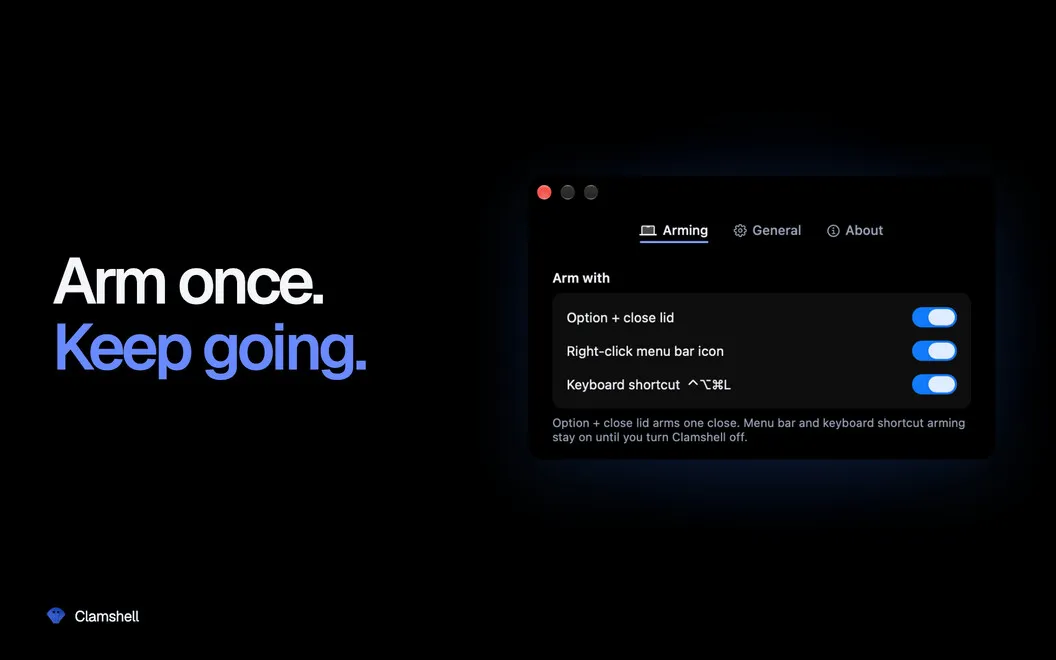
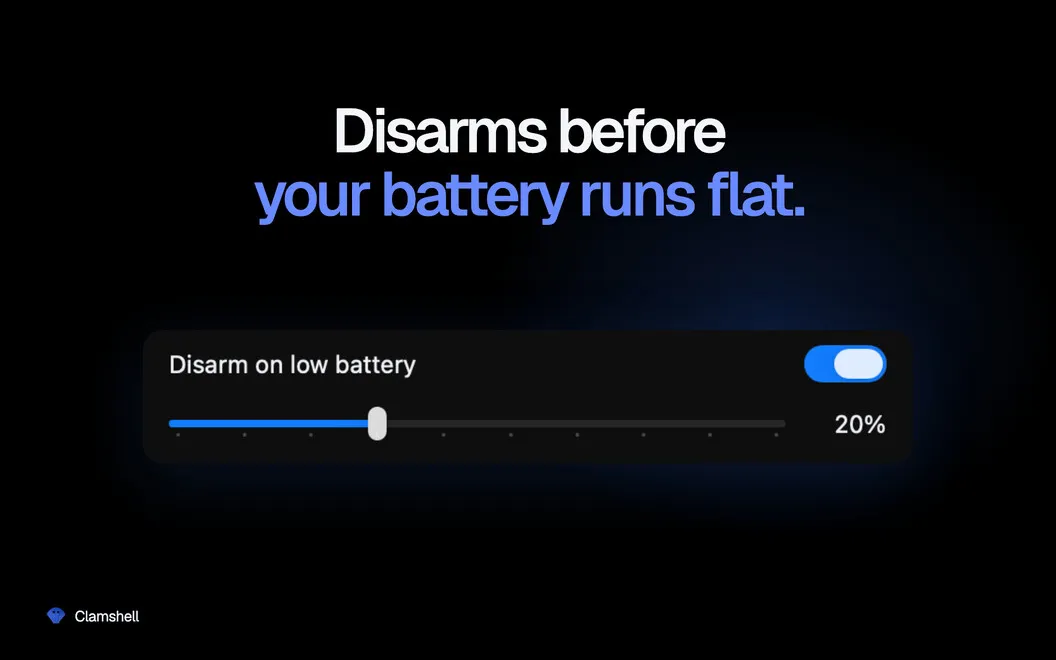
You choose when closed-lid work is allowed with one menu bar click or a keyboard shortcut. If you plug or unplug the charger, Clamshell reapplies that choice so a power change doesn’t quietly interrupt your job. You can also set a battery threshold that lets your Mac sleep before the battery runs flat.
By default, opening the lid restores normal sleep behavior, so you don’t have to remember to undo the setting afterward. You can choose to keep it enabled instead. If Clamshell quits unexpectedly, normal sleep behavior returns automatically.
-
Leave long jobs running
You can shut the lid while builds, AI agents, downloads, and large file transfers continue.
-
Skip the extra hardware
You don’t need an external display or connected peripherals to keep your closed MacBook awake.
-
Avoid power-change interruptions
Your closed-lid setting is reapplied when you connect or disconnect the charger.
-
Keep a battery reserve
You choose a battery threshold at which Clamshell stops keeping your Mac awake and allows it to sleep.
-
Return to normal automatically
By default, you restore normal sleep behavior simply by opening the lid.
Best for
- You leave AI agents running overnight
- You wait on long software builds
- You transfer large files with the lid closed
Skip it if
You don’t need Clamshell if you want your MacBook to sleep whenever you close its lid.
Screenshots

From the developer
Clamshell — lid-close sleep manager for Mac. Close the lid and your Mac keeps working: downloads finish, builds run, AI agents do their thing. No external display, no plugged-in peripherals — just a one-click arm from the menu bar. Open the lid back up and you're right where you left off.Read the full description
Alternatives to Clamshell
Other apps to keep your Mac awake. See all