
Lungo
Keep your Mac awake
Lungo is a Mac utility that keeps your computer awake and its screen from dimming when you need a presentation, recipe, video, or live information to stay visible.
by Sindre Sorhus · 99% positive (1,852)
What you get
Keep your Mac awake until you’re ready to let it sleep.
You get a way to keep your Mac from sleeping or dimming while you’re relying on the screen. When you’re presenting, following a recipe, or watching a live feed, you can leave the display visible without periodically touching the keyboard or mouse just to keep it awake.
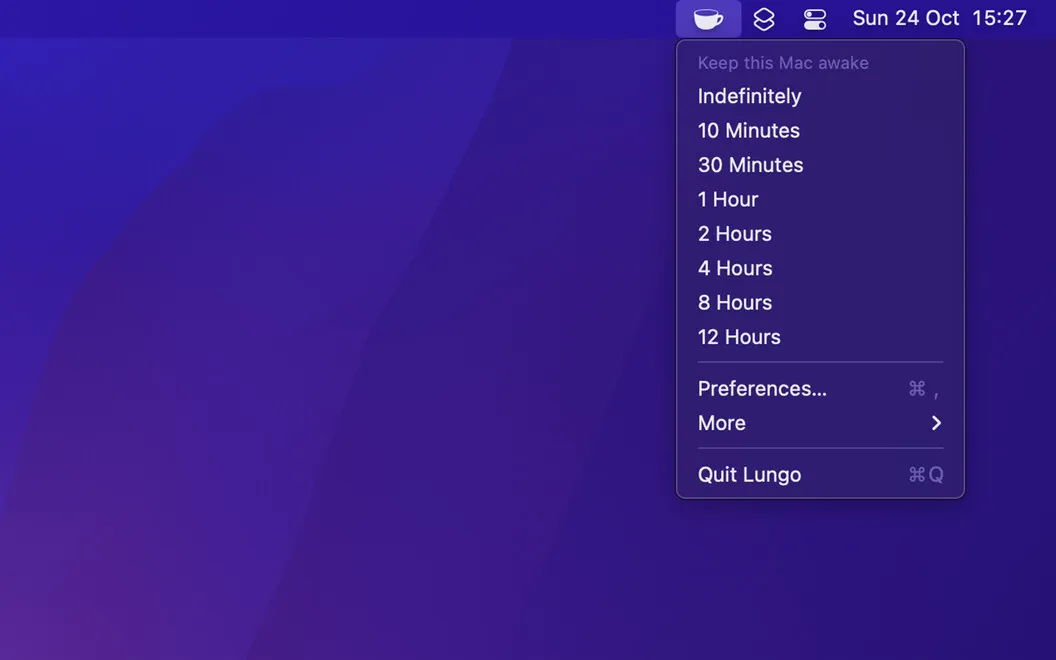
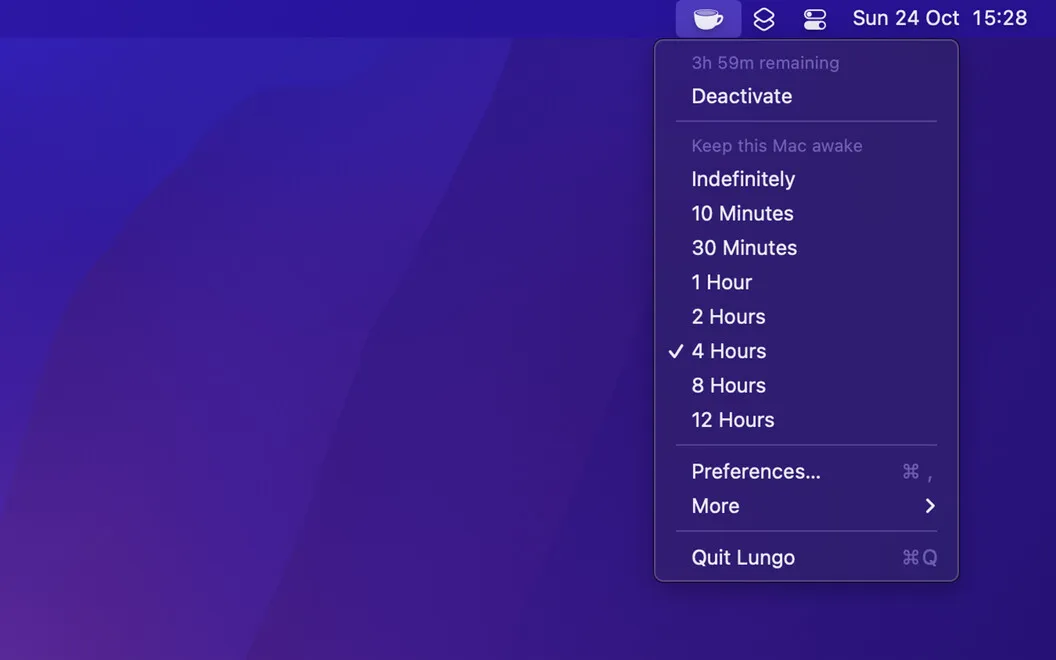
You choose how long this lasts from the menu bar, with options starting at 10 minutes and extending to indefinitely. That lets you cover a short task or leave information on display throughout the day.
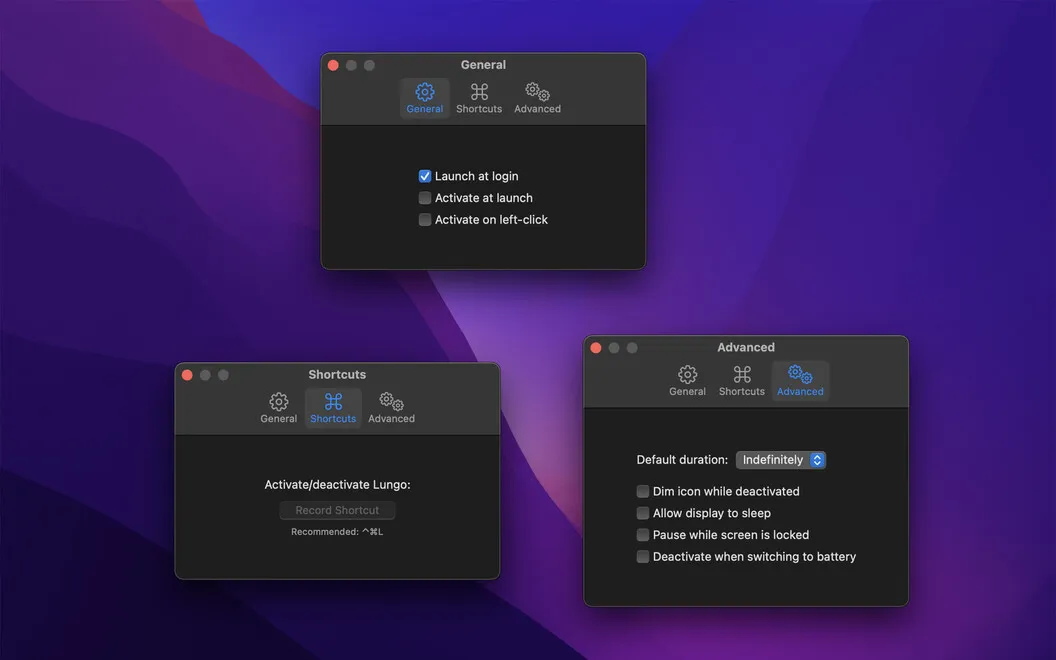
If you finish early, you can switch Lungo off with a click and allow your Mac to sleep normally again. You can also set it to launch when you log in.
-
Keep information visible
You can follow a recipe or monitor an updating app without the screen dimming or your Mac falling asleep.
-
Present without sleep interruptions
You can keep your Mac awake during a presentation without touching the keyboard just to maintain the display.
-
Choose your awake time
You can select a duration from 10 minutes to indefinitely, depending on how long you need the screen.
-
Let it sleep again
You can turn Lungo off with a click when you finish, rather than waiting for your chosen duration to end.
Best for
- You regularly present from your Mac
- You follow recipes on your laptop
- You need live information to stay visible
Skip it if
You don’t need it if your Mac’s normal sleep and dimming behavior already suits your tasks.
Screenshots
From the developer
Has your computer ever gone into sleep mode unexpectedly and inconveniently? Lungo is a simple utility app that prevents your Mac from sleeping or dimming when you don’t want it to.Read the full description
Alternatives to Lungo
Other apps to keep your Mac awake. See all
 Clamshell
Keeps your MacBook awake with the lid closed. No external display, no admin.
Setapp
95% · 21 ratings
Clamshell
Keeps your MacBook awake with the lid closed. No external display, no admin.
Setapp
95% · 21 ratings
 BlackFlare
Keep Mac awake while AI codes
Setapp
BlackFlare
Keep Mac awake while AI codes
Setapp
 AwakeBar
Your Mac, wide awake
Sold separately
AwakeBar
Your Mac, wide awake
Sold separately
 Insomniac
Keep your Mac awake, smartly
Sold separately
Insomniac
Keep your Mac awake, smartly
Sold separately
 Amphetamine
Mac App Store
Amphetamine
Mac App Store
 Alarm Clock
Countdown Timer
Mac App Store
Alarm Clock
Countdown Timer
Mac App Store