Bank Statement PDF Converter
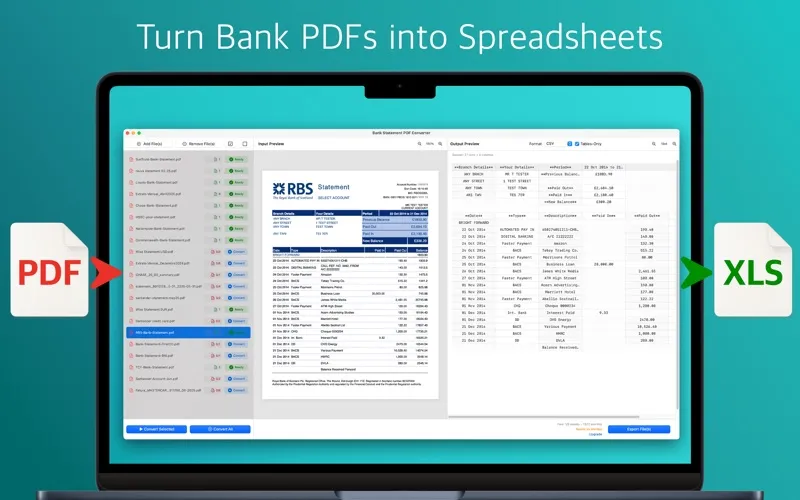
Bank Statement PDF Converter turns your PDF bank statements into spreadsheets and accounting import files, helping you prepare records for bookkeeping or taxes without manually entering transactions.
by Cleverson
What you get
Turn your bank statements into usable accounting records without retyping transactions.
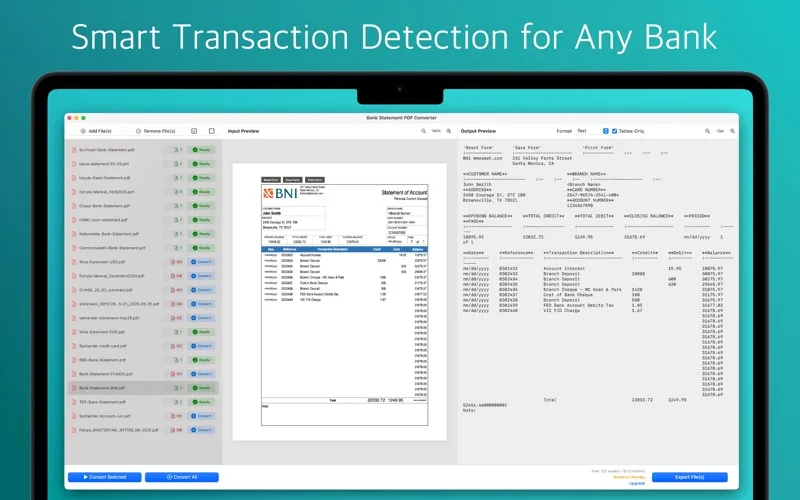
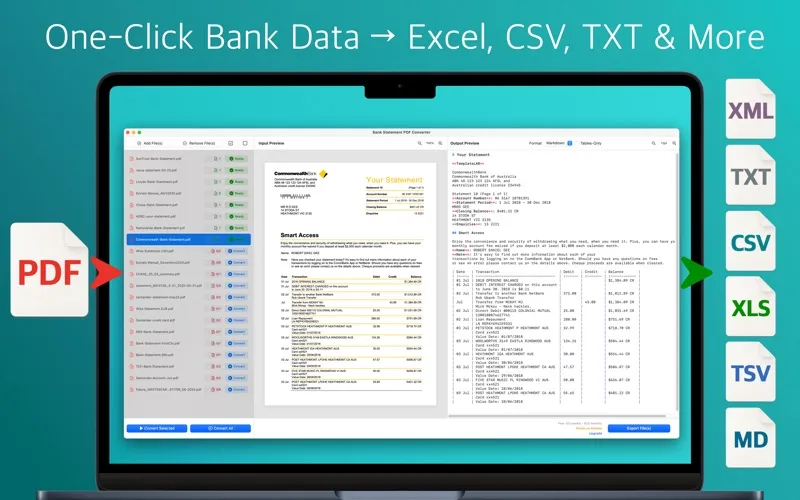
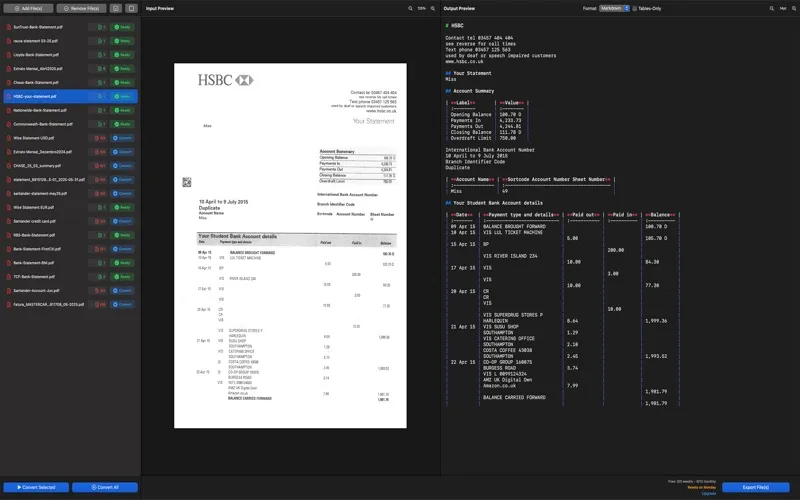
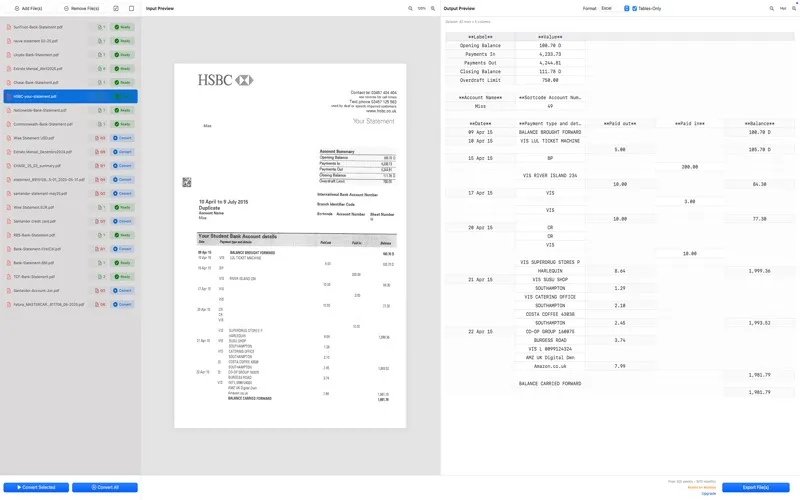
You get transaction data you can work with instead of figures locked inside bank statement PDFs. Drop in your statements and export Excel or CSV files, or formats for QuickBooks, Quicken, Xero and YNAB. You can also export OFX and QIF files, giving you options for moving records into your accounting workflow.
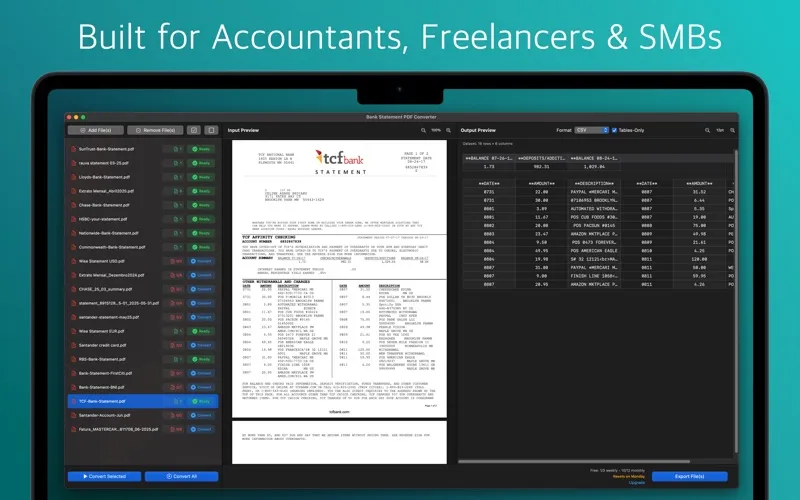
If you’re catching up on several months, you can combine statements into one file per account and remove overlapping transactions. A balance check compares your opening balance plus transactions with your closing balance, helping you spot totals that don’t reconcile. You can keep just the transaction tables, without statement headers or footers.
Your original PDFs stay on your Mac. Text extracted locally is encrypted and briefly processed in the cloud, then automatically deleted there. You can re-export the results in another format without using additional quota.
-
Skip manual transaction entry
You get spreadsheet rows and accounting import files from your PDF statements instead of typing each transaction.
-
Catch up across months
You can combine multiple statements into one file per account, with overlapping transactions removed.
-
Check your totals
You can see whether your opening balance and transactions reconcile with your closing balance.
-
Keep source PDFs local
Your PDFs remain on your Mac; only encrypted extracted text goes to temporary cloud processing.
-
Change export formats
You can export the same results in another supported format without using more quota.
Best for
- You’re an accountant or bookkeeper handling PDF bank statements
- You’re a freelancer preparing records for tax season
- You’re catching up on months of business transactions
Skip it if
You don’t need it if your bank already provides usable transaction downloads in the format your accounting software accepts.
Screenshots
From the developer
Convert bank statements into organised spreadsheets—instantly and securely. Bank Statement PDF Converter extracts every transaction from your PDF statements and delivers perfectly‑formatted Excel, CSV, QuickBooks (QBO), Quicken (QFX), OFX, QIF, Xero and YNAB files, ready for your accounting software and tax prep.Read the full description
Alternatives to Bank Statement PDF Converter
Other apps to convert documents. See all