PDF Reader
PDF Editor,Convert
PDF Reader gives you tools to read, annotate, sign, and reorganize PDFs. It suits you if you regularly review documents or need to convert them into other formats.
by Cynoble
What you get
Get your PDFs marked up, signed, and ready to share.
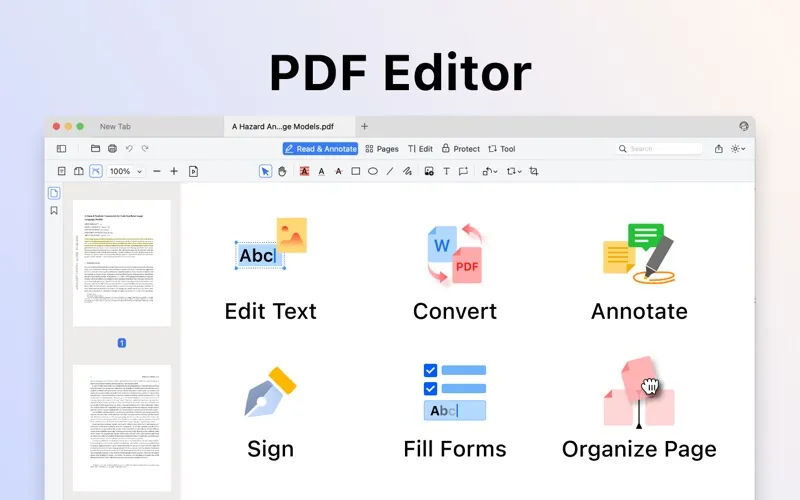
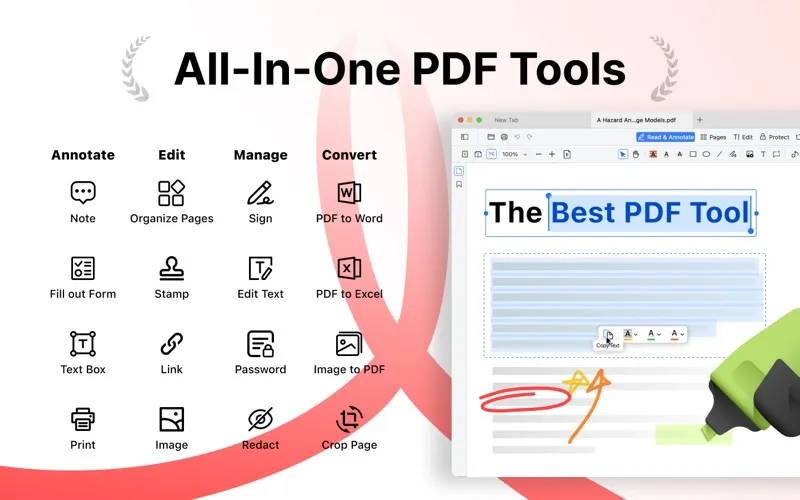
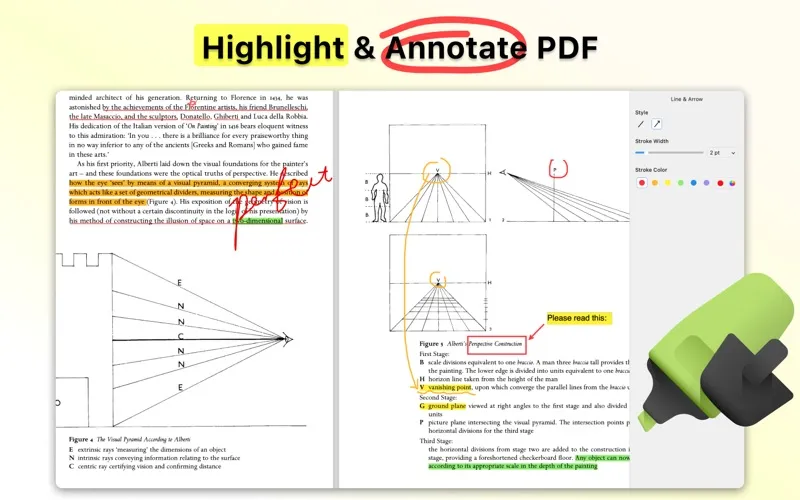
With PDF Reader, you can review a document, mark what needs attention, and add your response directly to the PDF. Highlight passages, leave notes, draw arrows, or type extra text so your feedback stays beside the relevant content. When you need to sign, you can use your keyboard, trackpad, or an existing signature image rather than printing the document first.
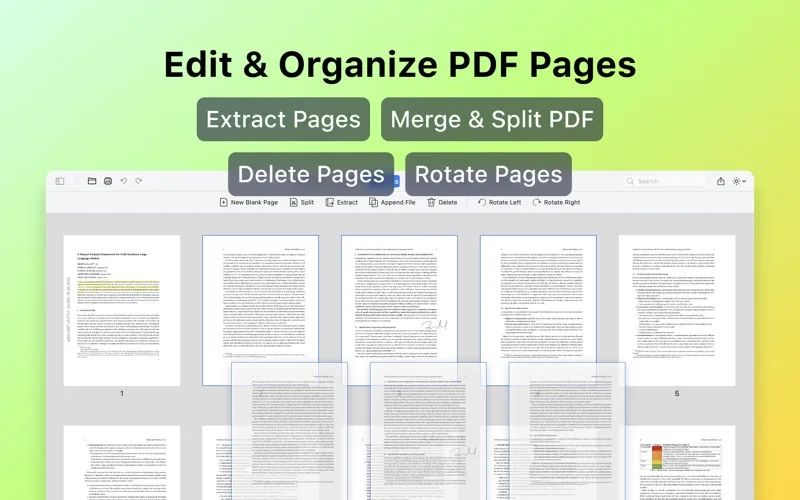
You can also put documents into the shape you need: remove unwanted pages, change their order, rotate sideways pages, or combine several PDFs into one. Extract or split pages when you only need part of a file, and compress PDFs to reduce their size for sharing.
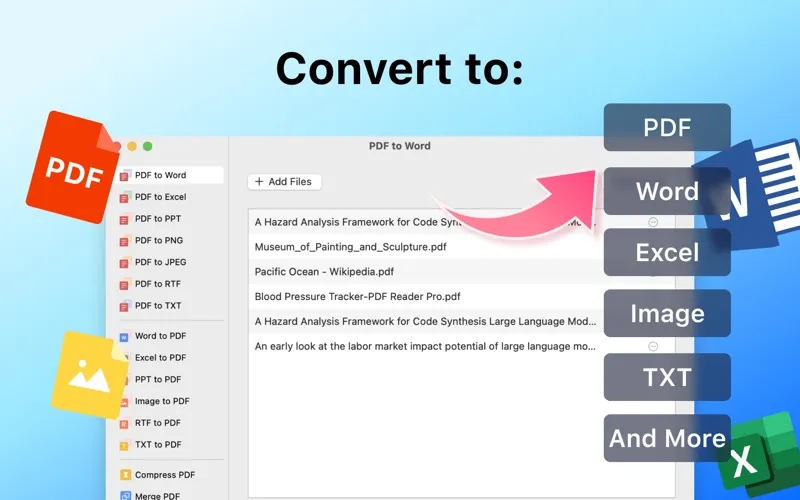
If you need another format, you can convert PDFs to Word, Excel, PNG, or plain text, and turn Word documents or images into PDFs. Conversion, page management, merging, splitting, and compression require a paid yearly or lifetime plan.
-
Keep feedback in context
You can highlight passages, add notes, and draw arrows so your comments sit beside the content they address.
-
Sign without printing
You can add your signature using your keyboard, trackpad, or an image file.
-
Keep only relevant pages
You can remove, extract, reorder, or combine pages to prepare the document you need.
-
Use another document format
You can convert PDFs to Word, Excel, PNG, or text, and create PDFs from Word documents or images.
-
Reduce PDF file sizes
You can compress your PDFs to make the files smaller before sharing them.
Best for
- You review PDFs and leave detailed feedback
- You need to sign documents without printing
- You regularly rearrange or convert PDF documents
Skip it if
You probably don't need it if you only read or print PDFs and your current viewer already handles that.
Screenshots
From the developer
PDF Reader is a PDF software with all the tools and functions users need. In addition to viewing and printing PDFs with Cos PDF, users also have access to a variety of commonly used tools covering annotation, file format conversion, text insertion, stamping, signing, and page editing, bringing you t...Read the full description
Alternatives to PDF Reader
Other apps to edit, sign & annotate PDFs. See all
 Nitro PDF Pro
Work with your PDFs
Setapp
89% · 3,106 ratings
Nitro PDF Pro
Work with your PDFs
Setapp
89% · 3,106 ratings
 PDF Owl
Build the table of contents using on-device AI. Plus a reader-focused PDF viewer
Sold separately
PDF Owl
Build the table of contents using on-device AI. Plus a reader-focused PDF viewer
Sold separately
 PDF Editor
Fill, Sign & Edit
Mac App Store
PDF Editor
Fill, Sign & Edit
Mac App Store
 PDF Office
Acrobat Pro Expert
Mac App Store
PDF Office
Acrobat Pro Expert
Mac App Store
 PDF Reader for Adobe PDF
Mac App Store
PDF Reader for Adobe PDF
Mac App Store
 PDF Reader Pro
Read & Edit
Mac App Store
PDF Reader Pro
Read & Edit
Mac App Store