Exporter
Notes to Markdown
Exporter gives you Markdown or HTML copies of notes, conversations, contacts and other data on your Mac, for keeping independent archives or reusing information in Obsidian and AI tools.
by System Operator LLC
What you get
Keep your app data as files you can read and reuse.
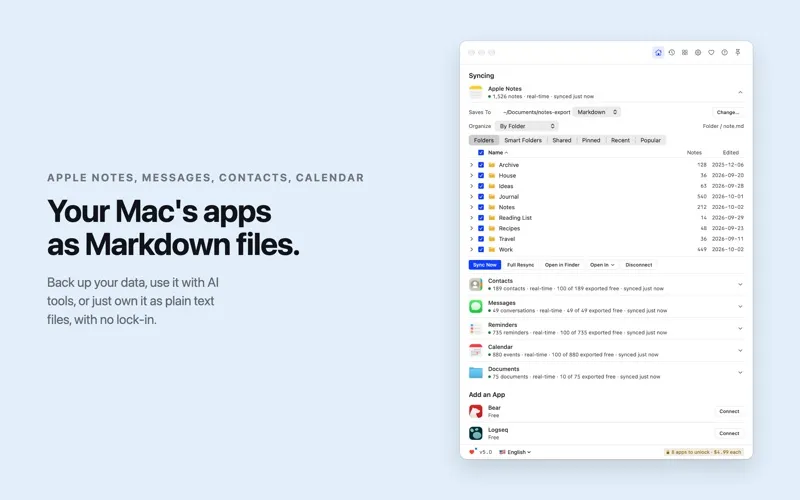
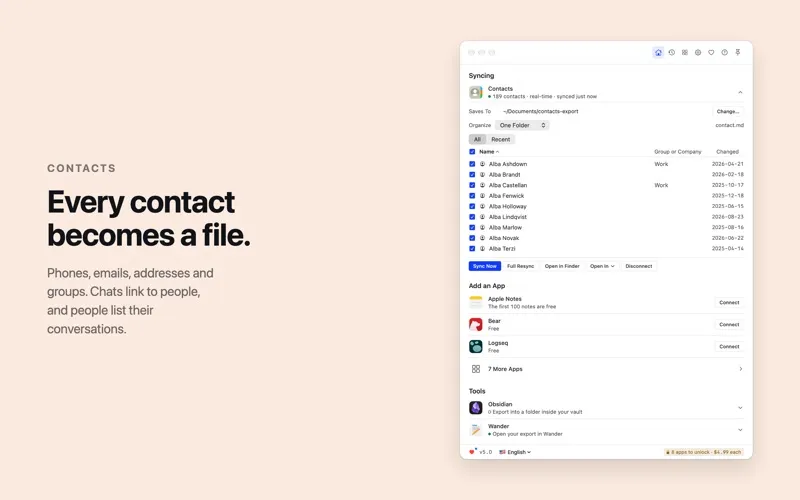
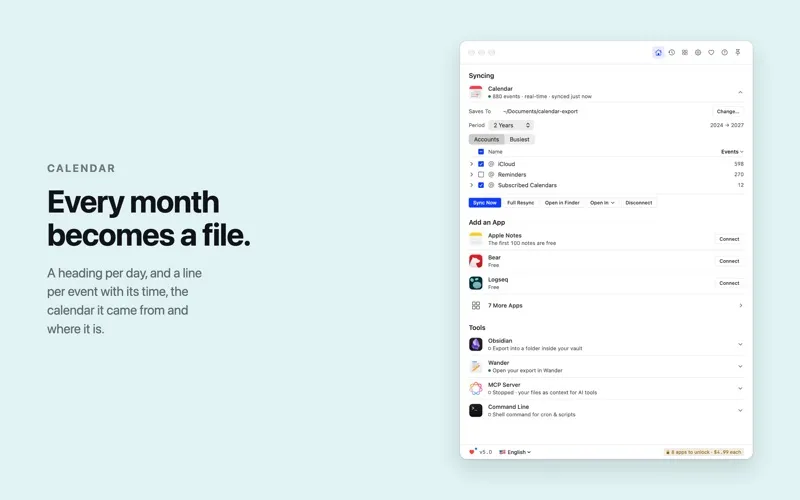
You get readable copies of information that would otherwise stay inside individual apps. Export Apple Notes, Messages, Contacts, Reminders and other supported sources into Markdown or HTML files on your Mac, with attachments alongside them. You can choose which items to include rather than exporting everything.
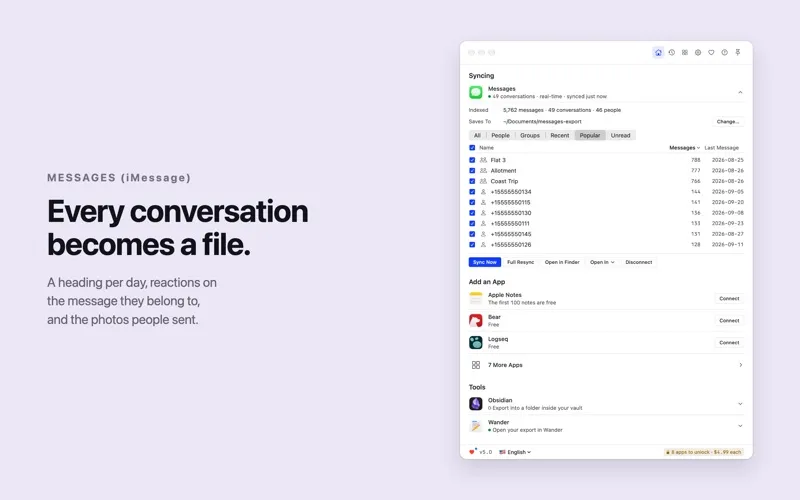
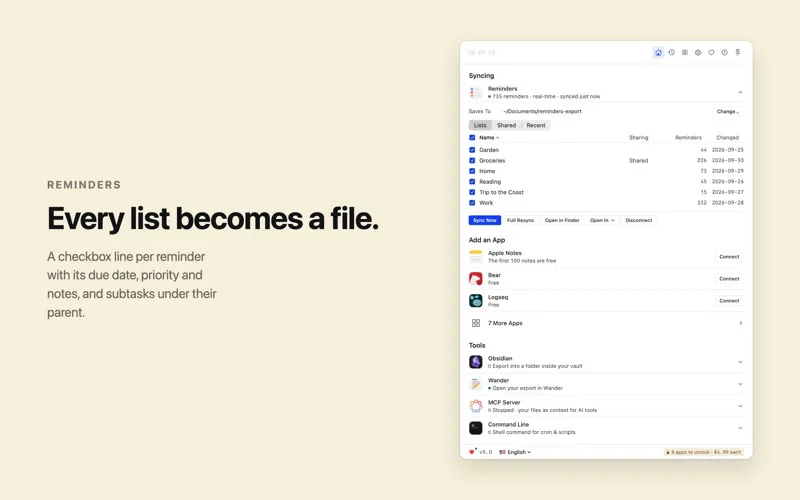
Your archive keeps useful context: message replies link back to their conversations, reminders retain subtasks and due dates, and notes keep dates and links to their originals. You can preserve Screen Time records and Claude Code sessions beyond their source apps’ retention periods, then keep exports updated automatically as data changes.
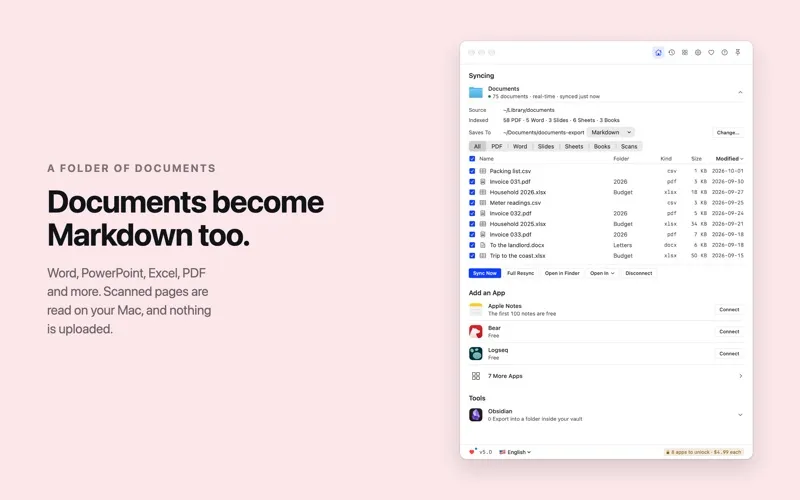
You can bring the files into Obsidian or give Claude, Cursor and VS Code access to your notes, contacts and conversations through the built-in MCP server. If you have a folder of office documents or PDFs, you can also turn them into Markdown, including text recognized from scanned pages on your Mac without uploading those documents.
-
Keep independent copies
You can read and reuse exported Markdown or HTML files without relying on the original app.
-
Preserve useful context
Your exports retain details such as message replies, note dates, reminder subtasks and accompanying attachments.
-
Avoid repeated manual exports
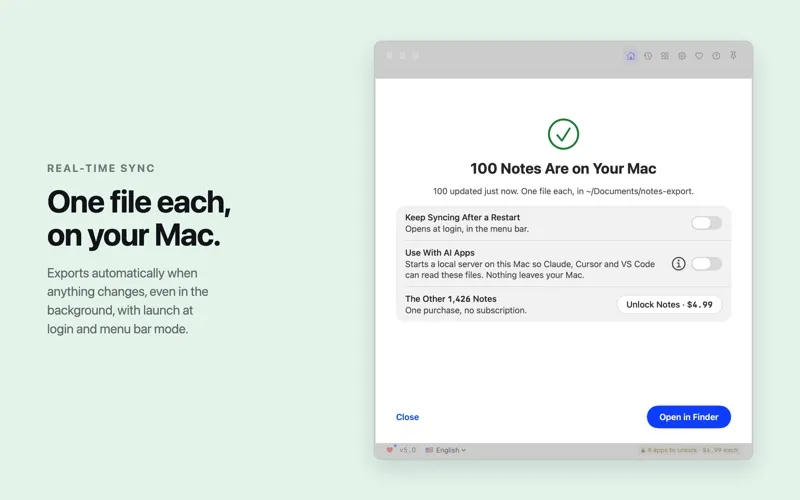
You can keep your archive current with automatic exports when source data changes, even in the background.
-
Reuse documents as text
You can convert office files and PDFs into Markdown, with scanned text recognized locally on your Mac.
-
Bring context to AI
You can make your notes, contacts and conversations available to Claude, Cursor and VS Code through the built-in MCP server.
Best for
- You want a readable archive outside your original apps
- You use Obsidian to collect information from multiple sources
- You want personal context available to AI tools
Skip it if
You probably do not need it if you are happy keeping your information in its original apps and do not need separate, reusable copies.
Screenshots

From the developer
Exporter turns Apple Notes, Messages (iMessage), Contacts, Safari, Voice Memos, Screen Time, Reminders, Claude Code, Bear, Logseq and a folder of documents into Markdown or HTML files on your Mac. Back up your data, use it with AI tools, or just own it as plain text files, with no lock-in.Read the full description
Alternatives to Exporter
Other apps to back up & sync files. See all
 ChronoSync Express
Sync and back up folders
Setapp
95% · 458 ratings
ChronoSync Express
Sync and back up folders
Setapp
95% · 458 ratings
 Get Backup Pro
Back up only essential files
Setapp
86% · 316 ratings
Get Backup Pro
Back up only essential files
Setapp
86% · 316 ratings
 Express Burn Disc Burner
Mac App Store
Express Burn Disc Burner
Mac App Store
 OneDrive
Mac App Store
OneDrive
Mac App Store
 TextPort
Export Text Messages
Mac App Store
TextPort
Export Text Messages
Mac App Store
 Path Finder
Copy, delete, and sync files
Setapp
92% · 1,574 ratings
Path Finder
Copy, delete, and sync files
Setapp
92% · 1,574 ratings