Boomkey
Wrong layout? Fixed in a tap
Boomkey is a keyboard layout fixer for Mac that helps you recover text typed in the wrong layout and avoid repeat mix-ups when you work across languages.
by Poteam Lab Ltd
What you get
Keep what you typed, even when you chose the wrong keyboard layout.
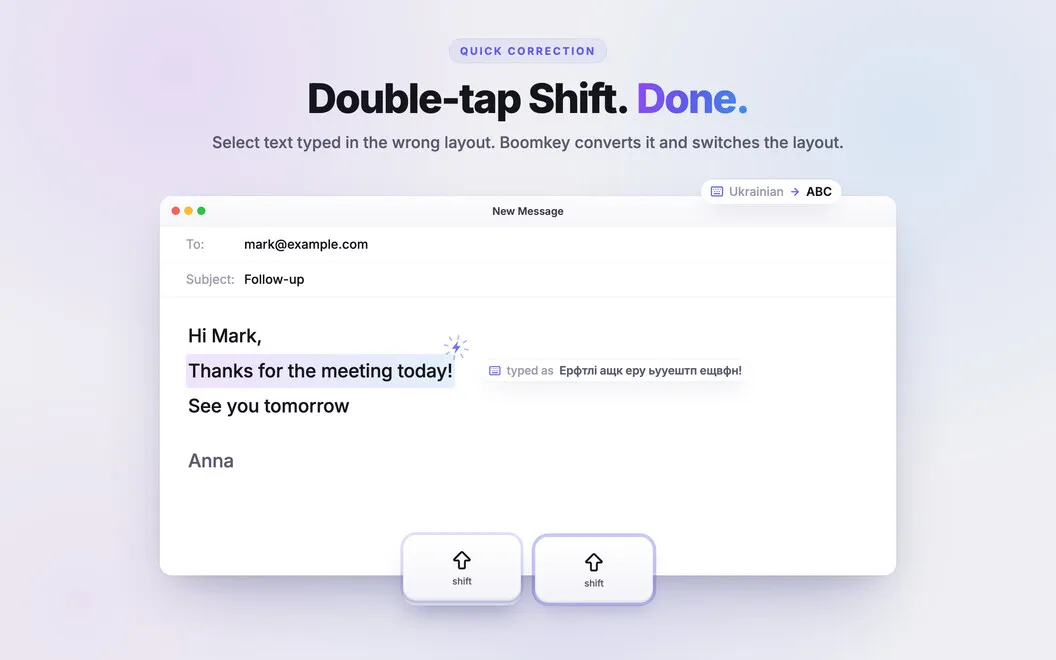
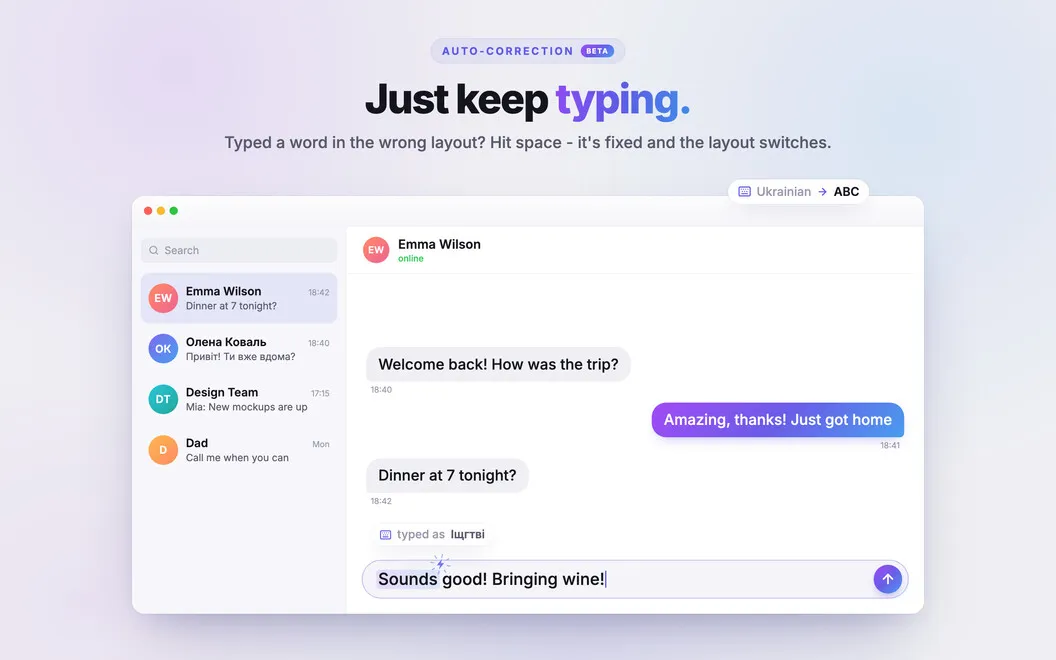
You can turn text typed in the wrong keyboard layout into what you intended without deleting and retyping it. Select the garbled text and double-tap Shift to convert it. As you type, Boomkey can also correct wrong-layout words when you press Space, so you catch mistakes before they become whole sentences.
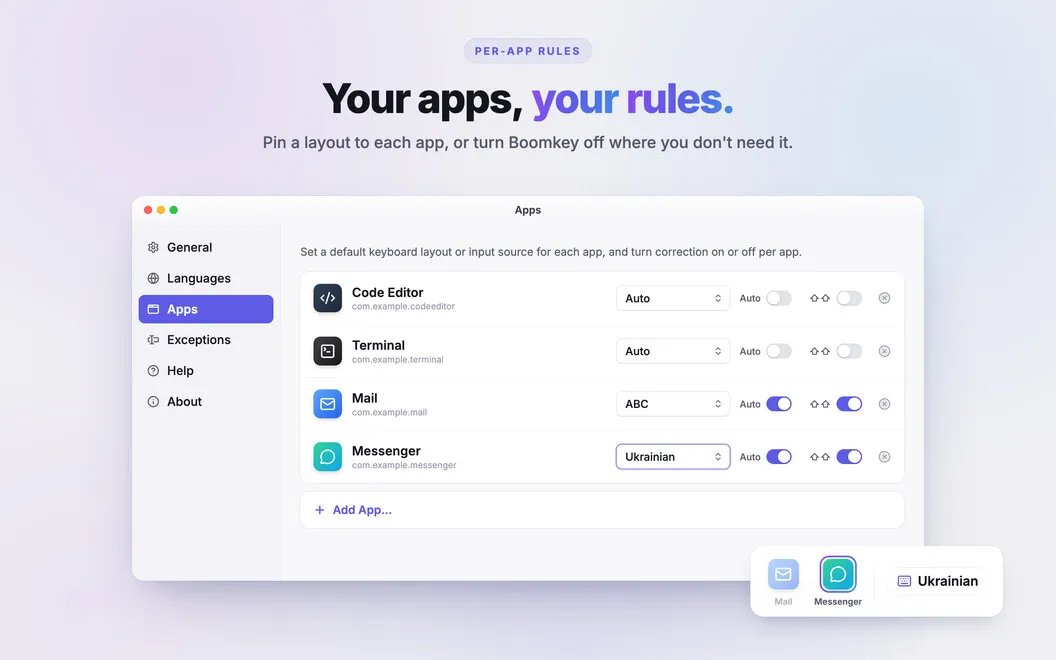
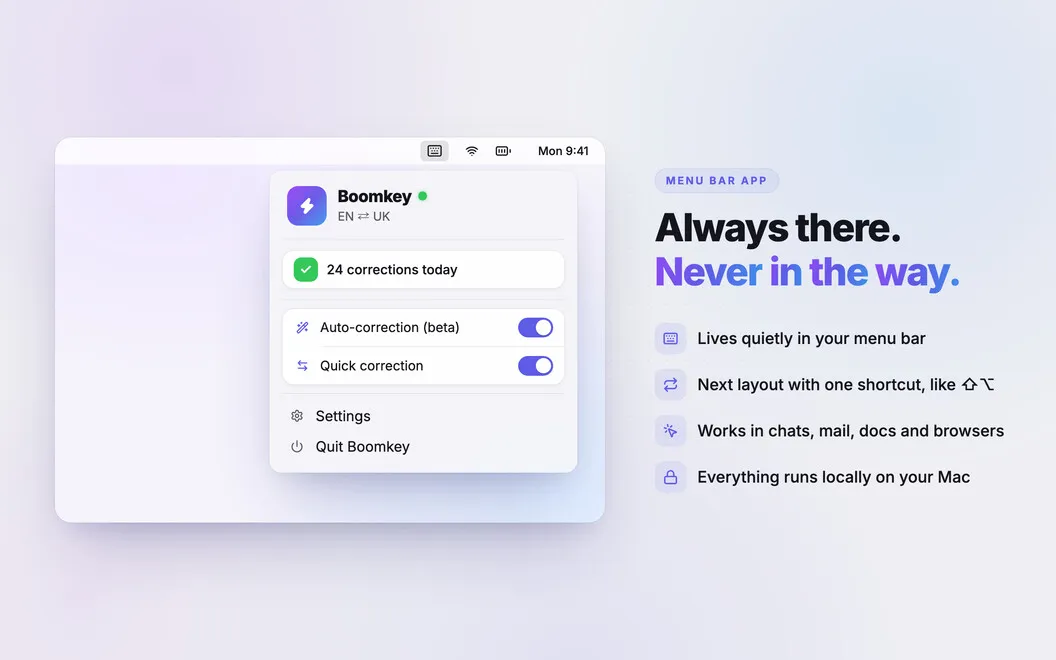
You can assign a layout to each app, keeping English in Terminal and another language in your notes or chats. When you change windows, your layout follows. A dedicated switching shortcut avoids the macOS input-source delay, and you can cycle through only the layouts you regularly use.
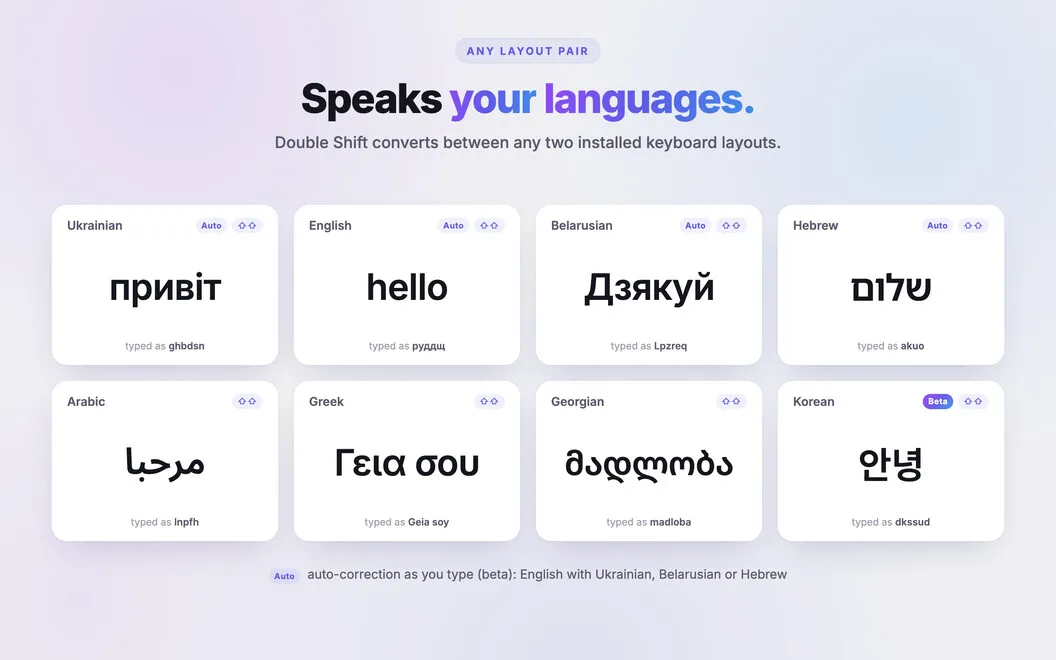
Your text stays on your Mac: corrections work offline, without keystroke logging or cloud calls. Boomkey supports more than 90 languages, but not Chinese, Japanese, or Indic languages. Automatic correction stays out of password fields, code editors, and URLs.
-
Avoid retyping
You can convert selected wrong-layout text with a double-tap of Shift instead of starting over.
-
Catch mistakes while typing
You get wrong-layout words corrected when you press Space.
-
Start in the right layout
You can assign layouts to apps so switching windows also switches your input language.
-
Switch with less waiting
You can bypass the macOS input-source delay and cycle through only your chosen layouts.
-
Keep corrections local
Your text is processed offline, without cloud calls or keystroke logging.
Best for
- You regularly type in multiple languages
- You need different layouts for coding and messaging
- You often notice the wrong layout after typing
Skip it if
You probably don't need it if you use only one keyboard layout or need support for Chinese, Japanese, or Indic languages.
Screenshots
From the developer
Boomkey is a keyboard layout fixer for Mac that turns wrong-layout gibberish into the text you meant to type. Select it, double-tap Shift, done. No backspacing, no retyping. Boomkey lives in your menu bar, works offline, and supports 90+ languages.Read the full description
Alternatives to Boomkey
Other apps to tweak your keyboard. See all