
CleanMyKeyboard
CleanMyKeyboard lets you temporarily block keyboard input while you clean, so you can wipe the keys without typing text or triggering commands.
by Yuhao Chen
What you get
Clean your keyboard without accidental typing or commands.
CleanMyKeyboard gives you a way to wipe your keyboard without your cleaning movements turning into keystrokes. You can remove dust or crumbs without accidentally adding text or triggering keyboard commands. It is intended for those moments when you need to press against the keys but do not want your Mac to treat that contact as input.
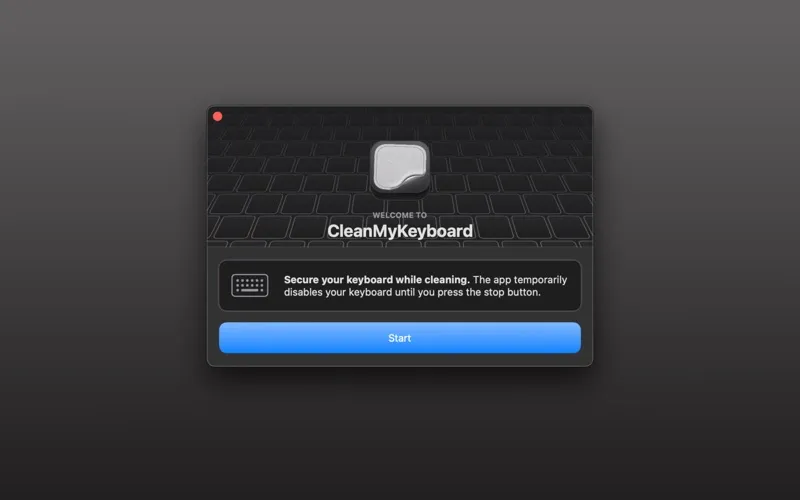
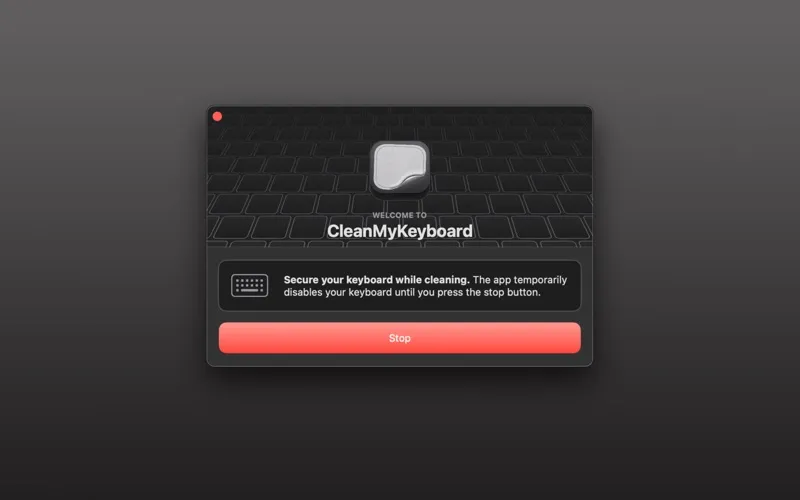
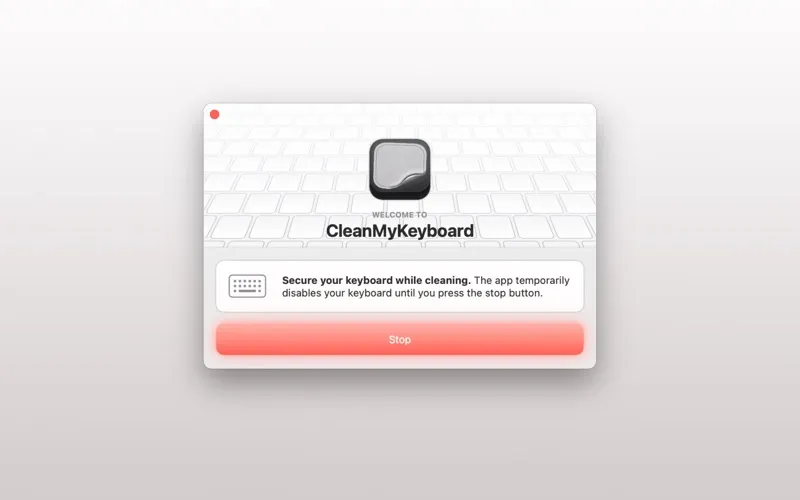
You launch the app and activate the keyboard lock with one tap, without configuring settings. Your keyboard stays inactive for as long as you need to clean it. When you are finished, you press the “Stop” button to restore input and get back to typing.
-
Avoid accidental input
You can wipe across the keys without entering text or triggering keyboard commands.
-
Clean at your pace
Your keyboard remains locked until you press “Stop,” so you control when typing resumes.
-
Start without setup
You can lock your keyboard with one tap after launching the app, without configuring settings.
Best for
- You regularly wipe dust or crumbs from your keyboard
- You want to prevent accidental commands while cleaning
Skip it if
You do not need it if you already clean your keyboard while your Mac is shut down.
Screenshots
From the developer
Tired of accidental keypresses and typos while cleaning your keyboard? Say hello to CleanMyKeyboard, the utility app to secure your keyboard during cleaning! Protect Your Keyboard: CleanMyKeyboard is designed to keep your keyboard safe and sound while you perform routine maintenance.Read the full description
Alternatives to CleanMyKeyboard
Other apps to tweak your keyboard. See all