KeyBell
Mechanical keyboard
KeyBell gives you keyboard and mouse sound feedback across your Mac, for writers, programmers, and anyone who prefers audible clicks to silent typing.
by Denk Alexandru
What you get
Give your typing the sound of a mechanical keyboard or typewriter.
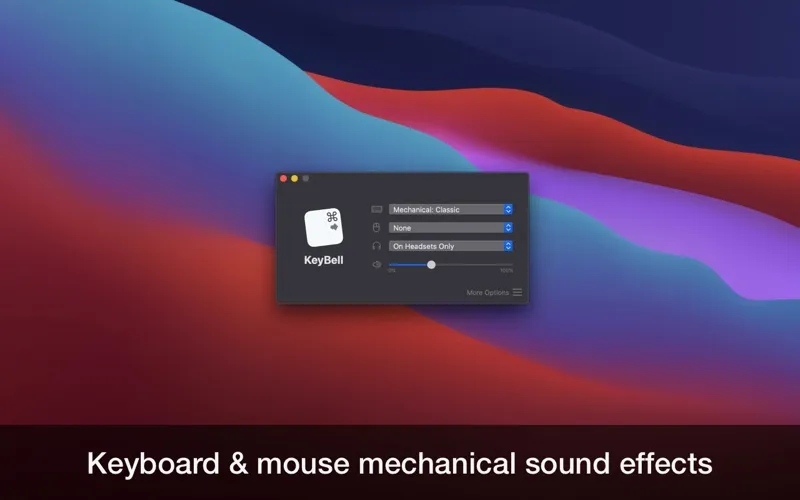
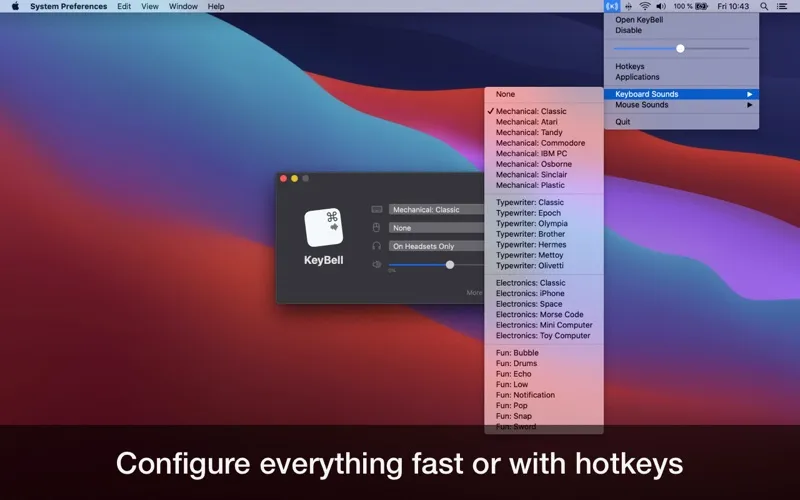
With KeyBell, you hear a sound whenever you type or click, giving your everyday keyboard a different character without replacing it. You can choose from more than 25 profiles, including mechanical keyboards, typewriters, electronic sounds, and playful effects. The feedback works across your Mac, so you can hear it while writing emails, editing documents, or typing in your browser.
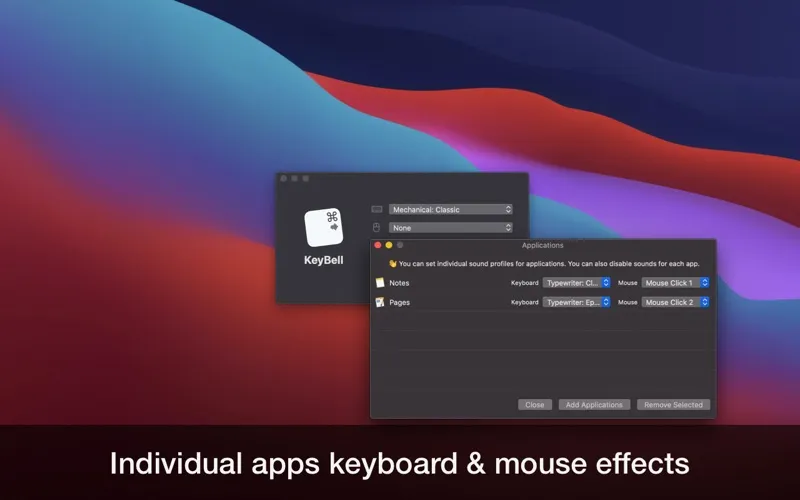
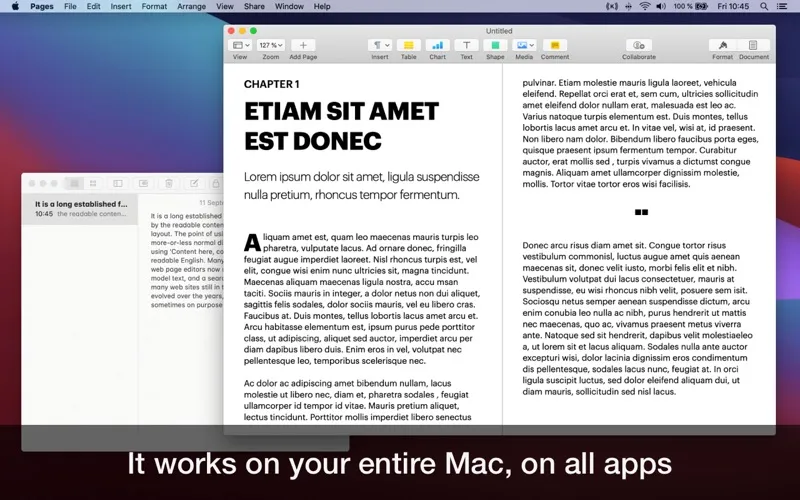
You can give different apps their own sounds or turn feedback off in particular apps. That lets you keep a typewriter sound for your writing app without hearing it everywhere else. KeyBell runs in the background while you work.
You also decide when the sounds are active: with headphones, through speakers only, or at any time. Configurable keyboard shortcuts let you toggle feedback and adjust its volume, so you can quiet the clicks when you no longer want them.
-
Hear each keystroke
You get audible typing and mouse-click feedback across the apps you already use.
-
Choose your typing sound
You can switch between mechanical keyboard, typewriter, electronic, and playful sounds without changing your keyboard.
-
Keep selected apps quiet
You can assign different sounds to individual apps or disable their feedback entirely.
-
Control when clicks play
You can limit sounds to headphones or speakers, and use shortcuts to toggle feedback or change its volume.
Best for
- You write often and enjoy audible keystrokes
- You code and want mechanical keyboard sounds
- You want different typing sounds in different apps
Skip it if
You don't need KeyBell if you prefer silent typing or already like the sound your keyboard makes.
Screenshots
From the developer
You will fall in love with this utility app. KeyBell plays a relaxing and nostalgic mechanical sound every time you type something on your keyboard. You can choose from multiple sound profiles, including modern ones and the app stays in the background without ever interrupting you from your workflow.Read the full description
Alternatives to KeyBell
Other apps to tweak your keyboard. See all