CloudMounter
Connect cloud storage to Finder
CloudMounter lets you use cloud storage and servers as drives in your Mac’s Finder. It suits you if your files span multiple accounts or you want to avoid automatic local syncing.
by Electronic Team, Inc. · 92% positive (1,040)
What you get
You can work with your cloud files directly in Finder.
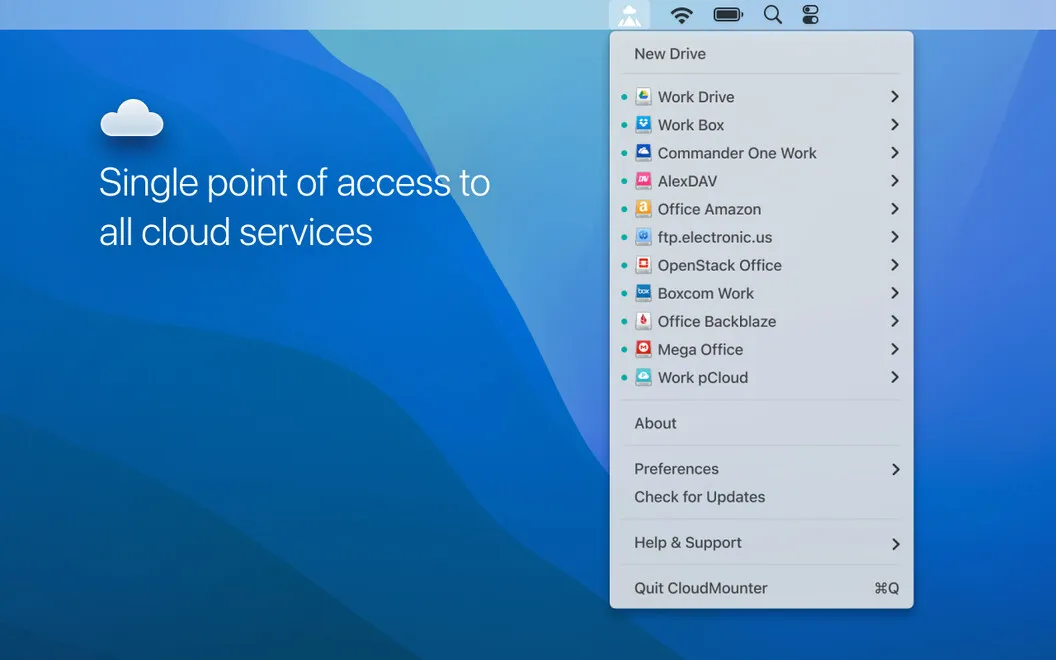
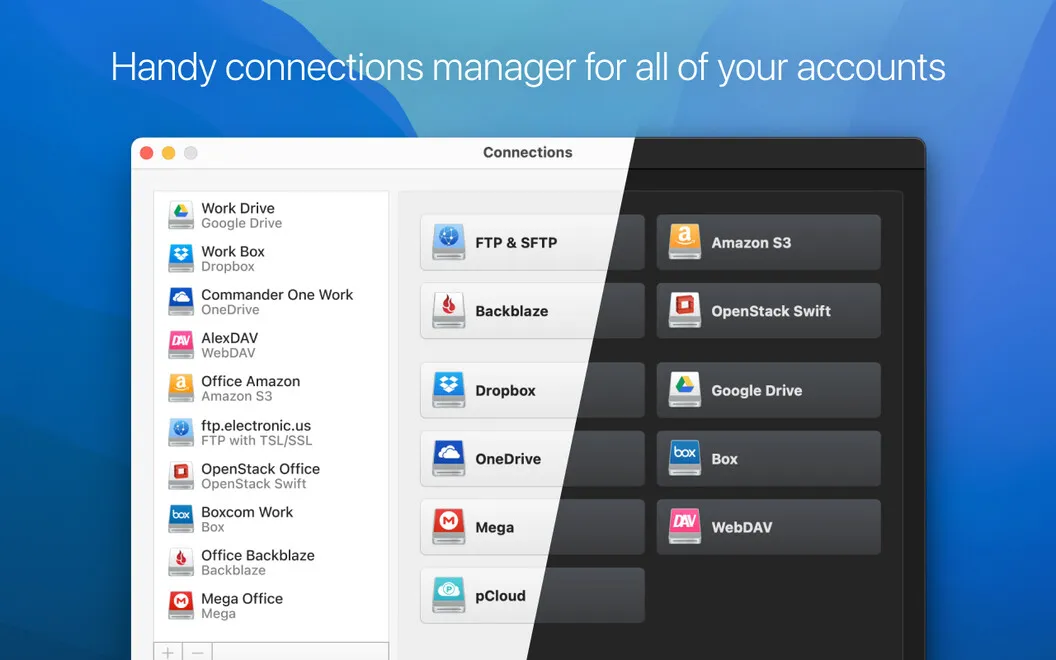
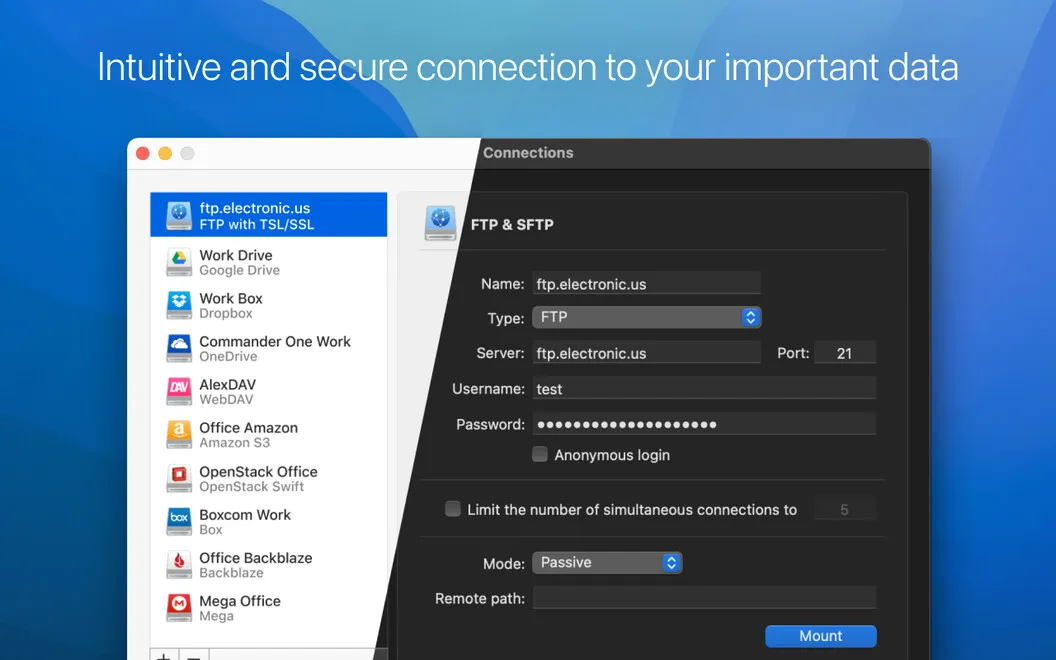
CloudMounter gives you access to your cloud accounts from Finder, so you can browse and move files without opening each provider’s website. You can connect services such as Google Drive, Dropbox, OneDrive, and Amazon S3, along with FTP and SFTP servers, and work with them as mounted drives.
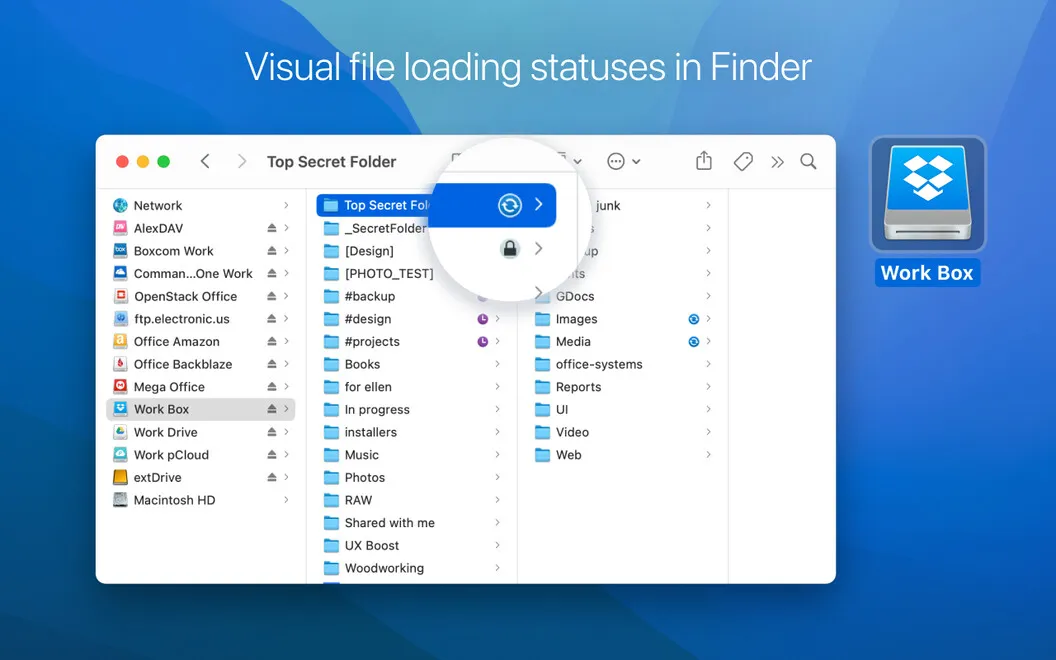
You can keep files in cloud storage without automatically syncing them all to your Mac. That leaves more local space available when your laptop’s drive is tight. If your files are spread across providers, you can move them between cloud platforms directly in Finder and follow transfer progress through status icons.
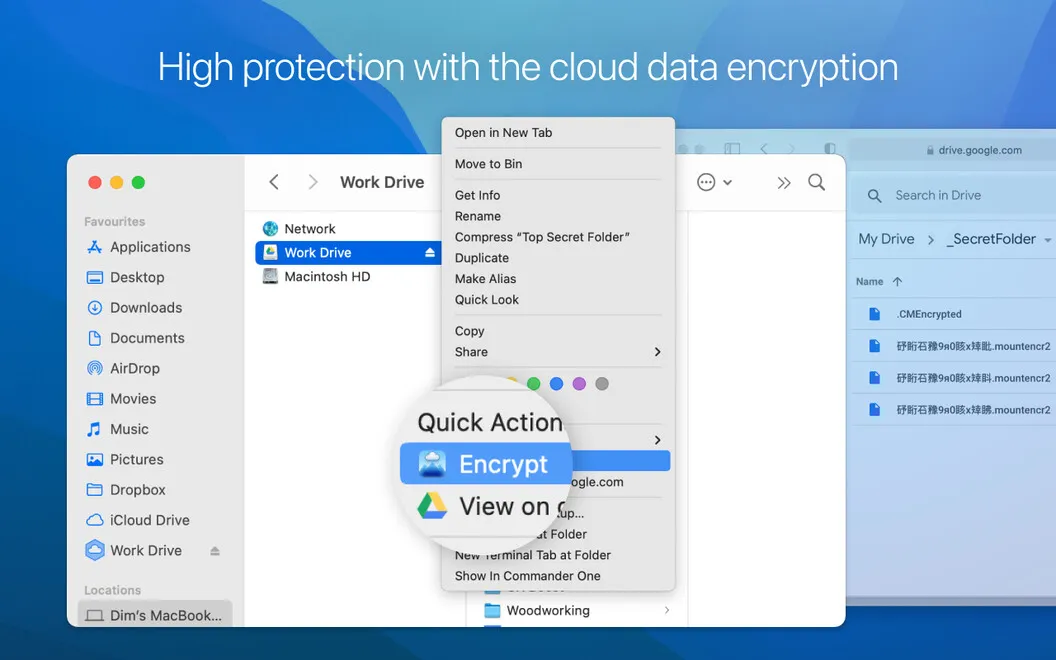
For sensitive files, you can add AES-256 encryption to your connected cloud storage, with access protected by a decryption key. You get a familiar place to handle remote files, plus an extra layer of protection for the content you choose to encrypt.
-
Fewer websites to open
You can reach files across your connected cloud accounts from Finder instead of visiting each provider’s website.
-
More room for local work
You can use cloud storage without automatically syncing all its files to your Mac’s drive.
-
Move files between clouds
You can transfer files between connected cloud platforms in Finder and check their progress through status icons.
-
Protect sensitive cloud files
You can add AES-256 encryption to cloud content and protect access with a decryption key.
Best for
- You keep files across several cloud accounts
- You have limited local storage on your Mac
- You want Finder access to cloud storage and FTP or SFTP servers
Skip it if
You probably don’t need it if your current cloud app or browser already gives you all the file access you need.
Screenshots
From the developer
Easily expand storage space on your desktop or laptop as if it were right there on your hard drive. CloudMounter connects your cloud storage accounts like Google Drive, Dropbox, Amazon S3, OneDrive, and others to your Mac’s Finder, so you can treat them as regular, local drives.Read the full description
Alternatives to CloudMounter
Other apps to connect cloud storage & servers. See all