Quick Access for Google Drive
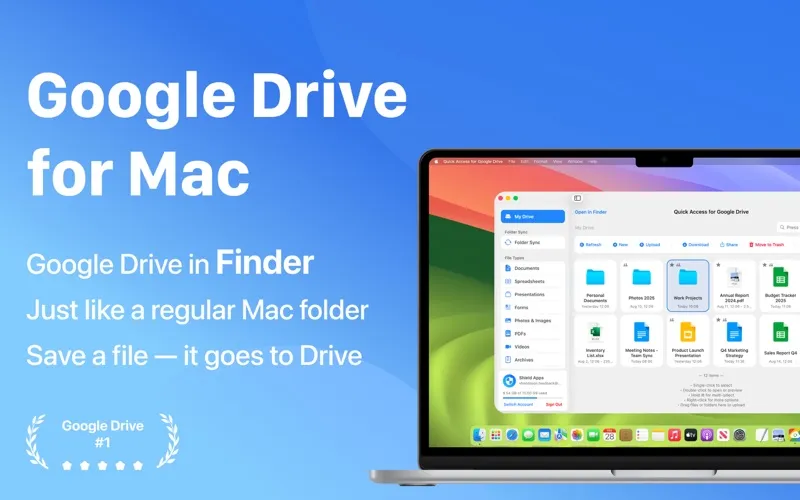
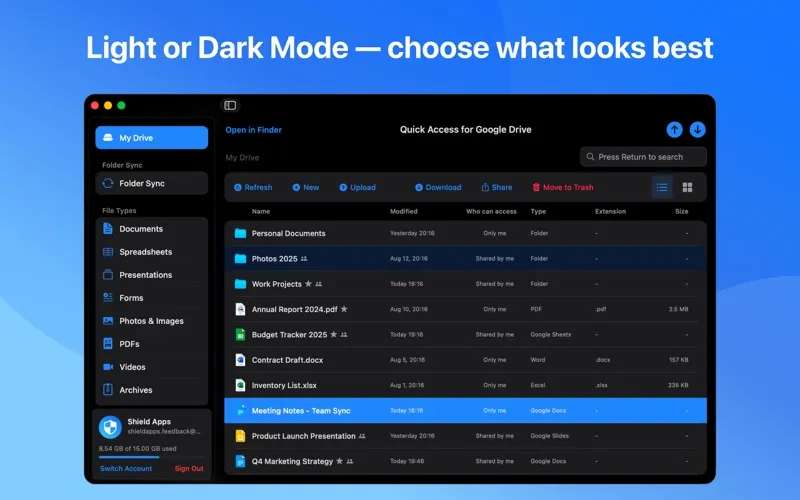
Quick Access for Google Drive brings your Drive files into Finder, letting you work in familiar Mac folders, edit Google documents without browser tabs, and back up local folders.
by 满 李
What you get
Work with your Google Drive files in Finder instead of a browser.
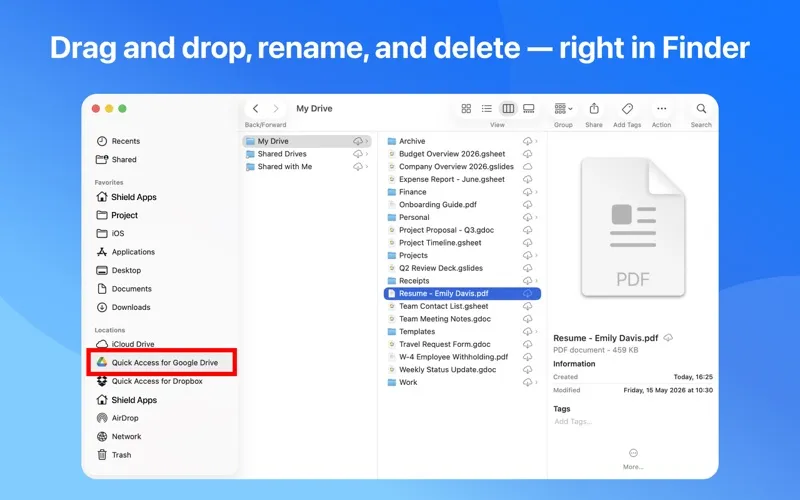
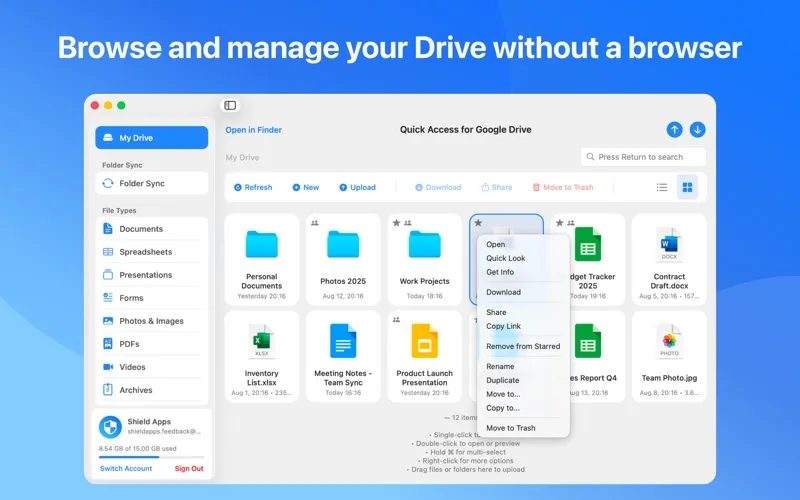
You can save files to Google Drive from Finder, drag folders in to upload them, and rename, move, or delete items as you would in a local folder. Changes made in Drive appear in Finder too. When someone shares a file, you can open, edit, and save it without downloading and uploading a separate copy.
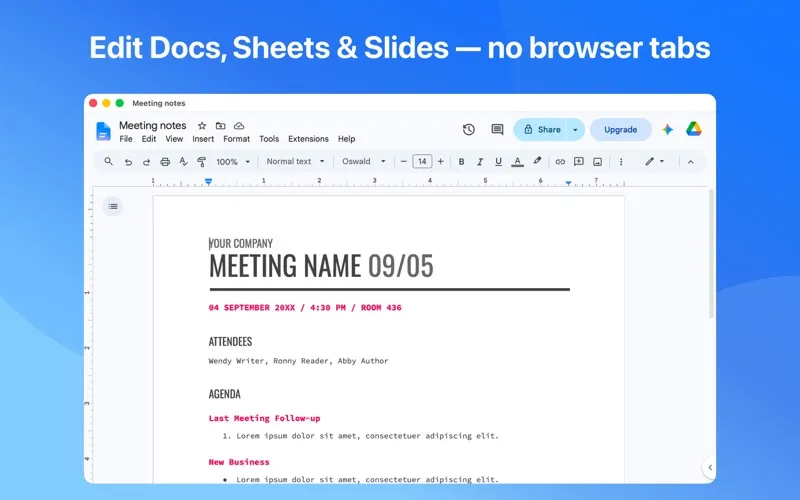
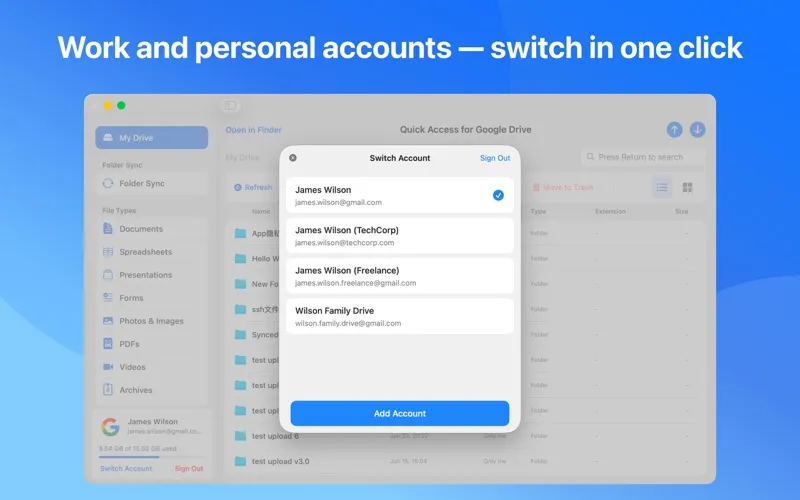
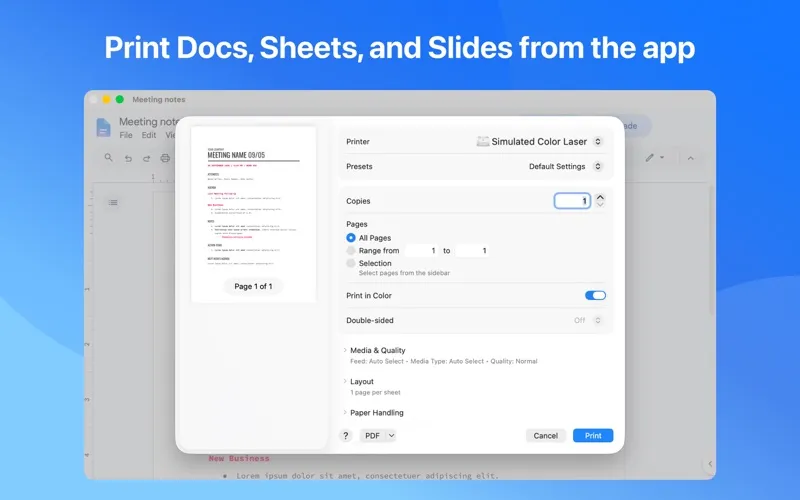
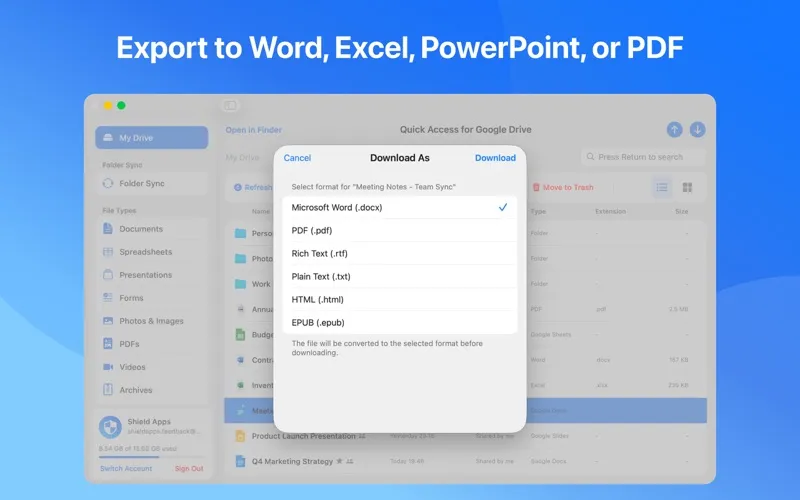
You can keep Word files, Excel spreadsheets, PDFs, and photos available offline, with your edits uploading when you reconnect. Google Docs, Sheets, and Slides open for editing inside the app rather than in a browser tab. You can also print them or export them to common Office formats and PDF, and switch between your work and personal Google accounts.
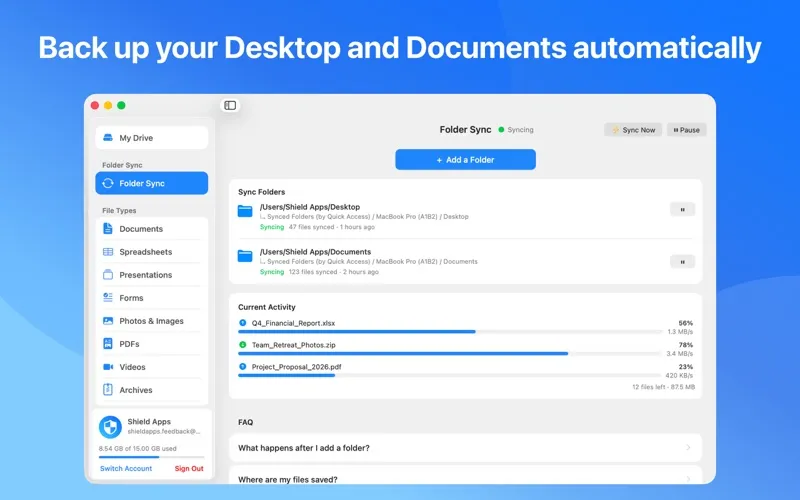
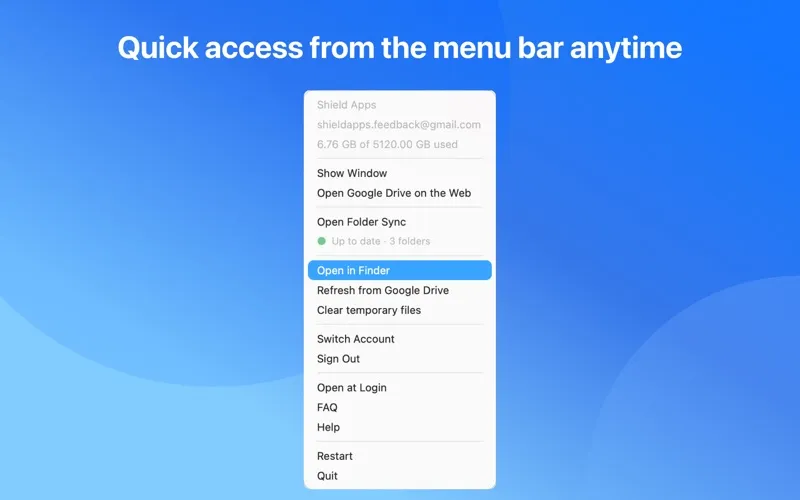
For files you want backed up, you can choose Desktop, Documents, Downloads, or other folders. New and edited files upload automatically, even with the main window closed. Your files remain in your own Google account.
-
Skip manual uploads
Save or drag files into your Drive folder in Finder to upload them to Google Drive.
-
Keep working offline
Keep supported files available on your Mac and have your edits upload when you reconnect.
-
Edit without browser tabs
Open, edit, print, and export Google Docs, Sheets, and Slides inside the app.
-
Back up chosen folders
Keep Desktop, Documents, Downloads, or other selected folders backed up to your Google account automatically.
-
Share from Finder
Right-click a Drive file to share it or copy a link without opening your browser.
Best for
- You prefer managing Drive files in Finder
- You frequently edit files shared through Google Drive
- You want automatic Google Drive backups of local folders
Skip it if
You don't need it if you're comfortable using Google Drive in your browser and don't need Finder access or automatic folder backups.
Screenshots
From the developer
Google Drive in Finder — just like a regular Mac folder. Save a file — it goes straight to Google Drive. GOOGLE DRIVE IN FINDER It appears in the Finder sidebar, alongside your other folders. • Save a file in Finder — it goes to Drive. • Change it in Drive — it updates in Finder.Read the full description
Alternatives to Quick Access for Google Drive
Other apps to connect cloud storage & servers. See all