RAW to HEIC
Shrink RAW photos to HEIC by 70–90% and keep every detail and edit
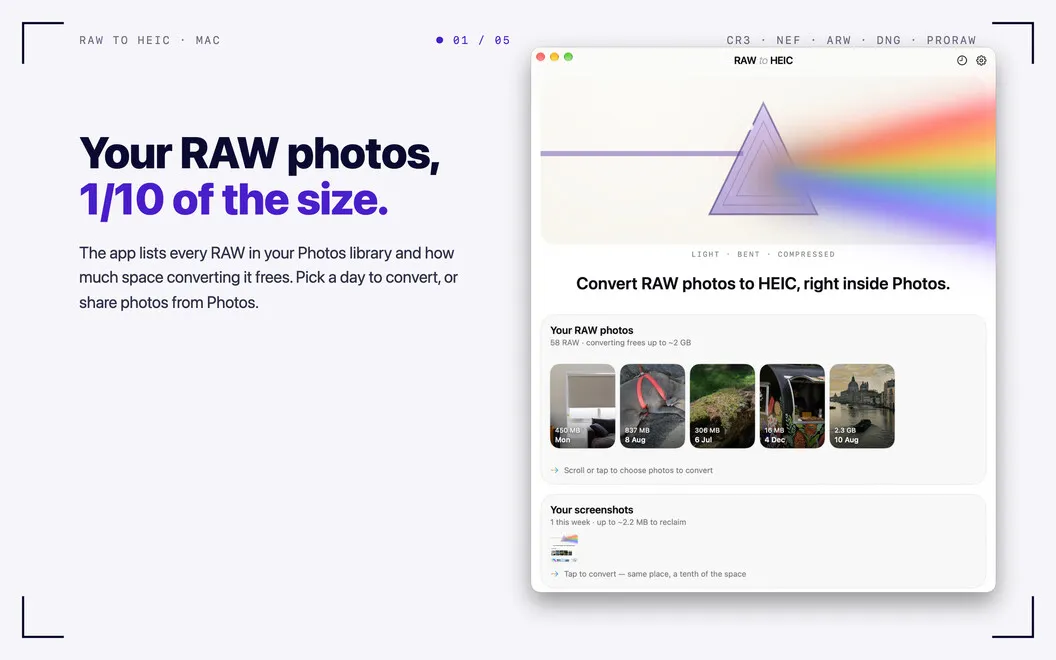
RAW to HEIC lets you turn camera RAW files and iPhone ProRAW photos into smaller HEIC images on your Mac, useful when large shoots fill your storage.
by Sandro Gumz
What you get
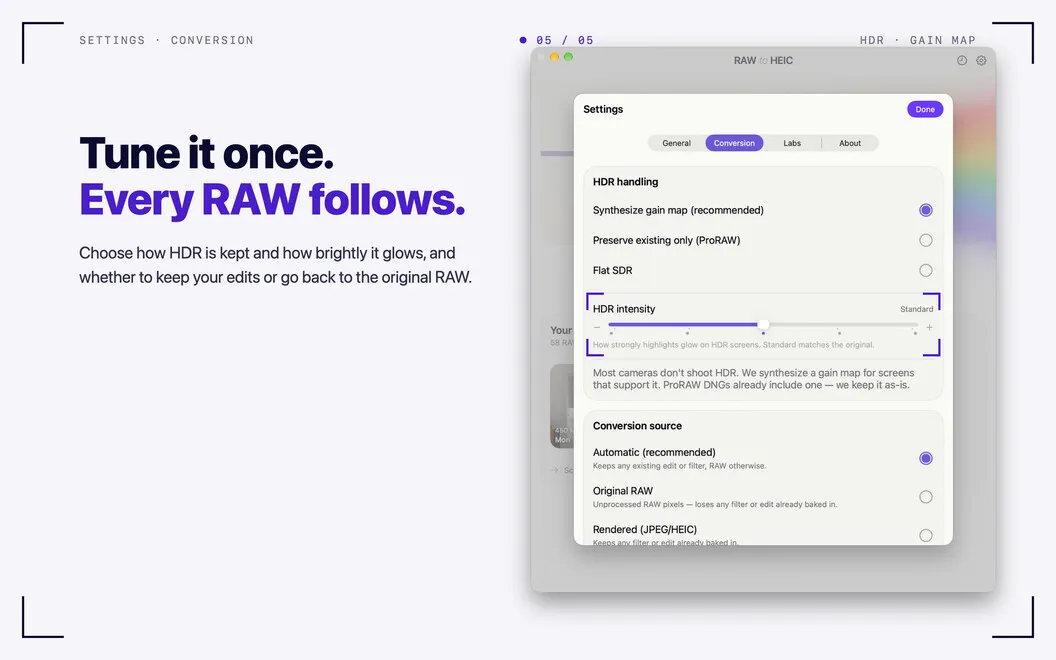
You get smaller photo files while keeping HDR, metadata, and Photos edits.
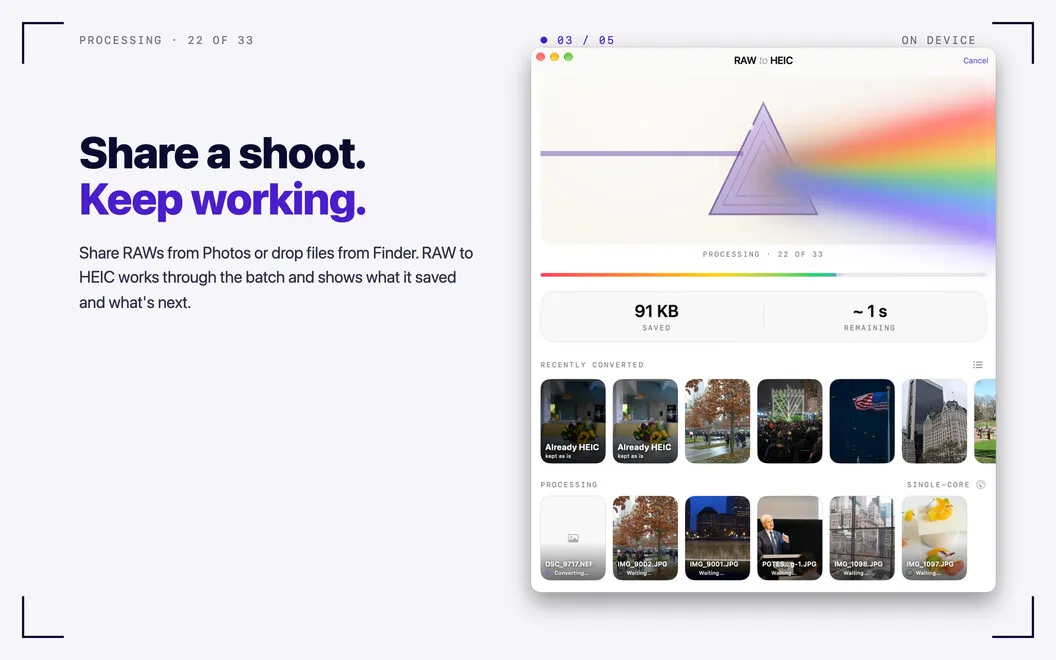
You can reduce the space your RAW photos occupy by converting them to HEIC, often making files 70–90% smaller. RAW to HEIC handles camera RAW files and iPhone ProRAW, so you can process a whole shoot rather than convert each photo individually.
You can start from Photos, Finder, or the app window. In Photos, your converted images return to the same albums with your edits preserved. Files converted from Finder are saved beside their originals. You retain HDR, lens and exposure details, dates, and location metadata, without uploading your pictures anywhere.
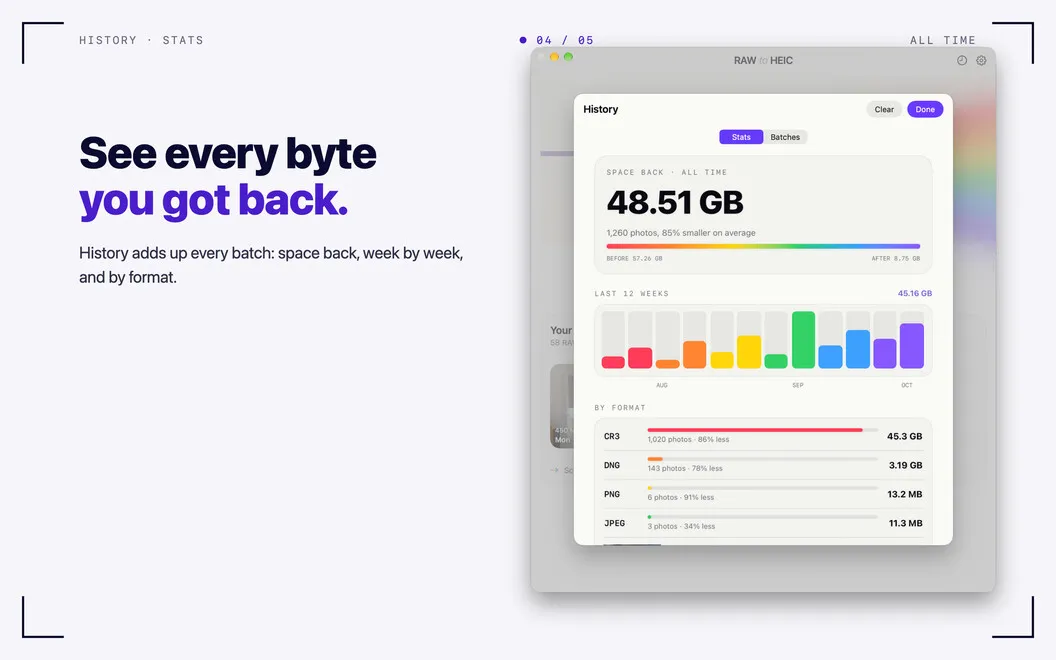
You stay in control of the RAW originals: keep them, archive them, or approve their deletion from Photos after the HEIC copies are verified. Files you drop into the app are never deleted. You can also review past batches and see how much storage you have recovered.
-
Recover photo storage
You can often make RAW photos 70–90% smaller by converting them to HEIC.
-
Keep your Photos work
Your converted pictures return to the same albums, with your Photos edits preserved.
-
Retain HDR and metadata
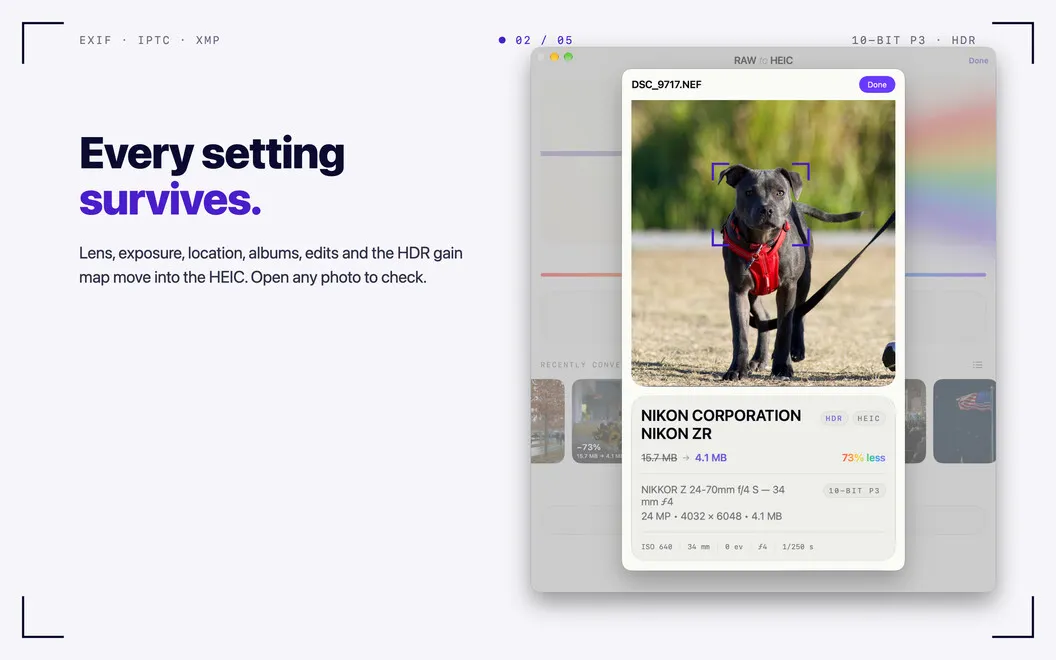
You keep HDR appearance and details such as lens, exposure, date, and location.
-
Choose what to keep
You decide whether to retain, archive, or approve deletion of verified RAW originals in Photos.
-
Keep photos on your Mac
You convert locally, without accounts, uploads, or analytics.
Best for
- You shoot iPhone ProRAW and manage pictures in Photos
- You need to reduce storage after large camera shoots
- You want to batch-convert RAW photos without uploading them
Skip it if
You do not need this if you want to keep every RAW original and have no use for smaller HEIC copies.
Screenshots
From the developer
RAW to HEIC — RAW photo converter for Mac. It turns camera RAW files and iPhone ProRAW into HEIC, the format Apple Photos uses natively. You keep the look of your photos and often win back 70–90% of the storage.Read the full description
Alternatives to RAW to HEIC
Other apps to convert video, audio & images. See all