DingDing
Redefine Work in AI
DingDing gives you team messaging, meetings, documents, and business tables with AI assistance. It suits teams that want help capturing decisions, drafting work, and interpreting data.
by DingTalk (China) Information Technology Co., Ltd.
What you get
You get meeting takeaways, document drafts, and data analysis alongside team conversations.
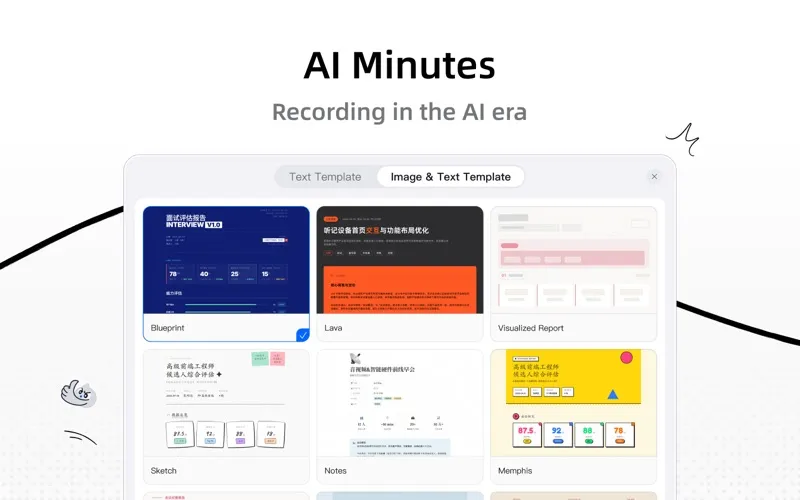
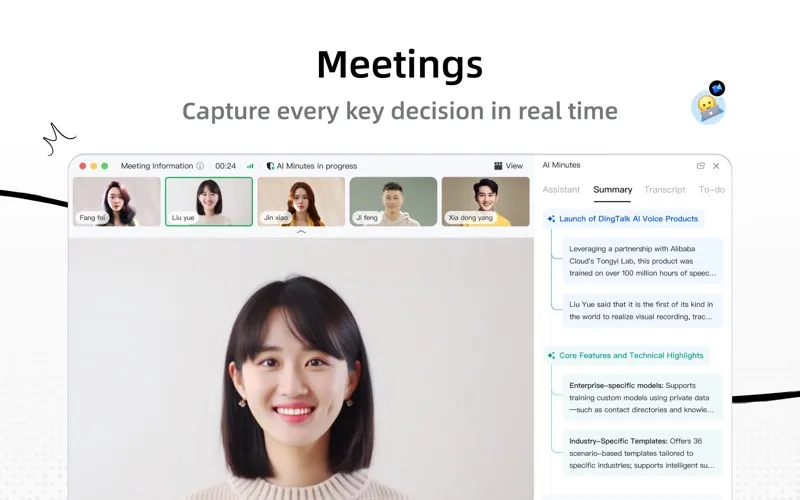
DingDing helps you move from team discussions to usable work. You can follow meetings with translated live captions, catch up when you join late, and ask AI about anything unclear. Afterward, you get summaries and action items without writing notes yourself. Speaker labels and chapters help you navigate longer recordings.
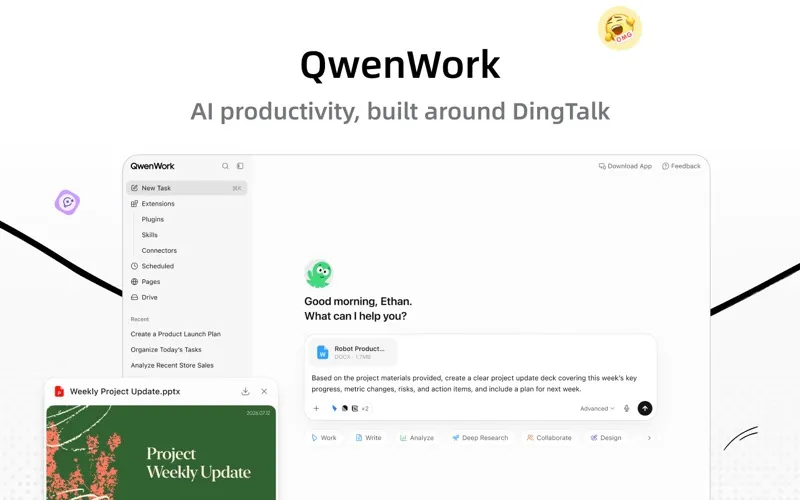
When you need to write, you can turn an initial idea into a document draft rather than start with an empty page. Through its connected Qwenwork platform, you can also ask for help replying to messages, processing files, researching topics, or building webpages.
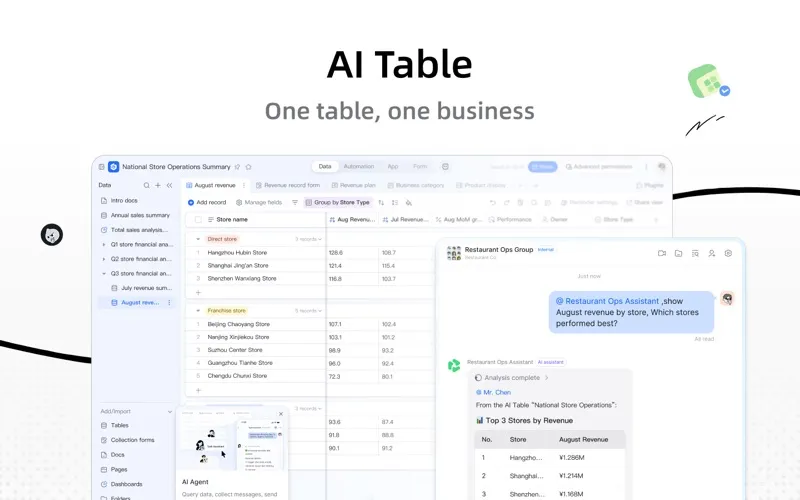
For work organized in tables, you can have AI write formulas, analyze data, and create charts. You can view the same information as dashboards, calendars, or Gantt charts, with automated reminders to help you follow up. This makes it useful when your team needs both a place to communicate and help turning information into next steps.
-
Leave with clear next steps
You get automatic meeting summaries and action items, so you can focus on the discussion instead of taking notes.
-
Catch up during calls
You can catch up after joining late and follow translated captions when participants speak different languages.
-
Get past blank pages
You can develop an initial thought into a document draft with AI assistance.
-
Make sense of tables
You can ask AI to write formulas, analyze your data, and turn results into charts or dashboards.
Best for
- You work on a team with frequent meetings and follow-ups
- You coordinate work through documents and business tables
- You collaborate across spoken languages
Skip it if
You probably don't need it if you only want a basic messenger and have no use for AI-assisted meetings, documents, or tables.
Screenshots
From the developer
DingTalk · Work Smarter, Work with AI DingTalk brings AI into the workflows you use every day — messaging, docs, meetings, business tables, and more. No need to learn another tool just to open DingTalk, and AI is ready to help. 【Qwenwork · AI office platform in symbiosis with DingTalk】 DingTalk handles collaboration.Read the full description
Alternatives to DingDing
Other apps to collaborate with your team. See all