
Family to Link Parenting AI
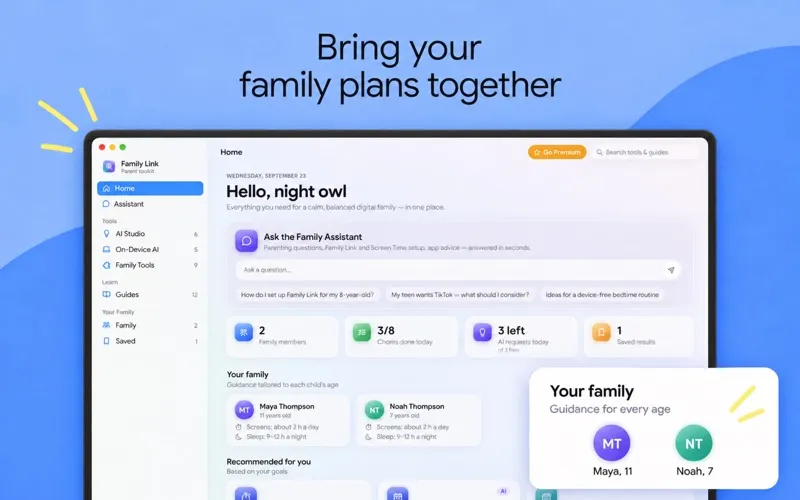
You get a Mac toolkit for planning family routines, checking digital safety risks, and asking age-specific parenting questions about screens, games, sleep, and online behavior.
by Samran Gill
What you get
You can turn digital-parenting questions into family plans and safer sharing decisions.
You get practical starting points for decisions about your child’s digital life. Ask about gaming, screen time, online safety, or sleep, and receive guidance tailored to your children’s ages. You can also draft a readable device agreement, prepare for difficult conversations, and find offline activities that fit your child’s age and available time.
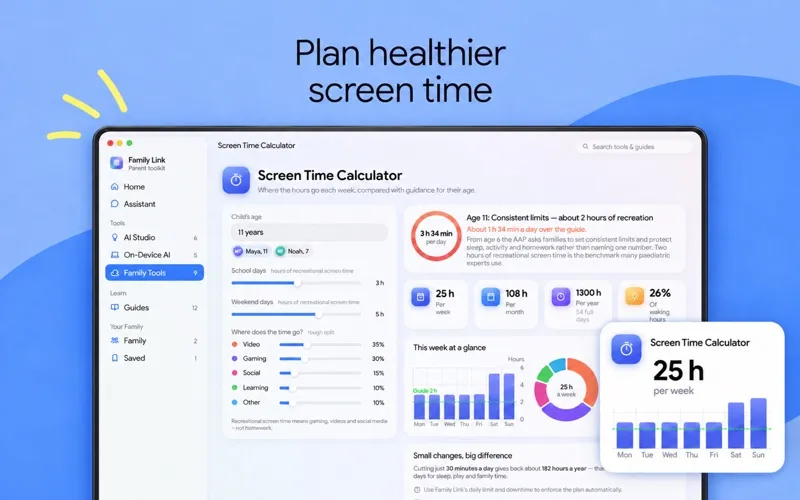
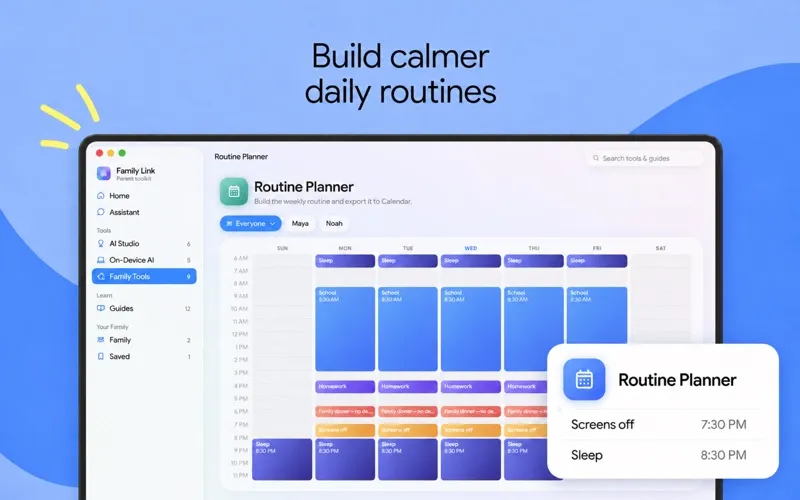
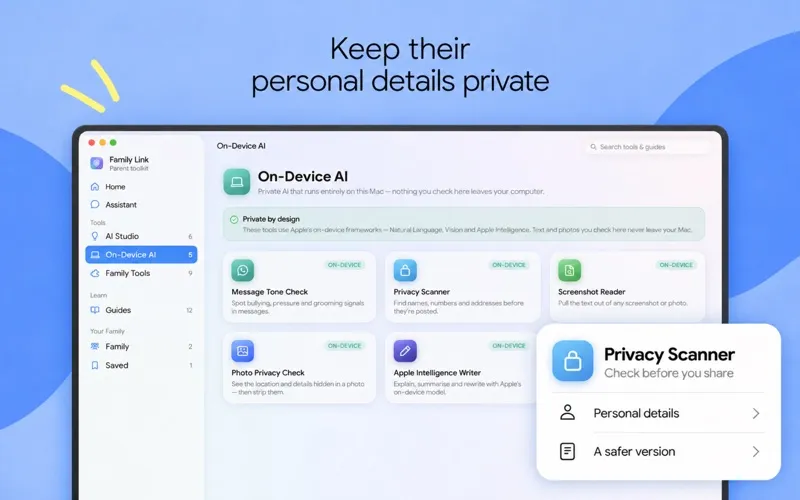
You can turn those decisions into school-day and weekend screen schedules, bedtime plans, weekly routines, and reward-based chore charts. Before sharing content, you can check text for personal details, look for concerning signals in messages, and remove hidden location and device information from photos. These checks run on your Mac without uploading what you inspect; Assistant and AI Studio requests send your submitted text and children’s ages to an AI service.
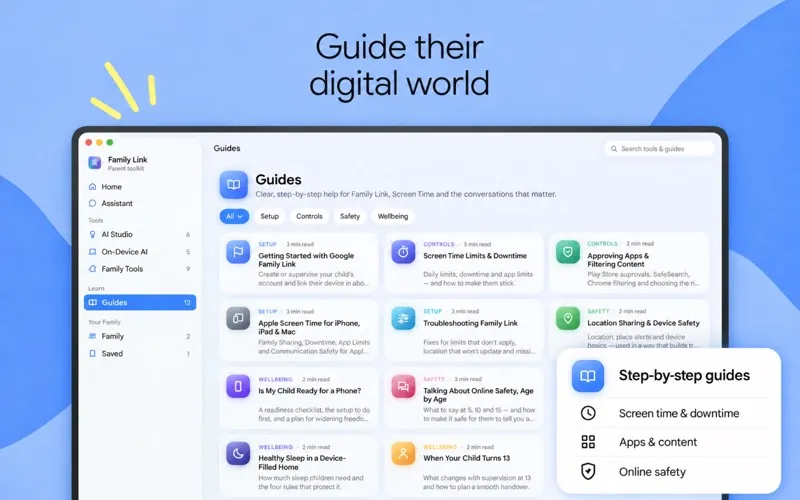
You also get setup guides for parental controls rather than having to work out every setting yourself. The free version limits tools, guides, and daily AI requests; a subscription unlocks the full collection and unlimited requests.
-
Prepare for difficult talks
You get conversation openers, questions, and calm replies for discussions about your child’s digital life.
-
Make routines concrete
You can create screen-time schedules, bedtime plans, and chore rewards, then export weekly routines to Calendar.
-
Share less personal information
You can spot identifying details in text and save photos without hidden location or device metadata.
-
Assess concerning messages
You can check messages on your Mac for possible bullying, threats, grooming, or scam signals without uploading them.
-
Navigate parental-control setup
You get step-by-step guidance for configuring Apple Screen Time, Google Family Link, app approvals, and content filtering.
Best for
- You’re preparing your child for a first phone
- You want clearer family rules around screens and bedtime
- You want to check messages and photos locally before sharing
Skip it if
You may not need it if your existing parental controls and family routines already cover your needs.
Screenshots
From the developer
Family Link is a calm, private toolkit for raising safe, balanced digital kids on your Mac. Ask an AI parenting assistant, check messages and photos without uploading them, and plan screen time, bedtime and chores — with 20 tools and 12 step-by-step guides in one place.Read the full description
Alternatives to Family to Link Parenting AI
Other apps to get an AI assistant. See all
 Substage
Control Finder with natural language
Setapp
84% · 96 ratings
Substage
Control Finder with natural language
Setapp
84% · 96 ratings
 BoltAI 2
Write, code, learn with Al
Setapp
96% · 49 ratings
BoltAI 2
Write, code, learn with Al
Setapp
96% · 49 ratings
 TypingMind
Use new UI to chat with AI
Setapp
90% · 1,362 ratings
TypingMind
Use new UI to chat with AI
Setapp
90% · 1,362 ratings
 BoltAI
Write, code, learn with AI
Setapp
95% · 467 ratings
BoltAI
Write, code, learn with AI
Setapp
95% · 467 ratings
 AI Council
Stop trusting just one AI
Setapp
91% · 22 ratings
AI Council
Stop trusting just one AI
Setapp
91% · 22 ratings
 Sidekick
The agentic interface for your Mac.
Setapp
Sidekick
The agentic interface for your Mac.
Setapp