Free Ruler
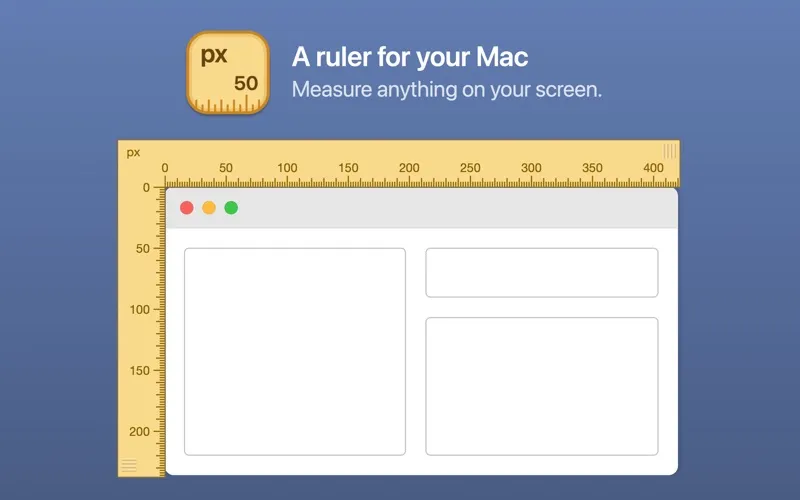
Free Ruler gives you on-screen rulers for checking dimensions and alignment, useful when you review interfaces or need to measure something displayed in another app.
by Pascal Balthrop
What you get
Check on-screen dimensions and alignment without guessing.
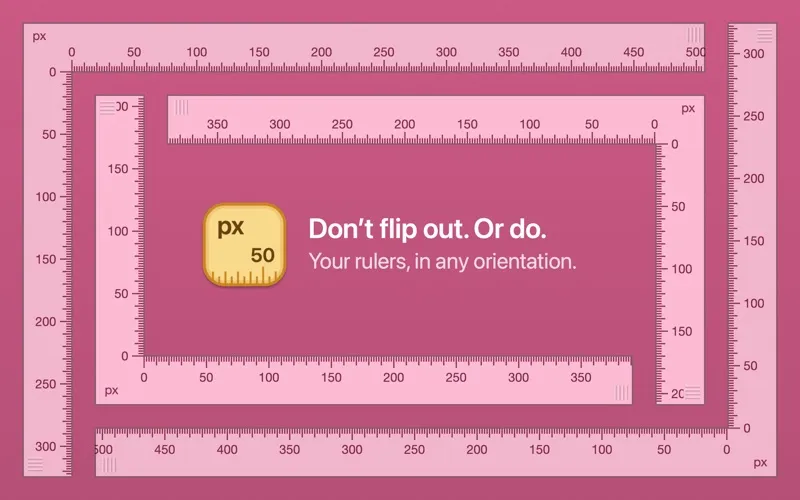
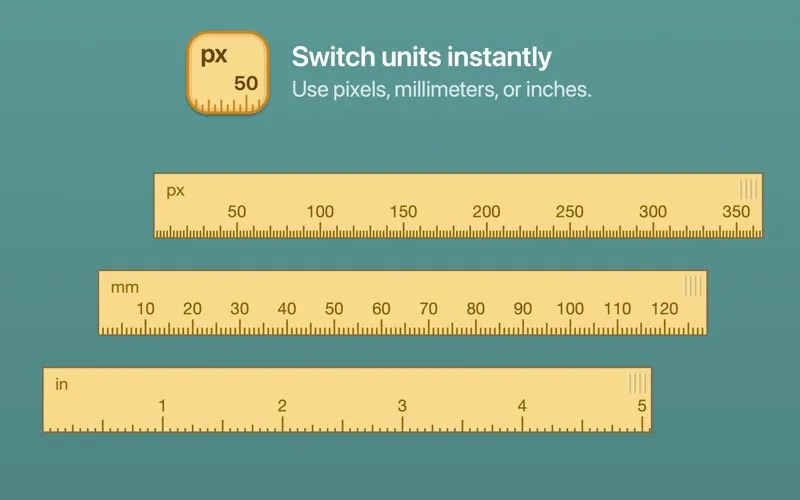
Free Ruler gives you horizontal and vertical references so you can check the width, height, and spacing of what you see on screen. You can keep the rulers above another application while you inspect its content, and choose pixels, millimeters, or inches for your measurements.
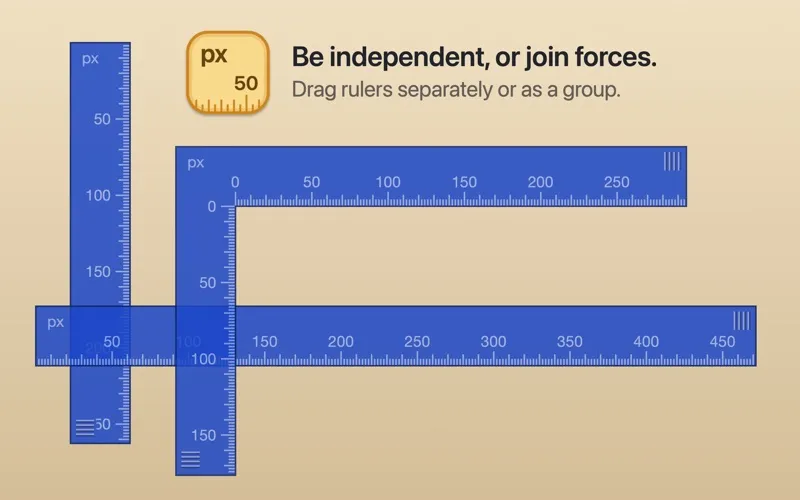
You can position each ruler separately or move them together when you want to check a different area. Aligning the rulers at your mouse location lets you start from the point you are inspecting, while a reset shortcut returns them to their starting locations.
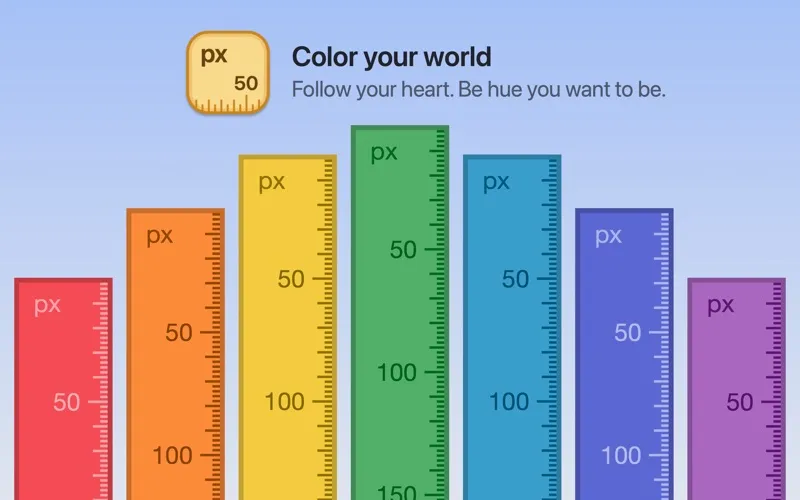
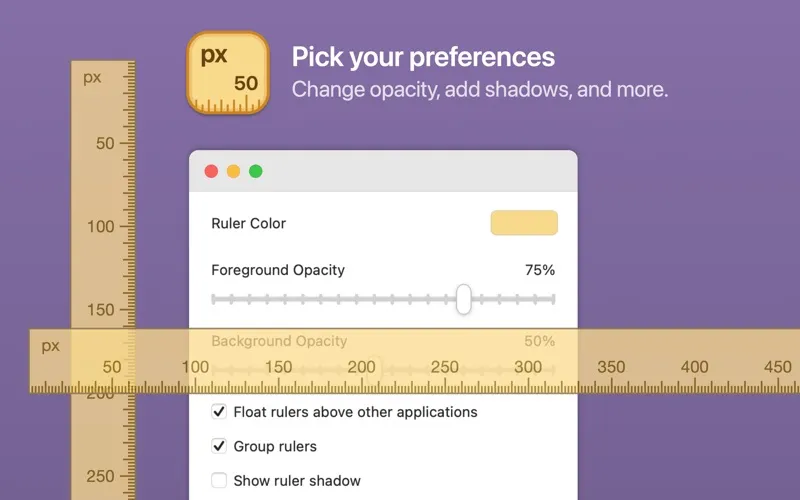
You can also choose a ruler color that is easier to distinguish against your current content and hide the shadow if it gets in the way. Keyboard shortcuts let you switch units and adjust ruler behavior as you work.
-
Replace visual guesses
You can check dimensions and spacing with horizontal and vertical rulers rather than judging by eye.
-
Measure over other apps
You can keep your rulers visible above the application whose content you are inspecting.
-
Start where you point
You can align the rulers at your mouse location and move them independently or together.
-
Keep measurements readable
You can choose a contrasting ruler color and remove the shadow when it obscures your view.
Best for
- You review interface spacing and alignment
- You need on-screen measurements in another app
- You compare horizontal and vertical dimensions
Skip it if
You do not need it if your usual apps already give you all the rulers and alignment guides you use.
Screenshots
From the developer
Features: Horizontal and vertical rulers, in any color you like. Choose from pixel, millimeter, and inch units (press U to cycle). Float rulers above other applications (press F to toggle). Move windows independently or as a group (press G to toggle). Show or hide the shadow behind rulers (press S to toggle).Read the full description
Alternatives to Free Ruler
Other apps to measure & align UI on screen. See all