
Snip My
Screenshot tool
Snip My is a Mac screenshot tool for you if you need to explain something visually, remove sensitive details before sharing, or copy text from screen captures.
by Mahtca Global S.R.L.
What you get
You get screenshots that explain what matters without exposing private details.
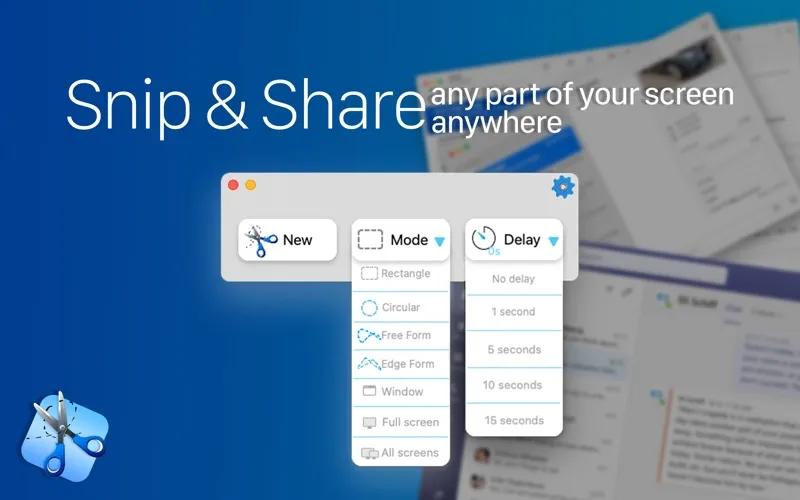
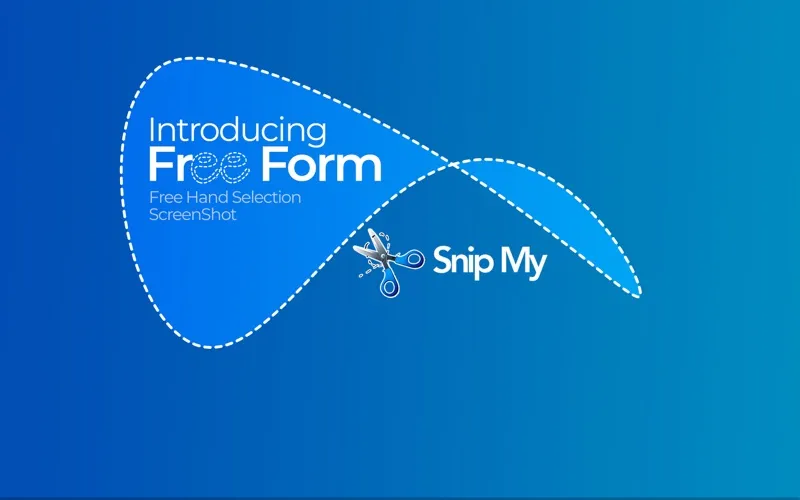
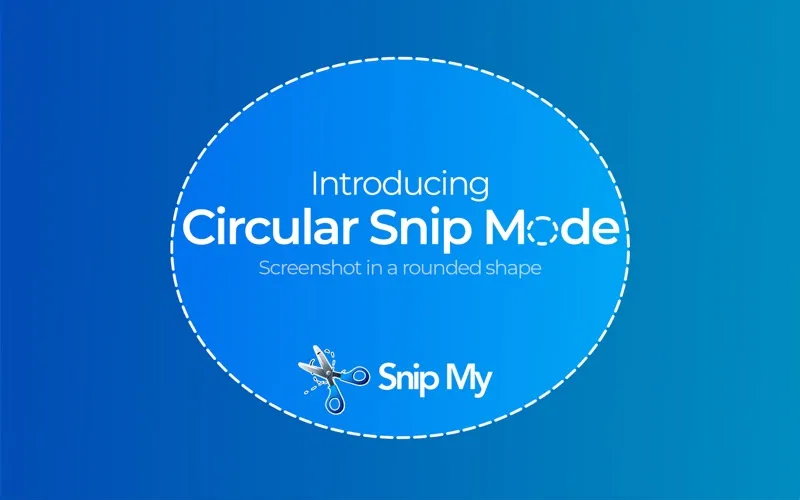
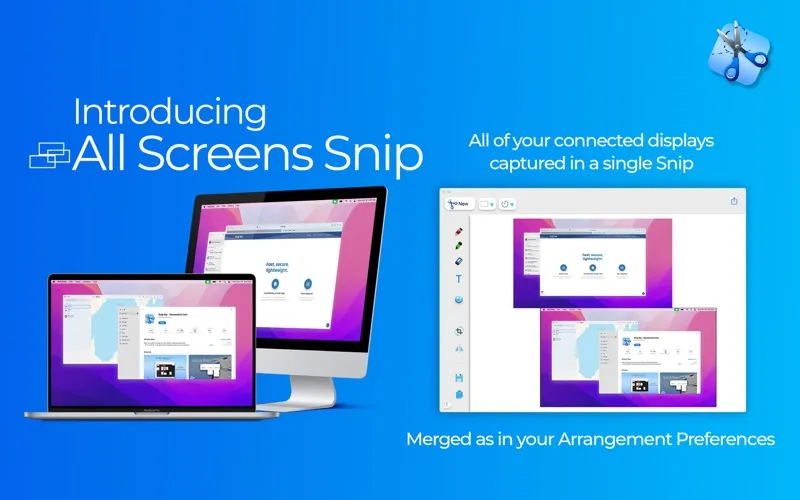
You can capture exactly the part of your screen you want to share, from a custom-shaped selection to a window or all your displays. A delay lets you prepare the screen first, while keyboard shortcuts let you take a shot even when Snip My is hidden.
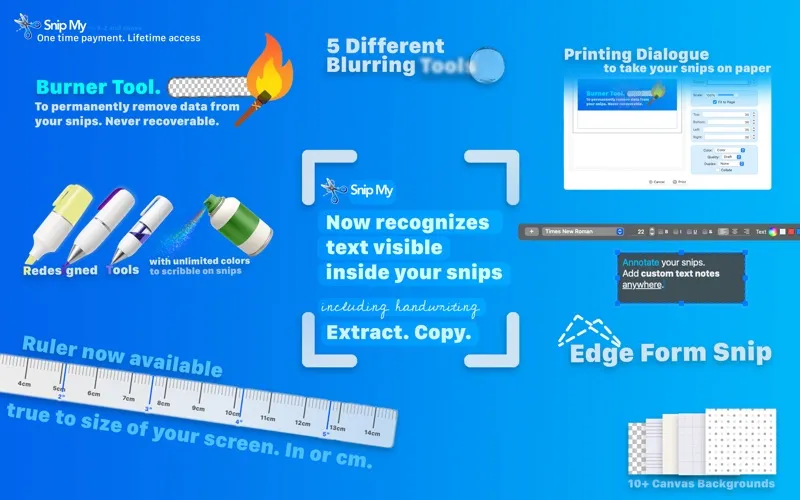
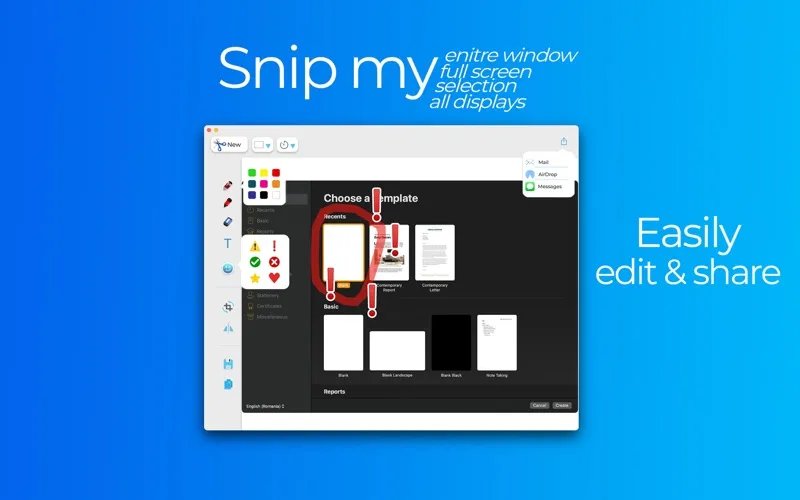
You can turn that capture into a clearer explanation by highlighting details, drawing, adding notes, or cropping away distractions. In version 7.0 and later, you can permanently erase sensitive information with the Burner tool or obscure details with blur. You can also extract text, including handwriting, so you don't have to retype it.
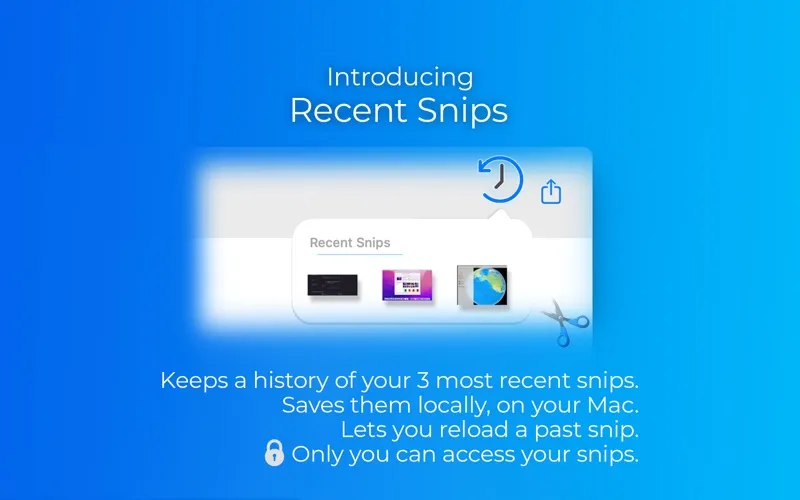
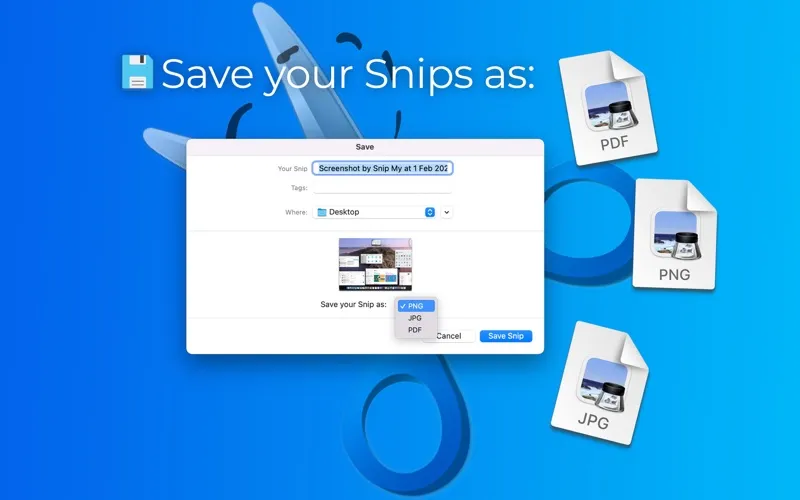
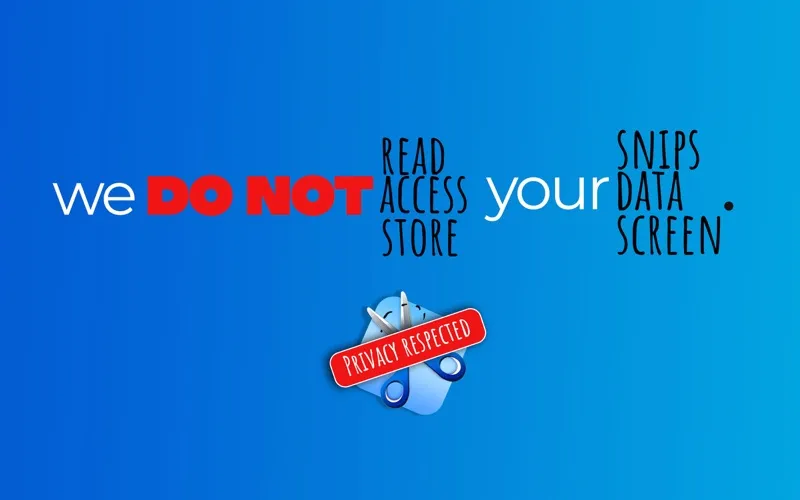
When you're finished, you can copy the edited image into another app, save it as PNG, JPG, or PDF, or print it directly. Your recent captures stay on your Mac for reopening later, and the app says it collects no data.
-
Capture only what matters
You can select a custom area, a window, your whole screen, or every display without including unnecessary surroundings.
-
Make your point visible
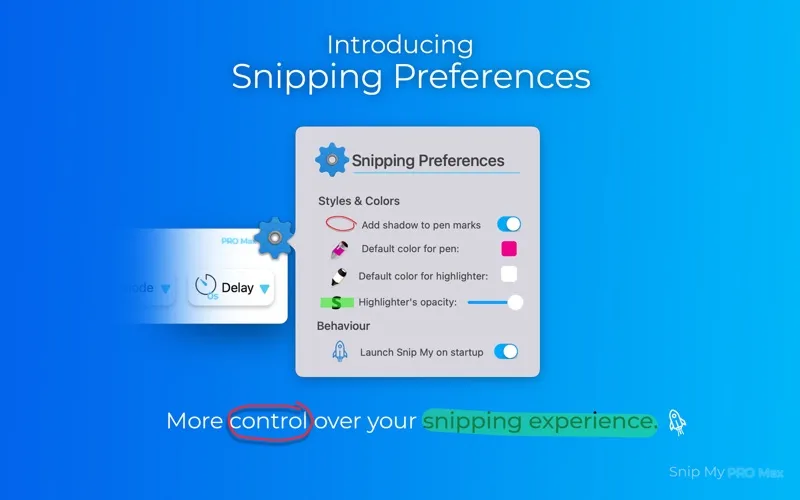
You can highlight details, draw, and add text notes so your reader knows where to look.
-
Remove sensitive details
In version 7.0 and later, you can permanently erase private information with the Burner tool before sharing.
-
Skip retyping
In version 7.0 and later, you can copy recognized text from captures, including handwriting.
-
Reuse your finished captures
You can paste edited screenshots into other apps, export PNG, JPG, or PDF files, or print directly.
Best for
- You explain issues or instructions with annotated screenshots
- You share screen captures containing sensitive information
- You need editable text from screenshots or handwriting
Skip it if
You don't need it if your Mac's built-in screenshot tools already cover your occasional captures and basic annotations.
Screenshots
From the developer
The screenshot tool you’ve been waiting for. Snip My makes capturing, editing, and sharing your screen captures effortless. Every detail is designed to boost your productivity and protect your privacy. Capture your screen any way you want.Read the full description
Alternatives to Snip My
Other apps to take & annotate screenshots. See all
 CleanShot X
Take better screenshots and GIFs
Setapp
99% · 14,421 ratings
CleanShot X
Take better screenshots and GIFs
Setapp
99% · 14,421 ratings
 Xnapper
Create shareable screenshots
Setapp
96% · 865 ratings
Xnapper
Create shareable screenshots
Setapp
96% · 865 ratings
 ScreenFloat
Power up your screenshots
Setapp
94% · 88 ratings
ScreenFloat
Power up your screenshots
Setapp
94% · 88 ratings
 AldooSnap
Capture, annotate, share fast
Sold separately
AldooSnap
Capture, annotate, share fast
Sold separately
 DeskMop
A pristine desktop, on demand
Sold separately
DeskMop
A pristine desktop, on demand
Sold separately
 Tidyshot
Tidy up your screenshots
Sold separately
Tidyshot
Tidy up your screenshots
Sold separately