Hingely
Your MacBook lid, in motion
Hingely gives you animated desktop effects as you close your MacBook lid. It’s for you if you want a visual flourish on a supported MacBook.
by MacPaw Way Ltd. · 65% positive (17)
What you get
Watch your desktop react as you close your MacBook lid.
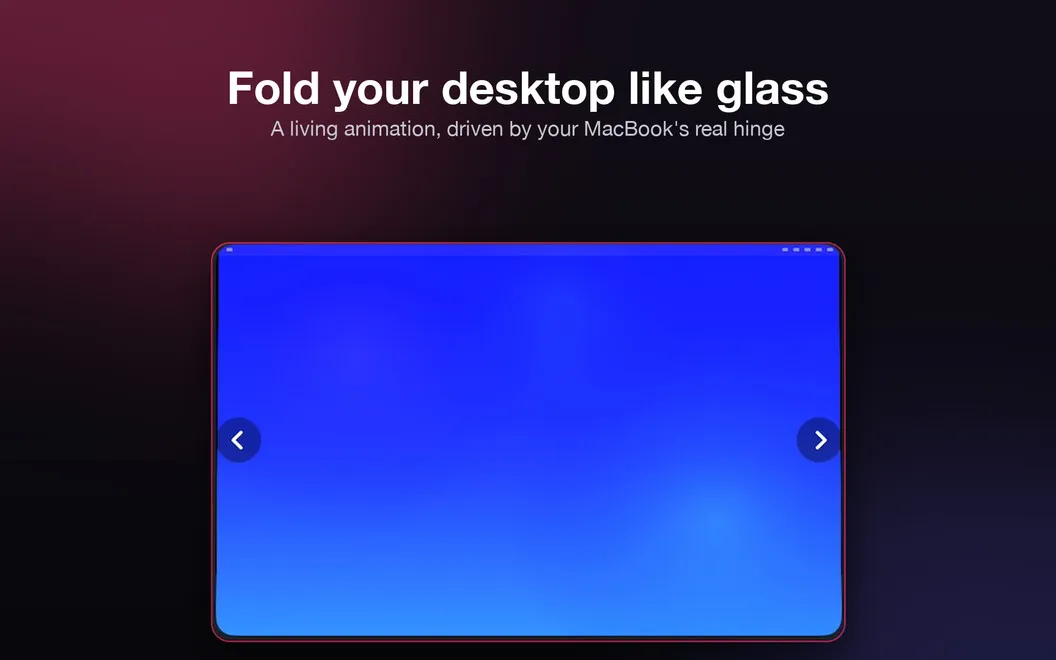
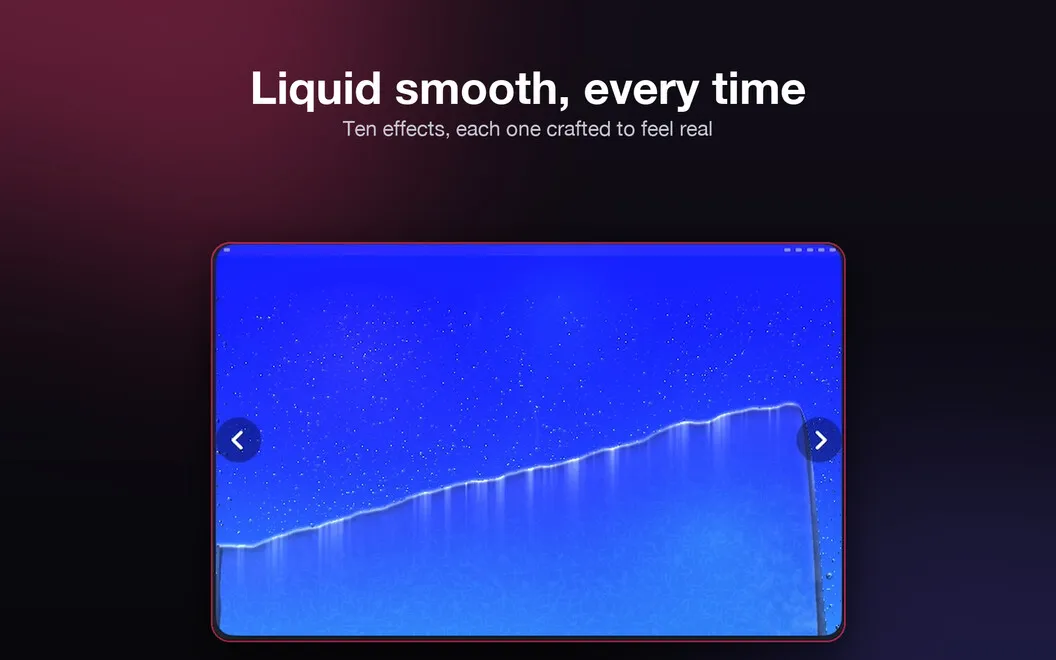
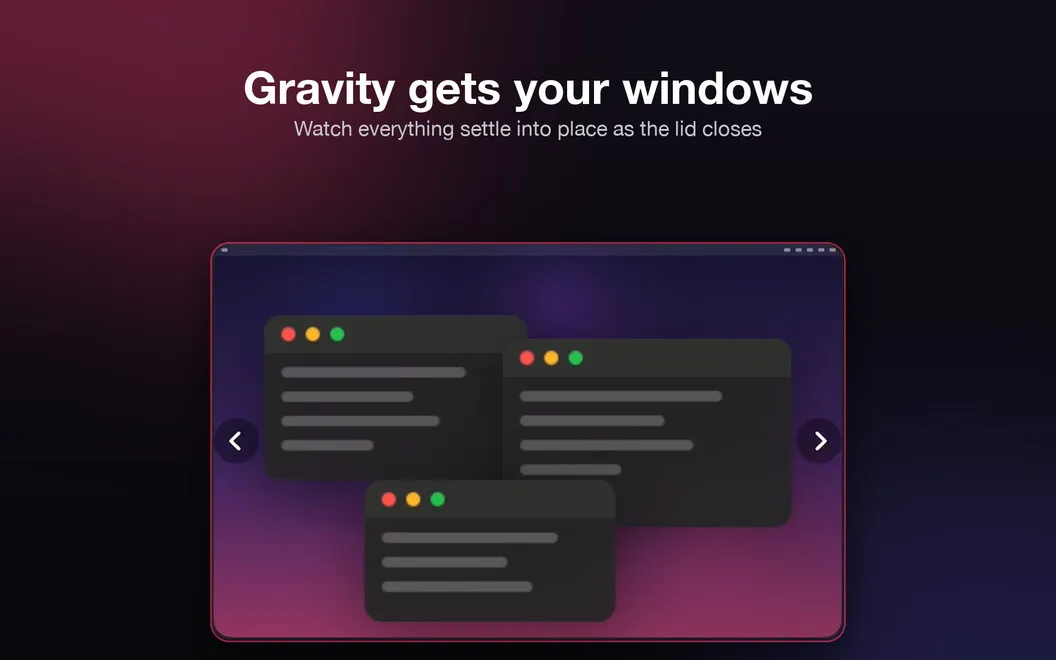
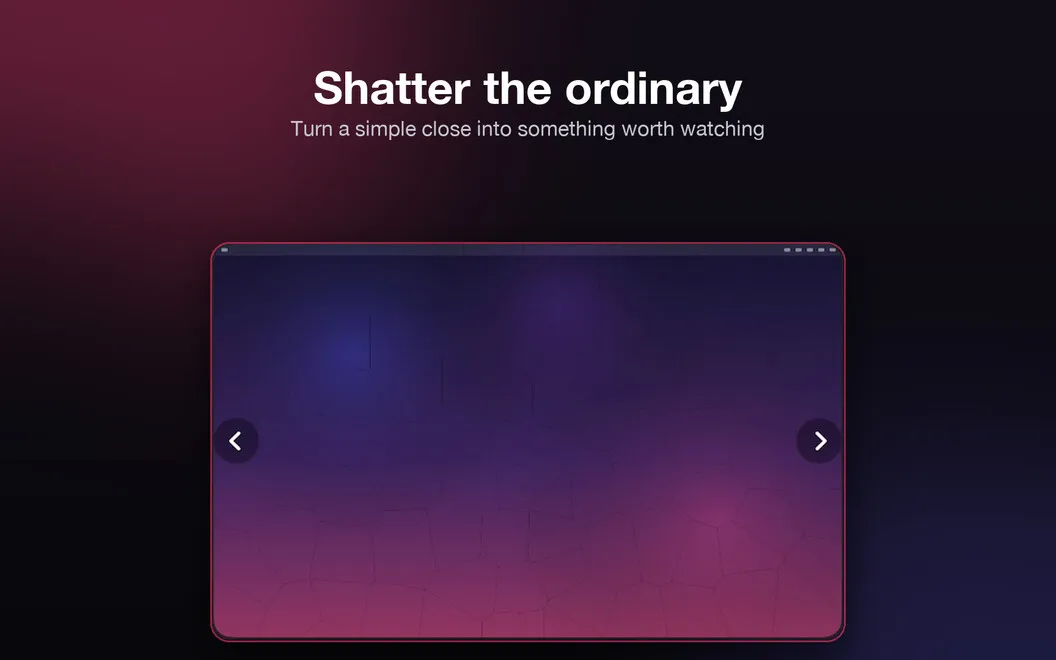
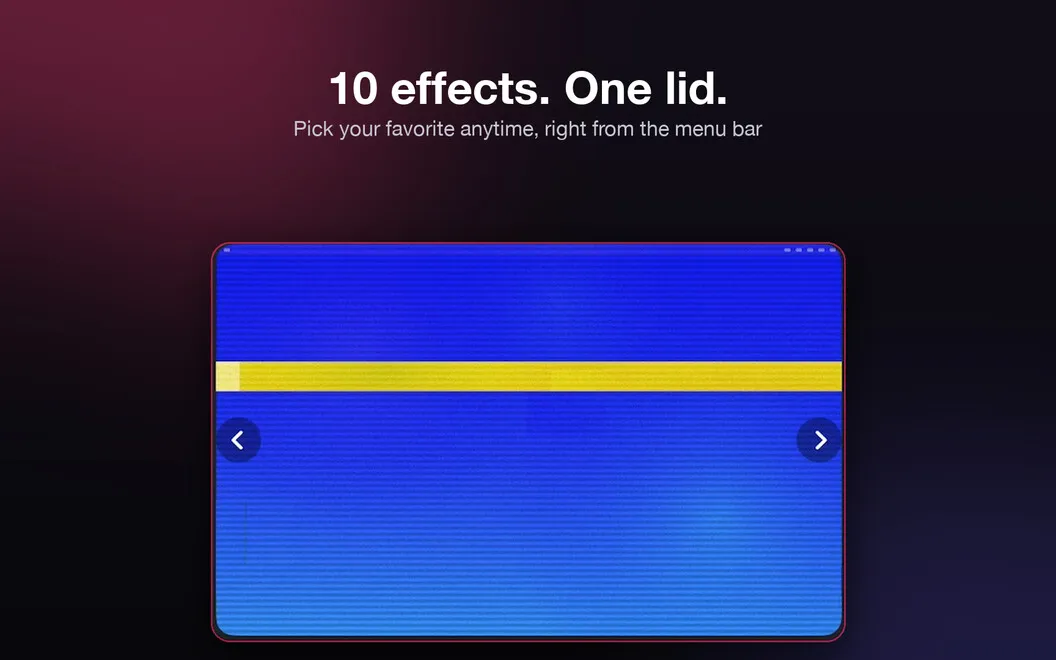
You get a visual flourish each time you close your MacBook: your desktop folds, shatters, glitches, or responds with another of ten effects. The animation follows your lid’s actual angle, so what you see changes with how you move it rather than running through a fixed clip.
You can change the effect from the menu bar whenever you want a different look, or pause it without quitting the app. To animate your desktop, Hingely uses a single screen snapshot that is never stored and disappears when the effect finishes.
You’ll need macOS 15 or later and a compatible lid-angle sensor: a 14-inch or 16-inch MacBook Pro introduced in 2021 or later, or a MacBook Air with M2 or later. You won’t be able to use it on a 2020 M1 MacBook Air or a 13-inch M1/M2 MacBook Pro.
-
Make closing more expressive
You see your desktop transform with an animation that responds to your lid’s actual movement.
-
Change the look
You can choose among ten effects, including Water, Shatter, and Glitch, from the menu bar.
-
Pause when you prefer
You can stop the effects from the menu bar without quitting Hingely.
-
Keep snapshots temporary
Your animation uses one screen snapshot that is never stored and disappears as soon as the effect ends.
Best for
- You enjoy small visual customizations on your MacBook
- You want lid animations that follow your movement
- You use a supported MacBook with macOS 15 or later
Skip it if
You don’t need it if you prefer closing your lid without visual effects or your MacBook isn’t supported.
Screenshots
From the developer
Hingely watches your MacBook's lid and turns the moment you close it into something worth a second look. Pick from ten effects — fold, shatter, glitch, and more — and your desktop reacts in real time to the actual hinge angle, not a canned clip. No settings maze, no fuss: open the lid, and it just works.Read the full description
Alternatives to Hingely
Other apps to customize how your Mac looks. See all
 24 Hour Wallpaper
100+ dynamic wallpapers
Setapp
97% · 1,409 ratings
24 Hour Wallpaper
100+ dynamic wallpapers
Setapp
97% · 1,409 ratings
 Magic Window Air
Try aerial screen savers
Setapp
96% · 495 ratings
Magic Window Air
Try aerial screen savers
Setapp
96% · 495 ratings
 Desktop Composer
Customize & switch macOS looks
Setapp
95% · 37 ratings
Desktop Composer
Customize & switch macOS looks
Setapp
95% · 37 ratings
 Sticktop
Stickers that peel like vinyl
Sold separately
Sticktop
Stickers that peel like vinyl
Sold separately
 Tintd
Auto folder icons for your Mac
Sold separately
Tintd
Auto folder icons for your Mac
Sold separately
 Aniloop Wallpaper
4K Dynamic
Mac App Store
Aniloop Wallpaper
4K Dynamic
Mac App Store