Tintd
Auto folder icons for your Mac
Tintd is a folder icon and color customization app for your Mac, suited to you if you want visually distinct folders without styling each one manually.
by Jean-Baptiste Beau
What you get
You can tell your folders apart without styling each one yourself.
You get folders that are easier to recognize by sight, with icons and colors chosen from their names. An invoices folder can receive an invoice symbol, while a music folder gets a musical note. With Folder Watcher enabled, you can give new folders matching styles as you create them, rather than returning later to customize each one.
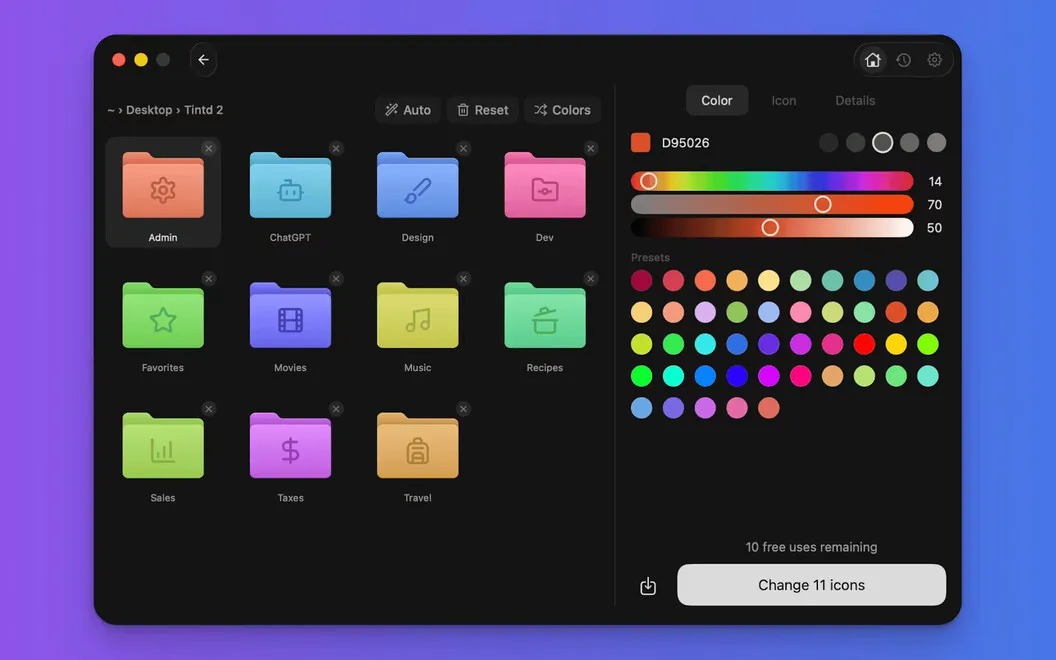
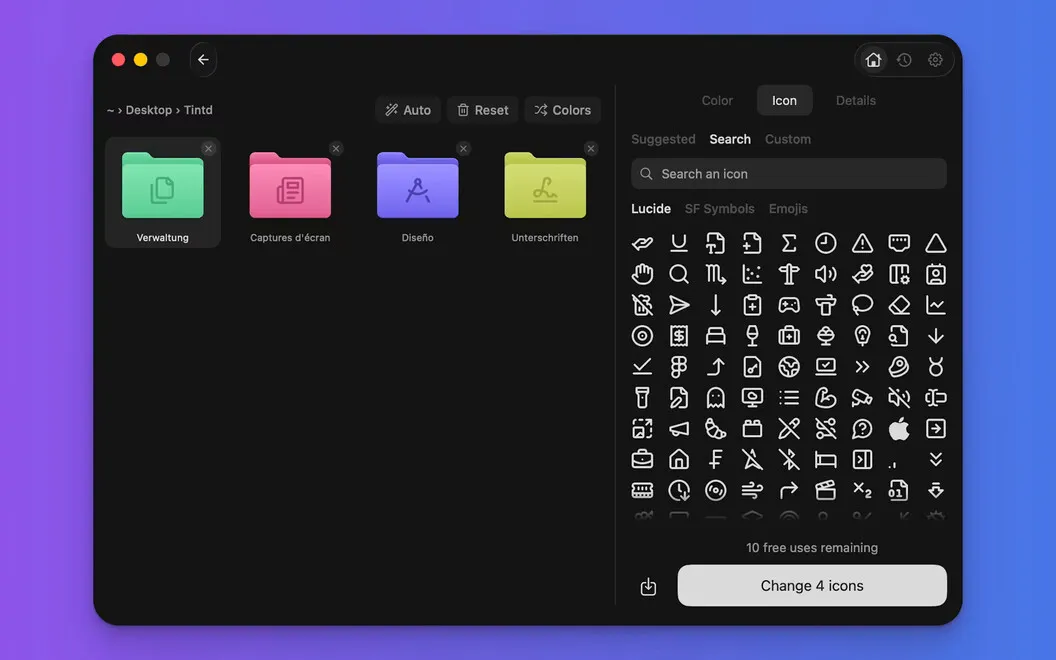
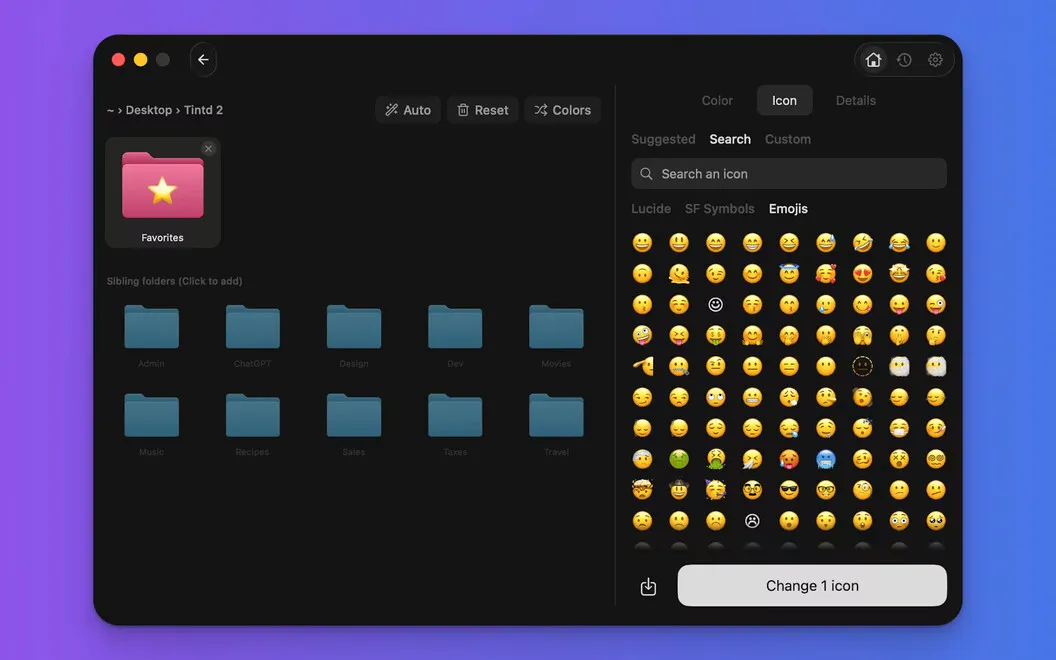
You can also update existing folders from Finder’s right-click menu or style dozens together. Give a group the same icon, vary their colors, or let each folder receive its own name-based match. When you want a specific look, you can choose from over 11,000 icons and emojis, import an image, and adjust overlays. Your previous icon designs remain available for reuse.
You keep the process on your Mac: name matching and styling work offline, without cloud processing or AI services. Folder-name matching supports 11 languages, including names in different languages within the same folder.
-
Recognize folders by sight
You can distinguish folders by relevant icons and colors instead of relying only on their names.
-
Keep new folders styled
With Folder Watcher enabled, you get matching icons and colors as you create folders.
-
Update folders in batches
You can style dozens of folders together, using a shared icon or individual name-based matches.
-
Choose your own look
You can use icons, emojis, or imported images, then reuse your saved designs.
-
Keep styling local
You can customize folders offline without sending their names to cloud or AI services.
Best for
- You want visual cues across many project folders
- You frequently create folders and want automatic styling
- You prefer custom folder icons without repetitive editing
Skip it if
You don't need it if standard folder icons work for you and you don't use colors or symbols to distinguish folders.
Screenshots
From the developer
Your Mac folders all look the same, and organizing them with custom icons one by one is a chore. Tintd fixes that by automatically assigning icons and colors based on folder names. Create a folder called "Invoices" and it gets an invoice icon. "Vacation 2026" gets a palm tree.Read the full description
Alternatives to Tintd
Other apps to customize how your Mac looks. See all
 24 Hour Wallpaper
100+ dynamic wallpapers
Setapp
97% · 1,409 ratings
24 Hour Wallpaper
100+ dynamic wallpapers
Setapp
97% · 1,409 ratings
 Magic Window Air
Try aerial screen savers
Setapp
96% · 495 ratings
Magic Window Air
Try aerial screen savers
Setapp
96% · 495 ratings
 Hingely
Your MacBook lid, in motion
Setapp
Hingely
Your MacBook lid, in motion
Setapp
 Desktop Composer
Customize & switch macOS looks
Setapp
95% · 37 ratings
Desktop Composer
Customize & switch macOS looks
Setapp
95% · 37 ratings
 Sticktop
Stickers that peel like vinyl
Sold separately
Sticktop
Stickers that peel like vinyl
Sold separately
 Aniloop Wallpaper
4K Dynamic
Mac App Store
Aniloop Wallpaper
4K Dynamic
Mac App Store