
Mail for Gmail
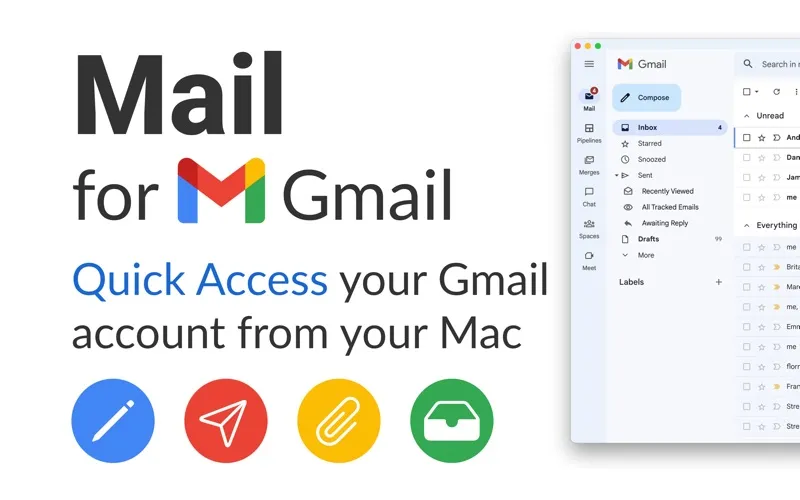
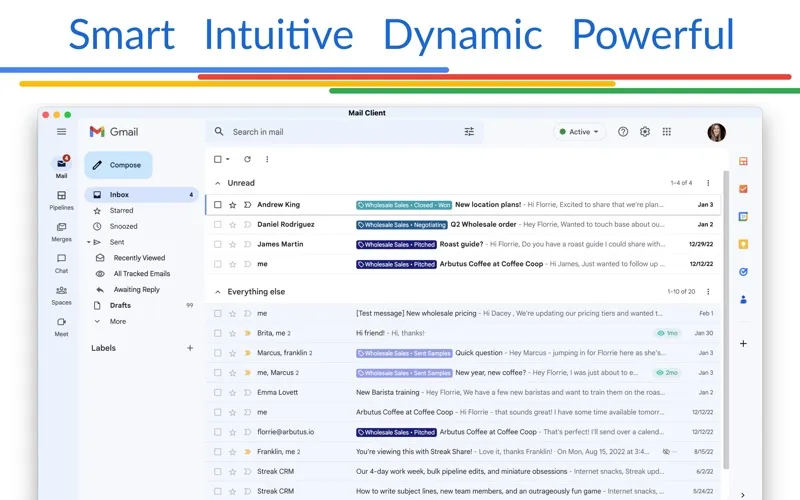
Mail for Gmail gives you a Mac app for handling multiple Gmail or GSuite accounts, with menu bar access for checking and answering email.
by Fokusek Enterprise
What you get
You can handle your Gmail accounts in one Mac app.
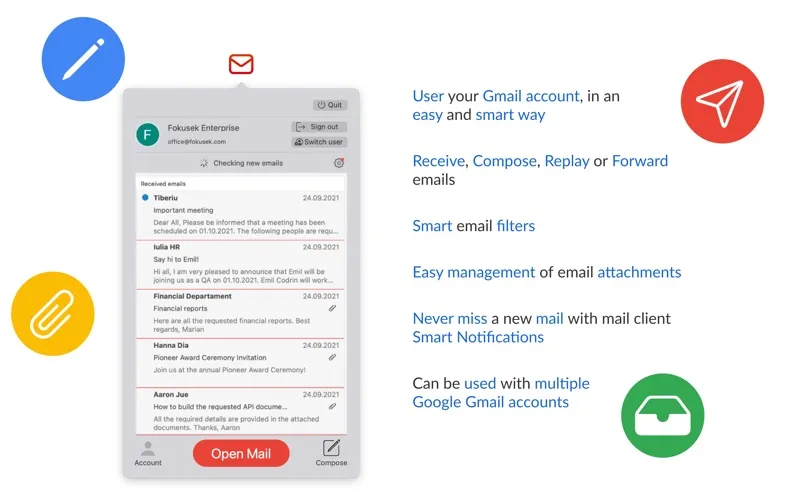
You can bring your Gmail and GSuite accounts into one application, giving you a single place to handle personal and work email. From your Mac’s menu bar, you can quickly open your mail to read a message, write a new one, reply, or forward something to someone else.
You can use email filters to narrow down the messages you’re dealing with and manage attachments within the app. Notifications let you know when new mail arrives, so you don’t have to keep checking manually. If you use several Google email accounts, you can handle them through the same app rather than maintain a separate setup for each.
You’ll need a paid license to use it. This is a third-party Gmail client, not an app made by Google.
-
Your accounts together
You can handle multiple Gmail or GSuite accounts from a single application.
-
Quick email checks
You can reach your mail from the menu bar to read, compose, reply, or forward.
-
Notice incoming mail
You receive notifications when messages arrive, reducing the need to check manually.
-
Handle messages and attachments
You can filter your email and manage attachments without leaving the app.
Best for
- You juggle personal and work Gmail accounts
- You want menu bar access to Google email
- You prefer a dedicated Mac email app
Skip it if
You don’t need it if you’re happy managing Gmail in your browser or need support for non-Google email accounts.
Screenshots
From the developer
Mail for Gmail is one of the great choices when you want to have all of your Google Gmail or GSuite email accounts in a single application. Built with the latest and modern user interface elements, the application can be used even by an un-experienced user.Read the full description
Alternatives to Mail for Gmail
Other apps to manage email. See all