Marked
Live preview and advanced tools for Markdown writers
Marked gives you a rendered Markdown preview alongside your preferred text editor on Mac, with writing checks and document exports for technical and prose writing.
by Brett Terpstra · 94% positive (729)
What you get
See how your Markdown will look before you publish it.
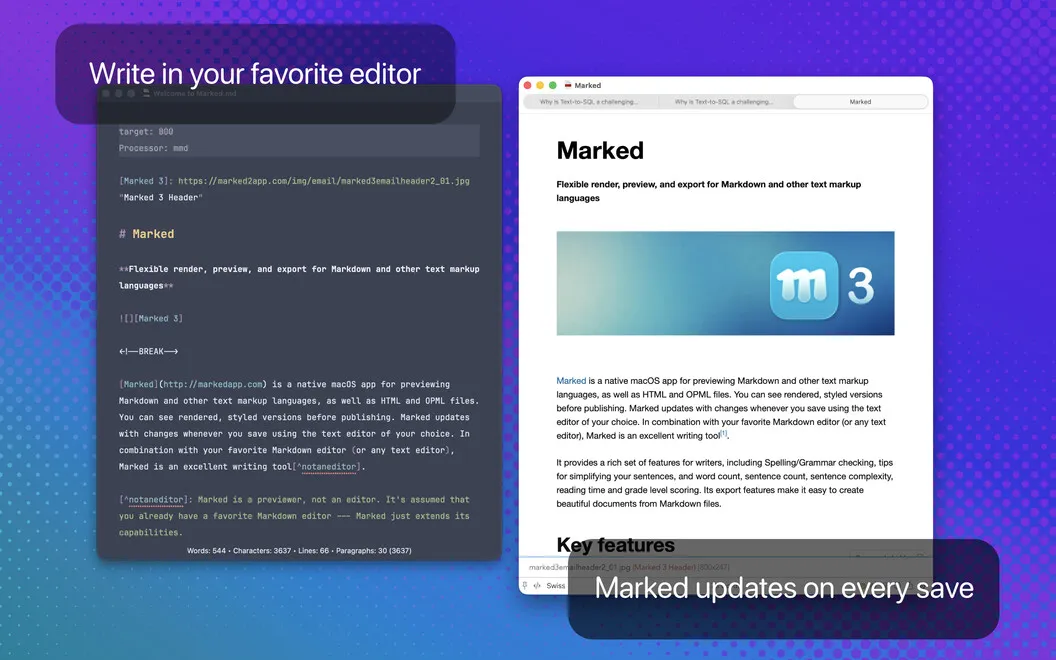
You can keep writing in your preferred text editor while Marked shows a formatted version of the same file. Your preview refreshes whenever you save and scrolls to your latest edits, so you can check formatting without switching your writing setup. You can work with local files or documents stored in iCloud.
Before sharing your work, you can catch spelling, grammar, and Markdown syntax problems. Repeated-word checks and sentence-simplification suggestions help you revise, while reading-time estimates and grade-level scores help you judge whether your draft suits your audience.
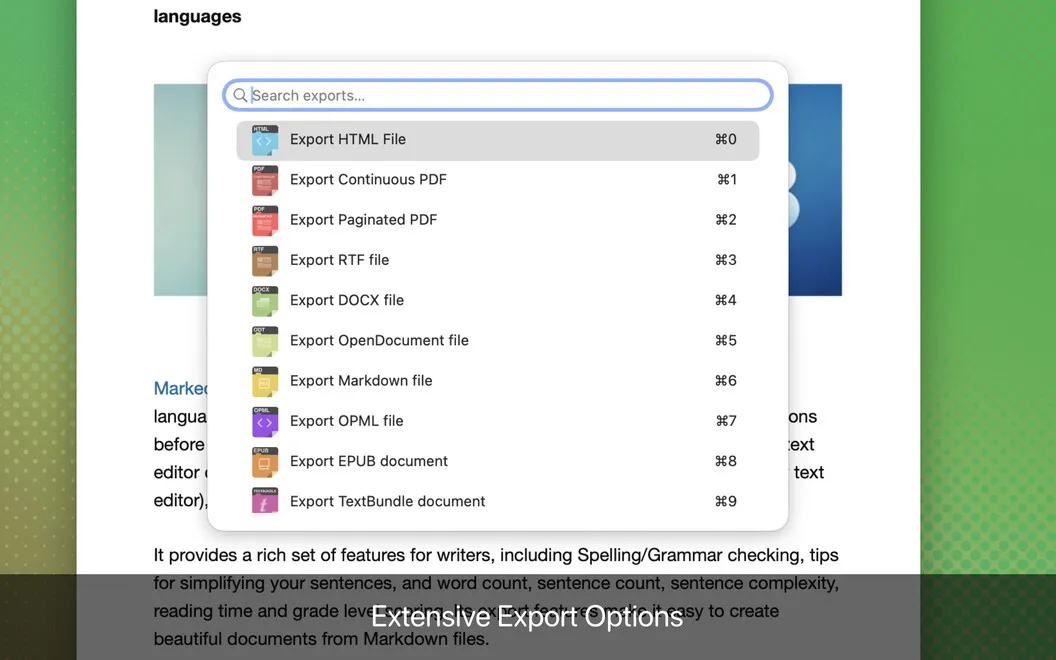
For longer documents, you can move between sections using an automatic table of contents, bookmarks, and collapsible sections. When you're ready to deliver, you can turn your plain-text draft into HTML, PDF, Word, or other supported formats, and combine multiple files into a book.
-
Keep your preferred editor
You can check a formatted preview that updates each time you save, without moving your writing into another editor.
-
Catch problems before publishing
You can find spelling, grammar, and Markdown syntax errors before they reach your readers.
-
Judge your draft's readability
You can spot repeated words and complex sentences, then check reading time and grade-level scores as you revise.
-
Navigate longer drafts
You can jump between sections with an automatic table of contents and bookmarks instead of scrolling through the whole document.
-
Deliver more than Markdown
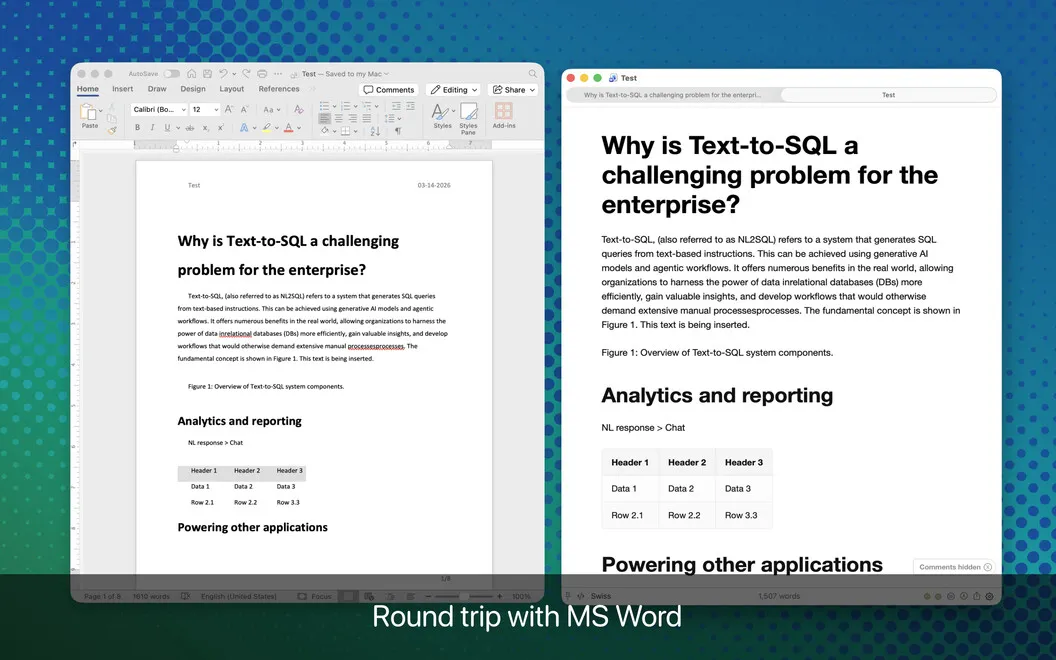
You can export your plain-text work as HTML, PDF, or Word, and combine separate files into a book.
Best for
- You write technical documentation in Markdown
- You want preview and proofreading tools alongside your preferred editor
- You need to export long-form drafts into shareable documents
Skip it if
You probably don't need it if your current Markdown editor already gives you the previews, writing checks, and exports you use.
Screenshots
From the developer
Marked is a native macOS app for previewing Markdown and other text markup languages, as well as HTML and OPML files. You can see rendered, styled versions before publishing. Marked updates with changes whenever you save using the text editor of your choice.Read the full description
Alternatives to Marked
Other apps to write & preview Markdown. See all