
MDViewer
Markdown Viewer
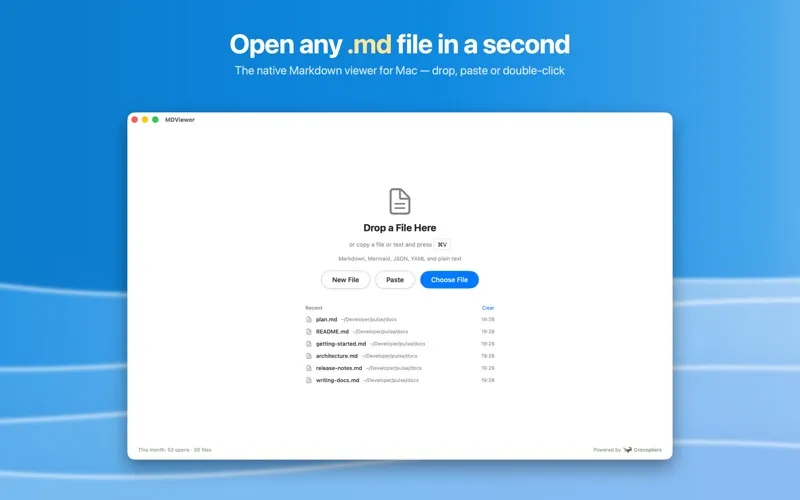
MDViewer gives you a Mac workspace for reading Markdown, viewing Mermaid diagrams, and inspecting JSON. It suits you if you work with technical documentation, project files, or study notes.
by Crocopliers
What you get
You get readable Markdown, diagrams, and JSON without opening a development environment.
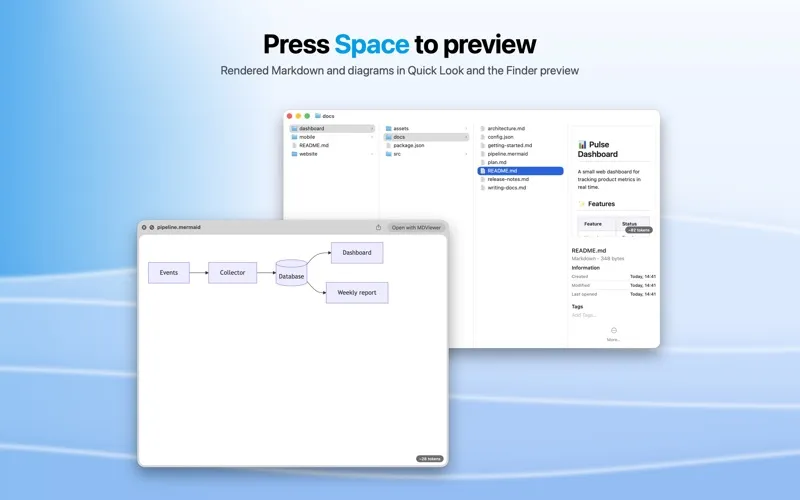
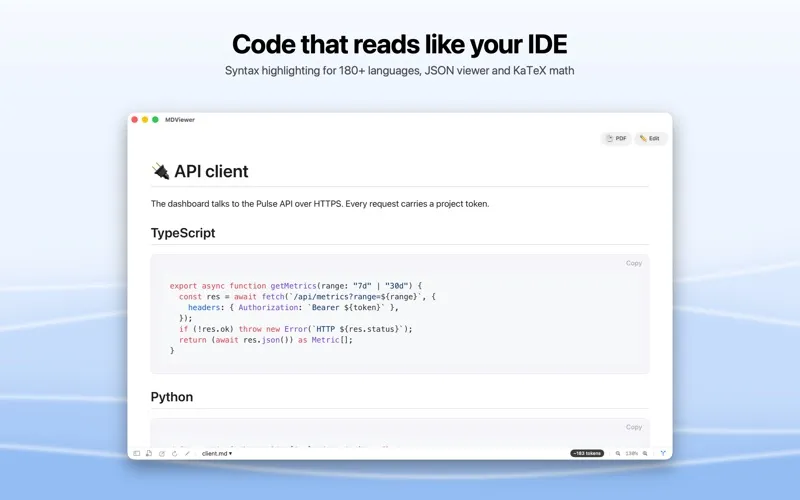
You can read Markdown as formatted documents rather than raw markup, with tables, task lists, images, and highlighted code. An automatically generated contents list and highlighted search results help you find the section you need in longer files. You can also preview Markdown, Mermaid, and JSON directly in Finder by pressing Space.
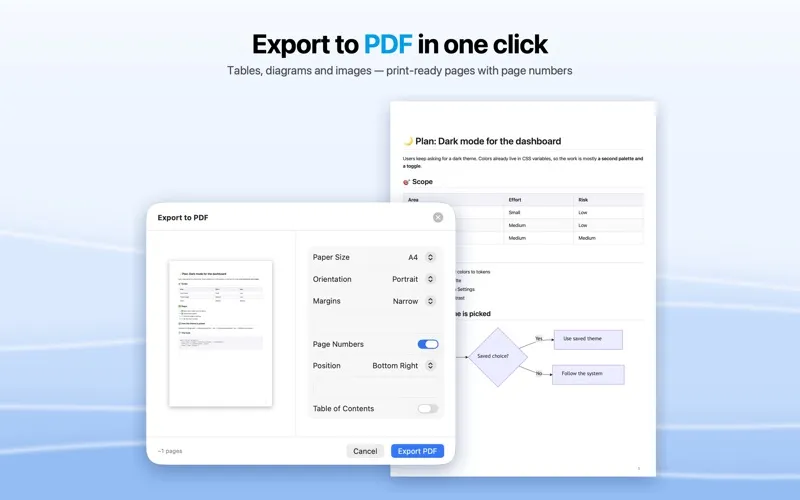
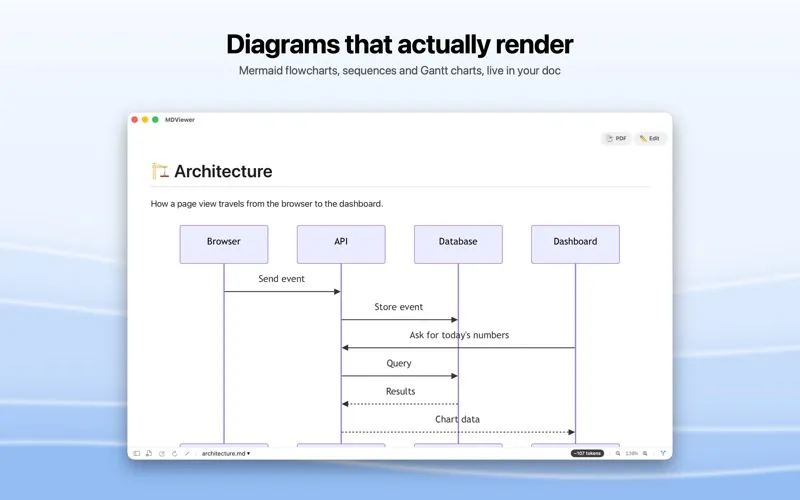
You can turn Mermaid files into viewable flowcharts, sequence diagrams, and other diagrams, with zoom and fullscreen viewing for closer inspection. For JSON, you can expand nested objects and format the contents to understand their structure. You can export these file types to PDF for sharing or printing.
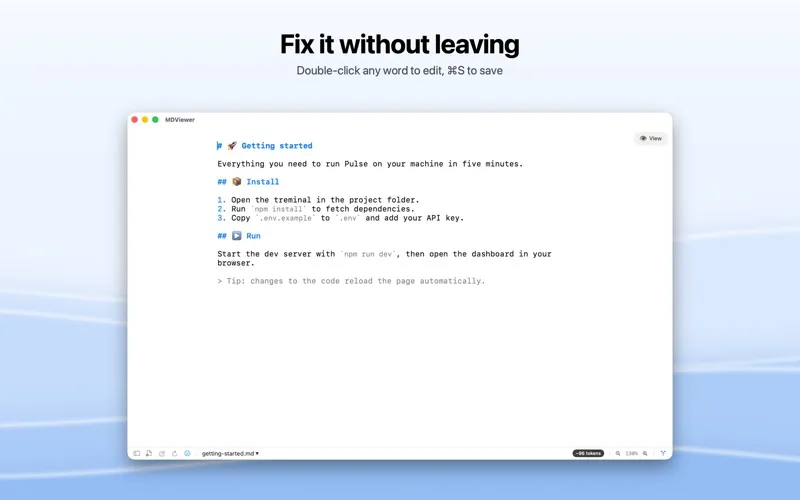
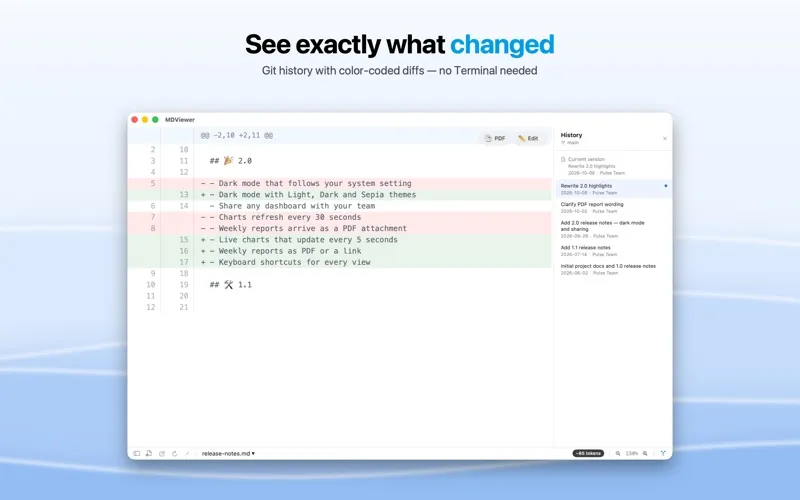
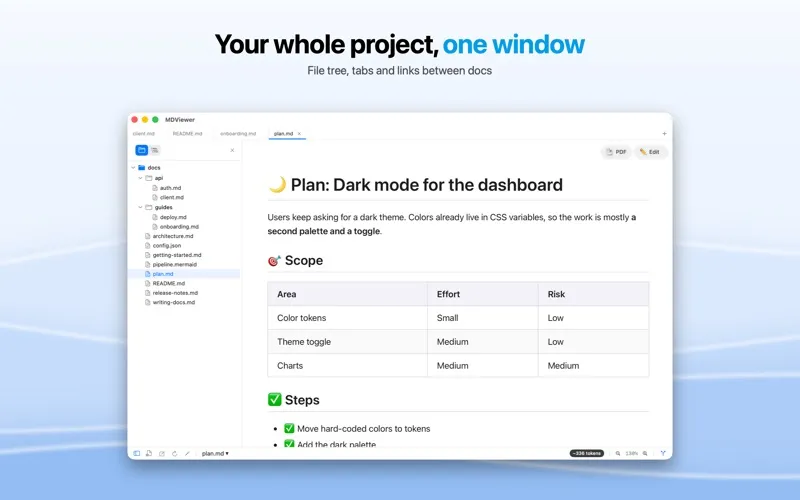
The free version covers core viewing. If you also need to write Markdown, compare Git revisions, browse project folders, or render mathematical notation, you can unlock those tools with a one-time Pro purchase. Pro also adds unlimited tabs and multi-file opening.
-
Read formatted documents
You see Markdown tables, task lists, images, and highlighted code instead of working through raw markup.
-
Find relevant sections
You can jump through headings and highlighted search results rather than scroll through an entire document.
-
Inspect diagrams and data
You can zoom into rendered Mermaid diagrams and expand nested JSON objects to examine their structure.
-
Share readable PDFs
You can export Markdown, Mermaid, and JSON files as rendered PDFs for others to read or print.
-
Review changes with Pro
You can edit Markdown and compare Git revisions line by line with the paid Pro upgrade.
Best for
- You read technical documentation and project READMEs
- You inspect Mermaid diagrams or nested JSON files
- You write Markdown notes or documentation and want optional editing tools
Skip it if
You probably do not need it if your current editor already gives you the Markdown previews, diagram rendering, and file inspection you use.
Screenshots
From the developer
MDViewer — Fast Markdown Viewer & Editor for macOS Open Markdown (.md), Mermaid and JSON files instantly with a fast, native macOS app built in SwiftUI.Read the full description
Alternatives to MDViewer
Other apps to write & preview Markdown. See all
 Marked
Live preview and advanced tools for Markdown writers
Setapp
94% · 729 ratings
Marked
Live preview and advanced tools for Markdown writers
Setapp
94% · 729 ratings
 Telescopo Markdown Studio
Markdown & diagrams viewer
Setapp
97% · 90 ratings
Telescopo Markdown Studio
Markdown & diagrams viewer
Setapp
97% · 90 ratings
 Marked QL
Preview Markdown instantly
Setapp
97% · 73 ratings
Marked QL
Preview Markdown instantly
Setapp
97% · 73 ratings
 MacMD Viewer
Markdown reader for Mac
Sold separately
MacMD Viewer
Markdown reader for Mac
Sold separately
 eBook Creator
Mac App Store
eBook Creator
Mac App Store
 MD-Viewer
Mac App Store
MD-Viewer
Mac App Store